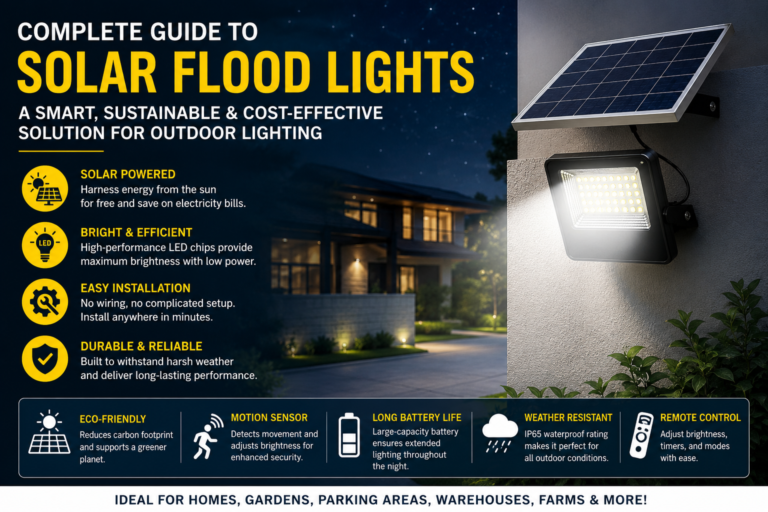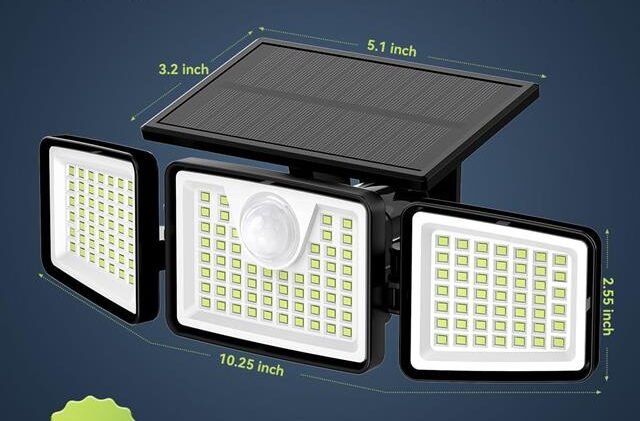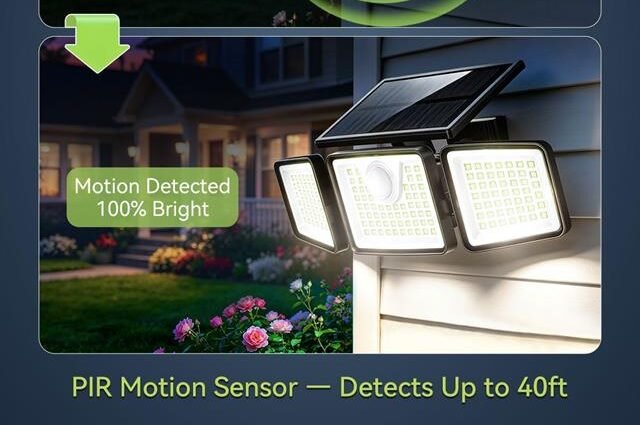
Why Is My Solar Motion Light Not Working: Easy Fixes
Your solar motion light may not work because of low sunlight, a dead battery, dirty panels, or a faulty sensor.
If you are asking, “Why is my solar motion light not working?” the answer is often simple to find. Most problems come from poor charging, incorrect settings, blocked sensors, or normal battery wear. This guide explains each cause, shows how to test your light safely, and helps you decide whether to repair or replace it.
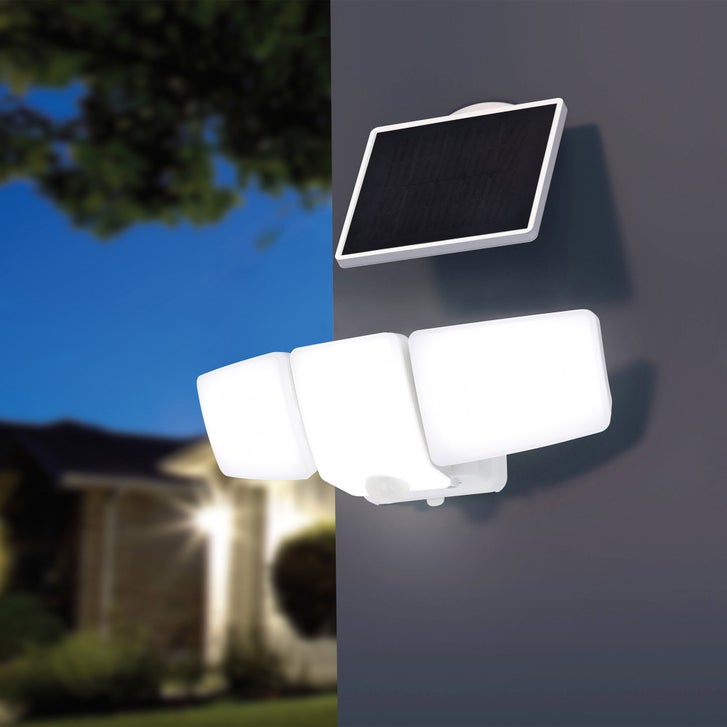
Why is my solar motion light not working?
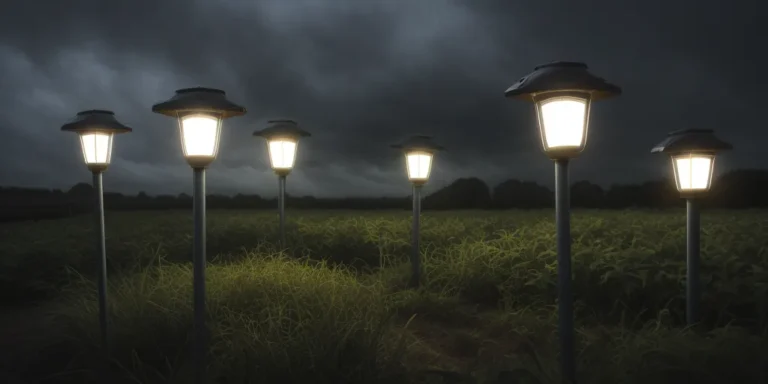
A solar motion light needs three basic things: sunlight, stored power, and a working motion sensor. If any one of these parts fails, the light may stay off, flash, turn on only briefly, or work at the wrong time.
The most common reasons include:
• The solar panel is dirty or shaded.
• The rechargeable battery is weak or fully dead.
• The power switch is in the wrong position.
• The motion sensor is blocked or aimed poorly.
• The light has not received enough direct sunlight.
• The sensor or LED lamp has failed.
• Water has entered the housing.
• The light is too close to another bright light.
In my experience troubleshooting outdoor lights, battery and sunlight problems cause most failures. People often assume the motion sensor is broken, but the sensor cannot work if the battery has not stored enough energy.
A solar motion light is like a small bucket. Sunlight fills the bucket during the day, and the battery supplies power at night. If the bucket stays in the shade or has a hole, the light will not stay on for long.

Check the solar panel first
The solar panel is the main power source. Even a small layer of dust, pollen, bird droppings, or tree sap can reduce charging. Dirt may not stop the light at once, but it can slowly lower battery power until the lamp stops working.
Start by looking at the panel during the day. Make sure it receives direct sunlight for several hours. A panel under a porch roof, behind a wall, beneath a tree, or near a tall fence may not collect enough energy.
Clean the panel with a soft, damp cloth. Do not use rough pads or strong cleaners because they can scratch the surface. Dry it with a clean cloth, then leave the light in direct sun for a full day.
Also check the panel angle. A panel facing the sky usually collects more light than one facing a wall. In the northern United States, a south-facing position often gives strong sun exposure, but the best angle depends on your location and the season.

Make sure the light switch is on
Many solar motion lights have a small switch hidden under the lamp, near the battery compartment, or behind a rubber cover. The switch may show labels such as “On,” “Off,” “Auto,” or “Test.”
For normal use, select the setting recommended in the user manual. Some models need the switch turned on before they will charge. Other models use a “Test” mode that keeps the light on for only a few seconds when motion is detected.
Check the switch with these steps:
-
Turn the light off.
-
Wait about 30 seconds.
-
Turn it on or place it in automatic mode.
-
Cover the solar panel with your hand or a dark cloth.
-
Walk in front of the motion sensor.
If the light works when the panel is covered, the lamp and sensor may be fine. The problem may be bright daylight, a low battery, or a charging issue.
Never leave a removable battery disconnected while testing unless the instructions say to do so. Some lights reset their settings when the battery is removed.
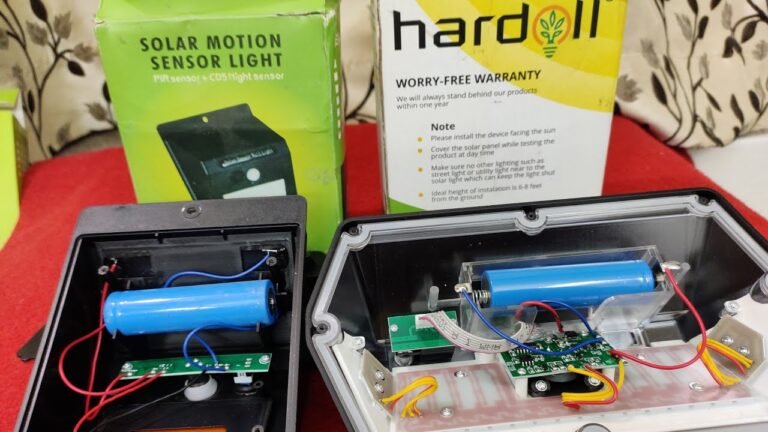
Test and replace the rechargeable battery
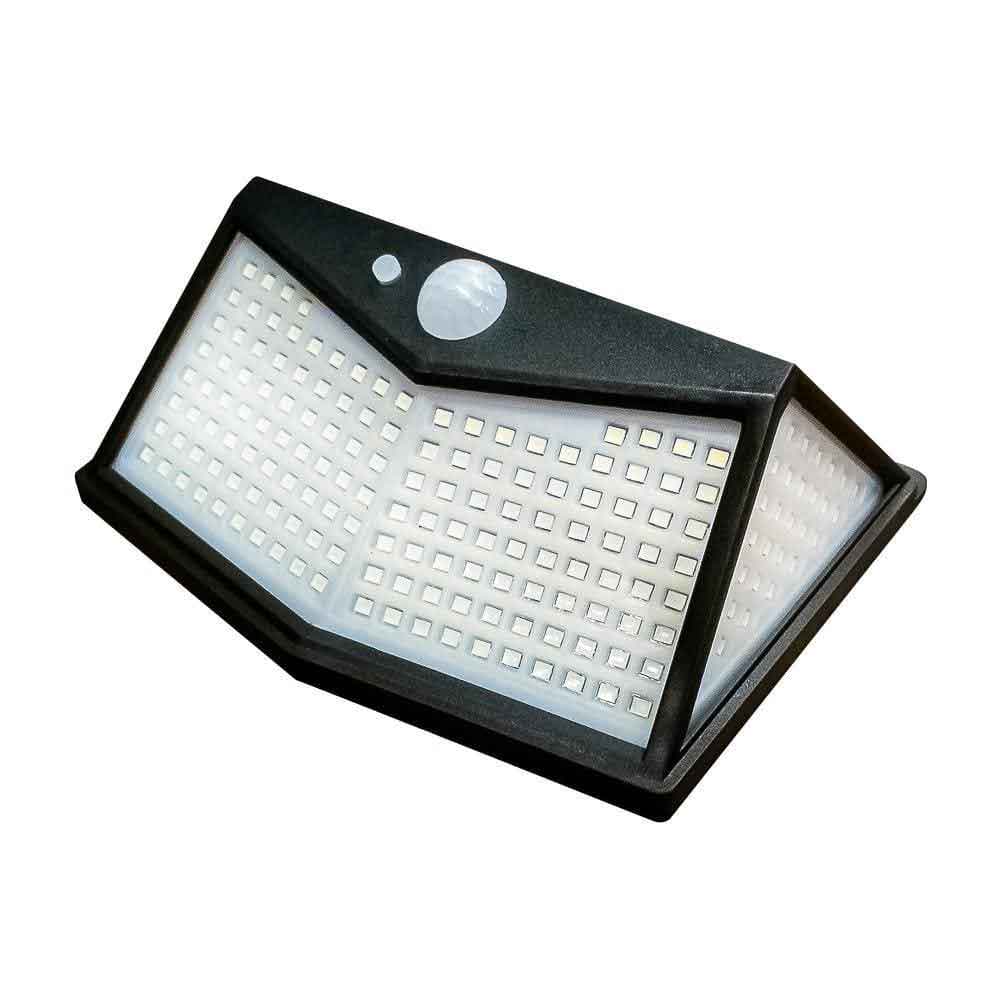
A weak rechargeable battery is one of the top answers to “Why is my solar motion light not working?” Solar lights commonly use rechargeable AA or AAA cells, lithium-ion packs, or other battery types. These batteries lose capacity after repeated charge and discharge cycles.
A battery may look normal and still be worn out. It may charge during the day but hold power for only a few minutes at night. The light may also flash, become very dim, or turn off as soon as the sensor activates.
Before buying a replacement, check the label inside the battery compartment. Match all of these details:
• Battery chemistry, such as Ni-MH or lithium-ion.
• Voltage.
• Physical size.
• Connector type.
• Capacity, measured in milliamp hours when listed.
Do not replace a rechargeable battery with a standard disposable battery. Disposable alkaline batteries are not designed for solar charging and may leak or become unsafe.
Remove corrosion with care. Wear gloves and avoid touching residue with bare skin. If the contacts are badly damaged, rusty, or wet, replacing the entire light may be safer than attempting a repair.
A useful lesson from many outdoor lighting repairs is simple: do not judge a battery by its appearance. A battery can be clean and still be too weak to power the lamp.

Inspect the motion sensor
The motion sensor detects changes in heat and movement. Most outdoor solar lights use a passive infrared sensor, often called a PIR sensor. It notices warm objects, such as people, pets, and cars, moving across its field of view.
If the sensor is blocked, the light may not turn on. Look for leaves, dirt, spider webs, plastic film, or an insect nest over the sensor lens. Clean the lens gently with a soft cloth.
Sensor position also matters. A sensor aimed directly at a wall may detect very little movement. A sensor pointed toward a busy street may activate too often and drain the battery.
Adjust the sensor so people cross its view instead of walking straight toward it. Many PIR sensors detect side-to-side movement more easily than direct movement toward the lens.
Check the sensor controls as well. Common controls include:
• Sensitivity: Sets how much movement the sensor detects.
• Time: Controls how long the light stays on.
• Lux or day-night setting: Controls whether the lamp works in darkness.
Set the sensitivity to the middle position first. Then test the light at night and make small changes. High sensitivity is not always better because it can cause false triggers and use stored power too quickly.

Give the light enough time to charge
A new or fully drained solar motion light may need a long first charge. Some manufacturers recommend one or two sunny days before normal use. Cloudy weather, winter sun, and short daylight hours can extend this time.
Do not judge the light after placing it outside for only one afternoon. A cloudy day may provide light, but it may not provide enough useful energy to fully charge the battery.
For the best test:
-
Turn the light off if the manual allows it.
-
Place the panel in direct sunlight.
-
Keep the panel clean and uncovered.
-
Let it charge through one or two bright days.
-
Test it after sunset.
A solar panel still produces some power in cloudy weather, but output is lower. Shade can reduce energy even more. Nearby trees may cast moving shadows throughout the day, so watch the panel at different times.
If the light works after several sunny days, the problem was probably low stored energy rather than a broken sensor.
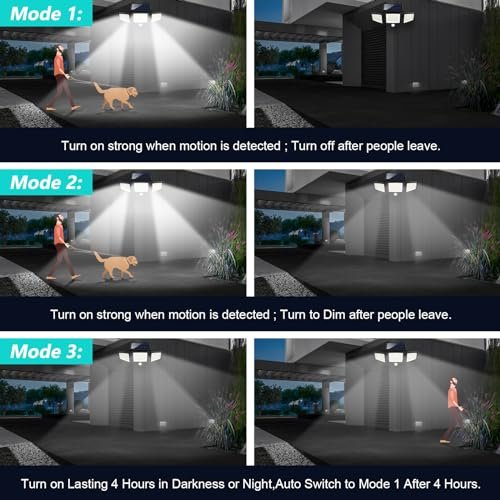
Check the light mode and brightness settings
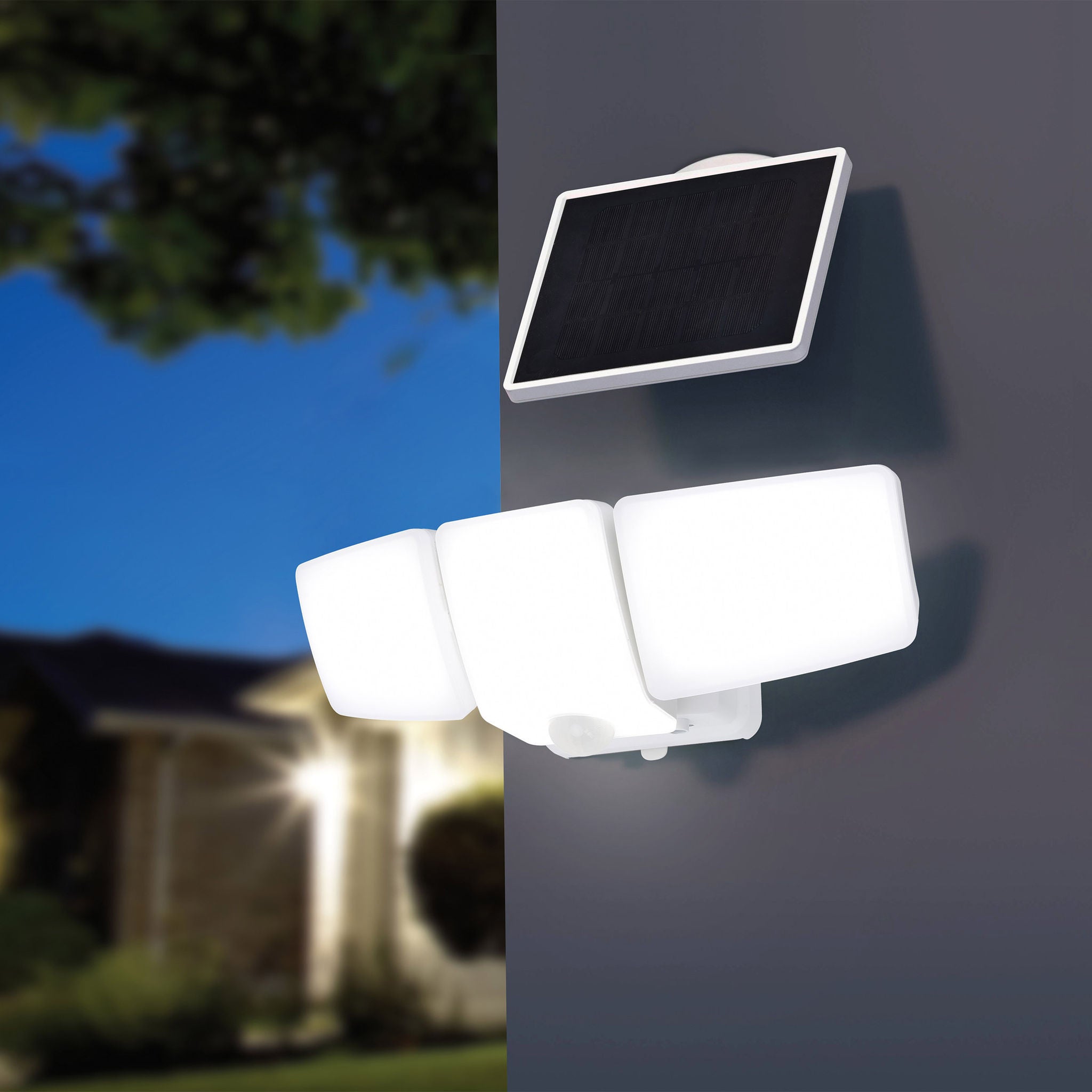
Some solar motion lights have several modes. One mode may keep a dim lamp on all night and use full brightness only when motion occurs. Another mode may keep the lamp off until movement is detected.
If the light seems dead, look closely in complete darkness. A small standby glow may show that the lamp is working in a low-light mode.
Read the control labels carefully. A switch marked “1,” “2,” or “3” may control brightness or operating style rather than power. A dim setting can also make a working light appear faulty.
If the light has a remote control or app, check whether a schedule or low-power setting is active. Smart solar lights may also stop working if their connection, firmware, or internal clock has reset.
Reset the light according to its instructions. In many cases, this means switching it off, waiting briefly, and turning it back on. Avoid pressing random buttons for too long because some models enter pairing or security modes.

Look for water, corrosion, or physical damage
Outdoor lights face rain, snow, ice, heat, and insects. A damaged seal can allow moisture into the battery compartment or circuit board. Water damage may cause flickering, rust, random activation, or complete failure.
Inspect the housing for:
• Cracks in the plastic.
• A loose battery cover.
• Missing rubber seals.
• Condensation behind the lens.
• Rust on screws or battery contacts.
• Green or white buildup near wires.
Do not open a wet light while it is charging in the sun. Move it to a dry area, remove the battery only if the instructions permit it, and let the parts dry fully. Never use an open flame or high heat to dry plastic or electronics.
Water-resistant does not mean waterproof. An outdoor rating can protect against normal rain, but flooding, pressure washing, or long-term exposure may still cause damage.
If the circuit board is corroded, repair may not last. In that case, replacement is usually more practical and safer.
Check for bright nearby lights
Solar motion lights use darkness sensors to decide when to activate. A nearby porch light, streetlight, landscape lamp, or neighbor’s security light can trick the solar light into thinking it is daytime.
This issue often causes confusion. The motion sensor may detect movement, but the lamp will stay off because the light sensor sees too much surrounding light.
Test the lamp after dark with nearby lights turned off, if possible. You can also temporarily shield the solar panel or light sensor with your hand. Do not cover the panel for long periods, and never use a permanent cover that could cause overheating.
Move the light away from bright sources when practical. The solar panel should still face open sky and receive direct daytime light.
Fix a light that turns on but shuts off quickly
A solar motion light that turns on for a few seconds may be working as designed. Most models use a timer that turns the lamp off after a set period without movement.
If it turns off too soon, check the time control. Increase the duration slightly and test it again. Remember that longer lighting uses more battery power.
A short operating time can also point to:
• A weak battery.
• Insufficient sunlight.
• Too many false triggers.
• A high brightness setting.
• Cold weather.
Battery performance often drops in freezing conditions. The light may still work, but it may run for less time. In winter, place the panel where it receives the strongest available sun and keep snow or ice off the surface.
If the light lasts only seconds after a full sunny charge, the battery is a strong suspect.
Troubleshoot the light step by step
When asking, “Why is my solar motion light not working?” avoid changing many things at once. A simple test order helps you find the real cause.
Use this checklist:
-
Clean the solar panel and sensor lens.
-
Confirm the switch is on and set to automatic mode.
-
Check for shade during the main daylight hours.
-
Move the light away from bright nighttime lights.
-
Inspect the battery compartment for corrosion or loose contacts.
-
Let the light charge for one or two sunny days.
-
Test the sensor after dark.
-
Adjust sensitivity, brightness, and timer controls.
-
Replace the rechargeable battery if it is old or weak.
-
Replace the unit if water or circuit damage is visible.
Take notes during testing. For example, write down whether the lamp is dim, whether it activates only at night, and how long it stays on. These clues often reveal the problem faster than repeated guessing.
If you use a multimeter, follow the battery maker’s safety guidance. Do not test lithium battery packs casually, and never puncture, crush, or short-circuit a rechargeable cell.
When should you repair or replace the light?
A basic repair makes sense when the problem is dirt, a loose connection, a bad setting, or an old rechargeable battery. These fixes are usually inexpensive and can extend the life of the light.
Replacement may be better when the panel is cracked, the housing leaks, or the circuit board shows corrosion. Very cheap models may cost less to replace than to repair, especially if replacement parts are unavailable.
Consider replacing the light if:
• It does not work after a new compatible battery and several sunny days.
• The solar panel has deep cracks or cloudy internal damage.
• The sensor lens is broken.
• The lamp flickers after drying.
• The housing cannot close tightly.
• The unit repeatedly overheats or smells burnt.
Choose a replacement with a suitable outdoor protection rating, a replaceable battery, and a panel large enough for the lamp’s brightness. A very bright lamp with a tiny panel may have poor run time, especially during winter.
Do not focus only on advertised brightness. Battery size, panel output, sensor quality, and placement have a greater effect on everyday performance.
How to prevent future solar light problems
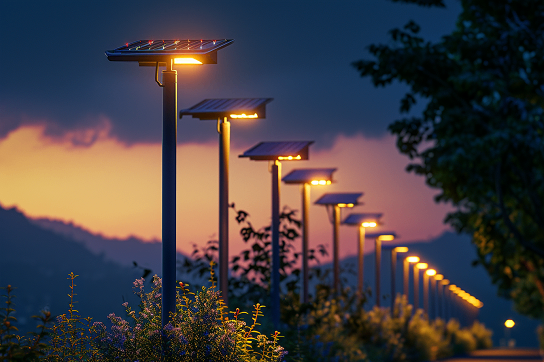
Good placement prevents many problems before they begin. Install the panel where it receives direct sunlight and avoid areas under trees, roof edges, and dense shade.
Clean the panel every few months. Check it more often during pollen season or after storms. Keep spider webs away from the sensor because they can cause false triggers or block detection.
Use these care habits:
• Inspect seals and covers before rainy seasons.
• Remove snow from the panel with a soft brush.
• Avoid pressure washing the light.
• Replace the battery with the correct rechargeable type.
• Test the light after changing its settings.
• Keep the sensor away from busy paths if false activation is common.
• Use a lower brightness or shorter timer when battery life is poor.
A little care works like an oil change for a car. It does not prevent every failure, but it helps the system perform well for longer.
Frequently Asked Questions
Why is my solar motion light not working after rain?
Water may have entered through a cracked housing, loose cover, or damaged seal. Dry the unit fully, inspect the battery area, and replace it if corrosion or circuit damage appears.
Why is my solar motion light not working at night but charging during the day?
The battery may be too weak to store energy, or the light may be in the wrong mode. Check the switch, clean the panel, and test the rechargeable battery after one or two sunny days.
Why is my solar motion light not working even with a new battery?
A dirty or shaded panel may not charge the new battery. If the panel is clean and receives direct sun, the sensor, wiring, or control circuit may be faulty.
Why is my solar motion light not working when I walk past it?
The sensor may be aimed incorrectly, blocked, set to low sensitivity, or affected by cold weather. Move across the sensor’s field of view, clean the lens, and adjust sensitivity gradually.
How long should a solar motion light charge before testing?
Most lights should receive at least one full sunny day before testing, especially if the battery was fully drained. Some new units may need one or two days, so check the product instructions.
Can I use regular batteries in a solar motion light?
No. Solar lights are designed for rechargeable batteries that match the required voltage and chemistry. Regular disposable batteries may leak or become unsafe during charging.
Why does my solar motion light stay on during the day?
The daylight sensor may be covered, dirty, or faulty. A nearby shadow can also make the light think it is dark, so clean the sensor and check for objects blocking sunlight.
Conclusion
The answer to “Why is my solar motion light not working?” usually begins with the basics: clean the panel, confirm the settings, check sunlight, inspect the battery, and test the motion sensor after dark. Most failures do not require special tools.
Give the light a full charge before replacing parts. If a compatible new battery does not solve the problem and you find water or circuit damage, replacement is often the safest choice. Use this checklist to restore your light, improve its placement, and get more reliable outdoor security. Share your results or explore more lighting guides for practical home repair tips.