Do Solar Security Cameras Work on Cloudy Days?
Solar security cameras work on cloudy days, but how well they perform depends on cloud severity, battery capacity, and how many dark days pile up before sunlight returns. Many homeowners in overcast regions worry about this before investing in a solar-powered camera system. The short answer is yes, they keep working.
The detailed answer depends on your specific setup.
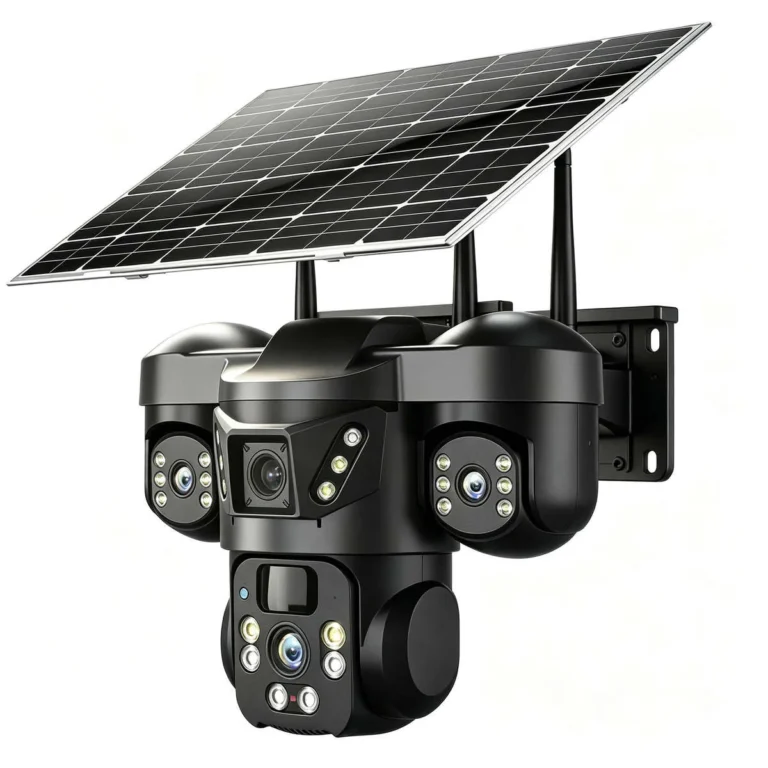
Manufacturer specifications from Reolink and Swann confirm that a typical 6W solar panel produces 1 to 2W under heavy overcast conditions. That's enough to trickle-charge a battery on motion-detection standby. We'll walk through what that means for real-world performance, what determines your camera's cloudy-day resilience, and how to pick the right power setup.
Image source: Bing (Web (fair-use with source credit))
Quick Answer
Yes, solar security cameras work on cloudy days, though performance drops significantly. Most panels deliver 10 to 25 percent of rated output under heavy overcast. Built-in batteries bridge the gap for 2 to 4 days.
Motion detection mode cuts daily power draw by up to 80 percent. Your battery capacity is the deciding factor.
Does a Solar Security Camera Actually Work on Cloudy Days?
Yes. Solar security cameras keep functioning when clouds roll in, and this isn't just manufacturer marketing. Solar panels generate electricity from ambient light, not just direct sunlight.
Clouds diffuse light rather than blocking it entirely.
Under light overcast, a 6W panel still produces roughly 2 to 3W of power. That's enough to keep a camera battery topped off through a partially cloudy day. Heavy storm clouds push output down to 1 to 2W, which still contributes a small trickle charge.
The real question is whether stored energy covers you on the heaviest days. A motion-activated camera on standby draws very little power. Even on zero-solar days, a 20,000 mAh battery sustains most models for roughly two days.
If your area sees more than three consecutive heavy-overcast days, you'll need either a larger battery or a bigger panel.
So the answer is yes, with a caveat. You need the math to work in your favor. Check your battery capacity against your local weather patterns, and you'll know how much cloudy-day headroom you have.
How Solar Panel Output Changes Under Cloud Cover: The Real Numbers
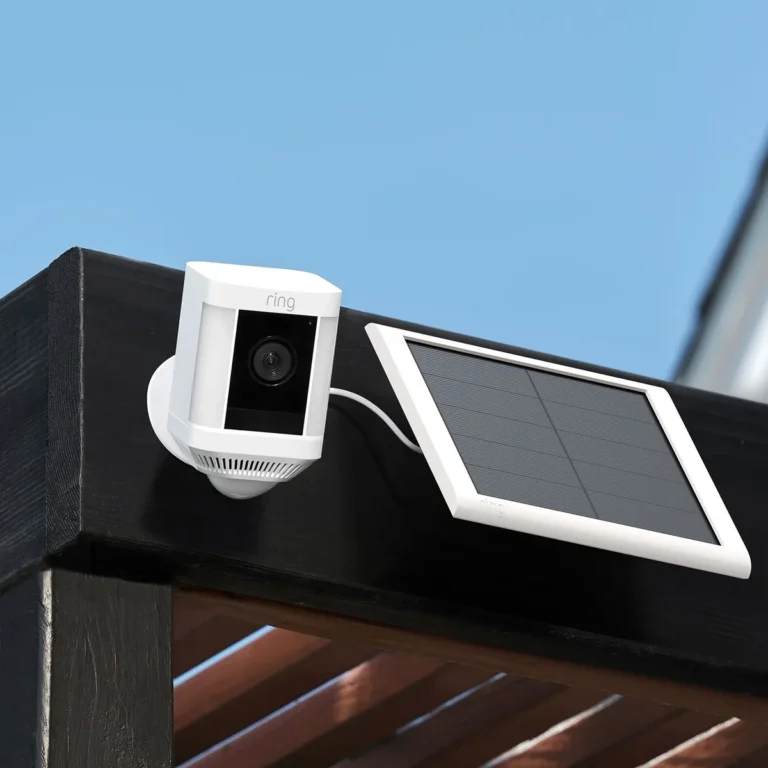
Cloud cover doesn't kill solar output. It reduces it. Here's what a typical 6W solar security camera panel delivers under different sky conditions.
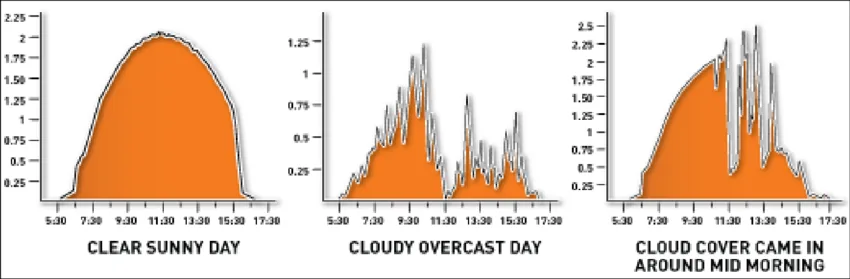
Image source: Bing (Web (fair-use with source credit))
| Condition | Approximate Output | Usable for Charging? |
|---|---|---|
| Clear sky, direct sun | 5 to 6W | Yes, fully |
| Light overcast | 2 to 3W | Yes, trickle charging |
| Heavy overcast | 1 to 2W | Barely, slow trickle |
| Thick storm clouds | 0.5 to 1W | Minimal |
| Heavy rain, dark sky | Under 0.5W | Almost none |
Per research from the National Renewable Energy Laboratory (NREL), monocrystalline panels retain roughly 20 to 25 percent of rated capacity under moderate cloud cover. Polycrystalline panels perform slightly lower in those conditions. As of 2026, most solar security camera kits ship with monocrystalline panels as standard.
What this means in practice: a light overcast day can still add meaningful charge to your battery. A heavy storm day won't. If your area cycles between short overcast spells and brief sunny windows, solar cameras handle that pattern well.
If your location sits under unbroken cloud for days on end, you'll lean heavily on stored battery energy during those stretches.
What Determines If Your Solar Camera Survives a Cloudy Stretch
Three factors decide whether your camera stays powered when the sun disappears.
Battery capacity is the most important one. A 20,000 mAh battery on a motion-activated camera sustains roughly two days without solar input. A 40,000 mAh unit pushes that to three or four days.
Bigger batteries buy you more cloudy-day runway.
Your usage pattern matters just as much. Cameras set to record on every motion trigger drain batteries fast. Cameras that record only at specific times or on critical events conserve significant power.
A camera in constant standby uses maybe 5 to 10 percent of a full charge per day.
Location is the third variable. A panel angled at 30 to 45 degrees facing south (in the Northern Hemisphere) catches the most available light, even through clouds. A panel facing north or sitting under a tree canopy catches almost nothing.
If all three factors line up in your favor, cloudy days become a minor concern. If any one of them falls short, your camera goes dark sooner than you expect. The fix is usually simple: oversize your battery, reduce recording triggers, or reposition the panel.
Solar Security Cameras in Cloudy Climates: What Works, What Doesn't
Cloudy climates vary far more than most people assume. The Pacific Northwest averages roughly 200 rainy days per year, but many of those days still include breaks in the clouds. The UK sees a similar pattern.
Extended stretches of thick, unbroken overcast are less common than they first appear.
That's actually good news for solar camera owners. Even in cloudy regions, sunny windows show up regularly. Those windows are enough to recharge a battery draining slowly on motion-triggered standby between rain showers.
Winter presents the bigger challenge. Days shorten. Sun angles drop.
According to the National Oceanic and Atmospheric Administration (NOAA), solar irradiance in northern latitudes falls to 30 to 40 percent of summer values in December. That's the stretch where battery backups matter most.
For cloudy climates, oversize your solar panel by at least 50 percent compared to what you'd use in a sunny region. Swap a 6W panel for a 10W unit. Keep the mounting angle higher in winter months to catch low-angle sun.
And always keep a wired power cable available as a backup for emergency charging during long dark stretches.
Solar Cameras vs. Battery-Only vs. Hardwired: Choosing the Right Power Setup
Solar-powered, battery-only, and hardwired setups each solve different problems. Here's how they compare on the factors that matter.
| Factor | Solar-Powered | Battery-Only | Hardwired |
|---|---|---|---|
| Upfront cost | $150 to $400 | $80 to $200 | $100 to $350 plus wiring |
| Installation | Easy, no electrician | Easiest, minimal tools | Requires wiring |
| Cloudy-day reliability | Good with battery buffer | Limited by battery size | Unaffected by weather |
| Ongoing costs | None | Battery replacements | Electricity bill |
| Best for | Remote locations | Temporary monitoring | Permanent installs |
If your area gets reliable sun with regular overcast breaks, solar with a decent battery backup is the best choice. If your location sits under heavy, unbroken overcast for weeks, hardwired power is more dependable. Battery-only cameras work fine for temporary setups where solar panels aren't practical.
A hybrid approach is worth considering. Run a solar panel to keep the battery charged during normal weather. Keep a wired power cable on hand for extended cloudy stretches.
You get off-grid independence most of the time with a safety net for the worst conditions. That combination covers nearly every scenario without overcommitting to one power source.
Common Mistakes That Leave Solar Security Cameras Dead on Cloudy Days
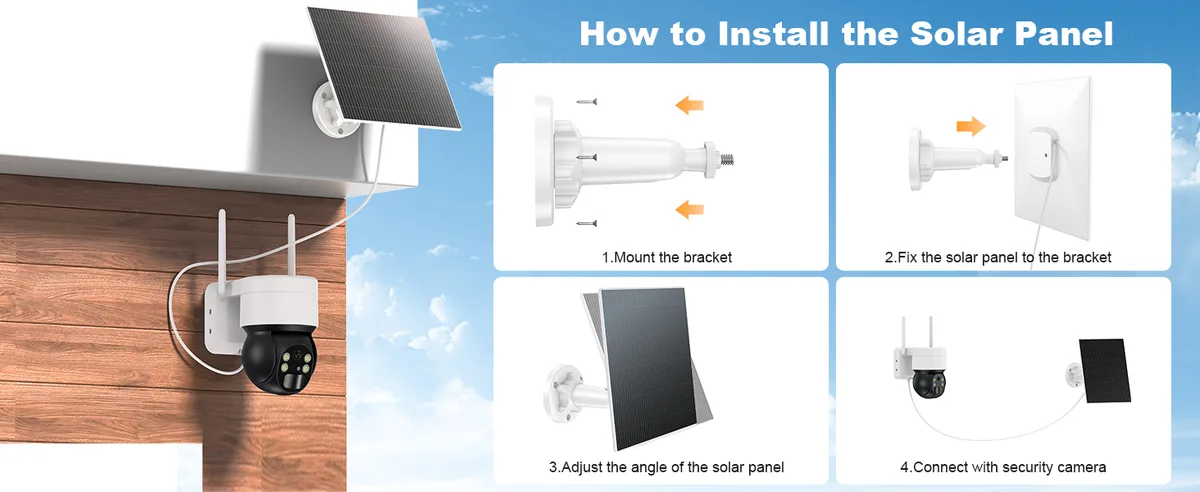
Image source: Bing (Web (fair-use with source credit))
Most solar camera failures in cloudy weather trace back to a few predictable mistakes. Avoiding them keeps your system running when it matters most.
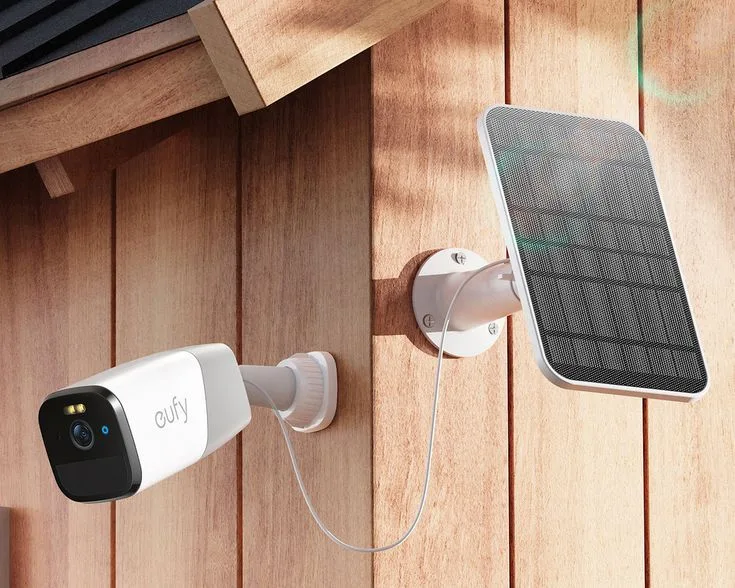
Mounting the panel where trees or buildings block the light is the most common error. Even partial shade kills output fast. A 6W panel under a tree canopy may produce under 0.5W, which is barely anything.
Position it where it catches open sky for most of the day.
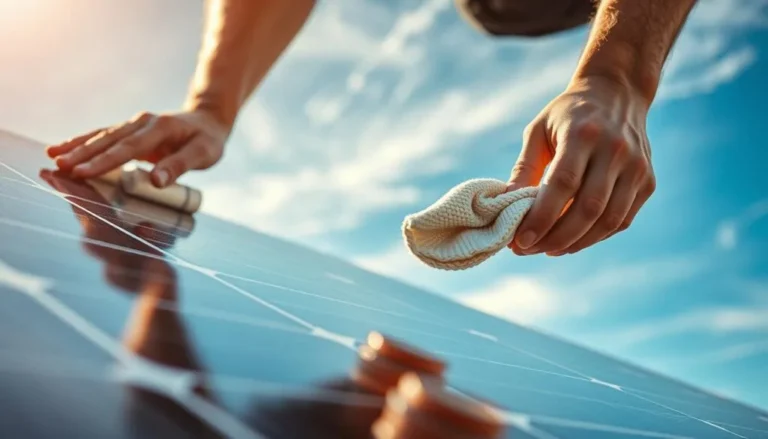
Not cleaning the panel surface is another big one. Dust, pollen, bird droppings, and snow accumulation block light from reaching the solar cells. A dirty panel can lose 20 to 30 percent of its output.
Wipe it down monthly with a damp cloth.
Using a camera that records constantly instead of motion-triggered drains batteries far too quickly. Aggregate user reviews show that motion-activated setups extend battery life by three to four times compared to always-on recording.
Finally, oversizing your expectations instead of your hardware leads to downtime. Buying a small battery and expecting it to power a 4K camera through a week of storm clouds won't end well. Match your battery capacity to your worst-case weather window.
Solar Security Camera Optimization Tips for Cloudy Weather
Small adjustments make a big difference when you're relying on solar in overcast conditions.
Start with panel angle. In the Northern Hemisphere, angle the panel between 30 and 45 degrees facing south. That position catches the most available light year-round.
In winter, raise the angle to 45 to 50 degrees to compensate for the lower sun path.
Per NOAA climate data, solar irradiance in northern latitudes drops to roughly 30 to 40 percent of summer values by December. That makes winter positioning even more critical than most people realize.
Next, tune your camera's motion detection settings. Increase the detection zone so the camera only triggers on meaningful events. Passing shadows and swaying branches waste battery.
Many Reolink and Swann apps let you set sensitivity thresholds and activity zones directly through the smartphone app.
Keep the panel surface clean on a monthly schedule. Remove leaves, dust, and snow buildup. Snow is especially problematic because a fully covered panel produces nearly zero power until it melts or gets cleared manually.
Monitor battery levels through your camera's app regularly too. If the charge dips below 40 percent after a cloudy stretch, that's your signal to adjust settings or add supplemental power before the next round of bad weather.
Solar Security Camera Cloudy-Day Questions, Answered
How many cloudy days can a solar security camera last without charging?
Most solar security cameras with a 20,000 mAh battery operate for about two days on stored charge alone. Cameras with 40,000 mAh batteries extend that to three or four days. Heavy rain, high motion activity, or cold temperatures shorten those numbers significantly.
Do solar cameras charge through rain?
Yes, solar panels still generate some power through rain, though output drops substantially. Under heavy rain with thick cloud cover, a 6W panel may produce under 0.5W. That's enough to slow battery drain but not enough to fully recharge.
Can solar security cameras work in winter?
Yes, but cold weather reduces both panel efficiency and battery performance. Lithium-ion batteries lose up to 20 to 30 percent capacity below freezing. Position your panel to catch low-angle winter sun, and keep the camera sheltered from direct wind chill.
Should I buy a bigger solar panel for cloudy climates?
Yes. Upsize your panel by 50 percent or more compared to what you'd use in a sunny climate. A 10W panel delivers better cloudy-day performance than a standard 6W unit.
Check manufacturer specifications to confirm compatibility with your camera's charging input first.
Decision Guide: Will Solar Security Cameras Work For Your Specific Situation
If your location gets at least three to four hours of usable light per day, even through light overcast, solar security cameras will work well for you. Pair them with a battery that covers at least three days of motion-triggered usage, and you've built solid reliability.
If your area sits under heavy, unbroken overcast for weeks at a time, consider a hybrid setup. Use solar power during average weather and keep a wired power cable available for extended cloudy stretches. This approach covers nearly every scenario without overcommitting to one power source.
For regions with frequent snowfall, position panels at a steep angle and plan for manual snow clearing. Add a higher-capacity battery to compensate for reduced winter output. Manufacturer expansion battery packs, like those offered by Reolink, are designed specifically for cold-weather demand.
If you're at a remote, off-grid location without electrical access, solar cameras with 4G LTE cellular connectivity are your best option. They combine solar charging with cellular data transmission. You get full surveillance with zero external power dependency.
If you need constant, uninterrupted recording, hardwired power remains the most reliable choice. Solar cameras are engineered around motion-triggered usage patterns. Constant recording overwhelms the battery-to-panel balance, even during sunny conditions.