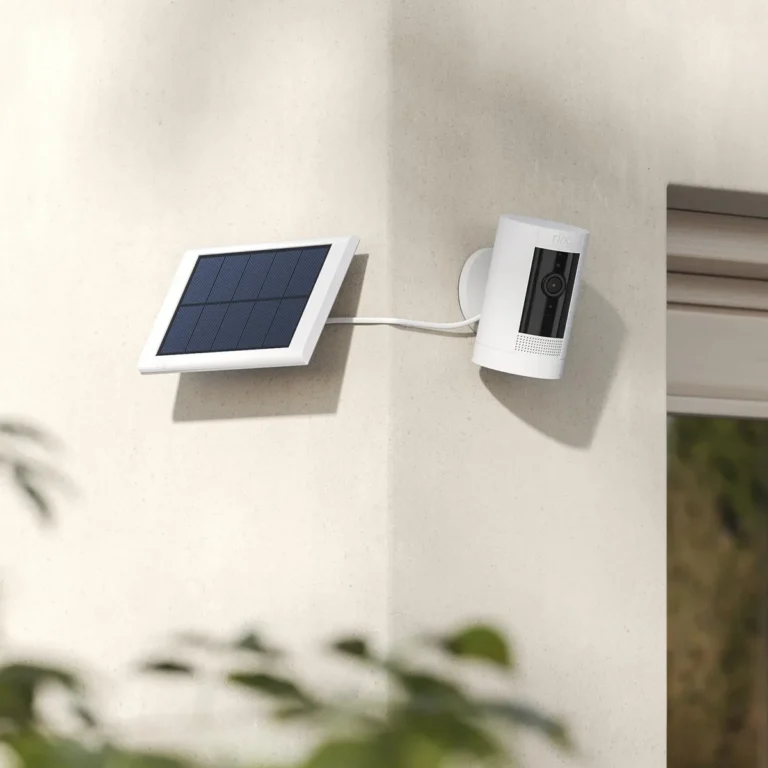
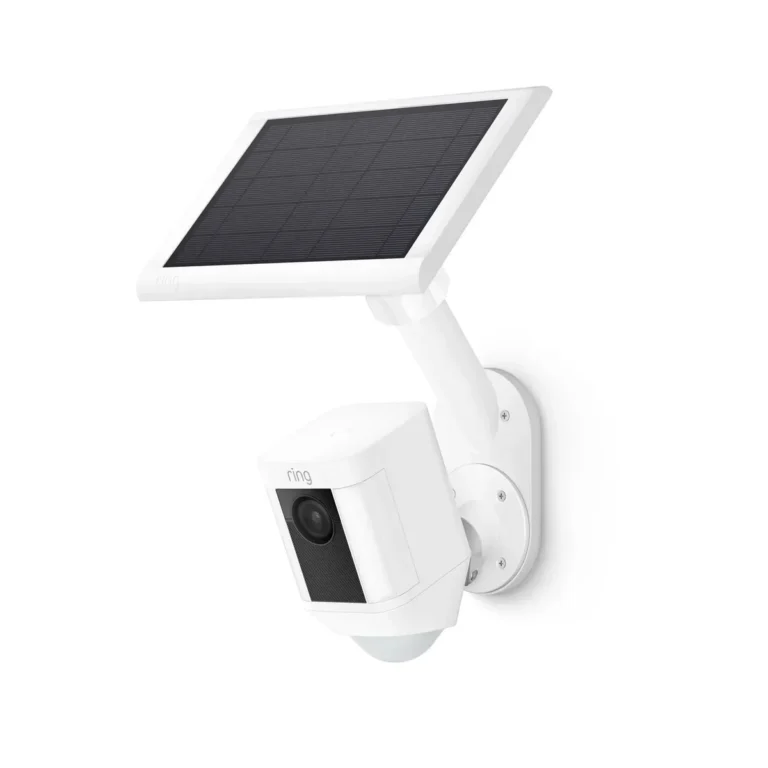
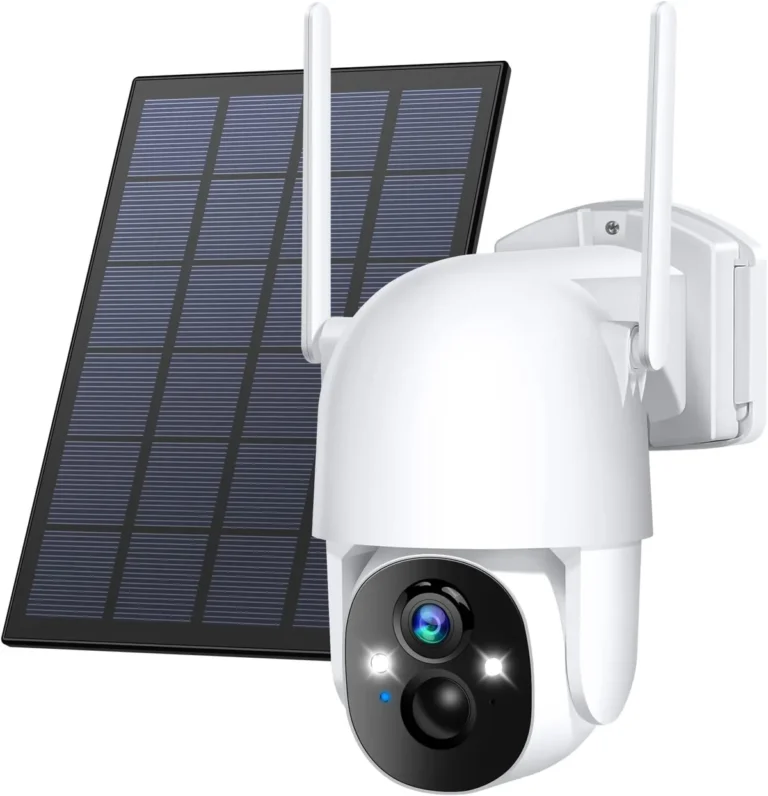
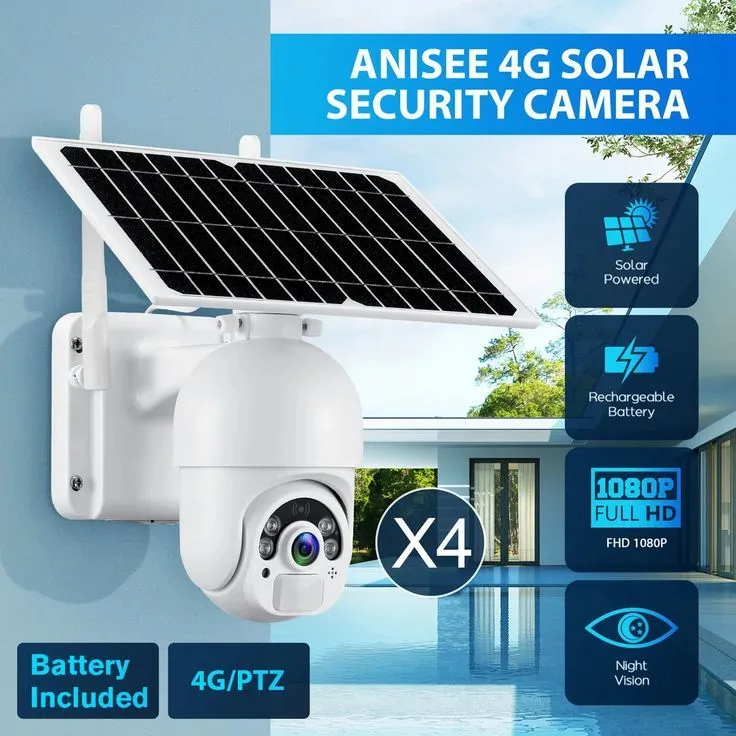
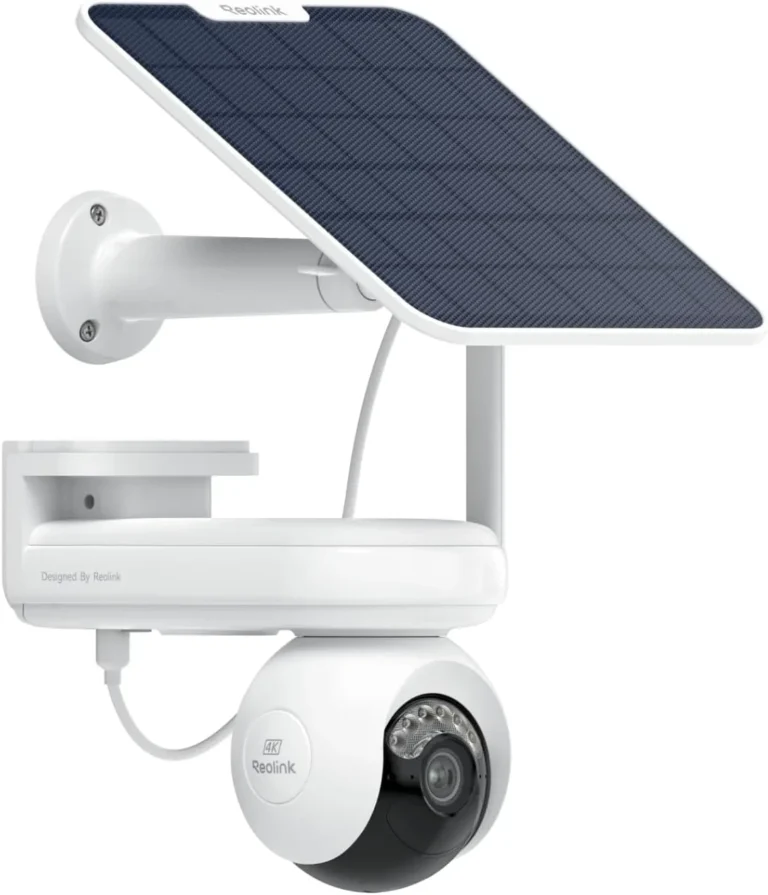
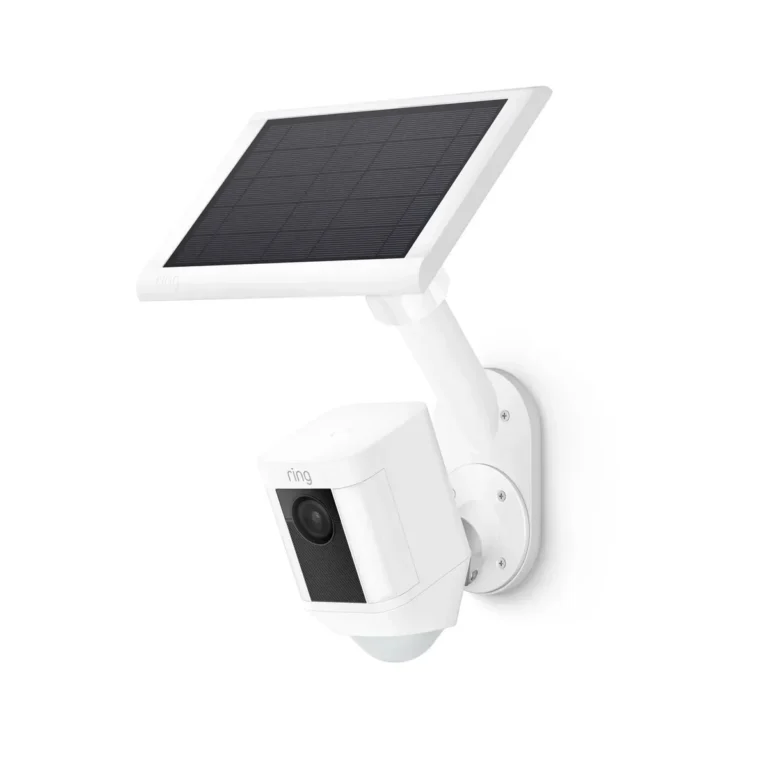
How Do You Clean a Solar Security Camera Panel?
How do you clean a solar security camera panel? The straightforward answer: spray it with distilled water and mild soap, wipe with a microfiber cloth, and rinse clean. But the details matter.
Bird droppings, tree sap, and mineral deposits each need a different approach. Getting it wrong can damage the panel's coating or void your warranty.
Manufacturers estimate that dirt and debris can reduce solar panel output by 15 to 30 percent, which is enough to drain a camera battery overnight. Per NREL research on panel soiling, regular maintenance is the single biggest performance factor most owners overlook. Here's how to clean your panel the right way.
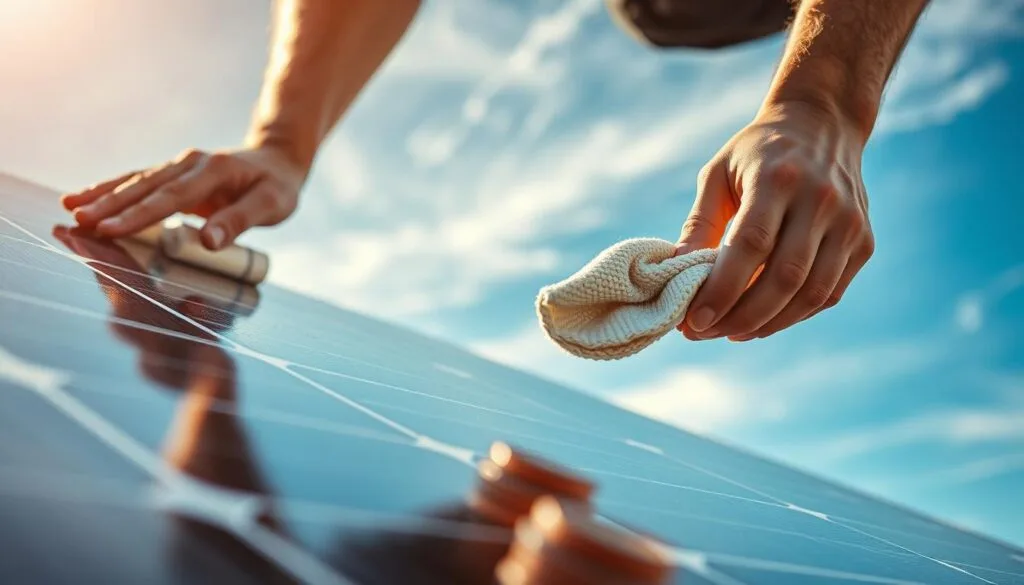
Image source: Bing (Web (fair-use with source credit))
Quick Answer
To clean a solar security camera panel, use distilled water and mild soap. Spray the panel gently and wipe with a microfiber cloth. For mineral deposits, apply a vinegar and water mixture.
Always clean the panel when it's cool and powered off. Avoid abrasive cleaners that damage anti-reflective coatings.
Why a Dirty Solar Camera Panel Stops Your Camera From Working
A solar security camera panel converts sunlight into electricity that charges the camera's internal battery. When dirt blocks light, output drops. Less output means less power.
Less power means missed overnight recordings and dead cameras.
Per NREL research on panel soiling, dirt and debris can reduce solar output by 15 to 30 percent. For a camera panel rated at 5 watts, that's a meaningful drop in charging capacity. Most solar cameras ship with panels in the 2W to 10W range, so even modest losses tip the balance.
The effect compounds fast. A panel that's 20 percent soiled might fully charge on sunny days but fail on overcast ones. In high-dust and high-pollen regions, verified user feedback shows cameras cutting out for entire cloudy stretches.
Motion detection triggers less often when battery voltage drops. Night vision dims or shuts off first.
Cleaning restores full output. Most manufacturers recommend cleaning every four to eight weeks, more often in dusty or rural environments.
NREL publishes ongoing research on solar panel soiling at https://www.nrel.gov
What's on Your Solar Panel and How It Changes Everything
Not all buildup responds to the same cleaner. The type of mess on your panel determines the approach.
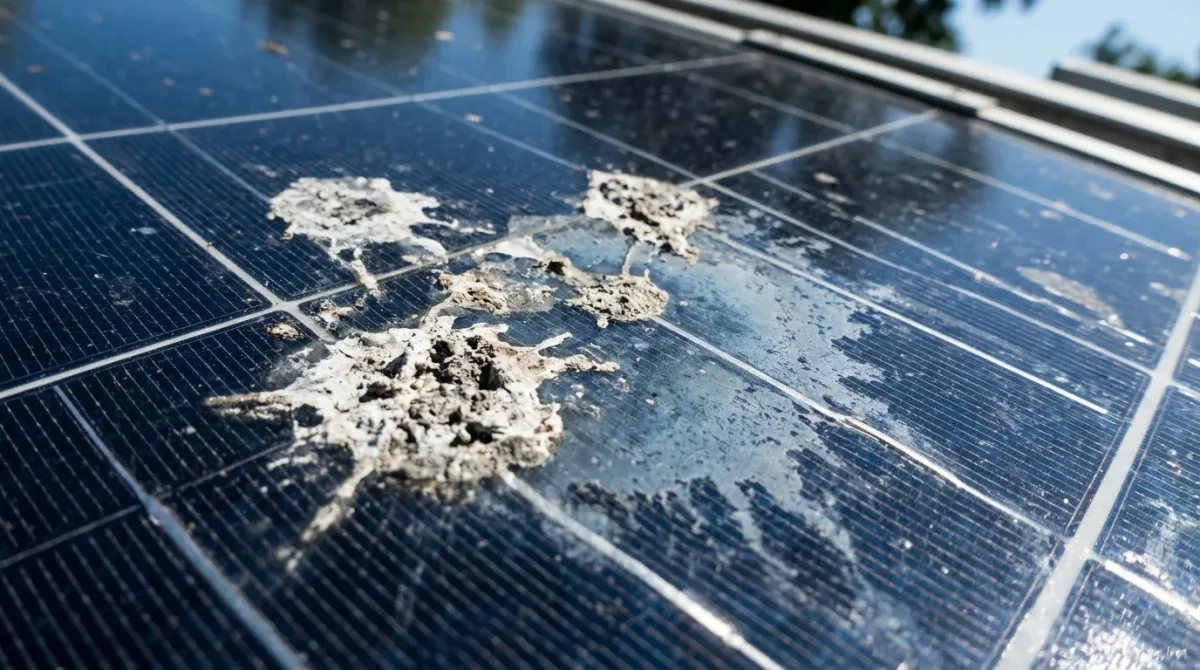
Image source: Bing (Web (fair-use with source credit))
Here's what commonly lands on solar security camera panels:
| Buildup Type | Common Source | Removal Difficulty |
|---|---|---|
| Dust and pollen | Wind, seasonal blooms | Easy |
| Bird droppings | Perching nearby | Moderate |
| Tree sap | Overhanging branches | Hard |
| Mineral deposits | Sprinkler overspray | Hard |
| Algae or moss | Humid, shaded areas | Moderate |
Loose dust and pollen clear with a soft brush and a quick wipe. Bird droppings sit longer and can etch into anti-reflective coatings if ignored. Tree sap and mineral deposits are stubborn.
They need targeted solutions, not just water.
Climate shapes the problem. Arid regions like the US Southwest get dust storms that push buildup levels higher, requiring more frequent cleaning. Coastal areas bring salt air that corrodes cable seals.
Humid climates breed algae on shaded panels.
Identifying what's on the panel saves time and prevents you from reaching for the wrong cleaner.
Step-by-Step: Cleaning Your Solar Security Camera Panel
The cleaning process follows a clear order. Do it in the right sequence to avoid scratches and water damage.
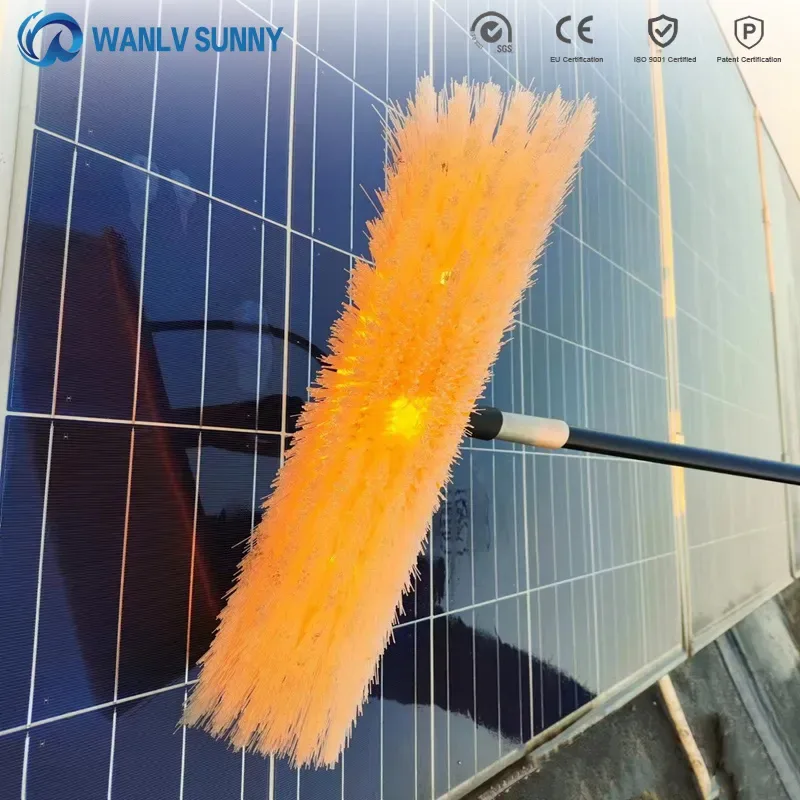
Image source: Bing (Web (fair-use with source credit))
Tools and Materials
| Item | Why You Need It |
|---|---|
| Distilled water | Won't leave mineral residue like tap water |
| Mild dish soap | Breaks down grime without damaging coatings |
| Spray bottle | Controls water application |
| Microfiber cloth | Lint-free and non-abrasive |
| Soft-bristle brush | Sweeps off loose debris first |
| White vinegar | Dissolves mineral deposits |
The Cleaning Process
- Power down the camera. Disconnect the panel or flip the power switch.
- Remove loose debris. Sweep dust and pollen off with a soft brush. This prevents micro-scratches during wiping.
- Pre-rinse the panel. Spray distilled water to flush out remaining grit.
- Mix cleaning solution. One teaspoon of mild dish soap per liter of distilled water.
- Spray and wipe. Apply the solution generously. Wipe in straight, even strokes with a microfiber cloth.
- Treat stubborn spots. For mineral deposits, use vinegar and water (1 part vinegar to 3 parts water). Let it sit two to three minutes on bird droppings before wiping.
- Rinse clean. Spray distilled water over the entire surface to remove soap residue.
- Dry the panel. Wipe with a dry microfiber cloth or air dry in the shade.
- Reconnect and test. Power the camera back on. Confirm it's charging and night vision works.
Per OSHA ladder safety guidelines, use a stable ladder on flat ground with three points of contact when mounting or reaching panels: https://www.osha.gov
The Right Cleaner for Each Type of Buildup
The wrong cleaner can permanently strip the anti-reflective coating on your panel. Match the cleaner to the mess.
| Buildup | Cleaner | Ratio |
|---|---|---|
| Dust / pollen | Mild soap + distilled water | 1 tsp soap : 1 liter water |
| Bird droppings | White vinegar + distilled water | 1 part vinegar : 3 parts water |
| Tree sap | 70% isopropyl alcohol + water | 1 part alcohol : 4 parts water |
| Mineral deposits | White vinegar + distilled water | 1 part vinegar : 3 parts water |
| Algae / moss | Mild soap + water | 1 tsp soap : 1 liter water |
Cleaners to Avoid
- Bleach. Strips coatings and corrodes cable connections.
- Ammonia-based glass cleaners. Damages anti-reflective surfaces.
- Abrasive pads or steel wool. Scratches the panel permanently.
- High-pressure sprayers. Water pushes past IP-rated seals and reaches internal electronics.
- Acetone or lacquer thinner. Dissolves the bonding agents holding the panel assembly together.
Always test a cleaner on a small, hidden area first, especially on cameras with polycarbonate panels instead of tempered glass.
Mistakes That Damage Solar Camera Panels and Void Your Warranty
Cleaning the panel is simple. Doing it wrong causes damage that's costly to repair.
Cleaning While the Panel Is Hot
Cool water on a hot panel causes thermal shock. This is one of the most common causes of cracked panels. Clean in early morning, late evening, or on overcast days when the surface is below 25°C (77°F).
Using High-Pressure Washers
Pressure washers force water past IP-rated seals and into the electronics. Most solar cameras are rated IP65 or IP66, which resist water jets only under specific conditions. A spray bottle is always safer.
Skipping the Debris Removal Step
Wiping a dusty panel creates micro-scratches. Each scratch scatters light and reduces output over time. Always brush loose debris off before applying any liquid.
Rinsing with Tap Water
Tap water contains minerals. Those minerals dry on the surface and leave hard water stains that block sunlight. Distilled water eliminates this problem entirely.
Cleaning Too Infrequently
In dry or dusty climates, waiting two months between cleanings lets efficiency losses build up fast. Manufacturer maintenance guides consistently recommend monthly cleaning in arid regions to keep panels operating at rated output levels.
Ignoring Manufacturer Warranty Terms
Many solar camera manufacturers void warranties for unapproved cleaners, modified mounting hardware, or pressurized cleaning that damages seals. Check your manual's maintenance section before you start.
How Often to Clean Solar Camera Panels for Best Performance
Cleaning frequency depends entirely on where you live and what's growing around your camera. In dry, dusty regions like Arizona or Nevada, monthly cleaning keeps panels at peak output. In humid, pollen-heavy areas like the Southeast, every four to six weeks works well.
Urban properties with moderate dust can stretch to every eight weeks.
| Environment | Recommended Frequency |
|---|---|
| Dry / arid | Every 3 to 4 weeks |
| Humid / tropical | Every 4 to 6 weeks |
| Urban / moderate | Every 6 to 8 weeks |
| Coastal / salt air | Every 4 to 6 weeks |
| Snow belt | Seasonal check + spring deep clean |
Watch for these signs that your panel is due for cleaning:
- Battery charges slower than usual during sunny days
- Camera cuts off overnight after full sunny days
- Night vision looks dimmer than before
- Panel surface looks dull or cloudy instead of reflective
- Motion detection triggers less frequently
Manufacturer specifications indicate most solar camera batteries drain in 4 to 8 hours on full sun. If your camera starts dying before morning, dirty panels are usually the culprit.
Seasonal changes shift the schedule too. Spring brings pollen and bird activity. Summer brings dust and heat expansion.
Winter brings ice and snow coverage. Adjust your routine to match what's happening outside.
Frequently Asked Questions
Can I use tap water to clean my solar camera panel?
Tap water works in a pinch but leaves mineral residue when it dries. Those deposits block sunlight over time. Distilled water costs less than a dollar a gallon and eliminates the problem entirely.
For regular maintenance, stick with distilled water. Your panel's coating will thank you.
Does cleaning a solar security camera panel damage the anti-reflective coating?
Proper cleaning does not damage anti-reflective coatings. The coating is designed to be cleaned with soft cloths and gentle cleaners. What damages it is abrasive materials like steel wool or harsh chemicals like bleach.
Avoid high-pressure sprayers too. Stick to the methods described in this guide.
What is the best angle to mount a solar camera panel?
Manufacturer specs indicate 15 to 45 degrees is the optimal tilt range, depending on your latitude. Panels mounted too flat collect more debris. Panels mounted too steep lose direct sunlight for much of the day.
Most camera systems include adjustable brackets to fine-tune this.
Can I clean a solar security camera panel while it is mounted?
Yes. In our research, most camera panel cleaning happens in place on the mount. You do not need to remove the panel for routine cleaning.
Remove it only if the junction box seal looks cracked or the cable connection shows visible corrosion.
Why is my solar security camera not charging after cleaning?
Check the cable connection first. A loose junction box connection prevents power transfer. Next, verify the panel angle has not shifted during cleaning.
Finally, check for shading from nearby branches or objects that moved during maintenance.
Final Checklist: Choosing the Right Cleaning Approach
Match your cleaning method to the situation. This quick decision guide pulls everything together.
If the buildup is light dust or pollen:
Brush it off, spray with soap and water, wipe with microfiber, and dry in the shade. This takes under ten minutes.
If the buildup is bird droppings or mineral deposits:
Apply a vinegar and water solution. Let it sit two to three minutes. Then wipe gently and rinse with distilled water.
If the buildup is tree sap or heavy grime:
Use diluted isopropyl alcohol with warm water. Apply with a microfiber cloth. For hardened sap, let the solution sit five minutes before wiping.
If the panel shows scratches, cracks, or coating damage:
Stop cleaning. Contact the manufacturer. Scratched panels cannot be restored with cleaning.
Most brands offer replacement panels under warranty.
Quick Maintenance Schedule
- Weekly: visual check for bird droppings and debris
- Monthly: full clean in dusty or high-pollen areas
- Quarterly: inspect cable seals, mounting hardware, and panel angle
- Seasonally: deep clean after storms, pollen season, or salt air exposure
- Annually: review manufacturer warranty terms and replace worn parts
Keep distilled water, mild soap, white vinegar, and a fresh microfiber cloth in your maintenance kit. With the right approach, your solar security camera panel will keep your system running reliably for years.