Do Solar Security Cameras Have Two-Way Audio?
Do solar security cameras have two-way audio? The short answer is yes, most modern models do. But whether that audio actually works the way you'd expect depends on the camera type, your Wi-Fi connection, and how the solar power system is set up.
If you've been shopping for solar security cameras, you've probably seen "two-way audio" listed on nearly every product page.
Manufacturer specifications indicate that most solar-powered smart cameras include a built-in speaker and microphone, with rated talk ranges between 3 and 10 feet. Battery capacity typically ranges from 2000 to 6000 mAh, and using two-way audio can noticeably reduce runtime between charges. Here's what actually determines whether this feature works in practice.
Quick Answer
Yes, most solar security cameras come with two-way audio built in. Standalone solar cameras almost always include a speaker and microphone. Hybrid setups where solar feeds a wired camera may not support audio.
Two-way audio quality depends heavily on Wi-Fi signal strength. Frequent use can reduce battery life between charges.
The Short Answer (And Why It's Not Always That Simple)
Most solar security cameras do have two-way audio. The real answer, though, depends on how the camera is powered and connected. That distinction matters more than most product listings explain clearly.
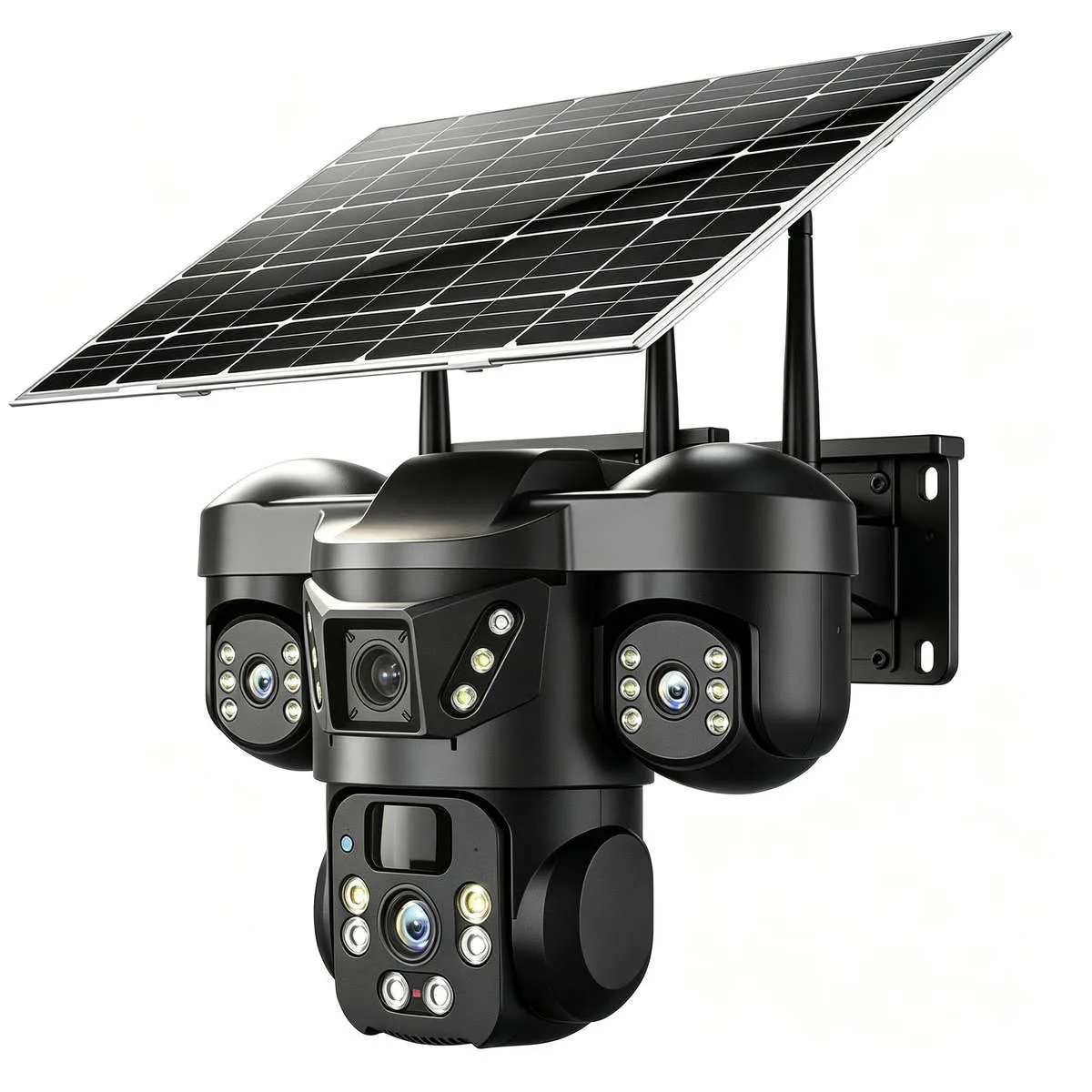
Image source: Web (Bing) / bobshop.co.za (Web image (fair-use with source credit))
Here's the core principle you need to understand. Two-way audio is a feature of the camera itself, not the solar panel. The solar panel just keeps the battery charged.
It doesn't add a speaker, a microphone, or any communication capability.
So the real question isn't whether solar cameras have two-way audio. It's whether the specific camera model includes built-in audio hardware.
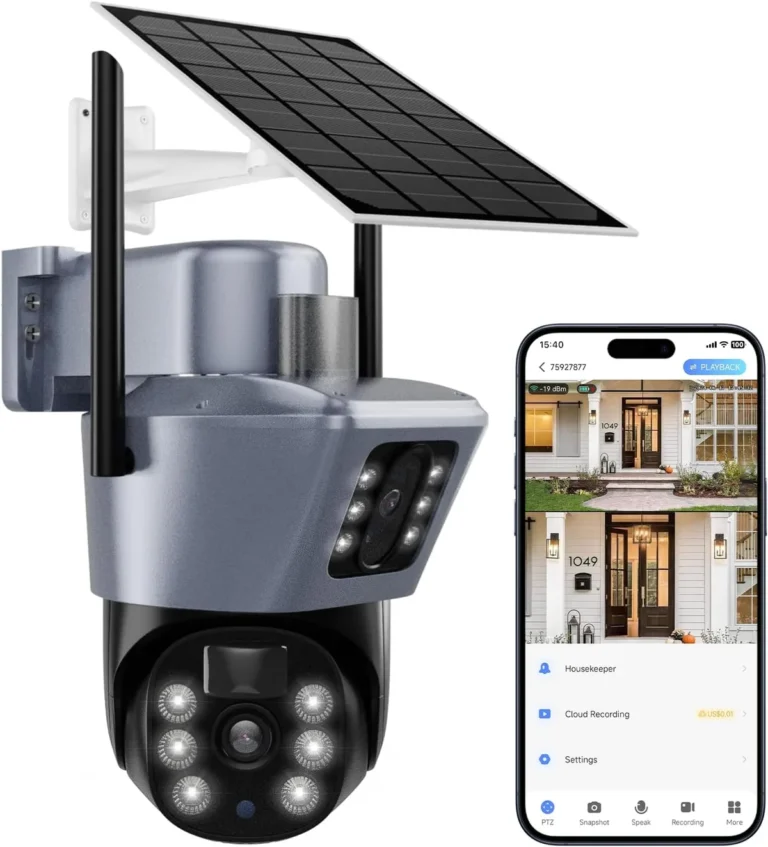
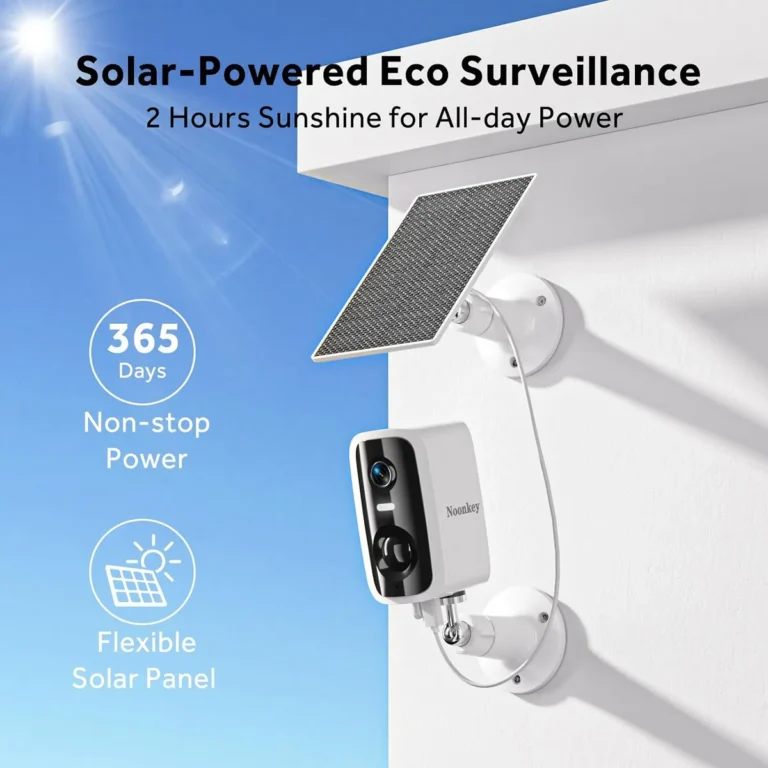
Standalone solar cameras almost always have it. These are all-in-one units where the solar panel, battery, camera, speaker, and microphone come as a single package. Think of them as a complete smart security system powered by the sun. Manufacturer specs for models like the Reolink Argus series and Arlo Pro with solar accessories confirm two-way audio as standard as of 2026.
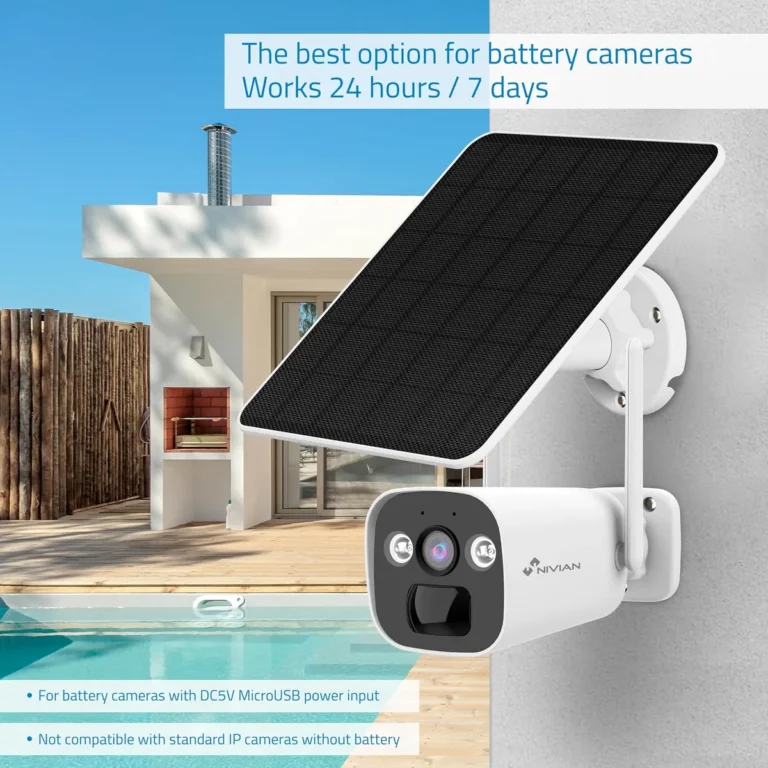
Hybrid setups are where things get tricky. If you're powering a basic wired camera with an external solar panel, two-way audio works only if that camera model was designed with a speaker and microphone. Many older wired models weren't built with audio. A solar panel won't add that capability retroactively.
| Setup Type | Two-Way Audio | Why It Does or Doesn't Work |
|---|---|---|
| Standalone solar camera | Almost always yes | Audio hardware is built into the unit |
| Wired camera + solar panel | Sometimes | Depends on the camera's native features |
| Solar + cellular camera | Usually yes | Designed as complete wireless units |
The practical takeaway is straightforward. If two-way audio matters to you, check the camera's official spec sheet before buying a solar panel. Then confirm your solar setup can handle the extra power draw.
It's far better to match the camera to your audio needs first than to discover the feature isn't there after installation.
The Three Types of Solar Cameras (And Why Only Some Have Two-Way Audio)
Not all solar security cameras are built the same way. Understanding the three main types helps you figure out whether two-way audio is something you'll actually get.
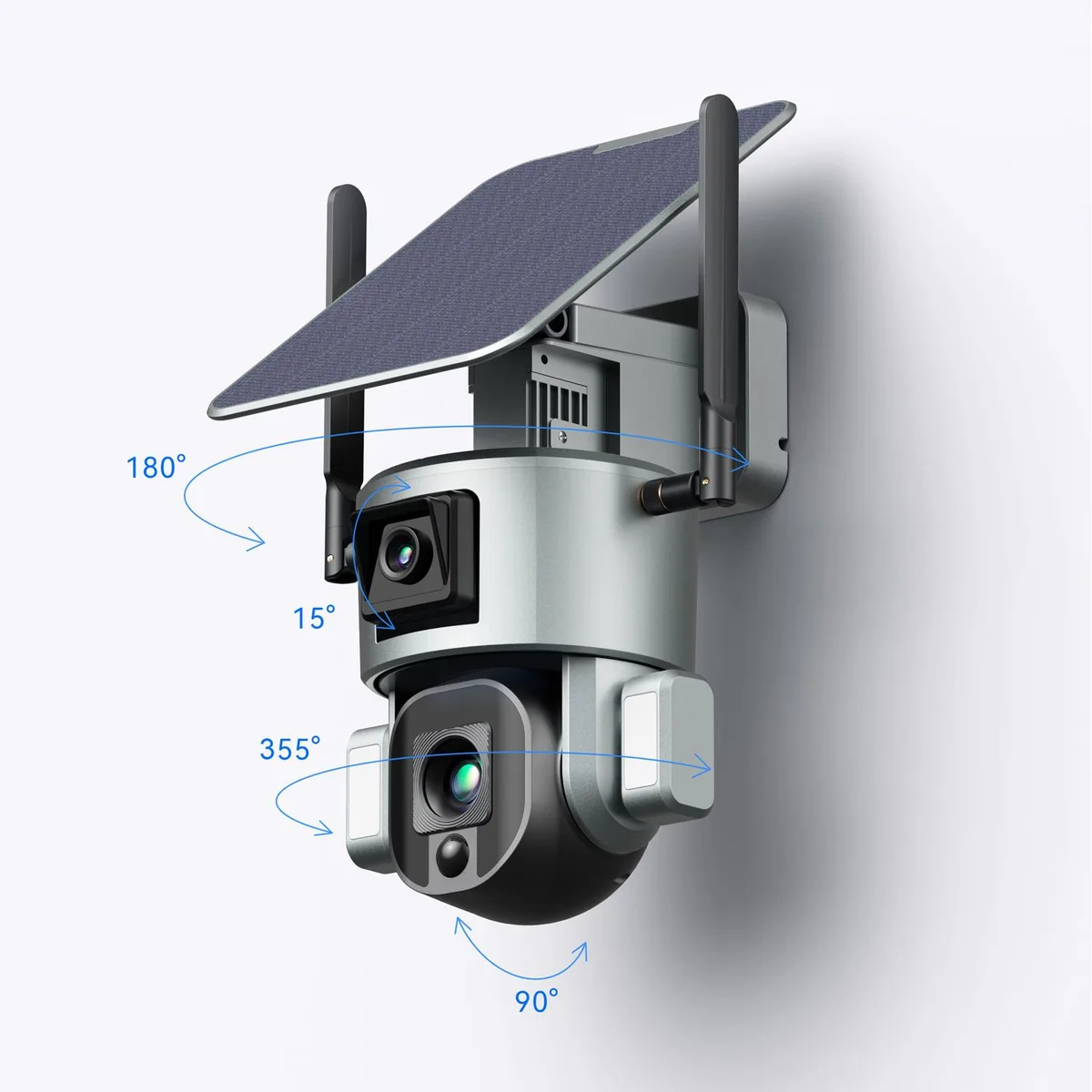
Image source: Web (Bing) / vtlpower9418.en.made-in-china.com (Web image (fair-use with source credit))
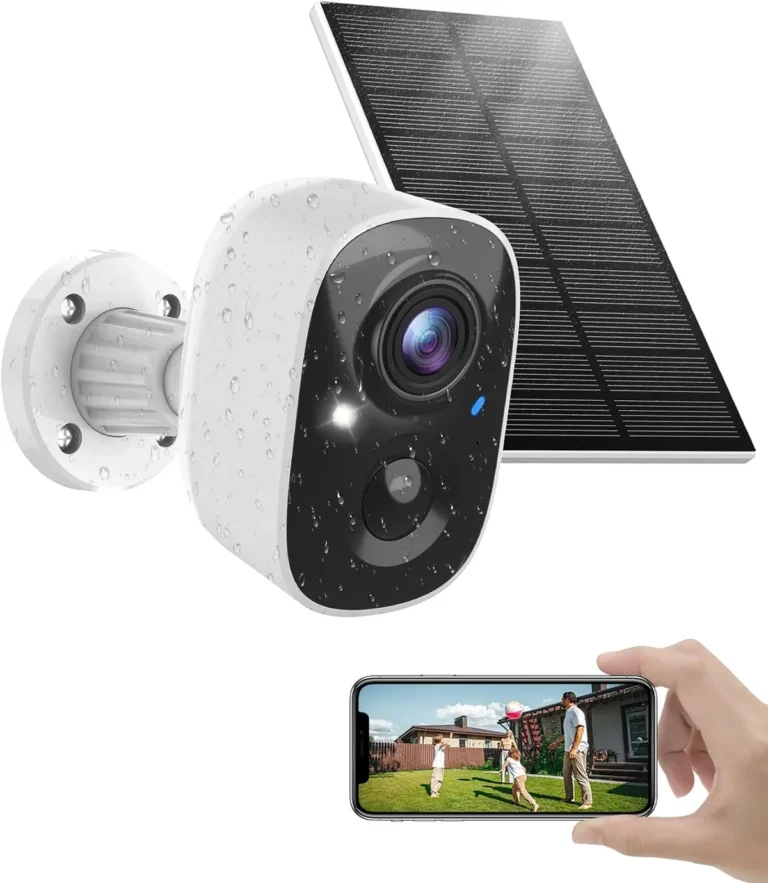
Type 1: Standalone solar cameras. These are the most common solar security cameras on the market. The solar panel, battery, camera, speaker, and microphone all live in one integrated unit. Examples include the Reolink Argus 3 series and Blink outdoor solar-compatible models.
Two-way audio is standard here because the manufacturer designed the camera with it from the start.
Type 2: Solar panel kits for wired cameras. This is where you buy a basic wired or Wi-Fi camera and connect a solar panel to keep it powered instead of running a power cable. Two-way audio works here only if the wired camera model includes a speaker and microphone. Many budget wired cameras don't have them.
The solar panel doesn't add that feature.
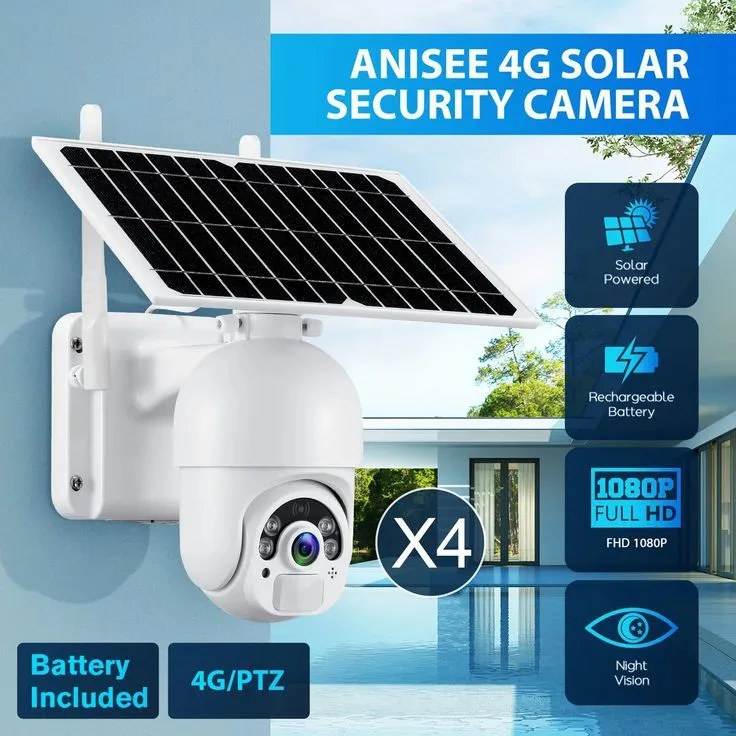
Type 3: Solar cellular cameras. These use 4G LTE instead of Wi-Fi. They're designed for remote locations like farms, job sites, or vacation properties. Models from Reolink and Hiseeu commonly include two-way audio because they're marketed as complete standalone security solutions.
Cellular devices must comply with FCC Part 15 regulations for wireless communication standards. The tradeoff is that cellular data plans add a monthly cost.
| Camera Type | Two-Way Audio | Best For |
|---|---|---|
| Standalone solar | Standard | Homeowners, driveways, yards |
| Solar + wired camera | Depends on model | Budget setups, retrofit projects |
| Solar cellular | Usually standard | Remote locations without Wi-Fi |
If you're buying specifically for two-way audio, standalone solar cameras and solar cellular models are your safest bets. Wired camera setups require more research into the specific camera model's audio specs before you commit.
What Actually Determines Whether Two-Way Audio Works on a Solar Camera
Having two-way audio listed on the box doesn't mean it'll perform well in your specific setup. Several real-world factors decide whether the audio is clear and usable.
Image source: Web (Bing) / cctvcamerapros.com (Web image (fair-use with source credit))
Wi-Fi signal strength is the biggest factor. Two-way audio streams over your Wi-Fi connection. If the camera sits 40 feet from your router through two walls, expect lag, cutouts, and garbled audio. Manufacturer specs for most solar cameras list a theoretical range of about 300 feet in open space.
Real-world range with obstructions is much less.
Battery life drops when you use audio. Solar cameras are designed for motion-triggered recording, which is efficient. Two-way audio requires constant streaming, which drains power faster. A camera rated for 3 months of battery life on motion detection might last 4 to 6 weeks if you use two-way audio daily.
Audio quality specs matter more than people think. Look for these details in the camera's documentation:
- Microphone pickup range: 3 to 10 feet is standard on most solar cameras
- Speaker volume: higher dB ratings mean louder output
- Duplex type: full-duplex lets both sides talk at once, while half-duplex means you take turns
- Audio codec: better codecs produce clearer voice quality over Wi-Fi
Latency is the hidden killer. Even with good Wi-Fi, two-way audio typically has 100 to 500 milliseconds of delay. That means your voice reaches the visitor a half-second after you speak. It's noticeable but manageable for most users.
For IoT device security best practices, the National Institute of Standards and Technology publishes guidelines that apply to connected smart cameras.
The bottom line: two-way audio on solar cameras works well when you've got strong Wi-Fi, realistic expectations about latency, and a solar panel sized for the extra power drain.
Two-Way Audio on Solar Cameras: What It's Really Like in Practice
Spec sheets tell you what a camera can do. In practice, two-way audio on a solar camera works well in some situations and falls short in others.
When it works great:
- You're within 20 feet of the camera in the front door or entry area
- Your Wi-Fi signal is strong at the camera's location
- You're using the feature briefly to talk to a delivery driver or visitor
- The solar panel gets 4 or more hours of direct sunlight per day
Aggregate user reviews report that two-way audio on standalone solar cameras functions reliably in these conditions. People commonly use it to tell delivery drivers where to leave packages or to ask visitors to step back from a door.
When it falls short:
- Long distances between you and the camera, over 30 feet
- Weak Wi-Fi or cellular signal at the camera location
- Extended use that drains the battery faster than the solar panel can recharge
- Noisy environments where the built-in microphone picks up too much background sound
The latency issue in real terms. Most users report that two-way audio on solar cameras feels like a walkie-talkie conversation rather than a phone call. You speak. Half a second passes.
They hear you and respond. For quick exchanges, this is fine. For longer conversations, it's frustrating.
Battery impact is real. If your camera gets 6 months of battery life on motion-triggered recording alone, adding regular two-way audio use could cut that to 3 or 4 months. That's not a dealbreaker, but it means you'll need to monitor the solar charging performance more closely.
The feature works best for short, functional exchanges. "Leave the package by the door." "Step back from the camera." "I'll be there in five minutes." It's not built for long conversations.
Common Mistakes That Kill Two-Way Audio Performance on Solar Cameras
Even if your solar camera has two-way audio built in, a few common mistakes will make it nearly unusable. Here's what to watch out for.
Mistake 1: Ignoring Wi-Fi placement. Most people install solar cameras in the darkest, most distant part of their property. That's where the Wi-Fi signal is weakest. Two-way audio is the first feature to suffer when signal drops below a certain threshold.
If your camera's Wi-Fi indicator shows one or two bars, expect audio issues.
Mistake 2: Expecting the solar panel to power audio-heavy use. Solar panels on most security cameras generate 2 to 6 watts. That's enough for motion-triggered recording. It's not enough to sustain continuous audio streaming without supplemental charging.
If you use two-way audio heavily, consider a larger panel or more frequent battery monitoring.
Mistake 3: Not testing audio before you need it. Set up the camera, open the app, and test two-way audio from multiple distances and angles. Do it now, not when you're trying to talk to someone at 2 AM. Most people never test the feature until something goes wrong.
Mistake 4: Confusing half-duplex with full-duplex audio. Half-duplex means you take turns speaking, like a walkie-talkie. Full-duplex means both sides can talk simultaneously. If your camera uses half-duplex and you don't know it, conversations will feel broken and awkward.
Mistake 5: Overlooking the camera's operating temperature range. Solar cameras in cold climates often see battery performance drop significantly. Two-way audio adds more drain, which compounds the problem. Check your camera's rated minimum operating temperature before placing it in an exposed outdoor location.
The fix for most of these is simple. Test the audio thoroughly during installation. Place the camera where Wi-Fi is strong.
Size your solar panel for how you'll actually use the camera. Those three steps alone will save you from most two-way audio frustrations.