How Long Does It Take to Charge a Solar Security Camera?
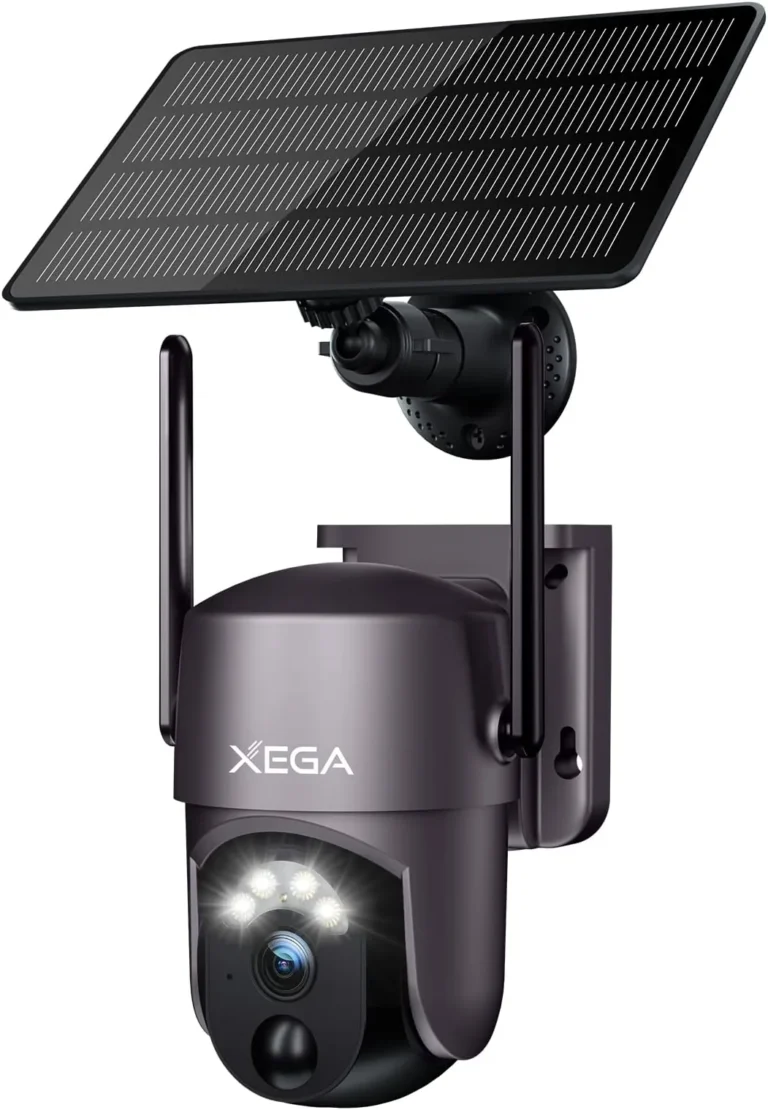
How long does it take to charge a solar security camera? The short answer is 8 to 24 hours of direct sunlight, but the real number depends on your panel wattage, battery size, and how much sun your location gets. There's no single answer that works for every setup.
A 6000 mAh battery paired with a 5W solar panel typically takes 8 to 12 hours of peak sun to recharge. That's based on manufacturer specs from Reolink and Arlo. Peak sun hours, defined by the [U.S.
Department of Energy](https://www.energy.gov), are hours when sunlight intensity averages about 1000 watts per square meter.
Quick Answer
How long does it take to charge a solar security camera? Typically 8 to 12 hours of direct sunlight. It depends on your solar panel wattage and battery capacity.
A 5W panel needs 10 hours of peak sun to fill 6000 mAh. Cloudy weather can double or triple the time needed.
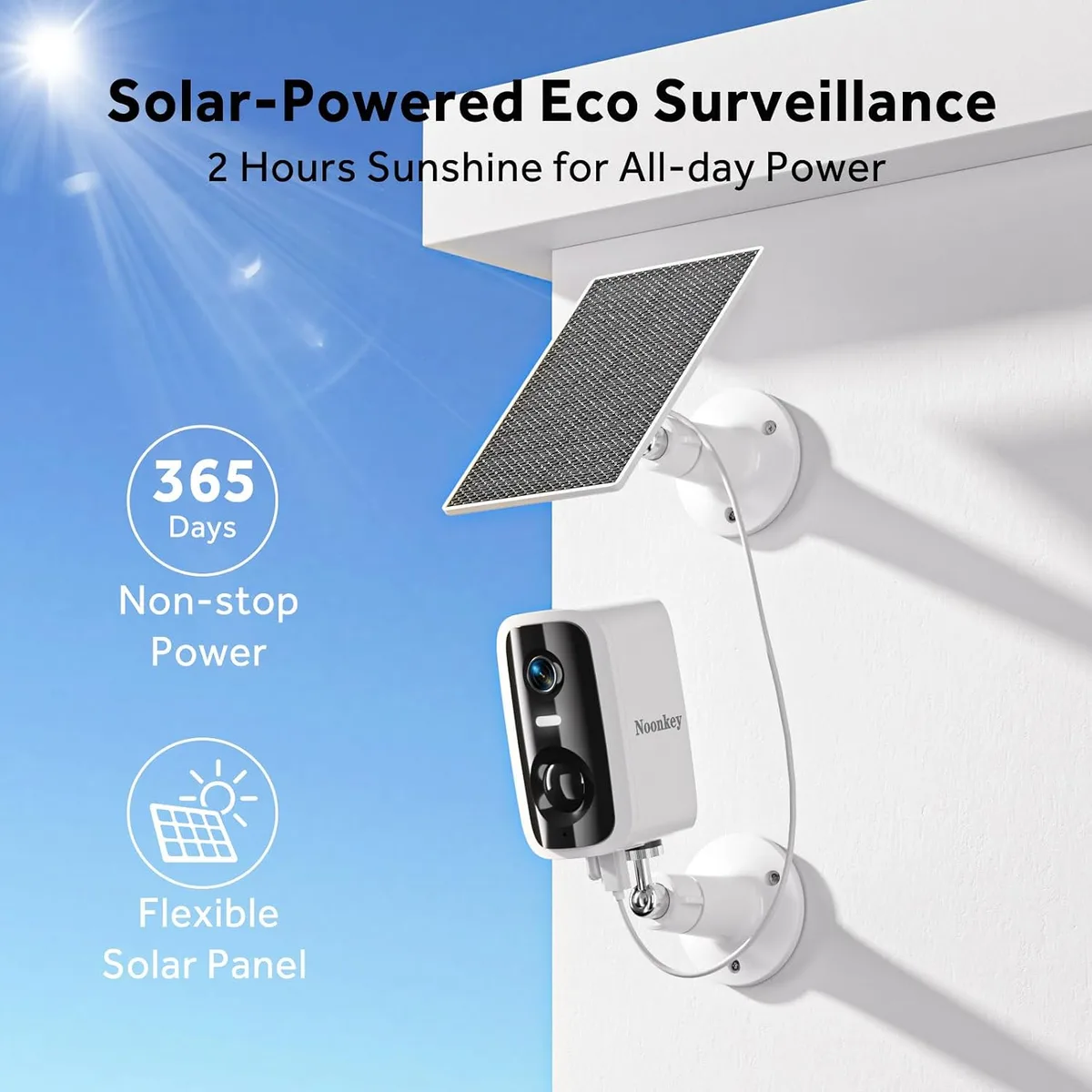
Image source: Bing (Web (fair-use with source credit))
The Honest Answer Depends on 5 Variables
Anywhere from 8 to 24 hours of direct sunlight. The exact time depends on five variables working together: sun exposure, solar panel wattage, battery capacity, camera usage patterns, and geographic location.
Change any one of those, and the charging time shifts significantly. A camera sitting in full Arizona sun with a 6W panel will recharge a 6000 mAh battery in roughly 8 to 10 hours. The same camera in a shaded Minnesota backyard during December might take 24 hours or more, if it charges at all.
This is a supply-versus-demand equation, not a fixed schedule. Your job is to make sure the solar supply keeps up with how much power your camera consumes each day. If your camera drains faster than the panel recharges it, you'll need to adjust one or both sides of that equation.
How Solar Charging Works in Security Cameras
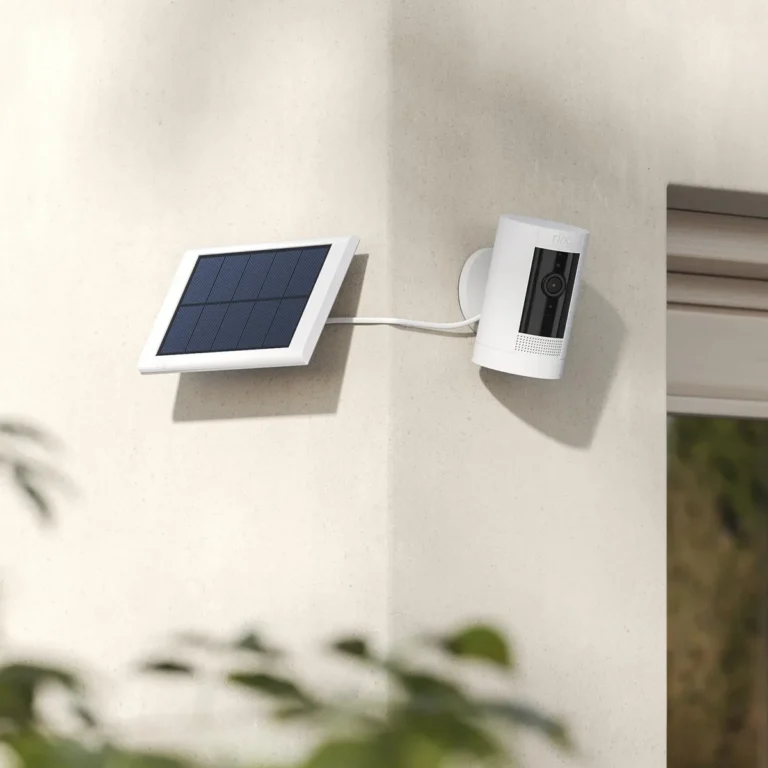
A solar security camera works on a simple loop. The solar panel captures sunlight and converts it to DC electricity. That electricity feeds the camera's rechargeable lithium battery, which powers recording, Wi-Fi, night vision, and motion detection.
When the camera records video or stays connected to Wi-Fi, it draws power from the battery. When the sun is out, the panel recharges the battery at the same time. If the panel produces more power than the camera uses, the battery fills up.
If not, it slowly drains.
The key concept here is peak sun hours. That's the measure of solar energy available at your location. A region with 5 peak sun hours per day receives about 5 kilowatt-hours of solar energy per square meter per day.
You can find location-specific numbers using the NREL PVWatts tool.
| Component | What It Does |
|---|---|
| Solar panel | Converts sunlight to DC electricity |
| Charge controller | Regulates voltage to protect the battery |
| Rechargeable battery | Stores energy for day and night use |
| Camera electronics | Uses stored power for recording, Wi-Fi, and detection |
The NREL maintains the gold-standard reference for solar resource data in the United States. Their research backs most of the peak sun hour figures you'll see from camera manufacturers.
The Variables That Decide Your Charge Time
Five factors control how fast your solar security camera charges. Understanding each one tells you what to fix if your camera keeps dying.
1. Sun exposure (peak sun hours)
This matters more than anything else. Peak sun hours vary by latitude, season, and local weather. Summer in the southern U.S. might give you 5 to 7 peak sun hours per day.
Winter in the Pacific Northwest might give you 1 to 2.
2. Solar panel wattage
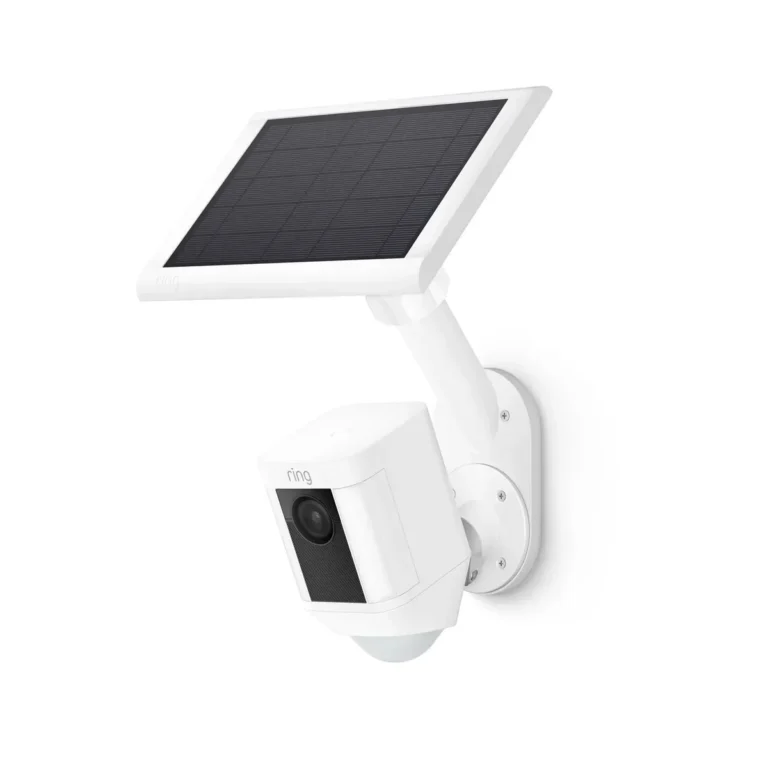
Higher-wattage panels produce more current, which charges the battery faster. Most solar security cameras come with 2W to 6W panels. Aftermarket panels up to 10W or 12W are available for faster charging.
A 6W panel delivers roughly double the charging speed of a 3W panel under the same sun.
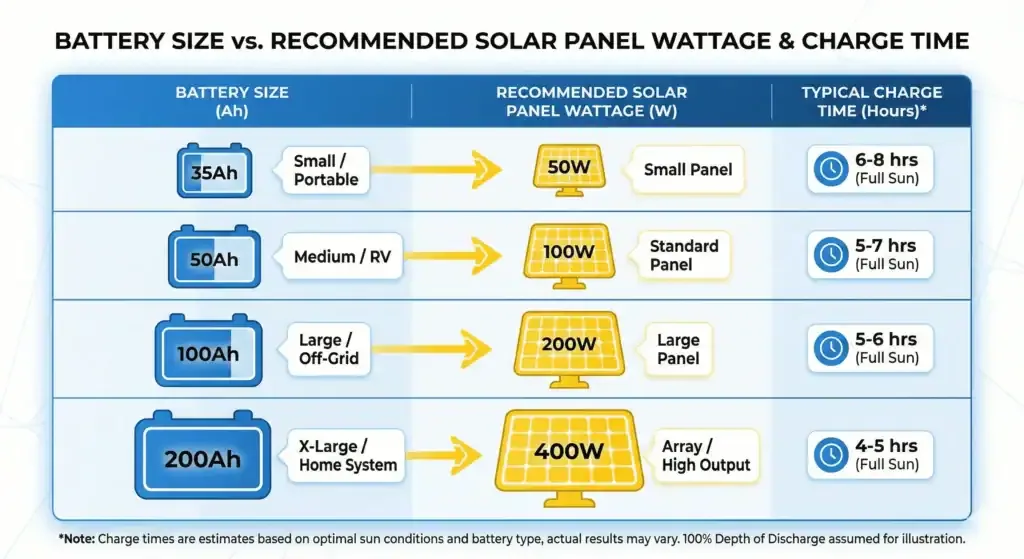
Image source: Bing (Web (fair-use with source credit))
3. Battery capacity
Bigger batteries take longer to charge. A 6000 mAh battery holds more energy than a 2000 mAh battery, so it needs more sun hours to fill. Most solar security cameras as of 2026 use batteries in the 6000 to 10000 mAh range.
4. Camera usage patterns
Every motion event costs battery power. Every night vision recording costs more. A camera set to record 24/7 draws far more power than one set to record only on motion detection.
Higher recording resolution, like 2K or 4K, also increases power draw compared to 1080p.
5. Location and season
Geographic latitude determines your baseline sun hours. Season changes them dramatically. Cold weather also reduces lithium battery efficiency.
Battery capacity can drop 20 to 30 percent at freezing temperatures compared to room temperature.
Real Charging Time Benchmarks
Manufacturer specs and aggregate user reviews give us realistic numbers. Here's what you can expect in common scenarios:
| Scenario | Panel Wattage | Battery Size | Charging Time |
|---|---|---|---|
| Full sun, southern U.S., summer | 5W to 6W | 6000 mAh | 8 to 10 hours |
| Partial sun, mid-Atlantic, summer | 4W to 5W | 6000 mAh | 12 to 16 hours |
| Full sun, northern U.S., winter | 5W to 6W | 6000 mAh | 12 to 18 hours |
| Shaded location, any season | 3W to 5W | 6000 mAh | 18 to 24+ hours |
| Cloudy day (UK or Pacific NW) | 5W to 6W | 6000 mAh | May not fully charge |
| Wired USB-C charging | N/A | 6000 mAh | 3 to 5 hours |
A few things stand out. Wired charging is dramatically faster because it delivers full current without solar conversion losses. Solar panel efficiency typically ranges from 15 to 22 percent, so a lot of sunlight never reaches the battery as usable power.
If your camera runs on LiFePO4 chemistry rather than standard lithium-ion, cold-weather performance holds up better. LiFePO4 batteries maintain their rated capacity at lower temperatures, which matters in snowy climates.
Solar vs Wired vs Battery-Only: What You're Working With
Each power method has clear trade-offs. Here's how they compare:
| Feature | Solar-Powered | Hardwired | Battery-Only |
|---|---|---|---|
| Charging time | 8 to 24+ hours | 3 to 5 hours | Manual, hours |
| Setup complexity | Low to moderate | High (electrician) | Low |
| Ongoing cost | None | Electricity | Replacement batteries |
| Placement flexibility | High | Limited by wiring | High |
| Works during power outage | Yes | No | Yes |
| Best for | Remote areas, no power access | Permanent installation | Temporary, short-term |
Solar-powered cameras are best when you can't run electrical wiring to the camera location. Think barns, sheds, gates, detached garages, and large properties. They're also ideal if you want continuous power without an electrician's bill.
Hardwired cameras win if you need 24/7 recording without any gap. There's no battery to worry about, and PoE delivers both power and data through one cable.
Battery-only cameras without a solar panel make sense if you have frequent access to the camera for charging. They also work well as temporary setups you'll move around.
Mistakes That Drain Your Solar Camera Battery Faster Than Expected
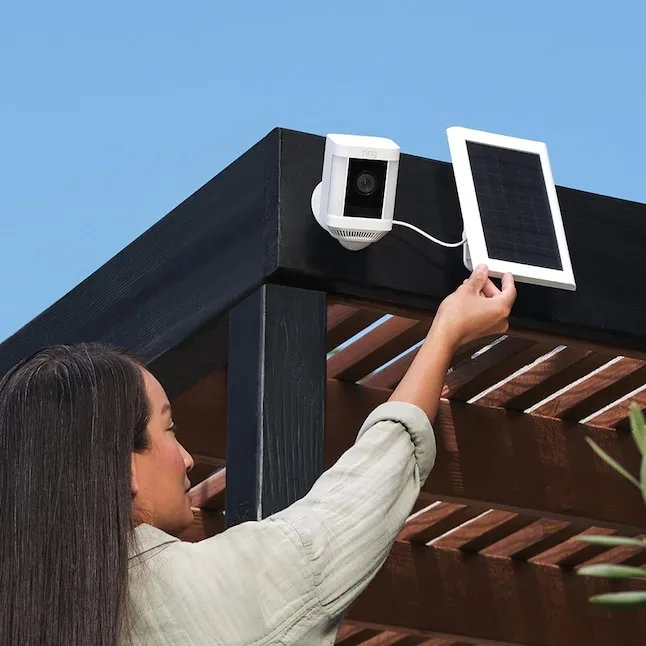
Image source: Bing (Web (fair-use with source credit))
The same problems show up in manufacturer support forums and buyer reviews over and over. Most are avoidable once you know what to look for.
Panel sitting in shade. This is the number one cause of dead solar cameras. Even 20 to 30 minutes of shadow on a panel can cut daily output by half. Trees grow.
Buildings cast longer shadows in winter. Check your panel's shading at different times of day across the year, not just in summer.
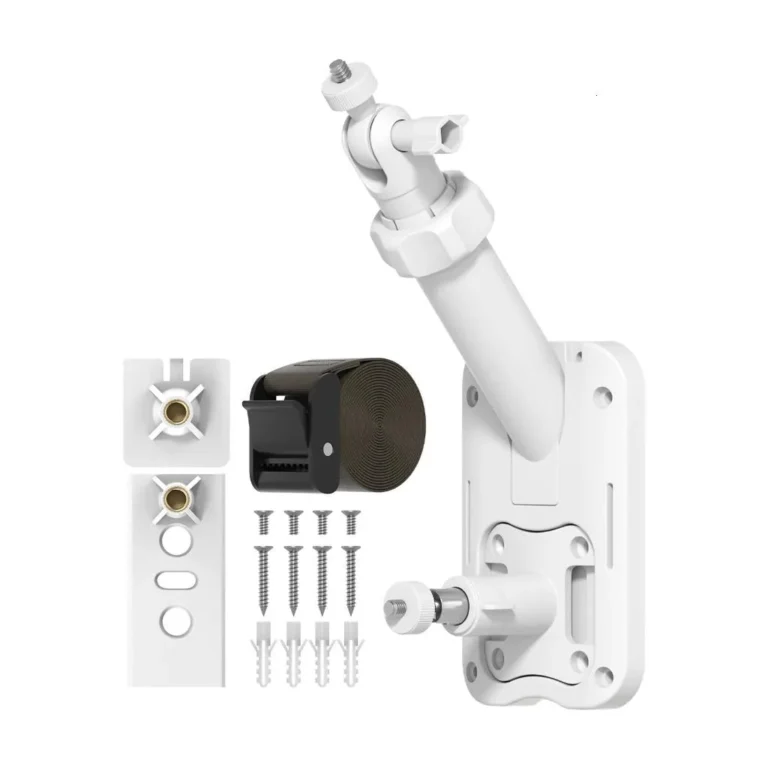
Flat panel orientation. A panel lying flat misses morning and afternoon sun. Mount it at the latitude angle of your location. For example, that's roughly 35 degrees in Virginia or 28 degrees in Texas.
Motion detection set too sensitive. Recording 50 events per day instead of 10 triples battery draw. Tighten your activity zones and raise the detection threshold. Every unnecessary recording costs power.
Dirty or snow-covered panels. A thin layer of dust cuts output by 10 to 25 percent. Snow blocks nearly all sunlight. Clean the panel surface monthly and clear snow after storms.
Underpowered panel for the camera. Pairing a 2W panel with a camera that draws 0.5W continuously means the battery never fills back up. Match panel wattage to your camera's actual power consumption.
Wrong recording mode. Some cameras have a power-saving mode that limits recording frequency. Leaving this off burns battery unnecessarily. Check your camera's app settings for available modes.
Decision Guide: Match Your Setup to Your Conditions
Match your charging setup to your actual conditions. Use this decision tree to figure out what you actually need.
If you get 5 or more peak sun hours per day:
A 5W to 6W panel should keep a 6000 mAh camera battery topped up year-round. You can run motion-detection recording at 2K resolution without battery issues. No backup plan needed.
If you get 3 to 5 peak sun hours per day:
Go with a 6W to 10W panel. Drop to 1080p resolution and tighten your activity zones. LiFePO4 batteries hold up better in colder months than standard lithium-ion.
If you get fewer than 3 peak sun hours in winter:
Solar alone won't cut it. Plan for wired USB charging every 2 to 3 weeks. Alternatively, pair a 10W+ panel with the lowest power settings you can manage.
If your panel has partial shade:
Relocate it immediately. Use an extension cable up to 15 feet if needed. A shaded panel produces almost nothing and is wasted money.
| Situation | Panel Wattage | Recording Setting | Backup Plan |
|---|---|---|---|
| 5+ peak sun hours | 5W to 6W | Motion + 2K | None needed |
| 3 to 5 peak sun hours | 6W to 10W | Motion + 1080p | Wired check monthly |
| Under 3 peak sun hours | 10W+ | Motion + 1080p | Wired every 2 to 3 weeks |
| Partial shade | 6W+ (relocate panel) | Power-saving mode | Hybrid solar + wired |
Frequently Asked Questions
How long does it take to charge a solar security camera from dead?
Most manufacturers indicate 8 to 12 hours of direct sunlight to fully recharge a 6000 mAh battery. Partial shade or cloudy weather can push that to 24 hours or more. Wired USB charging takes 3 to 5 hours by comparison, which is why backup wiring matters.
Do solar security cameras charge on cloudy days?
Yes, but at roughly 10 to 25 percent of the panel's rated output. On a heavily overcast day, a 5W panel delivers about 0.5W to 1.2W. That may be enough to offset standby power draw, but it won't fully recharge a completely drained battery.
What wattage solar panel do I need for my security camera?
A 5W to 6W panel works for most motion-activated cameras with 6000 mAh batteries. If you record at 4K resolution or run continuous activity zones, step up to 8W to 12W. Always check your camera manufacturer's compatibility list before buying an aftermarket panel.
Why is my solar security camera not charging at all?
Check three things first: shade on the panel, cable connections, and battery age. A multimeter can confirm whether the panel is producing voltage. If the battery is older than 2 to 3 years, degradation below the charge controller's minimum charging threshold is the likely culprit.
Do solar security cameras include overcharge protection?
Yes. Almost every solar security camera includes a charge controller that stops charging once the battery reaches full capacity. This prevents overcharge damage and is standard across brands like Reolink, Arlo, and TP-Link.
It's one reason solar setups are safe to leave unattended.