Can Solar Security Cameras Be Hacked?
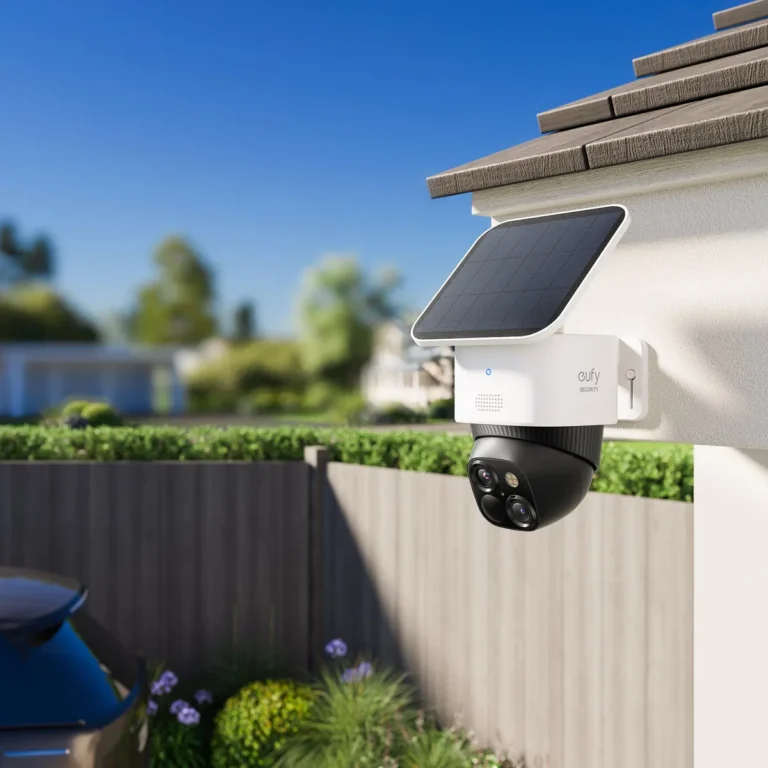
Can solar security cameras be hacked? Yes, they absolutely can, and that should concern anyone relying on them for property security. Solar cameras are IoT devices that connect to your Wi-Fi network or cellular towers to stream and store footage.
That connection puts them on the same attack surface as any other smart device you own.
Per the NIST Cybersecurity Framework, IoT manufacturers are expected to ship devices with secure-by-default settings and working firmware update mechanisms. As of 2026, connected camera breaches continue to trend upward, according to data published by the FBI's Internet Crime Complaint Center. The risk is real, but it's manageable.
Here's exactly what you need to know.
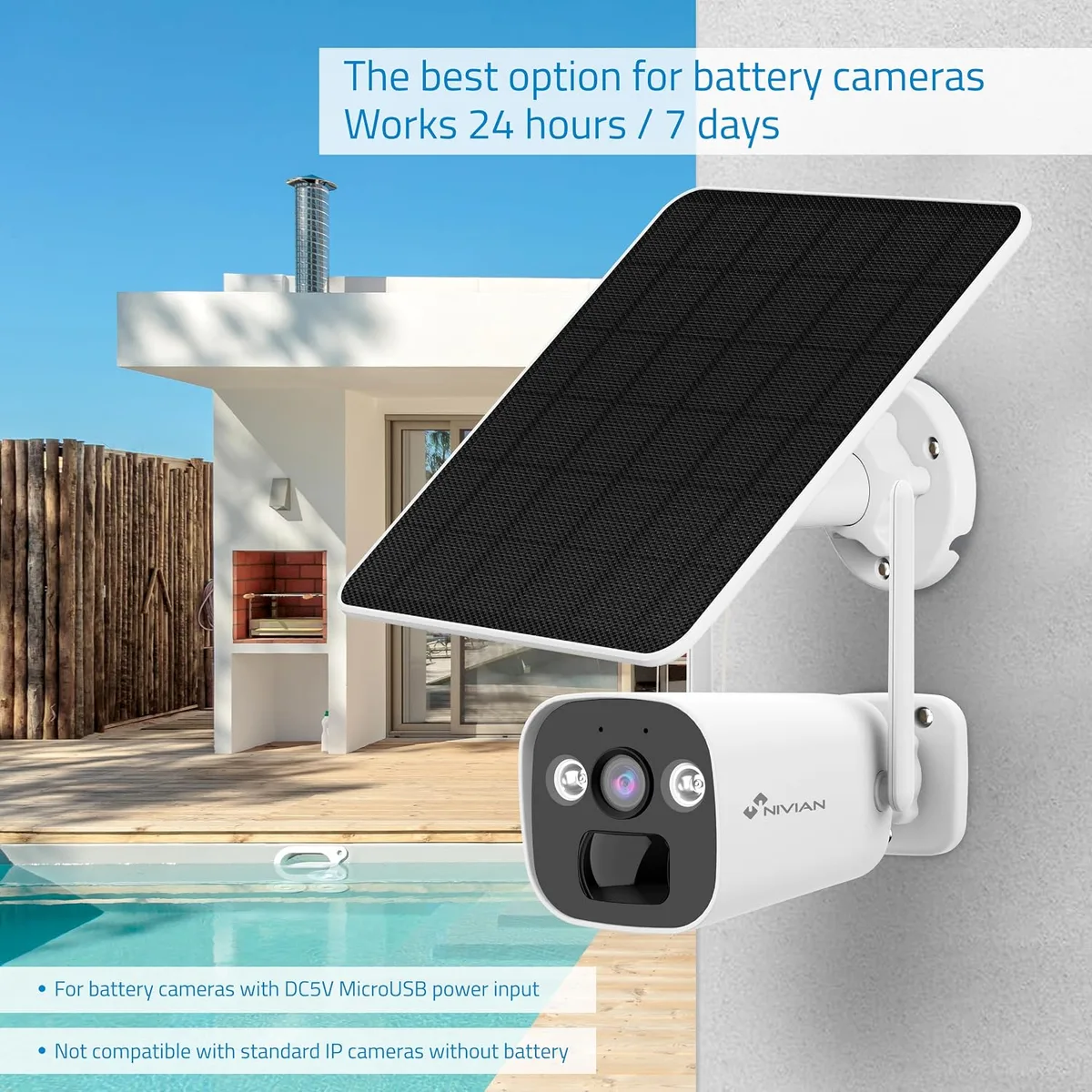
Image source: Bing (Web (fair-use with source credit))
Quick Answer
Yes, solar security cameras can be hacked. Solar cameras connect to Wi-Fi or cellular networks to stream footage. This makes them vulnerable to brute-force attacks and firmware exploits.
Attackers can gain live access to video feeds and recordings. Strong passwords, current firmware, and network segmentation reduce the risk significantly.
The Real Risk Behind Solar Security Camera Hacking
When someone compromises your solar security camera, they're not just watching a video feed. They can access stored recordings, view live footage of your property, and even speak through two-way audio.
The FBI's Internet Crime Complaint Center has consistently reported rising incident volumes year over year. IoT devices rank among the most targeted categories. Attackers don't need sophisticated tools either.
Many break in using default credentials and automated scripts.
Here's what's at stake if your camera stays unsecured:
- Live video of your home, family, and daily routines
- Stored footage showing when you're away from the property
- Access to your home network if the camera shares one with other devices
- Evidence attackers can use to plan physical intrusions
This isn't a theoretical risk. CISA's IoT security guidance highlights credential management and firmware updates as the two highest-impact mitigations for connected camera systems.
How Solar Security Cameras Work and Where Vulnerabilities Hide
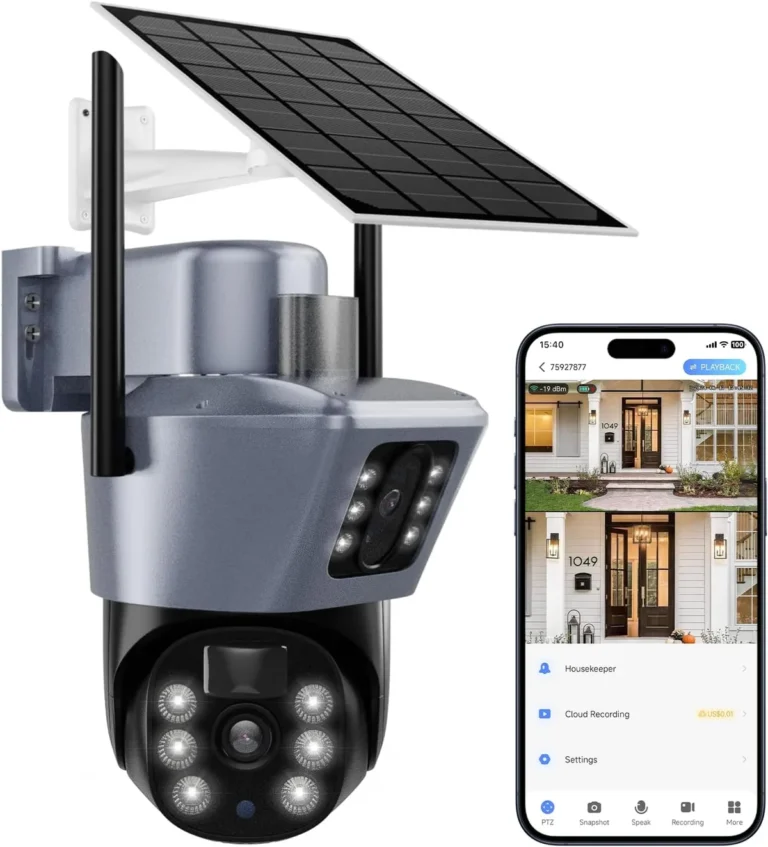
A typical solar security camera setup has four core components:
| Component | Function |
|---|---|
| Solar panel | Charges the internal battery using sunlight |
| Battery (LiFePO4 or lithium-ion) | Powers the camera when sunlight is insufficient |
| Camera module | Records video, detects motion, handles two-way audio |
| Wi-Fi or LTE modem | Streams footage to your phone or cloud storage |
Each component introduces a potential entry point for attackers.
The Wi-Fi or LTE connection is the most obvious vulnerability. If the camera connects to your home router using an open or weakly protected network, attackers on the same network can intercept data streams.
Cloud storage adds another layer of risk, especially if your account uses a weak or reused password.
The firmware running the camera matters just as much. Outdated firmware means known security holes stay open.
Solar panels and batteries don't create hacking risks directly. But they do enable 24/7 camera uptime. A compromised camera stays compromised around the clock.
The Most Common Ways Solar Cameras Get Hacked
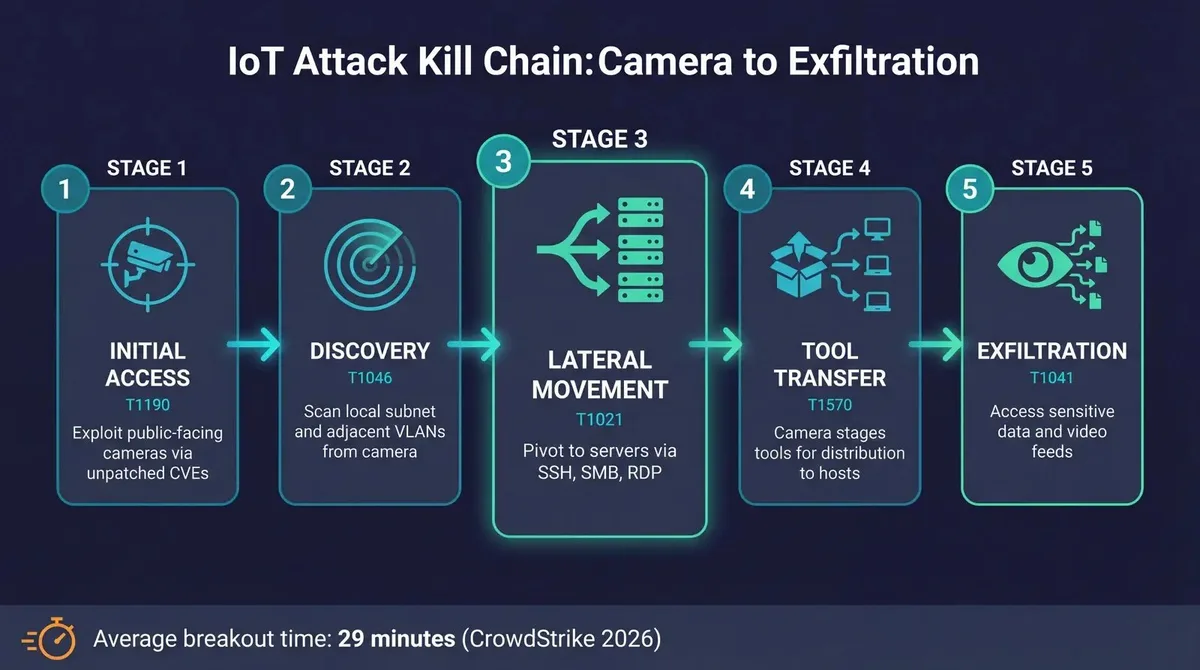
Image source: Bing (Web (fair-use with source credit))
Attackers rely on a handful of well-known methods to break into solar security cameras. Understanding these helps you shut them down.
Default credentials. Many cameras ship with generic usernames and passwords like "admin/admin." Attackers run automated scripts that try thousands of default combinations in minutes. If you never changed the password, you're exposed.
Outdated firmware. Security researchers regularly discover vulnerabilities in camera firmware. If the manufacturer releases a patch and you don't install it, the hole stays open. This is the single most common reason cameras get compromised.
Brute-force attacks. Even strong passwords can fall to persistent guessing if the camera doesn't rate-limit login attempts.
Compromised cloud accounts. If your camera app uses the same email and password as your bank, one leaked database dump exposes everything.
Man-in-the-middle attacks. On unencrypted Wi-Fi networks, attackers can intercept video streams and credentials in transit.
Step-by-Step: How to Secure Your Solar Security Camera
Image source: Bing (Web (fair-use with source credit))
Securing your solar camera takes about 20 to 30 minutes. Here's the exact sequence.
Step 1: Change the default password. Do this before anything else. Use a unique password with at least 12 characters, mixing numbers and symbols.
Step 2: Enable two-factor authentication. Most reputable camera apps support 2FA now. If yours doesn't, that's a red flag about the manufacturer.
Step 3: Update the firmware. Check for updates in the camera app and install the latest version. NIST's IoT device guidelines call working firmware update mechanisms a baseline expectation for manufacturers.
Step 4: Secure your network. Put the camera on a separate Wi-Fi network if your router supports it. Disable UPnP and unnecessary port forwarding.
Step 5: Review your cloud account. Use a unique password for your camera cloud account. Don't reuse your bank or email password.
Step 6: Set up alerts. Enable login attempt notifications so you know immediately if someone tries to access your camera.
After these steps, your camera is substantially harder to attack.
Common Mistakes That Leave Solar Cameras Wide Open
Even after installing a solar camera, homeowners make the same handful of mistakes that undo all their security work. Here are the ones to watch for.
- Never changing the default password. This is still the number one reason cameras get hacked.
- Reusing passwords across accounts. If your camera password matches your email or banking password, you're exposed the moment any of those accounts leaks.
- Ignoring firmware updates. Many people set up a camera and never touch it again. Firmware patches close real security holes.
- Connecting cameras to your main home network. If a camera gets compromised, the attacker may reach every other device on that network.
- Leaving UPnP enabled on the router. This automatically opens ports to the internet, giving attackers an easy path to your camera.
- Assuming solar cameras are private by default. The solar power source has nothing to do with data security. A camera running on sunlight is just as hackable as one running on a wall outlet.
Take five minutes to check each one against your current setup.
Solar Camera Security: Local Storage vs. Cloud Storage and What's Safer
Local storage and cloud storage offer different security trade-offs for solar camera owners. Neither one is universally safer. The right choice depends on your specific threat model.
Local storage keeps footage on a microSD card or NVR unit inside your property. Attackers can't reach it remotely unless they physically compromise the camera. The downside?
If someone steals the camera, they take the footage too.
Cloud storage streams footage to the manufacturer's servers over an encrypted connection. The footage survives camera theft and you can access it from anywhere. But a compromised cloud account exposes every recorded clip.
| Factor | Local Storage | Cloud Storage |
|---|---|---|
| Remote access risk | Low (needs physical access) | Higher (account compromise) |
| Physical theft risk | Footage lost with device | Footage safe on servers |
| Encryption requirement | Varies by manufacturer | TLS expected, varies in practice |
| Monthly cost | None | Typically $3 to $10 per camera |
A layered approach works best. Run local storage as a baseline while also subscribing to a cloud plan secured with strong, unique credentials.
Safety, Legal, and Compliance Considerations for Solar Camera Owners
Security cameras come with legal responsibilities that vary by where you live. Recording laws differ significantly between US states, the UK, and the EU.
In the United States, most states follow one-party consent rules for audio. This means you can record audio as long as you're part of the conversation. Some states require all-party consent for any audio recording.
The UK's ICO provides clear guidance on residential CCTV usage. Cameras must not point at neighbors' property or public sidewalks without justification.
EU users face GDPR requirements if footage captures identifiable individuals. Stored video becomes personal data under the regulation.
Check these compliance areas before installing your solar camera:
- Local surveillance recording laws in your jurisdiction
- Audio recording consent requirements (one-party vs. two-party)
- HOA or community association rules on camera placement
- Manufacturer compliance certifications (FCC, CE, UL)
- Data storage and retention policies from your camera manufacturer
Ignoring these can create legal exposure even when your camera isn't hacked at all.
What to Do If You Suspect Your Solar Camera Has Been Hacked
If you notice suspicious activity on your solar camera, act quickly. The first sign is often an unfamiliar login notification or a setting you didn't change.
Follow these steps in order:
- Change the password immediately. Use a new, unique password with 12+ characters. Update it on both the camera and your cloud account.
- Enable two-factor authentication. This adds a second verification step that blocks most unauthorized access attempts.
- Update the firmware. Install the latest version to close any known security holes.
- Review connected devices and users. Remove any unknown accounts or devices from your camera app.
- Factory reset if needed. If you can't verify the camera is clean, a full reset and reconfiguration is the safest move.
- Report the incident. Contact the manufacturer and file a report with the FBI's Internet Crime Complaint Center if footage was compromised.
The longer an attacker keeps access, the more damage they can do.
Frequently Asked Questions
Can solar security cameras be hacked remotely?
Yes, solar security cameras can be hacked remotely if they're connected to the internet. Attackers use brute-force password attacks, outdated firmware exploits, or compromised cloud accounts. Solar cameras are no more or less vulnerable than any other networked security camera.
The solar power source has zero effect on hacking risk.
Are solar security cameras safer than wired cameras from a hacking standpoint?
Not inherently. Both types connect to networks and can be compromised the same way. Wired cameras sometimes use dedicated PoE networks that offer better isolation.
Solar cameras relying on shared Wi-Fi networks tend to carry slightly more exposure. Configuration matters far more than the power source.
Do solar security cameras need internet to be hacked?
A solar camera using only local storage and no Wi-Fi connection has no remote attack surface. Once you connect it to a home network or cellular tower, remote hacking becomes possible. Off-grid cameras with no wireless connection are significantly harder to attack remotely.
How can I tell if someone accessed my security camera?
Check for unfamiliar login notifications in your camera app. Look for changed settings, unknown user accounts, or footage recorded at odd times. Review your cloud account login history if your manufacturer provides it.
Enable login attempt alerts so you're notified of suspicious access immediately.
Is local storage safer than cloud storage for security cameras?
Local storage keeps footage physically on your device, making it immune to remote account compromise. Cloud storage offers off-site backup and remote access but depends entirely on your account security and the manufacturer's encryption. For maximum protection, use both together with strong credentials on every related account.