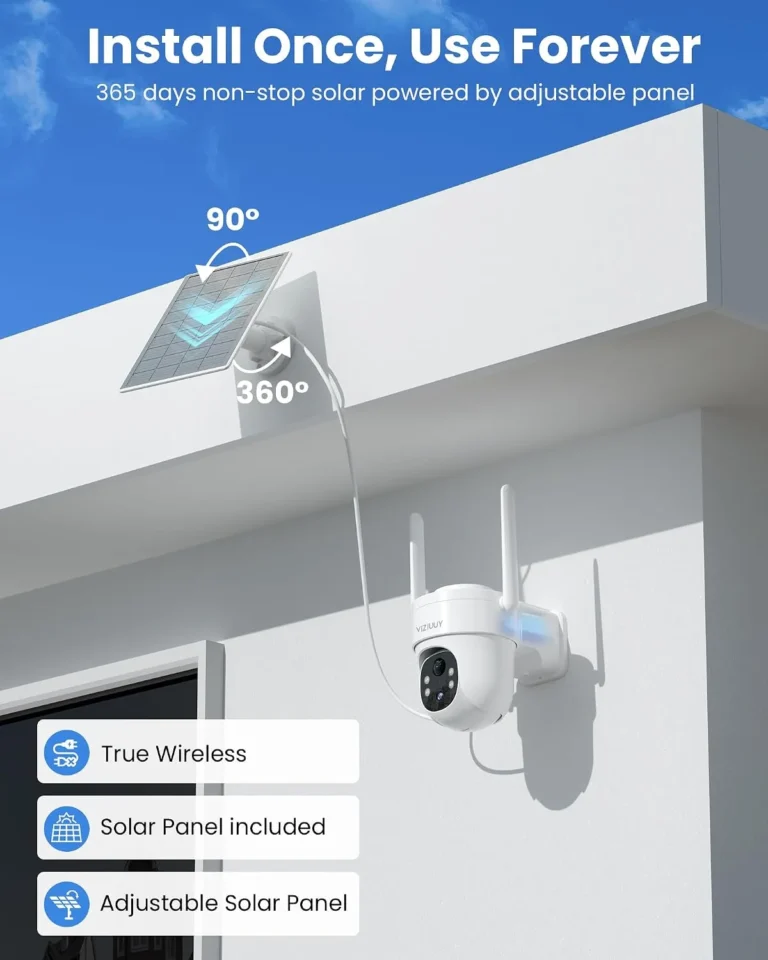
Can Solar Security Cameras Be Used Indoors?
Can solar security cameras be used indoors? Yes, but with a catch that most buyers don't anticipate. Solar cameras are designed to recharge under direct sunlight, and indoor environments don't provide that kind of energy input.
If you've been eyeing a solar security camera for a room without an electrical outlet, this question matters.
In our research, manufacturer specs show that indoor ambient light produces just 10 to 30 percent of a solar panel's rated output. That gap changes everything about whether the setup works long term. Here's what you need to know before you decide.
Quick Answer
Yes, solar security cameras can work indoors when light conditions are right. Indoor ambient light produces far less solar output than direct sunlight. Most indoor solar cameras need a nearby window or bright light source.
Without adequate light, the battery will drain faster than it charges.
Why Solar Security Cameras Come Up for Indoor Use
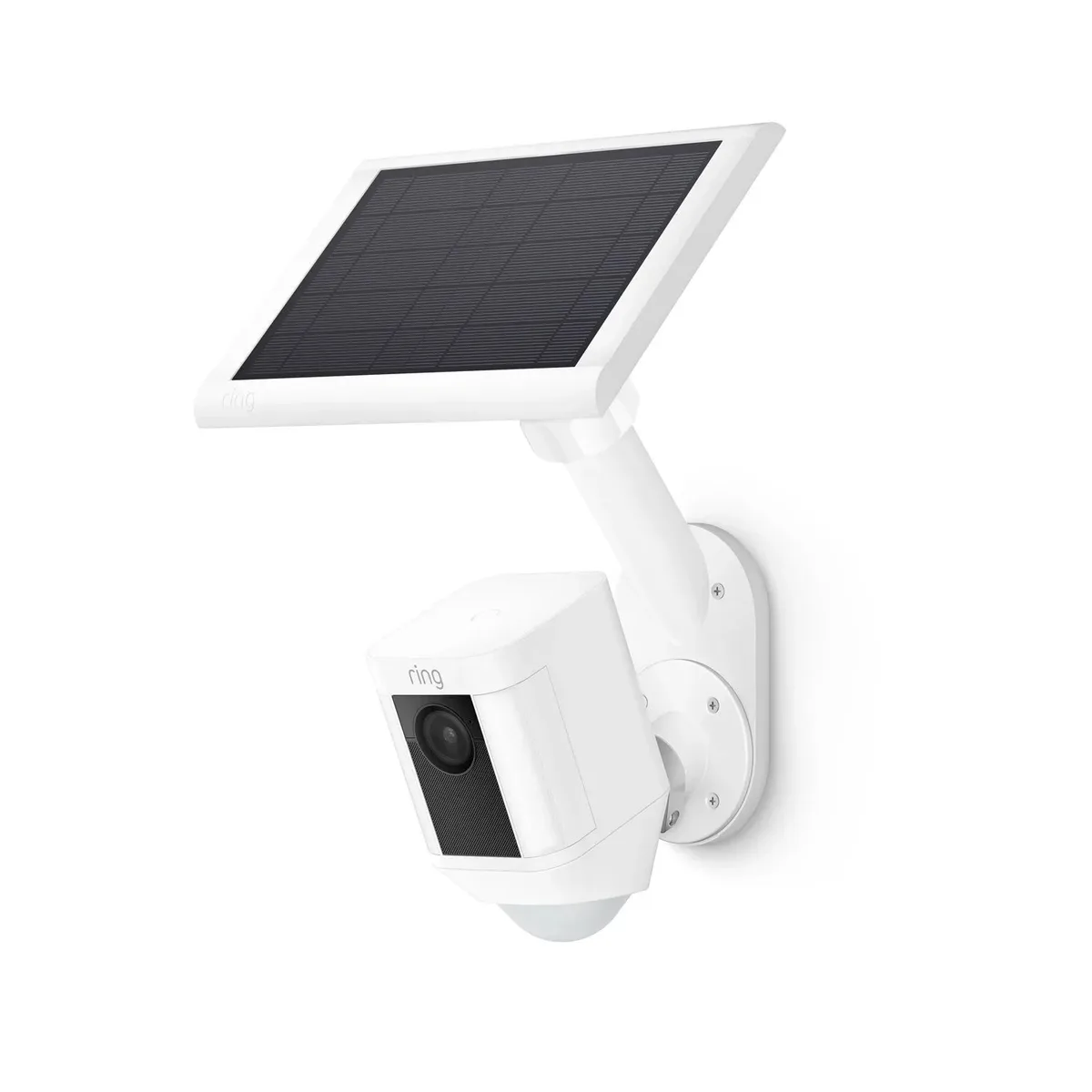
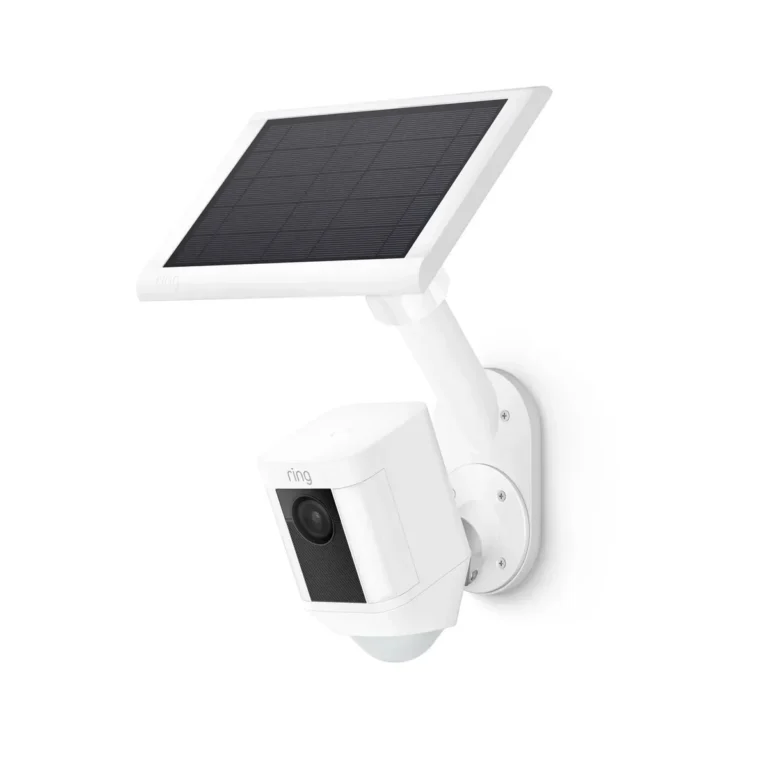
Image source: Bing (Web (fair-use with source credit))
A lot of people need security cameras but can't run power to where they want them. That's why solar cameras keep coming up in indoor conversations.
Renters are one big group. You can't drill into walls, and running long power cables across a floor is messy and impractical. Solar cameras solve that by removing the need for an outlet entirely.
Rural properties and off-grid homes show up too. In farmland, barns, and remote cabins, grid power might not reach the building at all. Solar camera systems are especially common in these settings as of 2026, since manufacturers have focused heavily on low-power indoor models.
Seasonal homes and vacation properties are another scenario. These buildings sit empty for months. A solar camera on a windowsill can stay charged and monitor the space without anyone managing it.
Large indoor spaces like warehouses and construction sites benefit as well. Powering dozens of wired cameras across a huge floor plan gets expensive. Solar options cut that cost without sacrificing coverage.
Homeowners who want to avoid drilling also end up here. Every wired camera means another hole in a wall. Solar cameras mount with adhesive or simple brackets.
That matters if you're renting or just want to keep your walls intact.
The common thread is power access. Where you can't easily plug in, solar becomes the obvious alternative, even indoors.
How Solar Security Cameras Actually Work Indoors: What Changes
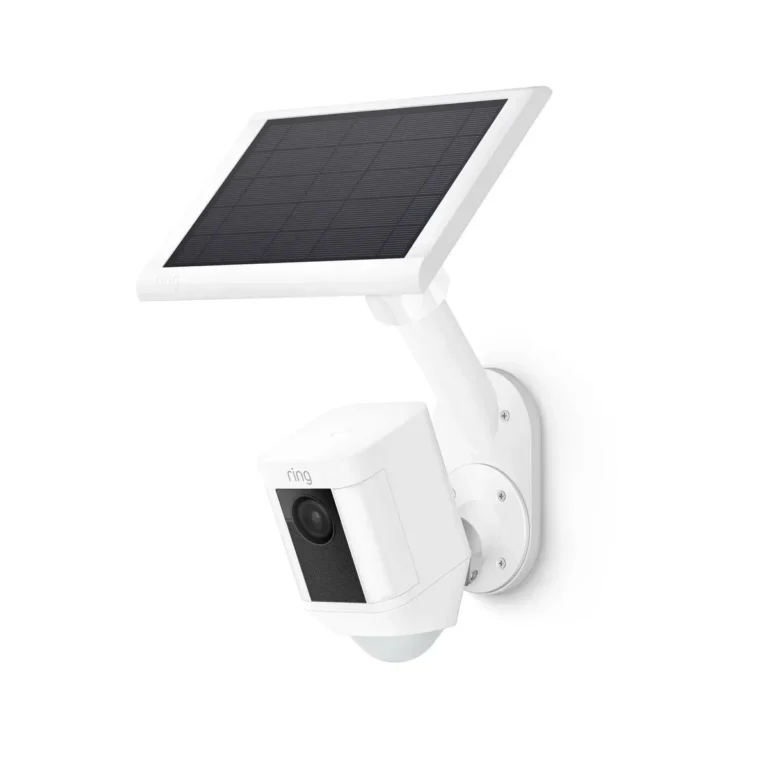
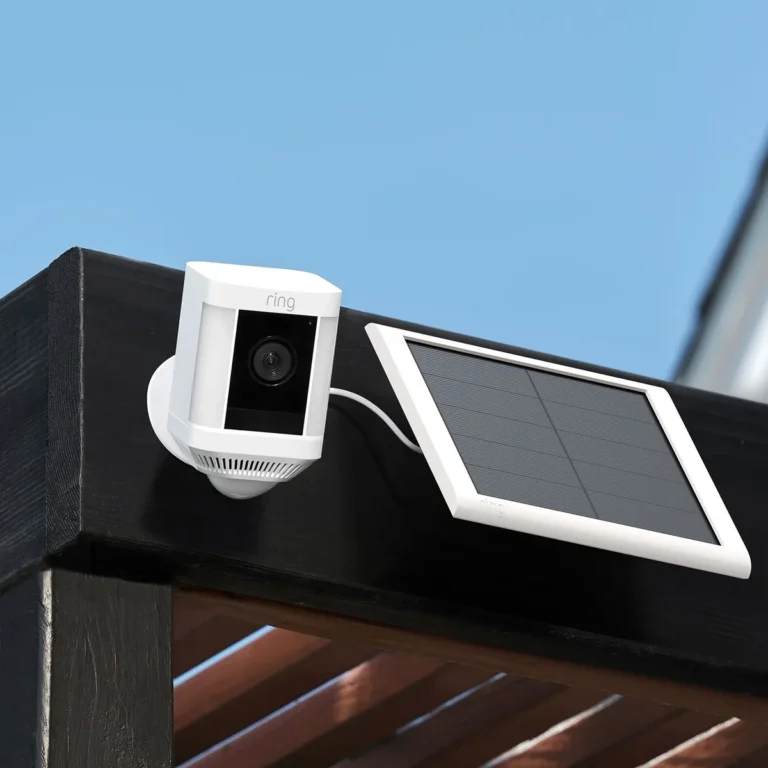
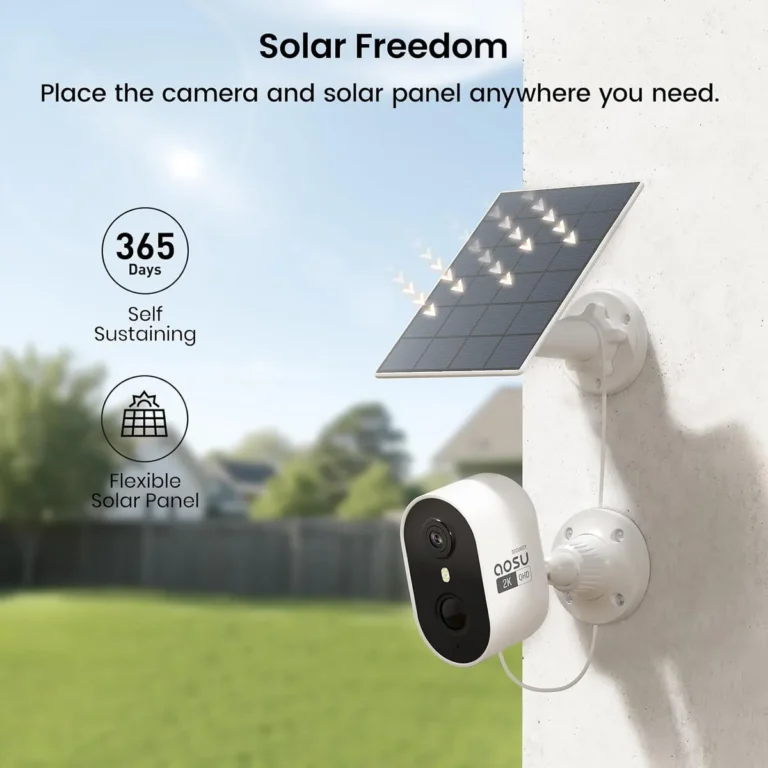
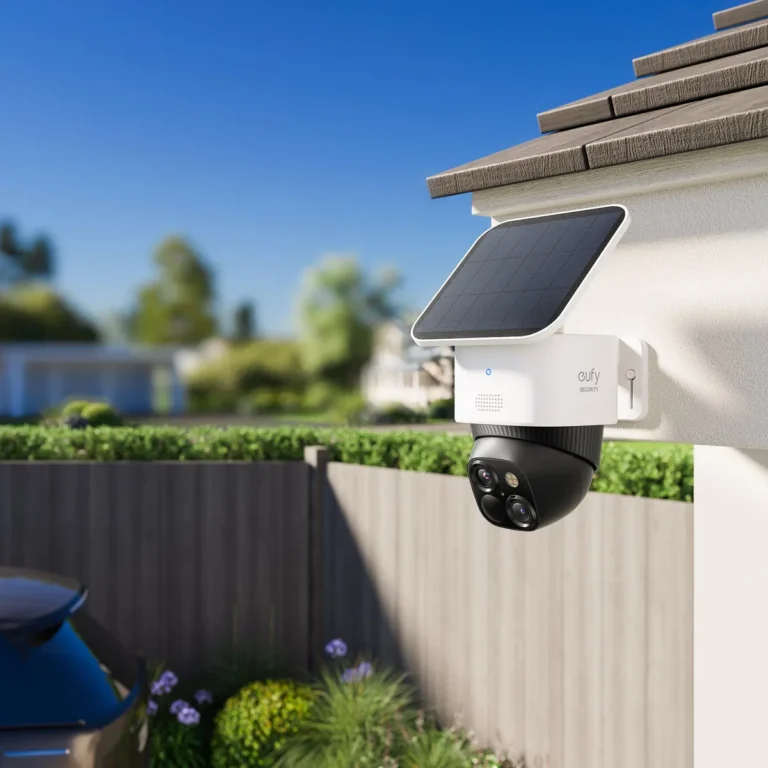
A solar security camera has three core parts: a small solar panel, a rechargeable battery (usually lithium-ion), and the camera electronics. The panel converts light energy into electricity. That electricity charges the battery.
The battery powers the camera.
Outdoors, this cycle works well because direct sunlight hits the panel at full intensity. A 5-watt panel under direct sun might produce 4 to 4.5 watts of usable power. That keeps the battery topped off and the camera running continuously.
Indoors, the physics shifts. Ambient light from a window or overhead fixture delivers far less energy to the panel. According to the National Renewable Energy Laboratory, solar cell output drops sharply when light intensity falls below standard test conditions.
For indoor environments, that means you might get only a fraction of the panel's rated wattage.
This creates a math problem. Your camera might draw 3 to 5 watts during active recording. The panel delivers only 0.5 to 1.5 watts indoors.
The battery drains faster than it charges.
Battery capacity becomes critical. A 2,000mAh battery might last 3 to 5 days in standby indoors. Bump up to 6,500mAh, and you get longer runtime.
But the charging rate stays the same. Bigger battery, slower fill.
Night vision, Wi-Fi transmission, and continuous recording all add to the load. Every extra feature pulls more power from a system that's already struggling to keep up.
The key takeaway: solar panels indoors don't fail. They just underperform. Your job is to size the system so the math works.
The Indoor Solar Camera Decision Tree
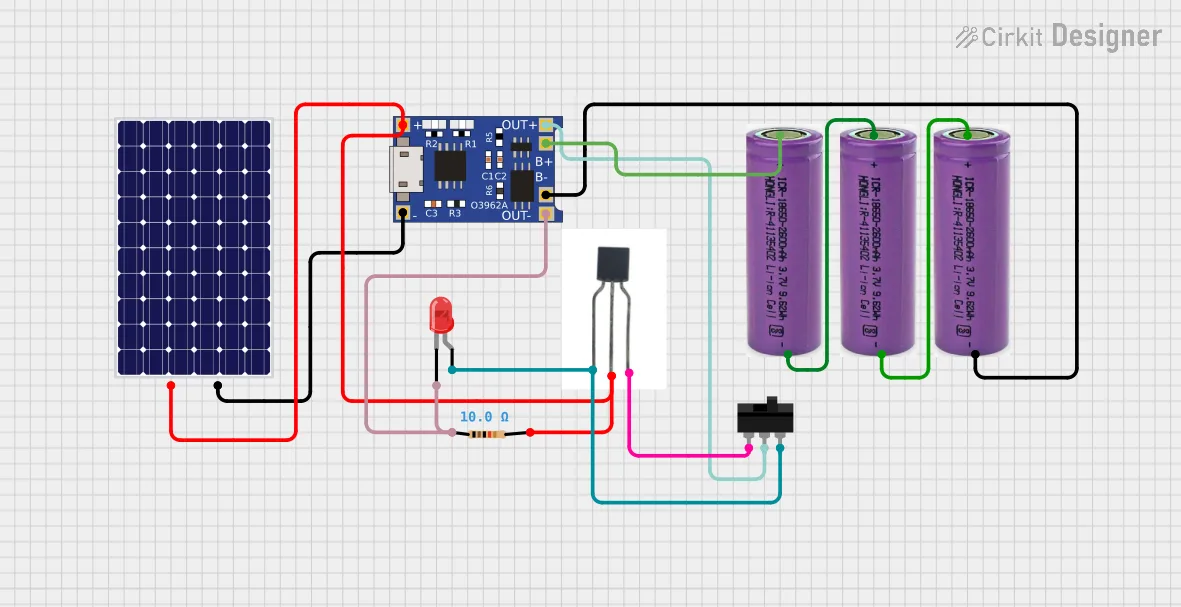
Image source: Bing (Web (fair-use with source credit))
Three variables determine whether a solar camera works indoors: available light, power draw, and how long it needs to run between charges.
Step 1: Assess the Light Where You Want the Camera
Hold a lux meter app near the planned camera spot. Above 200 lux during peak hours means solar is viable. Below 100 lux, solar will struggle.
Step 2: Estimate Your Camera's Daily Power Draw
Check the manufacturer specs for active recording wattage and standby wattage. Add them based on how many hours the camera will actually record.
Step 3: Choose Your Power Setup
If the room gets 4+ hours of direct window sun: A standard solar camera works. Face the panel toward the window.
If the room has bright ambient light but no direct sun: Go with a larger battery. Expect slower recharge cycles.
If the room is dim or windowless: Solar won't work alone. Pair the panel with a USB charger as the primary power source.
If you need 24/7 recording with night vision: Plan for mains power. Night vision drains the battery fast, and there's no sun to recharge overnight.
The rule: 3 to 4 hours of real light on the panel means solar works. Below that, bring backup power.
Solar vs. Wired vs. Battery-Only: Picking the Right Indoor Camera
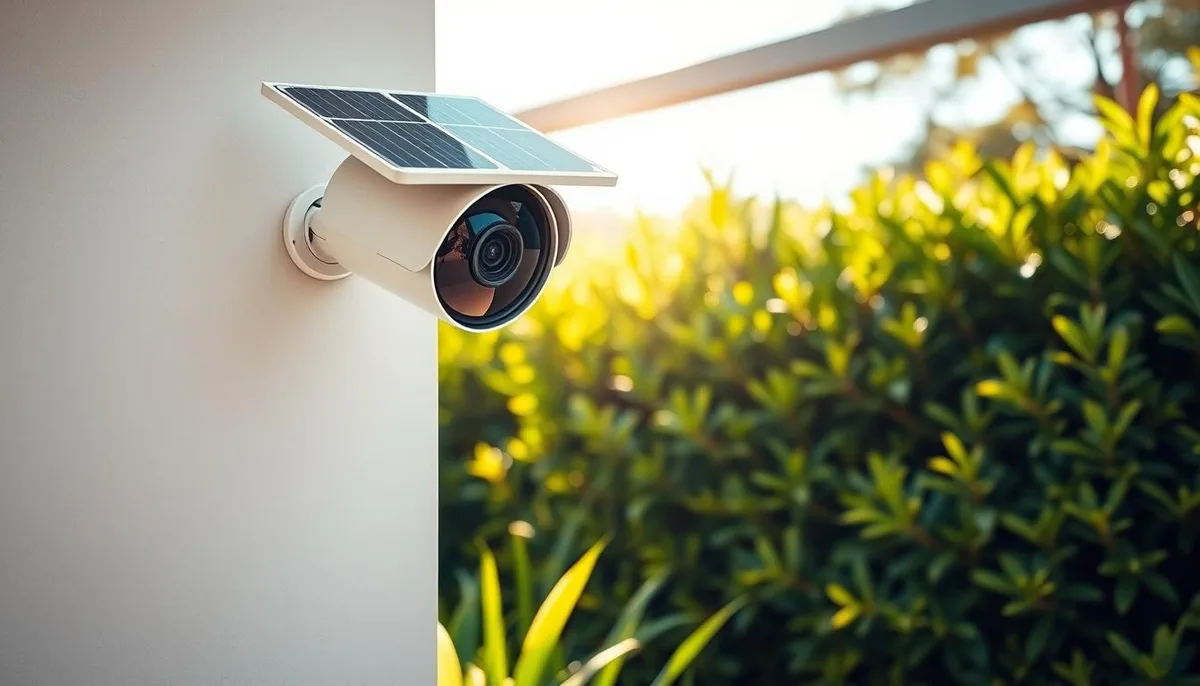
Image source: Web (Bing) / icseecam.com (Web image (fair-use with source credit))
Three power options dominate indoor security cameras. Each one suits a different situation.
| Factor | Solar Camera | Wired (PoE) Camera | Battery-Only Camera |
|---|---|---|---|
| Power source | Solar panel + battery | Electrical outlet / PoE | Rechargeable battery |
| Indoor light needed | Yes, ideally 3-4 hrs | No | No |
| Setup effort | Low (mount + pair) | Medium (cabling required) | Low |
| Monthly energy cost | ~$0 | ~$1-5 | ~$0 |
| 24/7 recording viability | Depends on light | Yes | No, drains in 2-5 days |
| Best for | Dim rooms with windows | Rooms with outlet access | Short-term or low-use setups |
Which Indoor Option Fits Your Situation
Choose a solar camera if you've got a window nearby and don't need constant 24/7 recording. It's the lowest-effort setup, and once placed, it just runs.
Go wired if reliability is everything. A PoE camera draws continuous power, records nonstop, and never worries about battery life. The tradeoff is cabling.
Every wired camera means running Ethernet cable to a nearby outlet or switch.
Battery-only cameras make sense as a temporary or backup option. They're great for short-term monitoring, like watching a room during a renovation or monitoring a storage unit. For anything long-term, they'll frustrate you.
The honest answer for most indoor users? Solar works, but only when light conditions cooperate. If you're not sure about your light, wired is the safer bet.
Real Scenarios: When Solar Cameras Work Indoors and Where They Don't
Real-world use cases tell the story better than specs alone. Here's how the three most common indoor scenarios play out.
Living Room or Bedroom With a Large Window
This is the best-case scenario. Direct morning or afternoon sun hits the panel for 3 to 4 hours. The battery stays charged.
Motion detection works fine. Aggregate reviews of solar cameras in these setups show 4 to 5 days of standby runtime with stable performance.
Garage or Workshop With Small Windows
This is the gray zone. Small windows deliver limited light. You'll get maybe 1 to 2 hours of usable solar input per day.
A bigger battery helps, but don't expect continuous recording. Use motion-triggered recording only, and plan to top off the battery with a USB charger occasionally.
Windowless Room or Basement
Solar alone won't work here. There's no light to convert. In these spaces, you'll need a hybrid setup with a wall charger as the primary power source.
A solar panel mounted near the nearest window can supplement, but it can't replace the charger.
The pattern holds: more light, more solar viability. No light, no solar.
Mistakes to Avoid When Setting Up Solar Cameras Indoors
Eight mistakes show up over and over in indoor solar camera setups. Every single one is preventable.
Assuming indoor light equals outdoor light. This is the number one mistake. Indoor ambient light is a fraction of outdoor sunlight. Panel output drops accordingly.
Skipping the battery check. Not all solar cameras ship with batteries large enough for indoor use. Verify the mAh rating before you buy.
Placing the camera far from any window. The farther the panel is from natural light, the worse the performance. Keep the panel within a few feet of a window when possible.
Ignoring night recording power draw. IR night vision uses significant battery power. If your camera records at night, it needs more solar input than you might expect.
Disabling power-saving features. Many cameras have motion-triggered recording and scheduled sleep modes. Disabling these to get "more coverage" drains the battery faster.
Expecting solar to replace regular charging entirely. In most indoor setups, the solar panel is a supplement, not a standalone power source. Plan for occasional manual charging.
Forgetting seasonal changes. Winter sun angles are lower. Panels near windows get less light. Battery life drops. Adjust your setup before cold weather hits.
Using outdoor-rated panels indoors without checking specs. Outdoor panels are optimized for direct sun. Indoor panels are designed for low-light conditions. The right panel matters.
The common thread is expectation management. Solar cameras work indoors, but they're not magic. They need light, planning, and realistic expectations about performance.
Frequently Asked Questions
Do solar security cameras work in rooms without windows?
No. Solar panels need light to generate electricity. A windowless room provides none, so the battery will drain without recharging.
You'd need a plug-in power source instead of relying on solar.
How much light do solar security cameras need indoors?
Most solar security cameras need 3 to 4 hours of direct window light to maintain a full charge. Below that, the battery drains faster than it recharges. Rooms with bright ambient light but no direct sun can still work with larger batteries.
Can solar security cameras record continuously indoors?
It depends on light availability. With sufficient window light and a large battery, motion-triggered recording works fine. Continuous 24/7 recording indoors usually requires wired power.
Night vision adds significant battery drain.
What battery capacity do I need for an indoor solar camera?
For indoor use, a 6,500mAh battery is generally the minimum for reliable operation. Smaller 2,000mAh batteries work only in well-lit rooms with motion-triggered recording. Always check the manufacturer's runtime specs for indoor conditions.
How do I charge a solar security camera indoors?
Place the solar panel near a window with the most natural light exposure. Avoid covering the panel with curtains or blinds. For dim rooms, use the included USB charger as a backup and let the solar panel supplement the battery between charges.
Do solar security cameras cost more than wired ones indoors?
Solar cameras typically cost $50 to $300, depending on battery capacity and features. Wired PoE cameras run $40 to $150 but require additional cabling and installation. The ongoing energy cost difference is minimal for indoor setups.