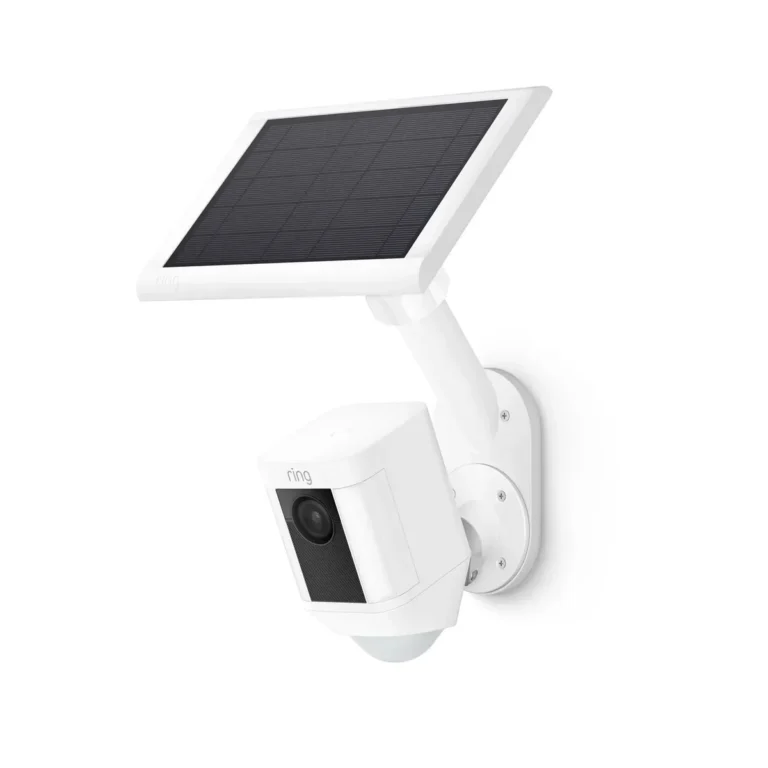
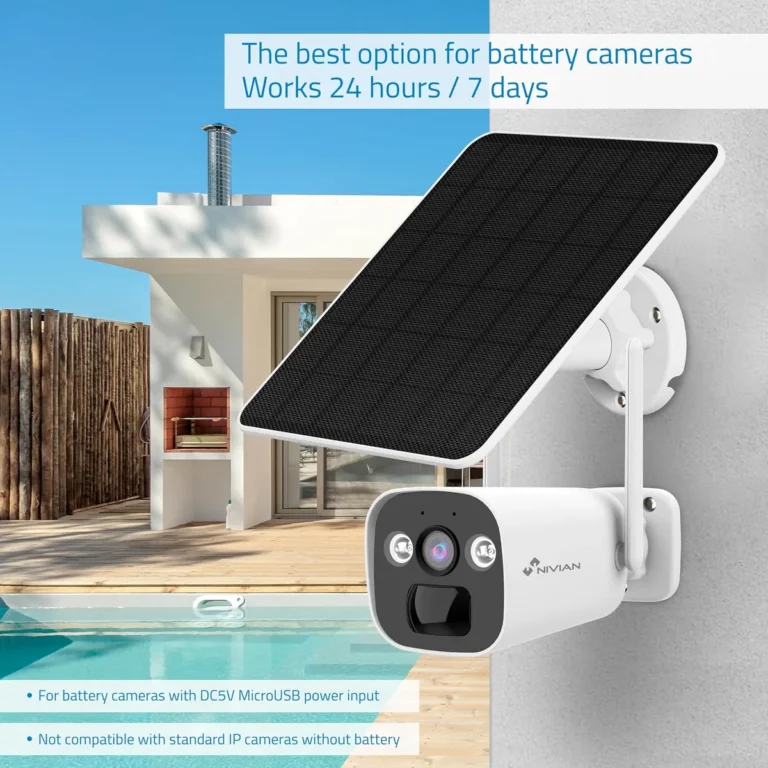
Do Solar Security Cameras Need WiFi?
Do solar security cameras need WiFi? Not always. Some solar cameras connect over WiFi, while others rely on cellular 4G or 5G networks instead.
The right choice depends on where you're placing the camera and what connectivity options exist at that location.
Most WiFi-based solar cameras need a 2.4GHz signal within roughly 100 feet of a router. Manufacturer specs indicate that cellular solar cameras such as the Reolink Go use SIM card plans costing $5 to $15 per month. As of 2026, both types are widely available and easy to find.
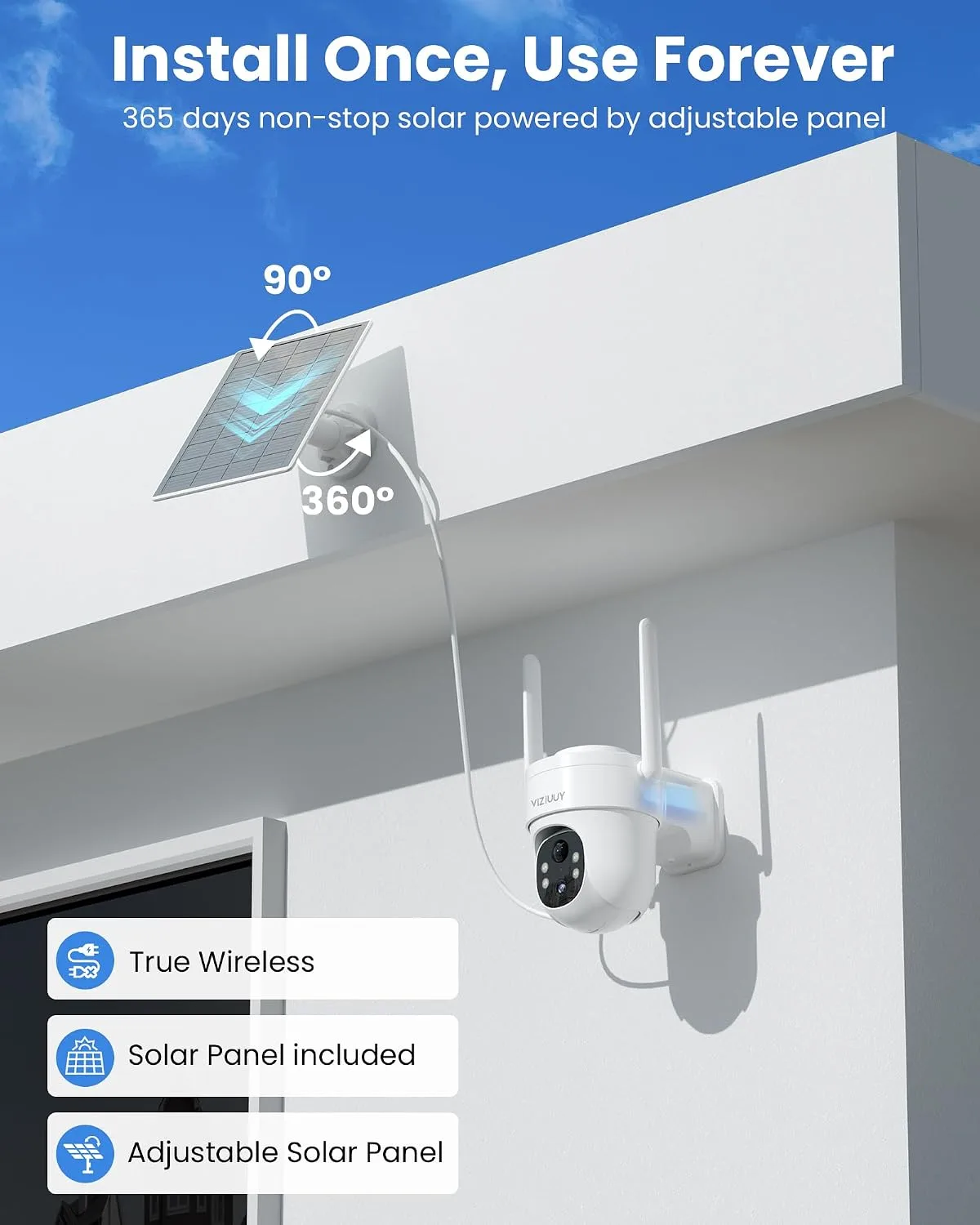
Image source: Bing (Web (fair-use with source credit))
Quick Answer
Do solar security cameras need WiFi? Sometimes they do, and sometimes they don't. WiFi solar cameras need a router signal at the camera location.
Cellular solar cameras use 4G or 5G SIM cards instead. Solar panels only provide power, not internet.
Solar Camera Power Source vs. Internet Source: What Actually Matters
The most common mix-up with solar security cameras is thinking the solar panel handles everything. It doesn't. Solar panels charge the camera's built-in battery, powering the camera, its motion sensors, and its wireless hardware.
The internet connection comes from somewhere else entirely. You need either a WiFi router signal at the camera location or a cellular SIM card plan. That distinction drives every setup decision you'll face.
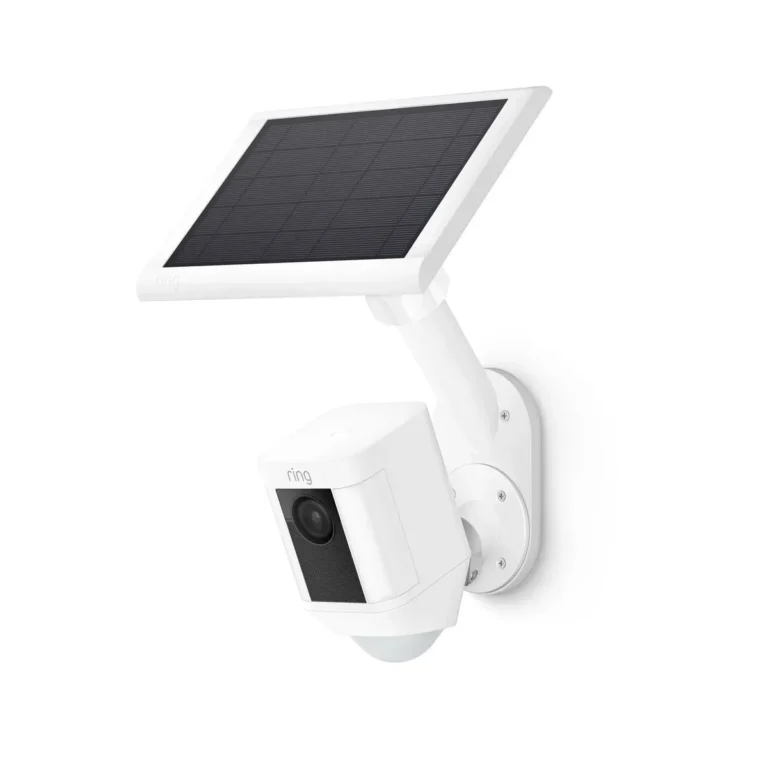
Per Ring and Arlo's official product documentation, their solar panels are add-on accessories. They extend battery life and reduce how often you recharge. But the cameras themselves still connect to WiFi independently.
Solar power and internet access work as two separate systems.
| What Solar Does | What Solar Doesn't Do |
|---|---|
| Charges the camera battery | Provide internet connectivity |
| Extends battery life year-round | Replace a WiFi router signal |
| Reduces manual recharging | Act as a network access point |
| Enables continuous outdoor power | Eliminate the need for a data plan |
A big assumption people make is that buying a solar camera solves their connectivity problem too. It doesn't. A solar camera in a dead WiFi zone is just a battery-operated camera with no way to send you alerts or footage.
This distinction matters at checkout. When comparing solar cameras, check whether the listing says WiFi, 4G/LTE, or no internet required. Getting that wrong is the most common setup regret people run into.
If the camera also has no cellular plan, it can still record to a microSD card locally. But you won't get live streaming or remote playback. Solar keeps the camera running.
Connectivity keeps you connected to what it captures.
When WiFi Is the Right Fit for Solar Security Cameras
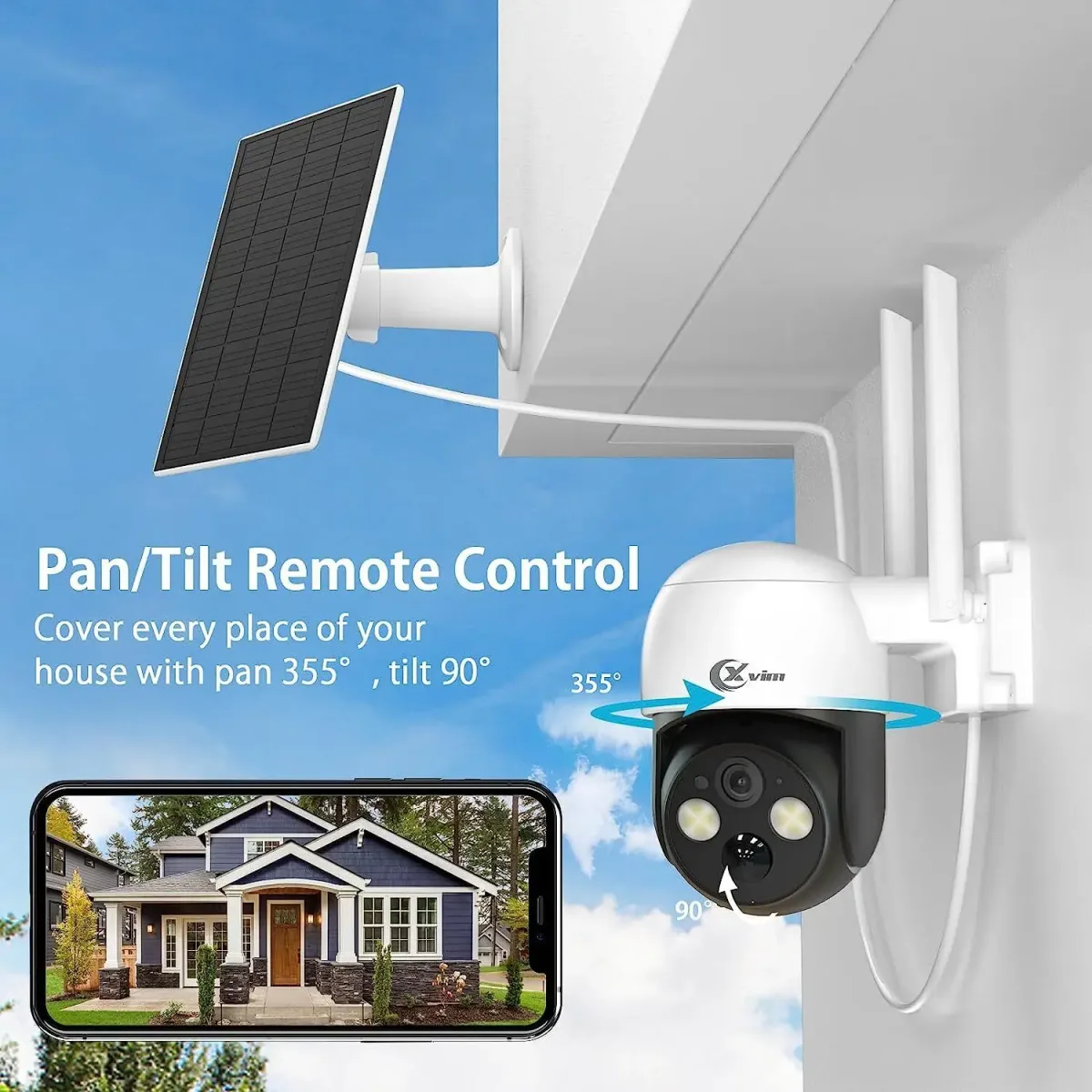
Image source: Bing (Web (fair-use with source credit))
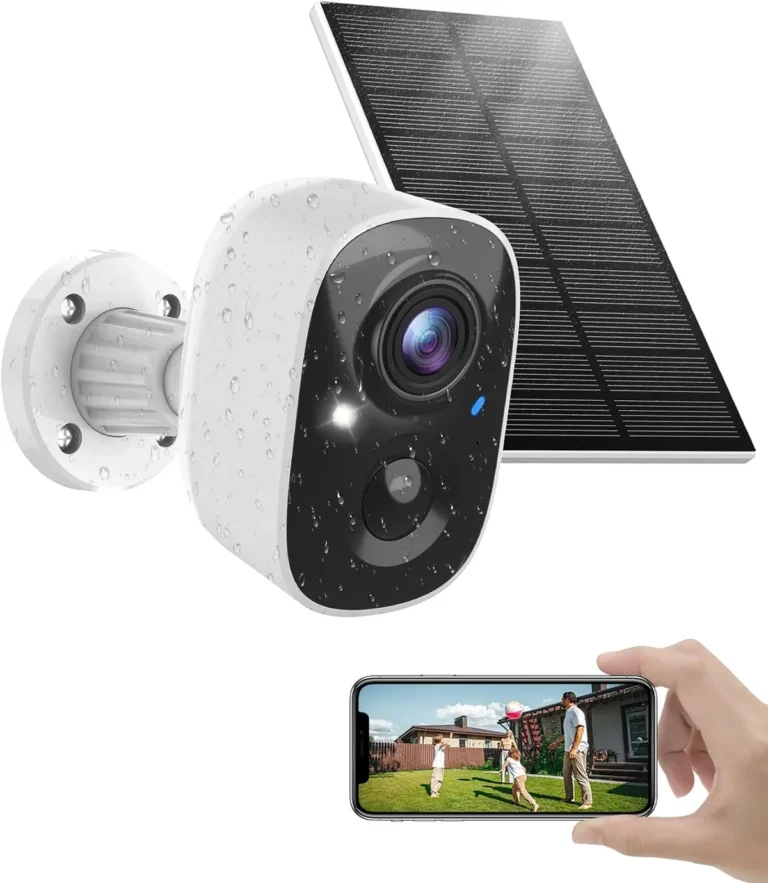
WiFi solar cameras make the most sense when your router signal already reaches the camera location. If your property has solid WiFi coverage where you want to mount the camera, WiFi is usually the simplest and cheapest option.
There are no monthly data plans to worry about. No SIM cards to activate. You connect the camera to your existing network through the manufacturer's app, and you're done.
Most WiFi solar cameras today work with 2.4GHz networks. That's the standard used by Reolink, Eufy, Wyze, and most budget-friendly options. Per the FCC's guidelines on wireless devices, 2.4GHz offers longer range than 5GHz, which matters for outdoor setups.
| Factor | WiFi Solar Camera |
|---|---|
| Monthly cost | None, uses existing internet |
| Setup complexity | Low, app-based pairing |
| Signal range | Up to ~100 ft through walls, less outdoors |
| Internet needed | Yes, a WiFi router signal |
| Best for | Homes, yards, properties with existing WiFi |
WiFi is the right call if the camera sits within range of your router and you don't want recurring fees. It's the path of least resistance for most homeowners.
WiFi falls short when the camera sits far from your router, like a barn, gate, or remote shed. Dead zones are common, and WiFi signal degrades significantly through walls, fences, and trees.
If your WiFi doesn't reach the target spot, you can add a mesh WiFi extender or a dedicated outdoor access point. That extends coverage without switching to cellular, but it introduces its own power and wiring considerations.
When You Should Use a Cellular (4G/5G) Solar Camera Instead
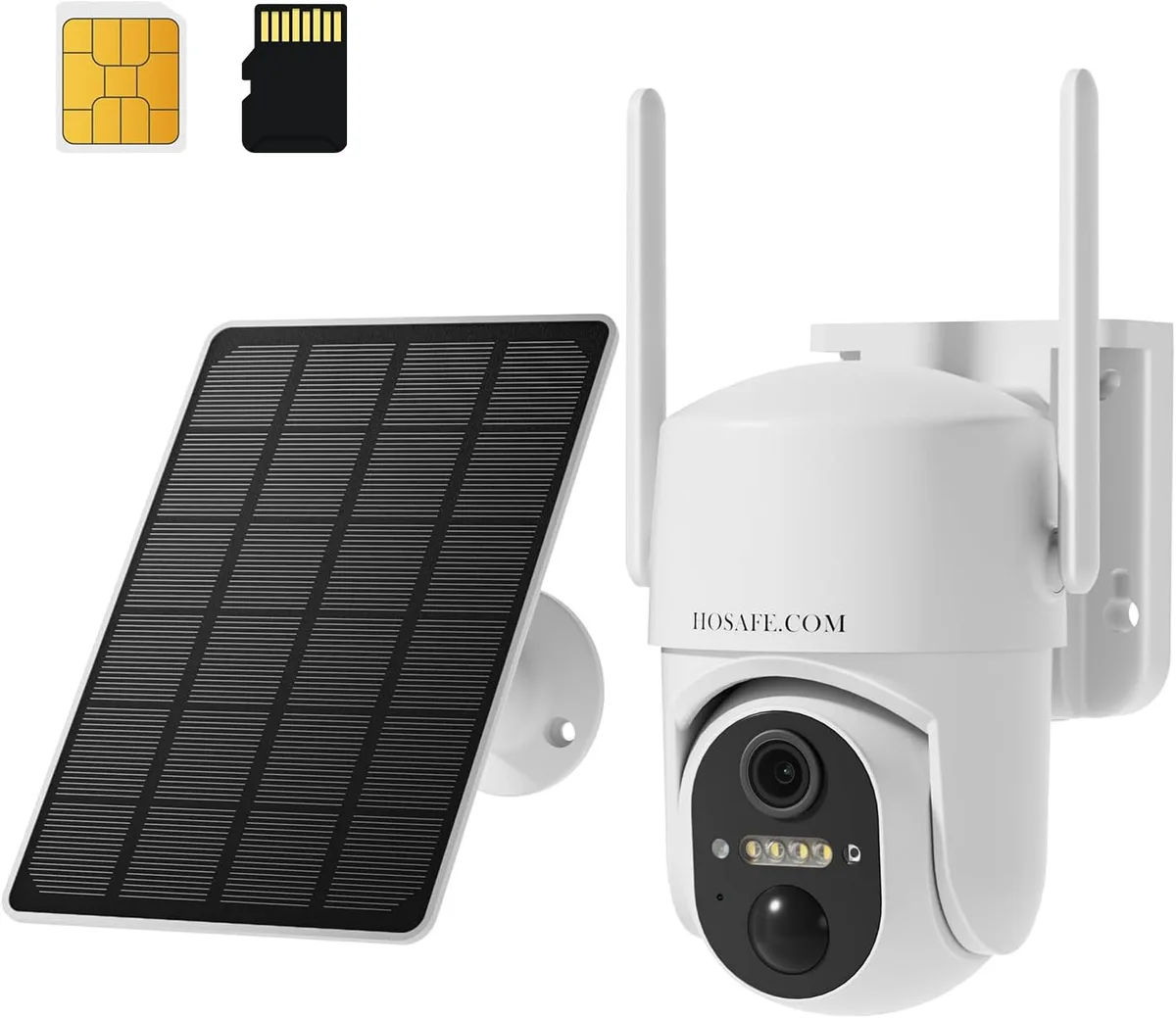
Image source: Bing (Web (fair-use with source credit))
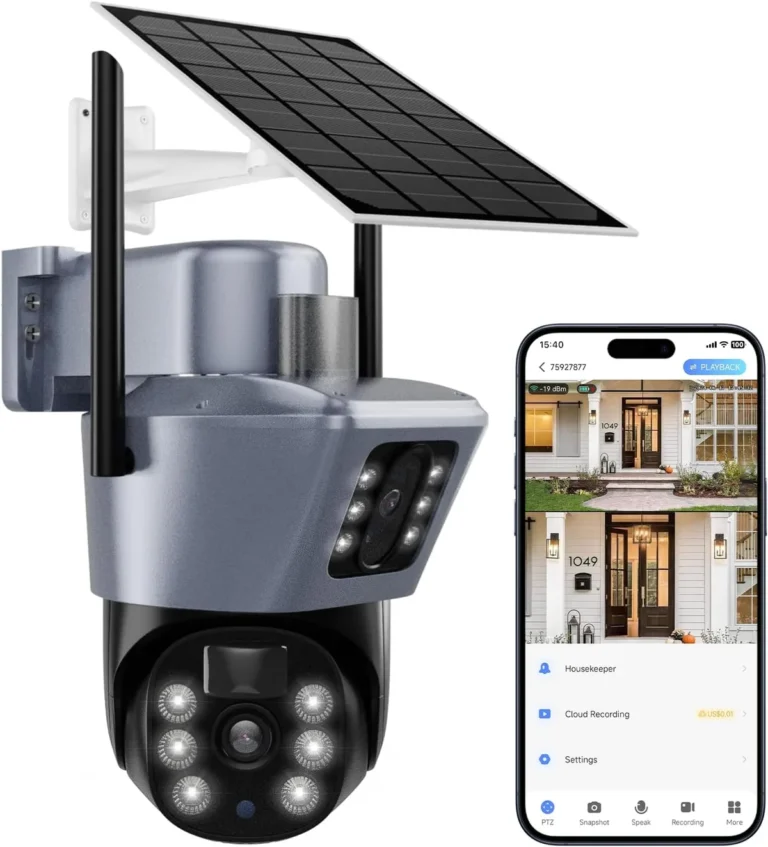
Cellular solar cameras are built for locations where WiFi simply doesn't exist. Remote properties, farm gates, construction sites, and vacation homes with no internet are the classic use cases.
A cellular solar camera uses a SIM card, just like a smartphone. You insert a 4G or 5G SIM, activate a data plan, and the camera connects over the cellular network. The solar panel keeps the battery charged so the camera runs continuously.
Manufacturers like Reolink and Swann offer models specifically designed for this. The Reolink Go, for example, supports 4G LTE SIM cards and includes a solar panel accessory. It's one of the most popular off-grid options for a reason.
| Factor | Cellular Solar Camera |
|---|---|
| Monthly cost | $5 to $15 per data plan |
| Setup complexity | Moderate, SIM activation required |
| Coverage | Depends on carrier signal strength |
| Internet needed | A cellular data plan, no WiFi required |
| Best for | Remote areas, no WiFi infrastructure |
Cellular cameras aren't without drawbacks. Data plans add recurring costs. Signal strength varies by carrier and location.
And if your area has poor 4G coverage, the camera may struggle to stream or upload footage reliably.
Test the signal before buying. Walk to the camera location with your phone and check bars on all major carriers. If signal is weak, a cellular camera won't perform well no matter how good the hardware is.
WiFi vs. Cellular: Matching Connectivity to Your Property
The choice between WiFi and cellular comes down to one question. Does your router's signal reach the spot where you want to install the camera?
If the answer is yes, go WiFi. If no, go cellular. It really is that simple for most people.
But there are edge cases worth thinking through. Large properties where WiFi extends to the far edge of the yard might work with a WiFi camera if you add a mesh extender. Properties where WiFi coverage is spotty at best are better served by cellular.
Here's how to think through the decision:
Choose WiFi if:
- The camera sits within 100 feet of your router
- You have strong 2.4GHz coverage at the installation point
- You want to avoid monthly recurring fees
- You already have an internet plan that handles streaming
Choose cellular if:
- The camera goes on a remote part of your property with no WiFi
- You need reliable coverage in a rural or off-grid location
- You're willing to pay a monthly data plan for dependable access
- WiFi signal doesn't reach the area at all
One thing to watch: WiFi cameras stop working during internet outages. Cellular networks tend to stay up independently of your home internet. If uptime matters a lot for you, cellular has an edge in certain scenarios.
Both options have their place. Match the connectivity method to the actual conditions at your camera's location, not to what seems convenient on paper.
Mistakes That Lead to the Wrong Solar Camera Setup
Assuming Solar Solves the Connectivity Problem
This is the biggest mistake people make. They buy a solar camera thinking the solar panel gives them everything. Solar provides power.
It doesn't give you WiFi or cellular access. Always check the connectivity type before purchasing.
Not Testing WiFi Signal Before Installing
WiFi signal drops off fast outdoors. Trees, metal fences, and distance from the router all reduce it significantly. Walk to the camera location with your phone before mounting anything.
If you can't get at least 2 bars on your phone, the camera likely won't connect reliably.
Underestimating Cold Weather Impact
Lithium batteries lose capacity in cold conditions. Manufacturer specs typically list an operating range like 14°F to 122°F. Below that range, you'll see shorter battery life and slower solar charging.
If you're in a cold climate, budget for a larger battery or plan for seasonal maintenance.
Ignoring Solar Panel Placement
Solar panels need direct sunlight to charge effectively. Mounting a panel under a tree canopy or on a north-facing wall kills its performance. Clean the panel surface regularly and angle it toward the sun for best results.
Choosing the Wrong Carrier for Cellular Cameras
Not all carriers have equal coverage everywhere. A camera with a Verizon SIM might work great in one area and fail completely in another. Check carrier coverage maps for your specific location before committing to a data plan.
Frequently Asked Questions
Do solar security cameras work without WiFi?
Yes, some solar security cameras work without WiFi. Cellular models like the Reolink Go use 4G or 5G SIM cards for connectivity instead. Solar panels charge the battery, but the camera still needs either WiFi or cellular to stream footage remotely.
Without any connection, it can only record to a local microSD card.
Can a solar camera run offline without any internet?
A solar camera can power on and record without internet, but you lose live streaming, remote alerts, and cloud playback. Local microSD storage still captures footage, though you'll need physical access to retrieve it. Per manufacturer documentation, offline recording works fine.
Real-time monitoring, however, requires a WiFi or cellular connection.
How much do cellular data plans cost for solar cameras?
Cellular solar camera data plans typically run $5 to $15 per month depending on the carrier and data usage. Reolink's official documentation lists bundled SIM plans starting around $5 per month for their cellular models. Some plans include cloud storage and remote access, so the monthly cost often covers more than just connectivity.
What WiFi signal strength do solar cameras need?
Most WiFi solar cameras need at least two bars of signal strength at the camera location for reliable operation. The recommended distance is within 100 feet of a router, though walls, trees, and fences reduce that range significantly. Test signal strength at the exact installation point before you buy anything.
Do solar panels replace the need for a battery or internet?
No. Solar panels charge the camera's built-in battery. They do not provide internet connectivity.
A solar camera without WiFi or cellular can record locally to an SD card, but it can't stream, alert, or upload footage. Solar handles power. Connectivity handles access.
Your Decision Guide: Picking the Right Solar Camera Connectivity
Do solar security cameras need WiFi? Sometimes yes. Sometimes no.
The right choice depends on your property's layout, your internet situation, and how far the camera sits from your router. Use this guide to match the right setup to your actual conditions.
Step 1: Test WiFi Signal at the Camera Location
Walk to where you plan to install the camera. Check your phone's WiFi signal strength. Two or more bars means WiFi is likely viable for the camera.
Anything less, and you should look at cellular options instead. This one test takes two minutes and saves a lot of regret later.
Step 2: Check Carrier Coverage If WiFi Falls Short
If WiFi doesn't reach the location, pull up carrier coverage maps for your area. Test with phones on Verizon, AT&T, and T-Mobile at the exact spot. Strong 4G or 5G signal means a cellular solar camera will work well there.
Weak signal on all carriers means reconsider the camera placement.
Step 3: Factor in Monthly Costs and Maintenance
WiFi cameras need no extra monthly fees. Cellular cameras typically run $5 to $15 per month for data plans. Add a microSD card to WiFi cameras to minimize cloud subscription costs as well.
Both approaches work. Just match your budget to your actual needs.
Quick Reference Table
| Your Situation | Best Choice | Why It Fits |
|---|---|---|
| Strong WiFi within 100 ft | WiFi solar camera | No monthly fees, simple setup |
| No WiFi at the camera location | Cellular solar camera | Works with 4G/5G SIM only |
| Remote property, zero internet | Cellular + solar combo | Off-grid reliability |
| Weak WiFi, strong cellular signal | Cellular solar camera | More reliable than extenders |
| Tight budget, WiFi is solid | WiFi + microSD card | Avoid all recurring costs |
Whatever you pick, confirm the signal before you buy. The right camera setup is useless if it can't connect where you need it most.