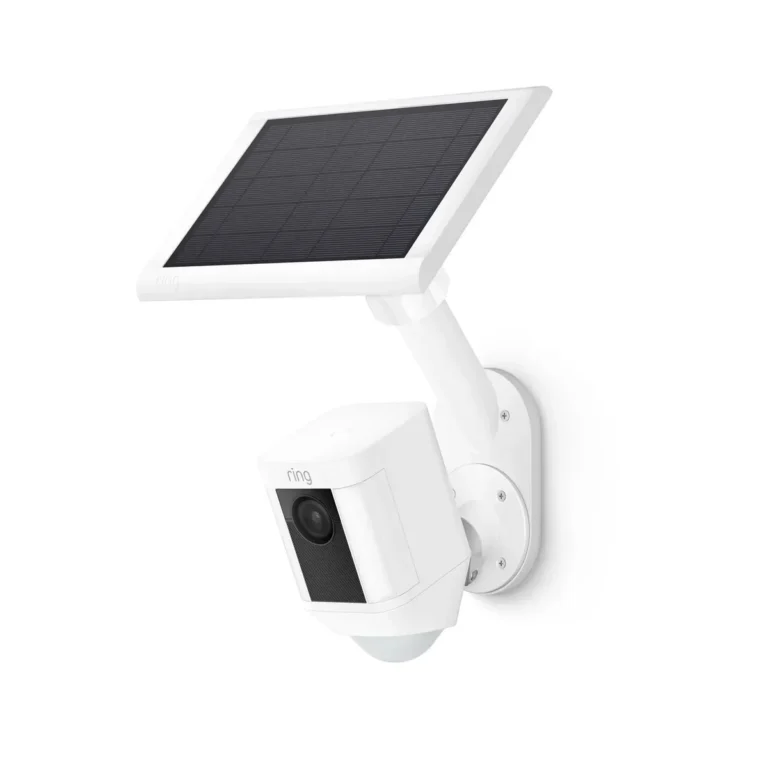
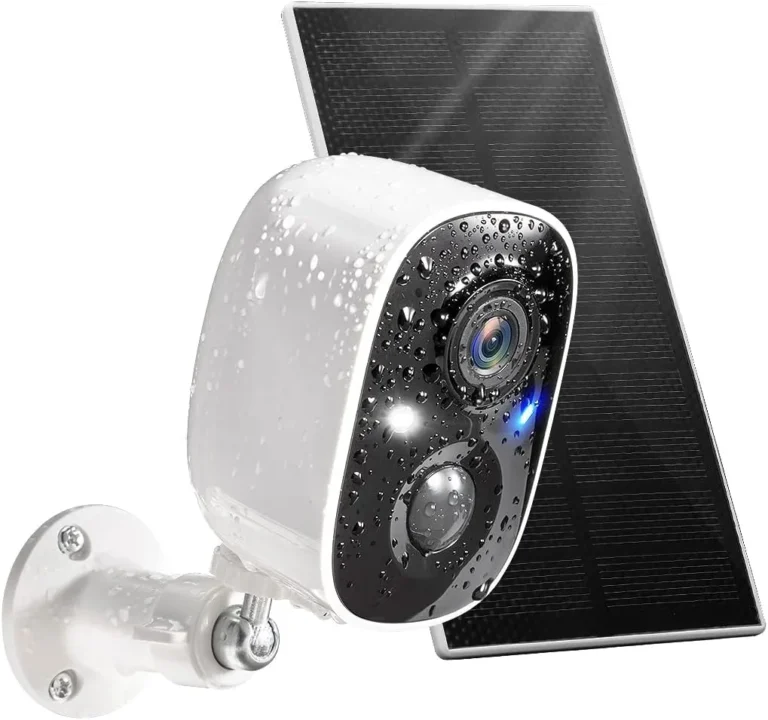
Do Solar Security Cameras Record 24/7?
Do solar security cameras record 24/7? The short answer is no, most solar cameras don't record continuously out of the box. They rely on motion detection to trigger recording and preserve battery power.
However, a handful of models CAN record 24/7 when set up correctly.
Manufacturer specifications indicate that motion-triggered recording draws between 0.5W and 1.5W per event. Continuous recording can drain a typical 10,000mAh battery in under 12 hours. According to NREL, average peak sun hours across the US range from 2.5 to 7 hours daily depending on your region.
That gap between power demand and solar supply is exactly why 24/7 recording is harder than most buyers expect. Let's dig into the details.
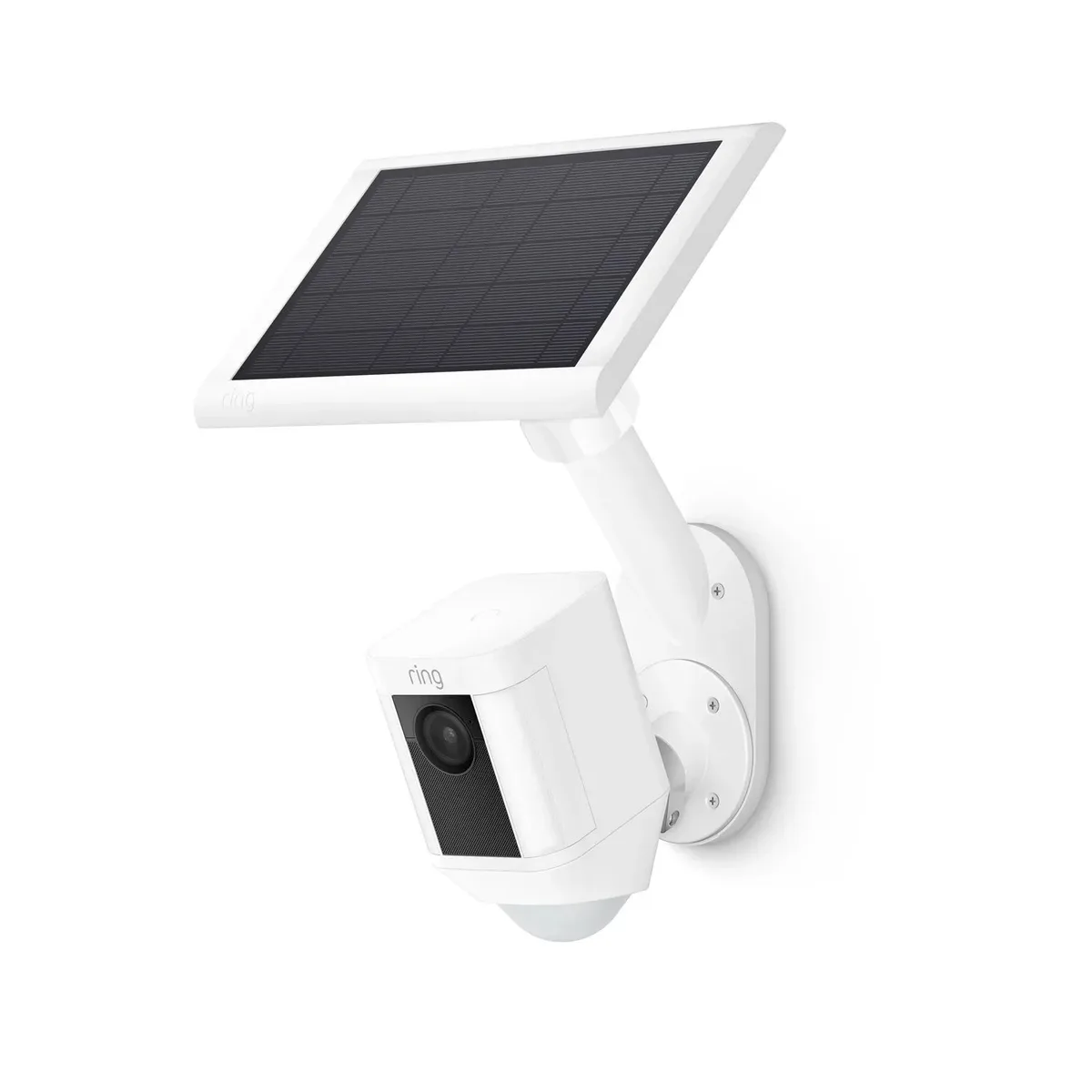
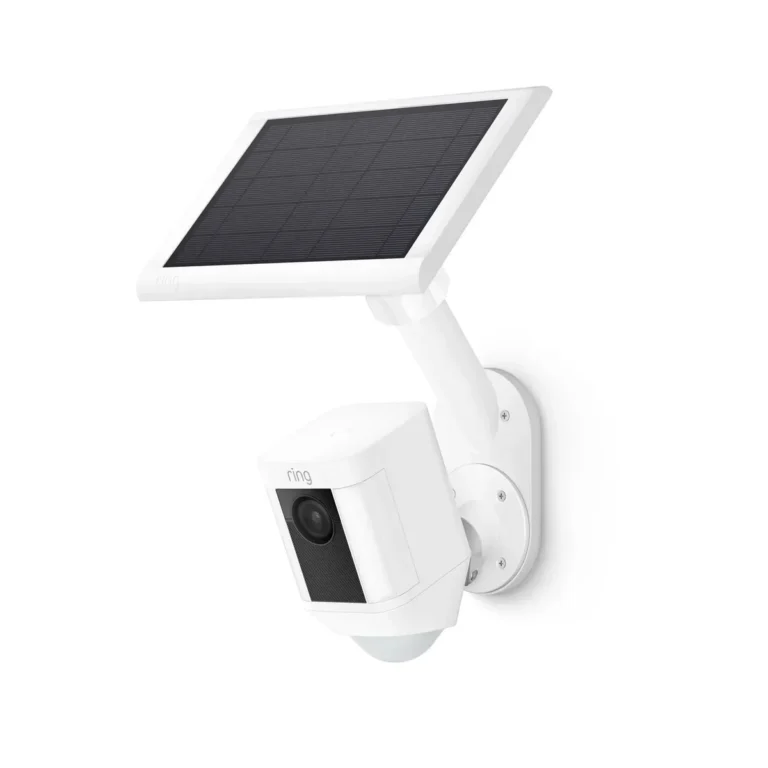
Image source: Web (Bing) / ring.com (Web image (fair-use with source credit))
Quick Answer
Do solar security cameras record 24/7? Most solar cameras do not record continuously out of the box. They use motion detection to trigger recordings and save battery power.
A few high-spec models CAN record 24/7 with the right solar panel and battery. This works best in sunny climates with 5+ peak sun hours per day. Overcast regions and northern winters reduce recording windows significantly.
Whether your solar camera supports 24/7 recording depends on your camera model, local sunlight conditions, and how you configure recording settings. The sections below walk through each factor so you can figure out what's realistic for your situation.
Why Most Solar Security Cameras Don't Record 24/7 (And When They Actually Can)
Most solar security cameras are designed around motion detection, not continuous recording. The reason comes down to energy economics. A solar panel generates limited power each day, and that power has to stretch through nights and cloudy stretches.
A typical solar panel on a security camera outputs 5W to 10W. On a solid sunny day, that produces roughly 20Wh to 40Wh of usable energy. But a camera running in continuous recording mode can consume 40Wh to 80Wh in the same window.
The math doesn't work without a much larger panel or a bigger battery.
Some brands have pushed past this limit. Reolink's Argus 3 Pro Solar and Eufy's SoloCam S330 support continuous recording when paired with high-output panels and large battery reserves. The catch is higher upfront cost and a real dependency on consistent daily sunlight.
As of 2026, round-the-clock solar recording remains a niche capability rather than the industry norm. Most budget solar cameras still record only when motion triggers their PIR sensor. If you need 24/7 footage, you'll need to plan your setup carefully.
How Solar Camera Power Systems Work (Battery, Panel, and Recording Mode)
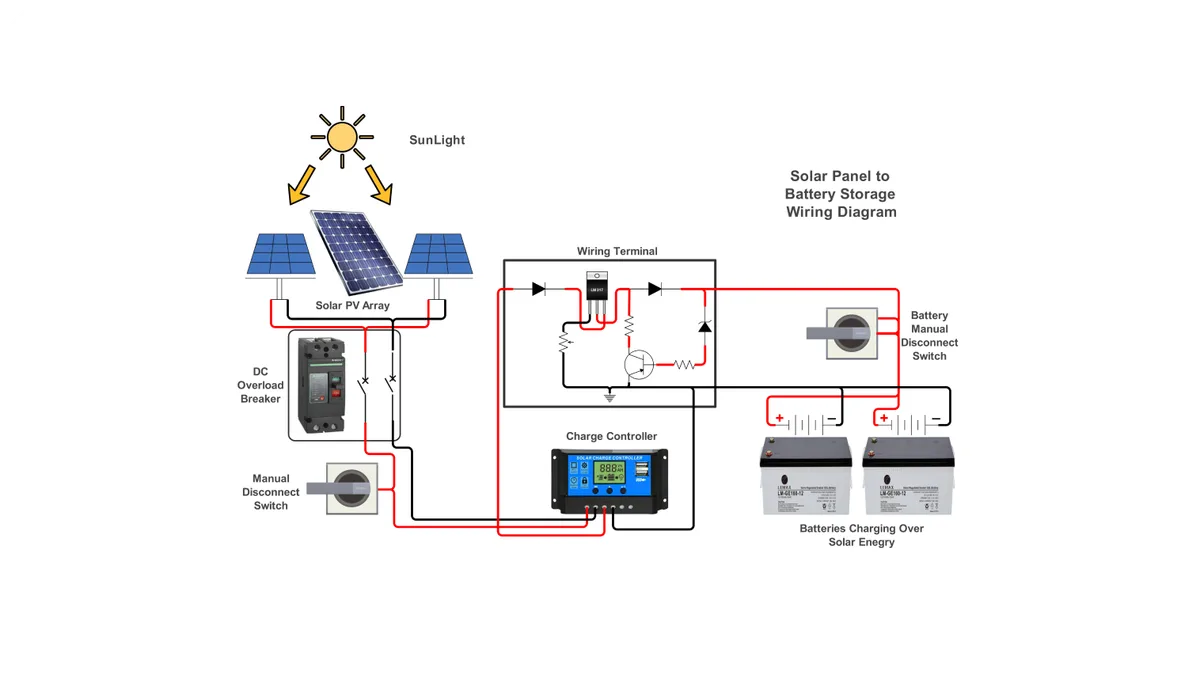
Image source: Web (Bing) / edrawmax.wondershare.com (Web image (fair-use with source credit))
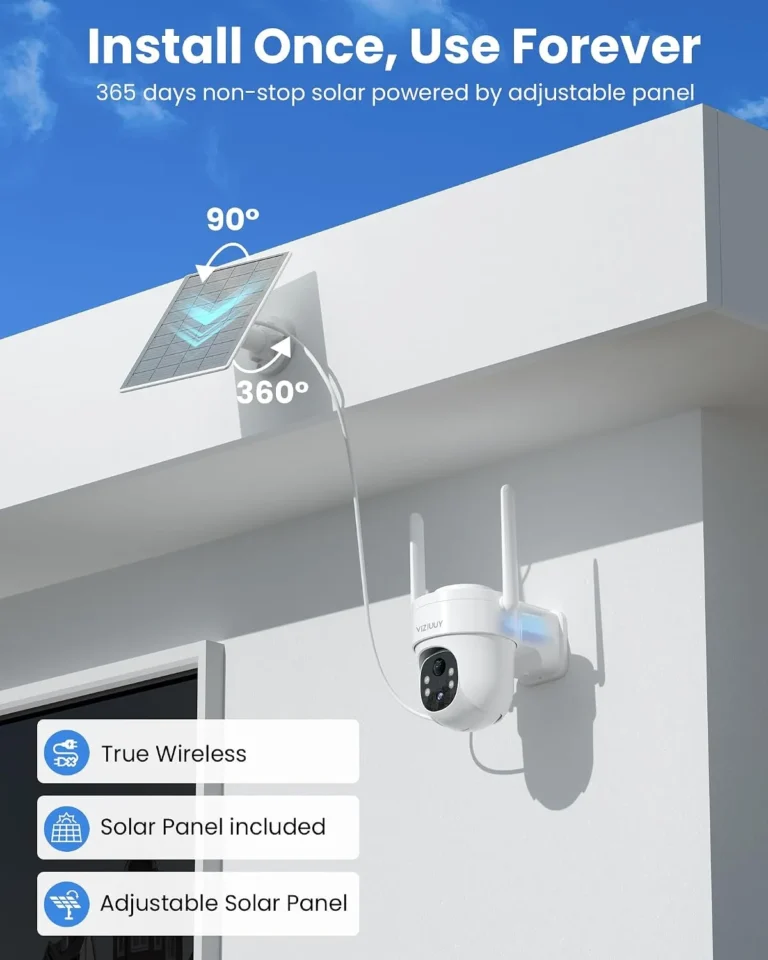
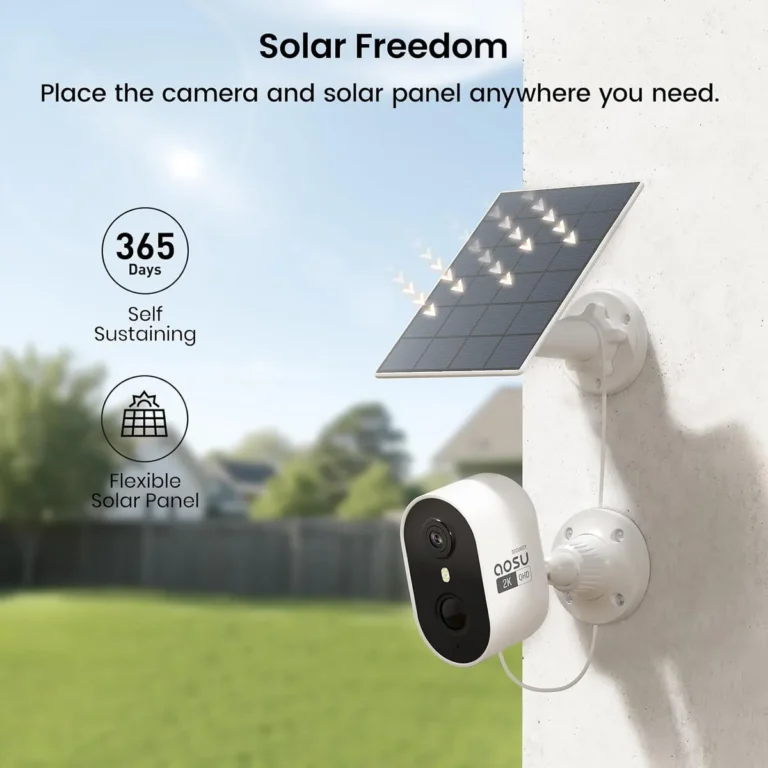
A solar security camera has three core components: the solar panel, the battery, and the recording mode. Each one interacts with the others and determines whether continuous recording is possible.
The solar panel converts sunlight into electrical energy. Most consumer solar security camera panels output between 5W and 20W. Higher-wattage monocrystalline units generate enough power to sustain continuous recording under the right conditions.
Per FCC regulations, wireless security cameras operate under Part 15 rules for power and connectivity standards.
The battery stores the energy the panel collects. Capacities range from 2,000mAh in budget cameras to 20,000mAh in premium models. Larger batteries handle longer recording sessions and overnight operation without charging gaps.
Recording mode is where things get practical:
| Recording Mode | Typical Power Draw | Battery Runtime (10,000mAh) |
|---|---|---|
| Motion-triggered | 0.5W per event | 2 to 6 months |
| Scheduled (night only) | 1W to 3W | 12 to 48 hours |
| Continuous 24/7 | 40W to 80W | Under 12 hours |
Continuous recording drains batteries fast. Solar input must match or exceed that consumption daily. That's why so few setups achieve true 24/7 recording without additional power sources.
The Decision Tree: Can YOUR Solar Camera Record 24/7?
Whether your solar camera can record 24/7 depends on your specific conditions. Run through these three checks to figure out where you stand.
Condition 1: Climate and Sunlight Exposure
If your location gets fewer than 4 peak sun hours per day, continuous recording on solar alone is unlikely. Arizona and Southern California average 6 or more peak sun hours. The UK, Pacific Northwest, and Northeast US average 2 to 3 hours in winter.
More sunlight means more power generation and longer recording windows.
Condition 2: Camera Model and Recording Capability
If your camera model doesn't offer a 24/7 or continuous recording setting in its app, no amount of solar input will change that. Check your manufacturer's spec sheet or app settings to confirm what modes are available. Not all solar cameras support continuous recording as a built-in feature.
Condition 3: Storage and Power Configuration
If your camera records to a microSD card, local storage caps how long continuous footage stays available. A 128GB card fills up in about 3 to 4 days at 1080p continuous recording. Cloud storage plans extend retention but add monthly costs.
Adding a second solar panel or external battery bank can extend runtime.
Step-by-Step: How to Set Up a Solar Camera for Maximum Recording Time
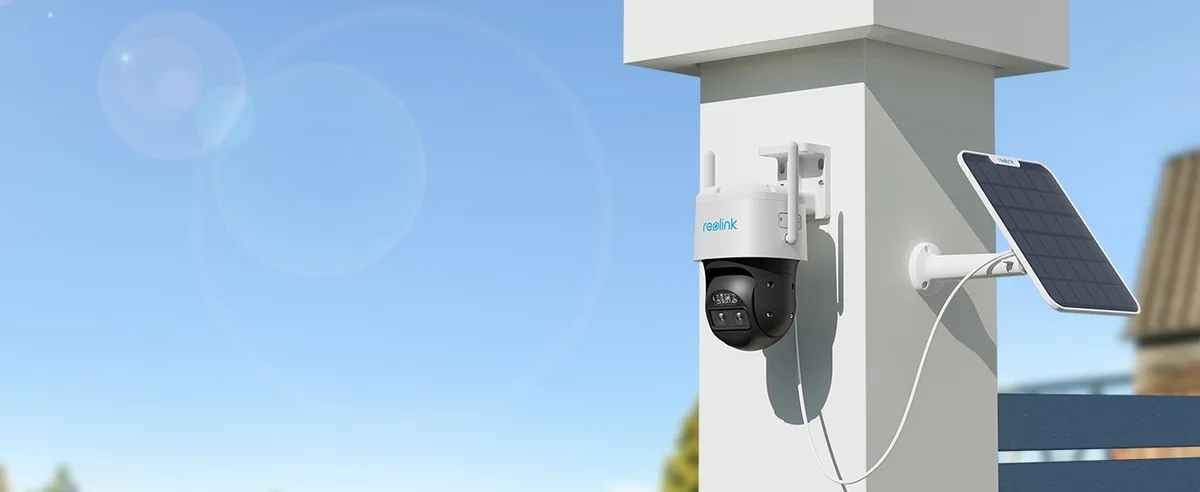
Image source: Bing (Web (fair-use with source credit))
Getting your solar camera to record as long as possible comes down to setup, placement, and configuration. Follow these steps to maximize your recording window.
Calculate your daily power budget. Multiply your camera's power draw in watts by the hours of recording you want per day. This tells you how many watt-hours you need daily.
Size your solar panel accordingly. Match panel output to your power budget. If you need 60Wh per day and your region gets 5 peak sun hours, you need a 12W panel at minimum. Add 20% headroom for cloudy days.
Choose the right battery capacity. For overnight or cloudy-day operation, pick a battery that holds at least one full day of recording energy. A 20,000mAh battery at 3.7V equals about 74Wh of storage.
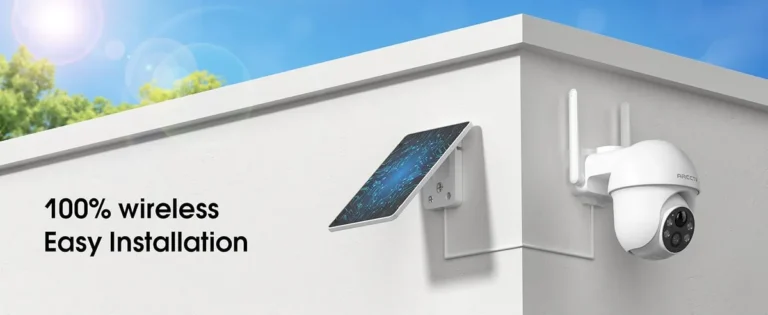
Mount the solar panel correctly. Angle it toward the sun, typically south-facing in the Northern Hemisphere. Keep it unshaded by trees, walls, or snow buildup. Even partial shading cuts output significantly.
Configure recording settings in the app. Set your camera to continuous or scheduled recording. Adjust motion detection sensitivity to reduce false triggers and save battery over time.
Test a full 24-hour cycle. Monitor battery level and solar input through the app. If the battery doesn't recover overnight, reduce recording hours or upgrade the panel.
Mistakes That Kill Continuous Recording on Solar Cameras
Aggregate reviews and troubleshooting threads point to the same recurring mistakes. Avoid these and your solar camera will perform better than expected.
Wrong panel placement. Shading from trees, eaves, or nearby structures cuts solar output dramatically per DOE shading studies. Even partial shade on a panel reduces daily watt-hours significantly.
Under-sizing the solar panel. If your camera draws 40Wh per day continuously, a 5W panel can't sustain that in most climates. You need panel wattage that comfortably covers daily consumption.
Ignoring winter performance drops. Battery chemistry loses 30% to 50% efficiency below 32°F. Peak sun hours also drop in northern latitudes. A setup that works in July will likely fail in December.
Setting motion detection too sensitive. Trees, shadows, and passing cars trigger constant motion events. Each event draws power and fills storage. Tighten activity zones in the app to cut false triggers.
Assuming cloud storage equals 24/7 recording. Cloud plans only store what the camera captures. If the camera isn't recording continuously, your cloud plan doesn't change that.
Skipping a 24-hour test before committing. Mounting a camera and walking away without checking daily battery recovery means discovering problems weeks later when footage has gaps.
Frequently Asked Questions
Do solar security cameras record without motion?
No. Solar security cameras record when motion triggers their PIR sensor. Continuous or scheduled recording requires a model that explicitly supports it and enough solar input to sustain daily power needs.
Most budget solar cameras do not include continuous recording as a feature.
How long can a solar security camera run on one charge?
A 10,000mAh battery in motion-triggered mode runs 2 to 6 months depending on activity levels. In continuous recording mode, that same battery lasts under 12 hours. Solar charging extends runtime, but daily sun exposure determines whether the battery fully recovers overnight.
Do solar security cameras work in winter?
Yes, but with reduced efficiency. Cold temperatures cut battery performance by 30% to 50%. Shorter daylight hours also limit solar charging.
Cameras in northern climates often switch to motion-triggered mode automatically in winter to preserve battery. Planning for this prevents gaps in coverage.
Can I add a bigger solar panel to my security camera?
Yes, most solar security cameras accept panels with higher wattage through the same DC connection. Upgrading from a 5W panel to a 20W or 30W panel significantly extends recording windows. Check your camera's voltage compatibility before purchasing an aftermarket panel.
Most consumer cameras use 5V or 12V DC input.
Is it worth buying a solar security camera?
For locations without electrical outlets, yes. Solar cameras save installation costs and work off-grid. For spots with nearby power, a wired camera is more reliable for continuous recording.
Solar cameras work best for supplementary coverage, perimeter monitoring, or areas where wiring isn't practical.
Final Verdict: When 24/7 Solar Recording Is Realistic, And When It Isn't
True 24/7 solar recording is achievable but conditional. If you live in a high-sun region, have a capable camera model with a 20W+ panel and a large battery, and configure continuous recording properly, you'll get round-the-clock coverage. Brands like Reolink and Eufy offer models that support this when the setup is right.
For most buyers though, solar cameras work best as motion-triggered systems that supplement a wired setup. Budget $100 to $200 for a quality solar camera and expect motion-based recording as the baseline.
If continuous coverage is non-negotiable for you, a hardwired PoE system will always outperform solar on reliability. The smartest approach as of 2026 is hybrid: use solar cameras where power access isn't available, and hardwired cameras where recording quality and uptime matter most.