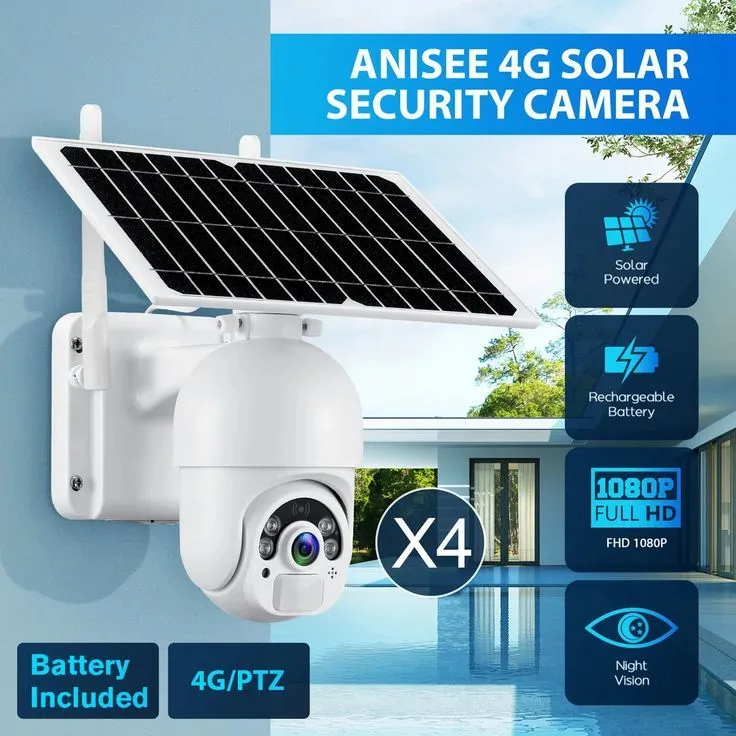
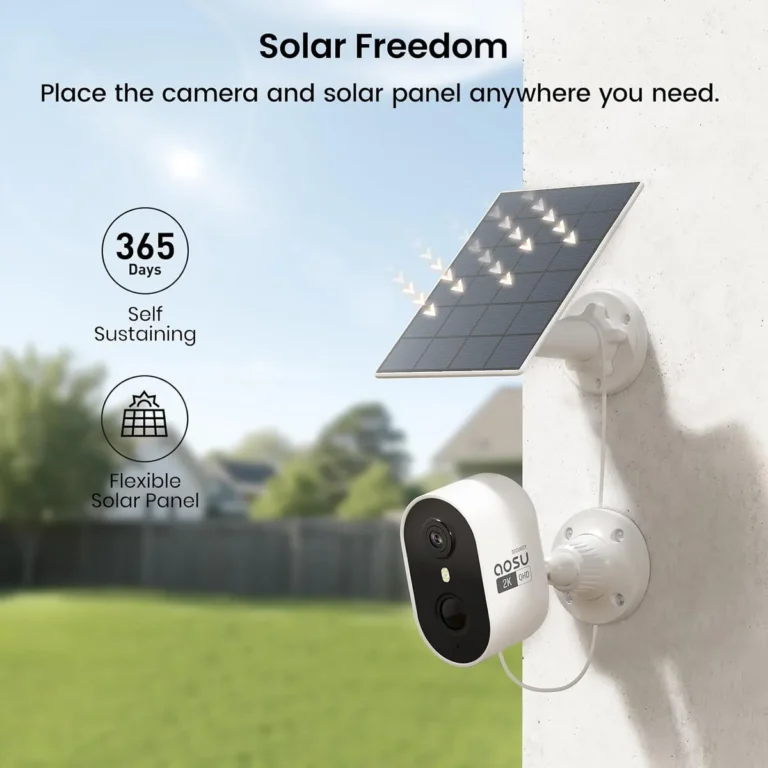
Are Solar Security Cameras Secure?
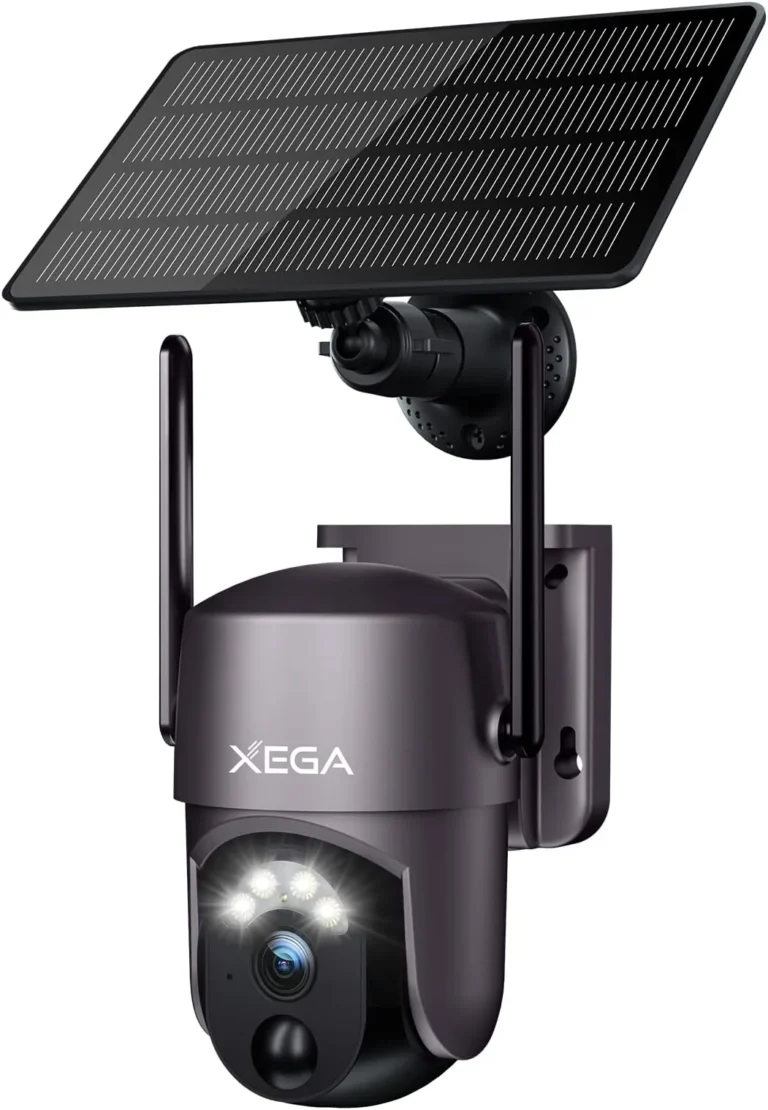
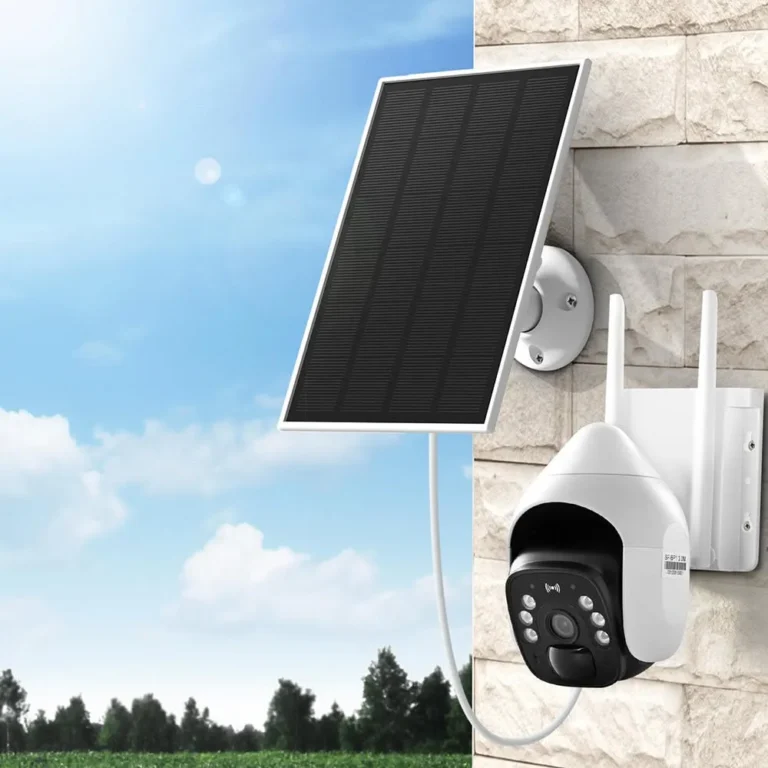
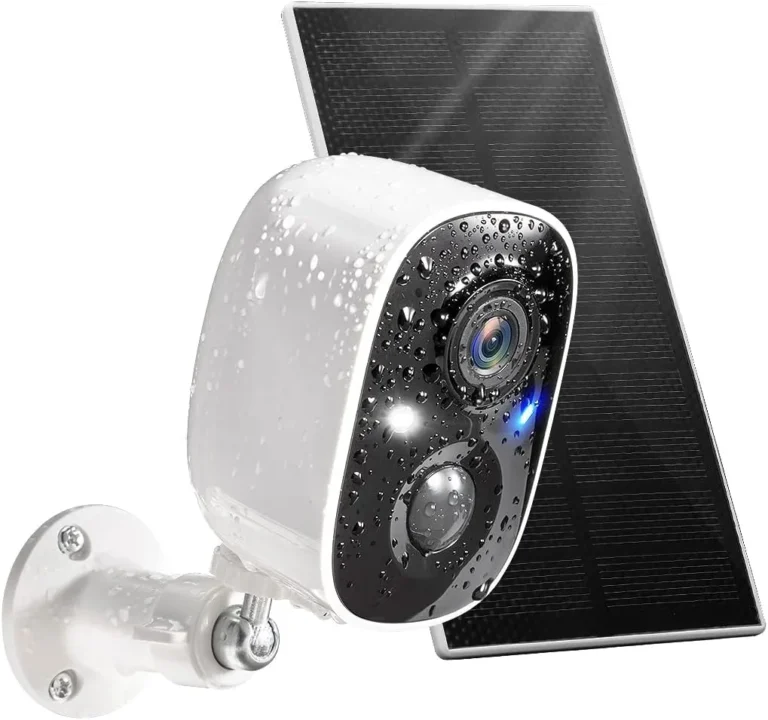
Are solar security cameras secure? Yes, but only under the right conditions. The solar panel powers the device.
It doesn't protect your footage or your home.
Most buyers assume "solar-powered" means safe and self-contained. It doesn't. A solar camera connects to your Wi-Fi like any other wireless device, exposing it to the same risks.
Per NIST's IoT security guidelines, unpatched firmware and default passwords are the top attack vectors for connected devices. Here's what actually matters.
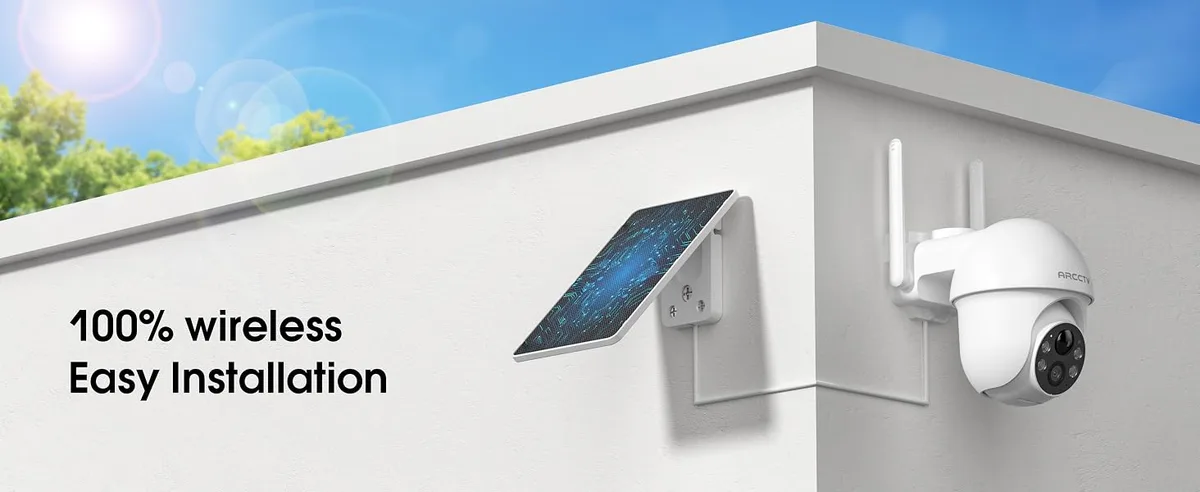
Image source: Bing (Web (fair-use with source credit))
Quick Answer: The Short Version You Need to Know
Are solar security cameras secure? Yes, when you configure them properly. The solar panel has zero impact on how safe your footage is.
What determines security is the camera's encryption, firmware update policy, and credential handling. A camera with WPA3 encryption, regular firmware patches, and two-factor authentication is solid. One with default passwords and no update support is a liability.
Before buying, check these five things:
- WPA3 Wi-Fi encryption support
- Published firmware update schedule
- Two-factor authentication on the app
- Local SD card storage option
- Known security track record of the brand
Reputable brands like Reolink and Arlo maintain active security teams and push firmware updates on a regular schedule. Many budget brands, especially those sold through overseas marketplaces, don't publish security documentation or update schedules at all.
Our research across manufacturer specifications and aggregate buyer reviews shows that cameras meeting all five criteria perform reliably over time. Breach reports consistently show unconfigured devices get targeted first.
The bottom line: solar power doesn't make a camera more or less secure. It just changes how the camera gets electricity.
What Actually Determines a Solar Security Camera's Security (It's Not the Solar Panel)
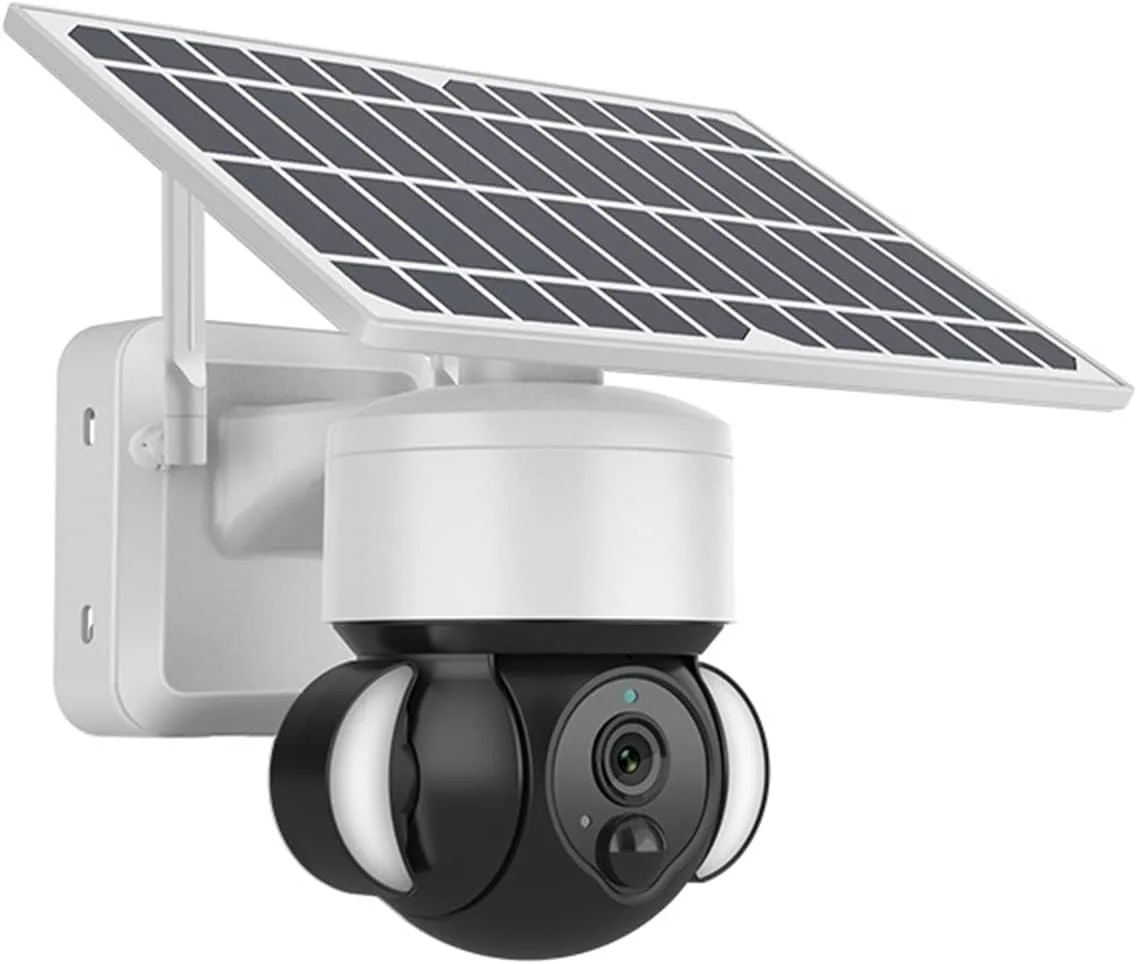
Image source: Bing (Web (fair-use with source credit))
When people ask if a solar camera is safe, they're usually worried about the wrong thing. The solar panel is just a power source. It doesn't affect data security any more than a wall outlet does.
What actually determines security is the software layer. Specifically: how your video data is encrypted, where it's stored, who can access it, and how fast the manufacturer patches known flaws.
The four pillars of camera security:
- Encryption: Video data should be encrypted in transit using SSL/TLS and at rest on the device or server.
- Firmware policy: Regular updates fix vulnerabilities. Brands that skip updates leave doors open.
- Credential handling: Default passwords are the most exploited vulnerability in IoT devices. Your camera should force a password change during setup.
- Data storage: Cloud storage puts your footage on a third-party server. Local SD card storage keeps it on-site.
Per the National Institute of Standards and Technology, IoT device security starts with encryption, credential management, and firmware integrity. None of these relate to power source.
| Security Factor | What Good Looks Like | Red Flag |
|---|---|---|
| Encryption | WPA3, SSL/TLS, end-to-end | No encryption listed in specs |
| Firmware | Auto-update, published schedule | No update history |
| Credentials | Forced password change, 2FA | Default "admin/admin" |
| Storage | Local SD card option | Cloud-only with no fallback |
| Brand record | Active security team, no breaches | No security documentation |
Top manufacturers publish whitepapers and maintain bug bounty programs. They also push updates within days of discovering a flaw. Brands that treat security as an afterthought are the ones that get breached.
The takeaway: a well-configured solar camera from a trusted brand can be just as secure as a wired one. A cheap, unconfigured camera is risky regardless of how it's powered.
Common Vulnerabilities That Put Solar Cameras at Risk
The biggest threats to your camera's security aren't the solar panel. They're the software, the network, and sometimes the brand itself.
Unchanged default credentials. This is the number one way cameras get compromised. Research on IoT devices shows that a huge share of users never change factory passwords. Solar cameras are no exception.
Unencrypted data transmission. If your camera streams video over an open Wi-Fi connection, anyone on the same network could intercept it. WPA3 encryption protects against this. Older WPA2 is still common on budget models.
Unpatched firmware. Vulnerabilities in camera firmware are discovered constantly. Without updates, those flaws stay open forever. The Cybersecurity and Infrastructure Security Agency regularly issues advisories about IoT devices running outdated firmware.
Cloud storage exposure. Many solar cameras store footage on cloud servers managed by the manufacturer. If that server gets breached, your footage could be exposed. This isn't theoretical.
Several camera companies have had data breaches in recent years.
Budget brand risks. Some cheaper cameras come with firmware that communicates with servers you don't recognize. As of 2026, the FCC has updated its equipment authorization rules to restrict certain manufacturers deemed a national security risk.
Here's what aggregate reviews report as the most common breach patterns:
- Brute-force login attempts targeting default passwords
- Man-in-the-middle attacks on unencrypted connections
- Firmware exploits using publicly known vulnerabilities
- Credential stuffing from leaked password databases
- Supply-chain firmware with hidden data collection
None of these are unique to solar cameras. But solar cameras are often deployed in places where people assume they're safe because they're self-powered. That assumption is exactly where the risk hides.
Step-by-Step Guide: How to Harden Your Solar Security Camera
Installing a solar camera is only half the job. Securing it is where most people drop the ball. Here's the process we recommend.
Step 1: Change the default password immediately.
During setup, the camera app should prompt you to create a new admin password. Use at least 12 characters with a mix of uppercase, lowercase, numbers, and symbols. Never reuse a password from another account.
Step 2: Enable two-factor authentication.
If your camera's app supports 2FA, turn it on. This adds a verification code sent to your phone. It makes it much harder for someone to access your account even if they crack your password.
Step 3: Update the firmware before doing anything else.
Check for firmware updates the moment you finish setup. Many cameras ship with outdated firmware from the factory. Manufacturers sometimes release critical security patches within weeks of a camera hitting the market.
Step 4: Choose local storage if privacy matters to you.
Most solar cameras offer both cloud and SD card storage. If you'd rather not have footage living on a third-party server, use a 128GB or 256GB SD card and skip cloud. The tradeoff is losing remote access to older recordings.
Step 5: Put the camera on a separate network segment.
If your router supports VLANs or guest networks, use one for your cameras. This way, if a device gets compromised, the attacker can't reach your phone, laptop, or other smart devices easily.
Step 6: Review access logs monthly.
Most reputable camera apps let you see who accessed footage and when. Check this regularly. Unexpected access is a serious red flag.
Step 7: Keep the solar panel clean and angled correctly.
This isn't a security step, but a dead camera provides zero security. A dirty or poorly angled panel won't charge the battery fast enough. In low-sunlight regions, this can mean your camera is dead by midnight.
Setup priority quick reference:
| Step | Time Required | Priority |
|---|---|---|
| Change password | 2 minutes | Critical |
| Enable 2FA | 2 minutes | Critical |
| Update firmware | 5-10 minutes | High |
| Choose storage type | 3 minutes | High |
| Separate network | 10-15 minutes | Medium |
| Review logs monthly | 5 minutes | Ongoing |
| Clean solar panel | Quarterly | Maintenance |
The seven steps above cover the vast majority of real-world camera security failures. None of them require technical expertise. They just require you to do them before an attacker does.
Solar Camera vs Wired Camera: Where the Security Gap Really Is
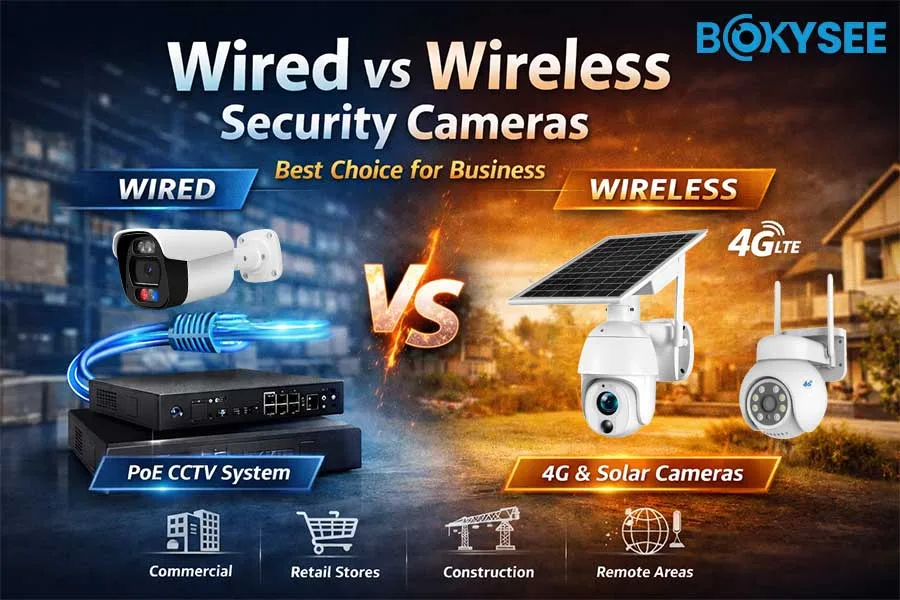
Image source: Bing (Web (fair-use with source credit))
The security gap between solar and wired cameras comes down to connectivity, not power source. Wired PoE (Power over Ethernet) cameras use a physical cable for both power and data. That cable is harder to intercept than a wireless signal.
Solar cameras rely on Wi-Fi or 4G cellular data. That opens up wireless attack vectors. But it's the only inherent advantage wired cameras have.
Everything else depends on the brand and your setup.
| Factor | Solar Camera | Wired PoE Camera |
|---|---|---|
| Encryption | Varies by brand | Varies by brand |
| Network risk | Wi-Fi/4G wireless attack surface | Physical cable, lower wireless risk |
| Power source | Solar panel + battery | Power over Ethernet cable |
| Placement | Flexible, no wiring needed | Fixed, requires cabling |
| Cost | $40-$250 per camera | $100-$400+ plus cabling |
| Local storage | Usually SD card slot | NVR or SD card |
| Best for | Rural, rental, remote properties | Permanent, high-security needs |
For properties with no wired infrastructure, a solar camera is often the only practical option. And it doesn't have to be a security compromise. Brands like Reolink and Arlo offer solar models with strong encryption, local storage options, and active firmware update programs.
If you have existing wired infrastructure and your priority is maximum security, a PoE camera with an NVR (network video recorder) is the stronger choice. Your footage never touches a third-party cloud server.
The real question isn't solar vs wired. It's what happens to your data and who can access it. Once you answer that clearly, the power source becomes almost irrelevant.