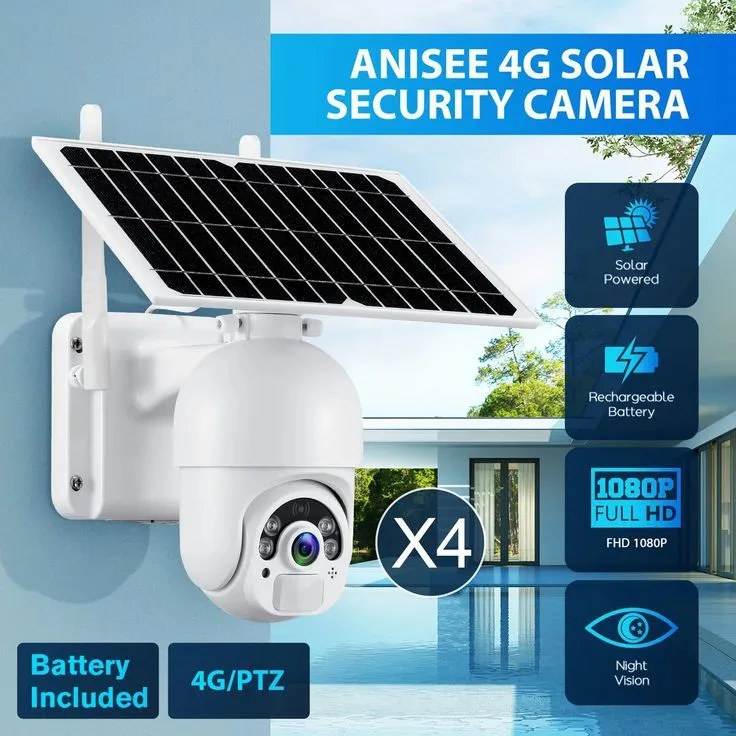
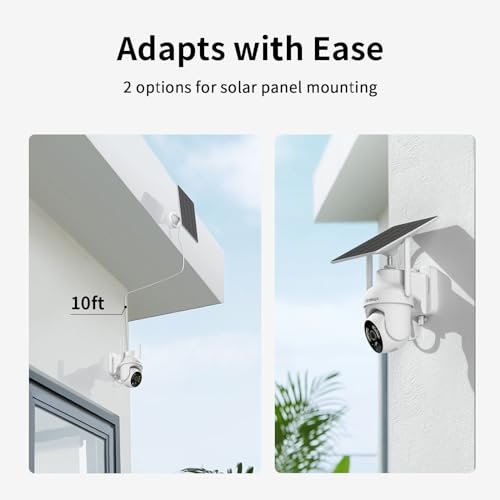
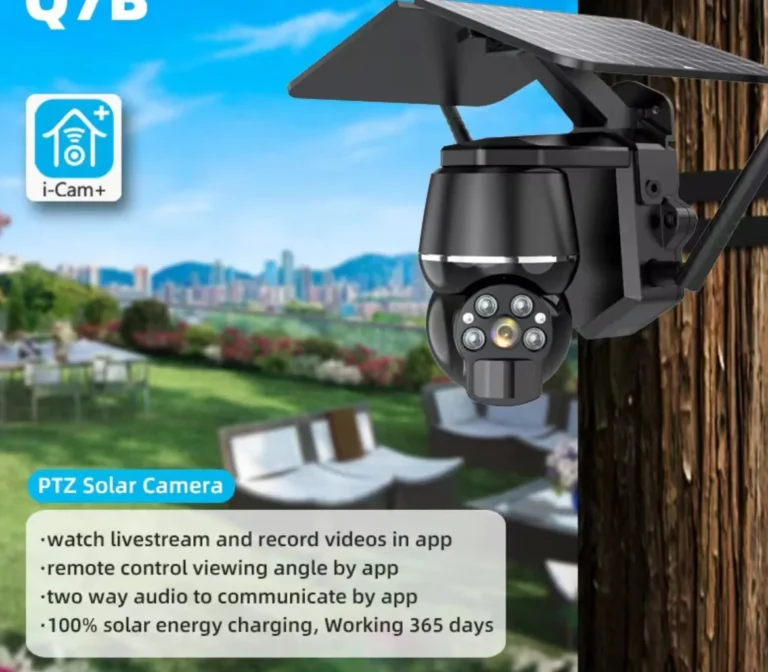
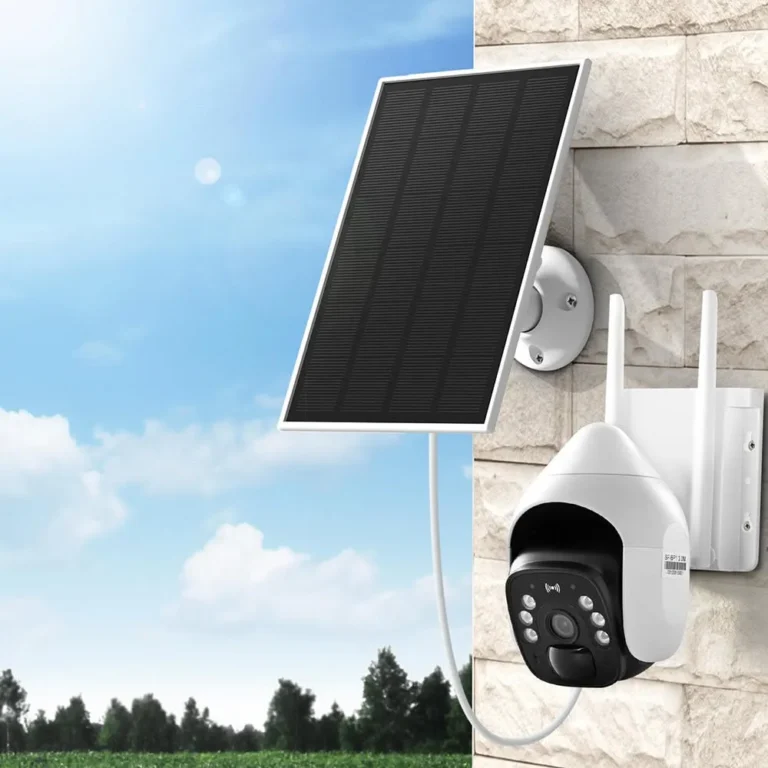
Are Solar Security Cameras Reliable?
Are solar security cameras reliable? The honest answer depends on where you live, how much sun your property gets, and how the system is set up. In sunny regions with proper hardware, solar cameras perform as reliably as wired ones.
In cloudy climates with poor placement, they will let you down when it matters most.
Manufacturer specifications and aggregate user reviews paint a consistent picture as of 2026. Most quality solar security cameras use 10W to 20W panels paired with 6,000 to 10,000 mAh batteries, and they need roughly 4 to 6 hours of daily direct sunlight to stay charged. Let's break down exactly what drives that reliability, and where the most common failures begin.
Quick Answer
Are solar security cameras reliable? Yes, in sunny climates with the right setup. They need 4 to 6 hours of daily direct sunlight to stay charged.
Cloudy regions and cold winters cut battery performance significantly. LiFePO4 batteries and 20W panels hold up best. Low-wattage kits under 10W often die overnight.
What Determines Whether a Solar Security Camera Actually Works
A solar security camera is only as reliable as the weakest link in its power chain. That chain has three parts: the solar panel, the battery, and the sunlight available to charge them. If any one of those is undersized, the whole system suffers.
Solar Panel Wattage vs. Battery Capacity
The most common failure point in solar camera systems is an undersized panel. A 5W panel can trickle-charge a small battery, but it struggles to keep up with continuous recording and motion detection. Dual-panel kits pushing 40W offer the most consistent power supply.
The ratio matters more than the raw numbers. A 20W panel charging a 10,000 mAh battery needs about 4 hours of direct sunlight daily. That same panel on a 6,000 mAh battery gives you 5 to 6 hours of buffer.
Smaller batteries charge faster but run out quicker between charging cycles.
Daily Sun Exposure: The Non-Negotiable Factor
Sun hours are the single biggest variable in solar camera reliability. The National Renewable Energy Laboratory publishes regional sun-hour data that directly correlates with solar camera performance. Their PVWatts tool estimates daily energy production for any location in the US.
If your area averages fewer than 4 sun hours per day in winter, a basic solar camera setup will likely fail you during the shortest months. Manufacturers don't always make this distinction clear in their marketing. Aggregate reviews from buyers in the Pacific Northwest and UK consistently report battery depletion issues that don't appear in reviews from sunnier states.
Battery Chemistry and Connectivity
Battery type matters more than most buyers realize. Standard lithium-ion batteries lose 20 to 40 percent of their capacity below freezing. LiFePO4, also known as lithium iron phosphate, performs better in cold weather and lasts longer overall.
More manufacturers are shipping LiFePO4 in their higher-end models.
Connectivity options also affect reliability. WiFi solar cameras depend on a stable signal, which can be a problem on large properties. 4G LTE solar cameras work anywhere with cellular coverage but require a monthly data plan. All wireless cameras sold in the US must meet FCC compliance standards for radio frequency equipment.
The 5 Conditions That Decide If Solar Cameras Are Reliable for You
Solar camera reliability isn't a yes or no question. It's a "yes, if" question. Here are the five conditions that decide whether solar will work for your specific setup.
1. Your Location's Sun Hours
If your area averages 5 or more hours of daily sun year-round, solar cameras will be reliable. If you're in a region with fewer than 4 sun hours in winter, expect battery issues during December and January. The NREL publishes free sun-hour estimates by ZIP code, and it's worth checking before you buy.
2. Shading at the Mounting Point
If the camera mount gets direct sun for at least 4 hours daily, you're fine. If trees, eaves, or buildings cast shadows most of the day, a solar panel there won't keep up. This is the most common installation mistake, and it's easy to avoid with a quick 24-hour observation.
3. Your Climate's Cold Season
If your winters stay above freezing, standard lithium-ion batteries will perform adequately. If you regularly see temperatures below 32°F (0°C), look specifically for LiFePO4 batteries. They cost more upfront but handle cold better and last longer.
4. Your Connectivity Options
If you have reliable WiFi at the camera location, a WiFi solar camera is the simpler and cheaper choice. If WiFi doesn't reach, a 4G LTE solar camera works anywhere with cellular coverage. The tradeoff is a monthly data plan, usually $5 to $15.
5. Your Storage and Subscription Budget
If you want to avoid monthly fees entirely, use a 128GB to 256GB SD card for local storage. If you want cloud backup with remote access, budget $3 to $10 per camera per month. Some users run both, using local storage as primary and cloud as a backup.
Reliability by Scenario: Rural, Urban, Winter, and Cloudy Climates
The same solar camera that works perfectly on a Texas ranch might fail completely on a Washington State property. Here's how reliability shifts depending on where you live and what your property looks like.
Rural and Farm Properties
Rural properties are where solar cameras earn their keep. Open fields mean unobstructed sun exposure, often 6 or more hours daily. Remote monitoring, livestock checks, and equipment theft prevention all benefit from wireless, solar-powered cameras.
Verified buyer feedback from rural buyers consistently shows the highest satisfaction rates with solar setups.
Suburban Homes with Partial Shade
Suburban properties introduce variable sun exposure. A camera on a south-facing wall gets plenty of sun. One on a north-facing side shaded by an adjacent house gets almost none.
Check the mounting location at different times of day before installation. If you're getting fewer than 4 hours of direct sun, move the camera or skip solar.
Urban Settings and Building Shadows
Urban environments are the hardest fit for solar cameras. Tall buildings, narrow alleys, and apartment balconies often block most direct sunlight. Reviews from city-dwelling buyers consistently show shorter battery life than manufacturer claims.
If you live in a dense urban area, a wired or battery-only camera may serve you better.
Cloudy and Northern Climates
Cloudy regions, including the Pacific Northwest, the UK, and the coastal Northeast, present a real challenge. Cloud cover doesn't completely block solar charging, but it can reduce it by 50 to 75 percent. Winter solstice days simply won't charge a 10,000 mAh battery from empty.
If you're in one of these areas, invest in a dual-panel kit or plan to bring the camera indoors periodically to top off the battery.
Mistakes That Make Solar Security Cameras Unreliable
Most solar camera failures aren't hardware problems. They're setup mistakes. Here are the most common ones, and how to avoid them.
Using a Too-Small Solar Panel
If your panel is 5W or less and your battery is 4,000 mAh or more, the panel can't keep up with daily power draw. Motion detection, night vision, and WiFi transmission all consume battery. The camera will die before the panel finishes charging.
Rule of thumb: match your panel to at least 10W for any battery over 4,000 mAh.
Ignoring Sun-Hour Data Before Installation
Many buyers install a camera and only discover poor sun exposure weeks later when the battery won't hold a charge. Spend one day observing the proposed mounting location. Note when direct sun hits the spot and for how long.
If you can't get 4 hours, you need a different location or a different power approach.
Relying Solely on Cloud Storage
If your WiFi drops for a few hours on a cloudy day, cloud-dependent cameras lose footage. Always use local SD card storage as a primary backup, even if you have a cloud subscription. It's a small investment for a big safety net.
Skipping the Initial Full Charge
Most manufacturers recommend fully charging the battery before first use. This isn't optional. A battery that starts at 50 percent will struggle to reach full capacity in its first charging cycle, especially in cooler weather.
Plug it in. Wait. Then install.
Forgetting Seasonal Maintenance
Dust, pollen, bird droppings, and snow all reduce solar panel output. A panel that's 30 percent covered delivers 30 percent less power. Clean panels monthly during heavy pollen season and after any snowfall.
This single habit extends reliability more than any product upgrade.
Setup and Maintenance Tips for Long-Term Solar Camera Reliability
Getting reliable long-term performance from a solar security camera comes down to good installation habits and regular upkeep. Here's what matters most.
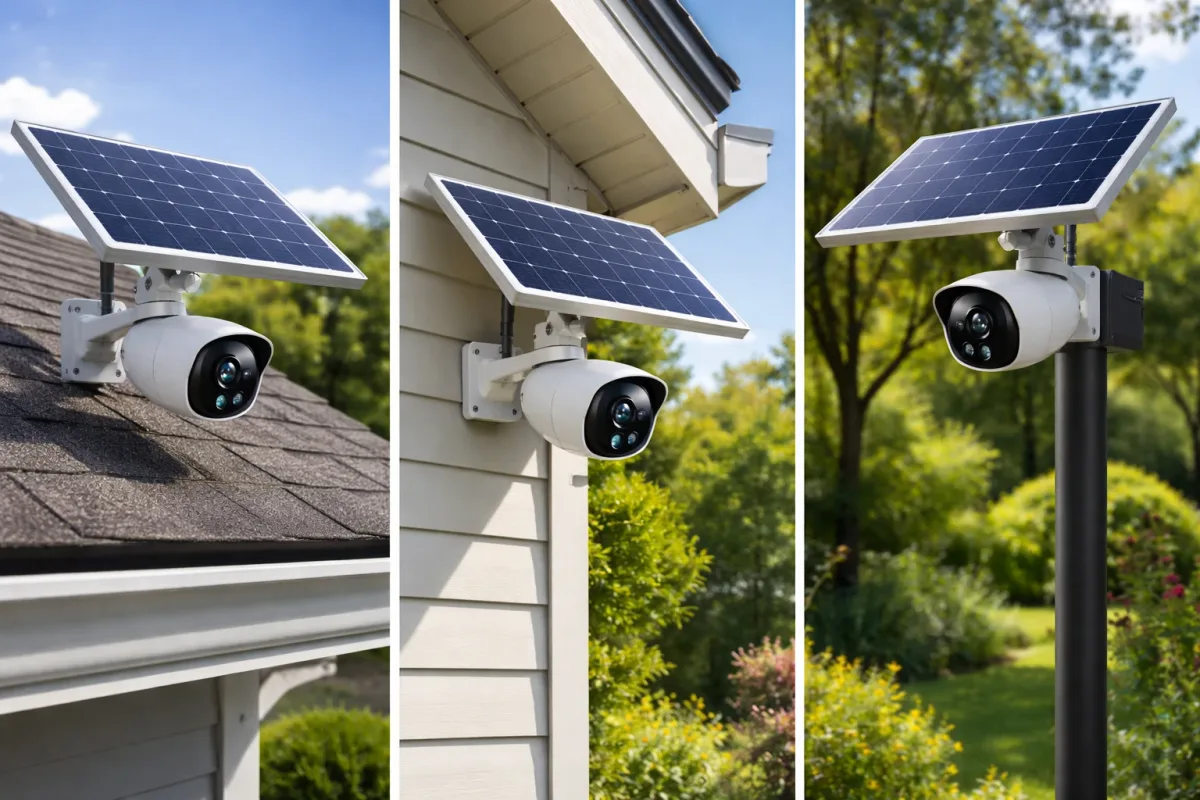
Assess Sun Exposure Before You Mount
Walk the property at different times of the day. Photograph the sun's position relative to your proposed camera location at morning, midday, and afternoon. Most phone compass apps show cardinal directions, which helps you find a south-facing spot in the Northern Hemisphere.
If you're unsure, spend two full days tracking the sun before drilling any holes.
Position the Panel for Maximum Charging
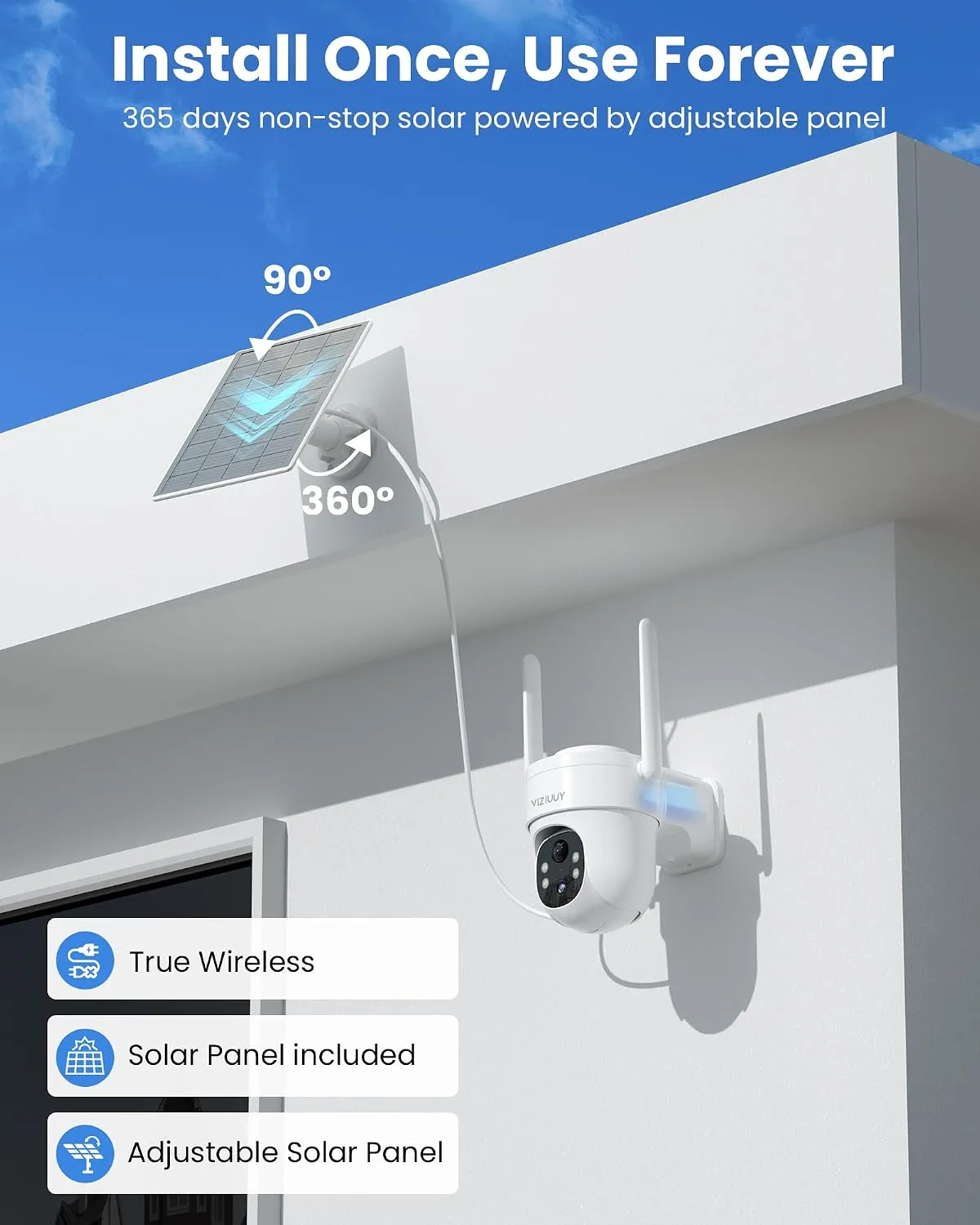
Angle the solar panel toward true south if you're in the Northern Hemisphere. Tilt it to roughly your latitude angle for best year-round performance. A panel flat on a roof charges, but one angled toward the sun charges faster and more consistently.
Most quality kits include adjustable mounts for this purpose.
Tune Motion Detection Settings
False motion alerts drain batteries fast. Every unnecessary recording cycle uses power, and every cloud upload pulls on the WiFi connection. Set motion detection zones to focus on high-priority areas like doors and driveways.
Adjust sensitivity to reduce false triggers from trees, shadows, and animals. Modern cameras with AI-powered person and vehicle detection can cut false alerts by half.
Clean and Inspect Seasonally
Make panel cleaning part of your routine. Use a soft cloth and water. Avoid abrasive cleaners that scratch the panel surface.
While cleaning, check the cable connection between panel and camera for damage. Inspect the camera housing for gaps that could let in moisture. Tighten loose mounting brackets, especially after high-wind seasons.
Monitor Battery Health
Most solar camera batteries last 2 to 3 years before noticeable degradation. Watch for signs: shorter runtime, camera shutting down mid-day, or slower charging. When performance drops consistently, replace the battery rather than the whole camera.
Replacing a battery costs a fraction of a new system.