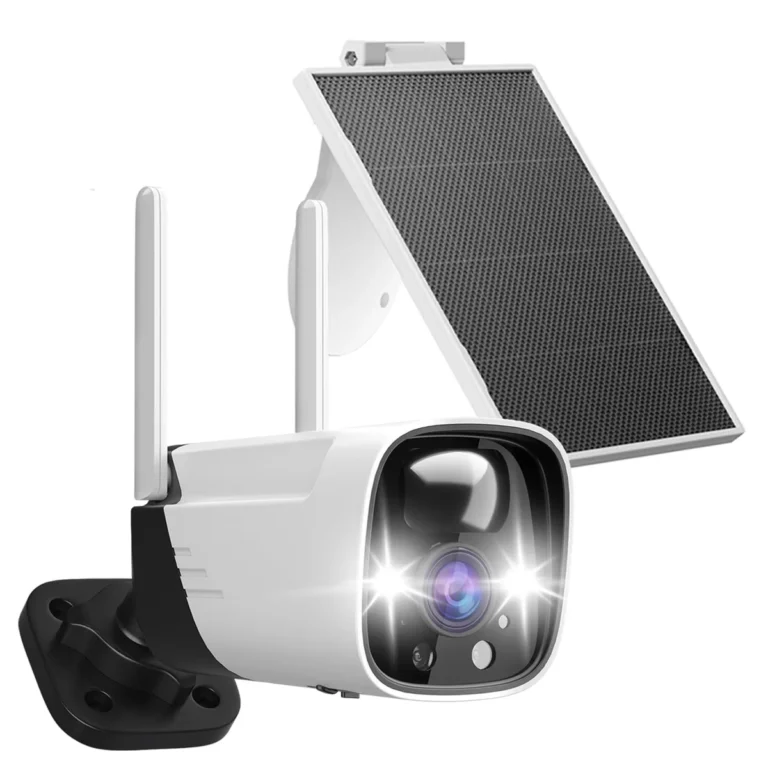
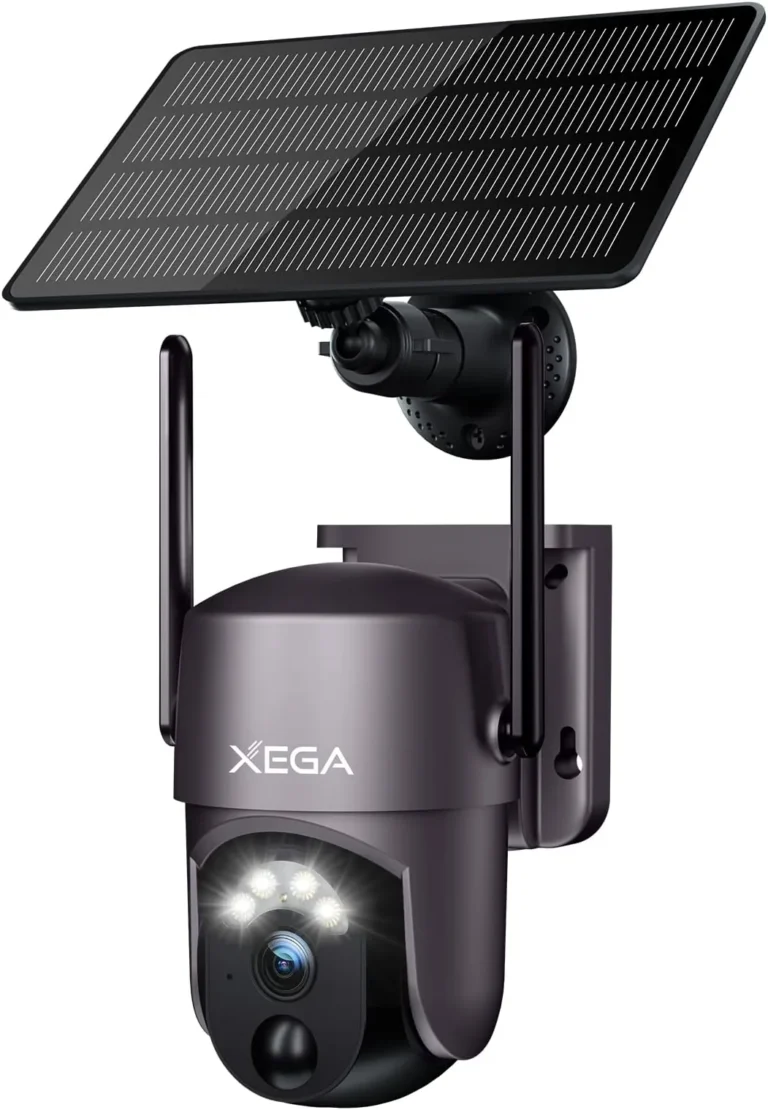
Can Solar Security Cameras Work Without Internet?
Can solar security cameras work without internet? Yes. Some solar cameras can run completely offline, recording to a local SD card with zero WiFi dependency.
Others need internet to push alerts and stream live video, and the right choice depends on what features you actually need.
Manufacturer specifications indicate that cameras with 64GB to 512GB SD card slots, such as many Reolink and Eufy models, can record footage without any internet connection. What they can't do without internet is push motion alerts to your phone or stream live video remotely. A cellular 4G LTE model changes that equation entirely.
Let's walk through how it all fits together.
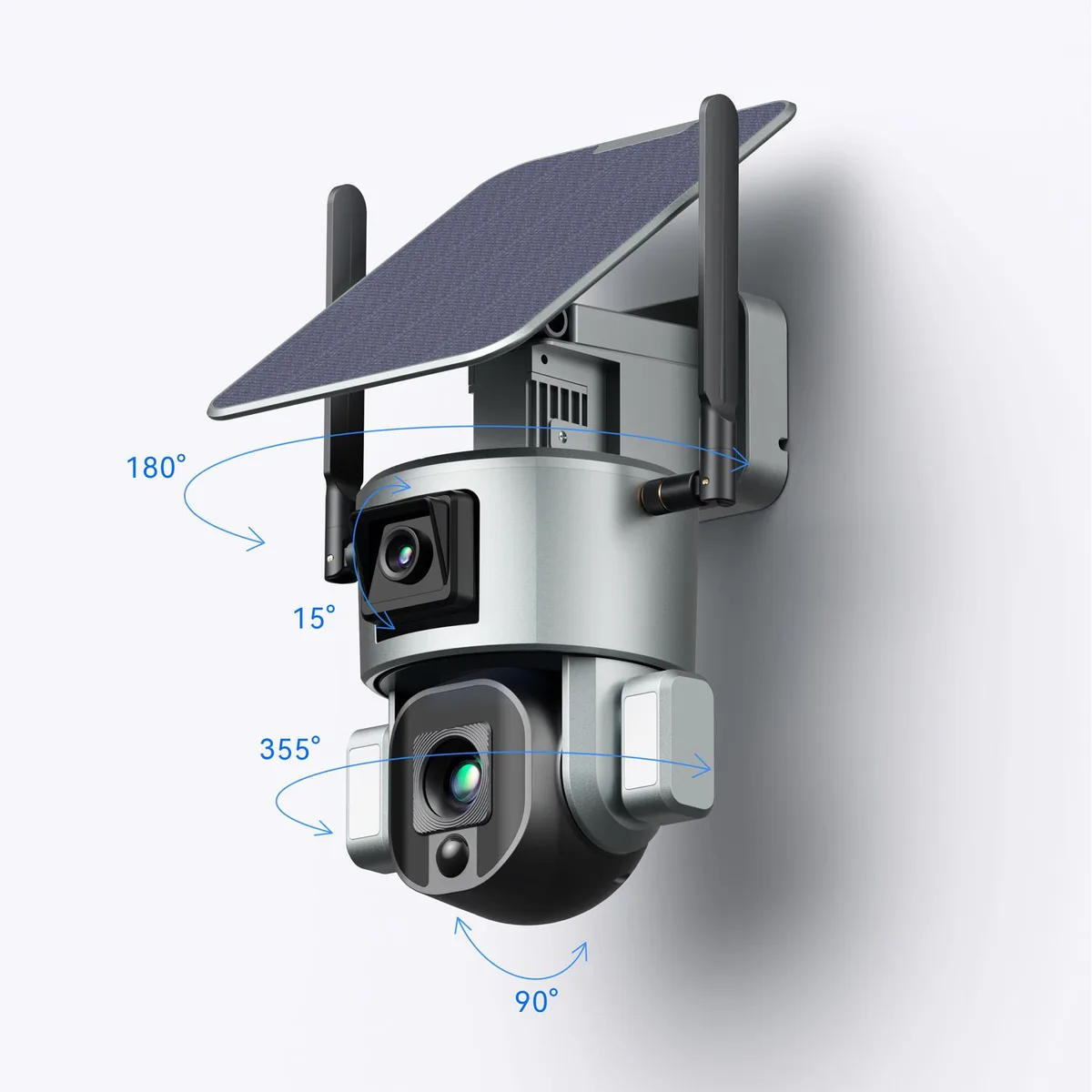
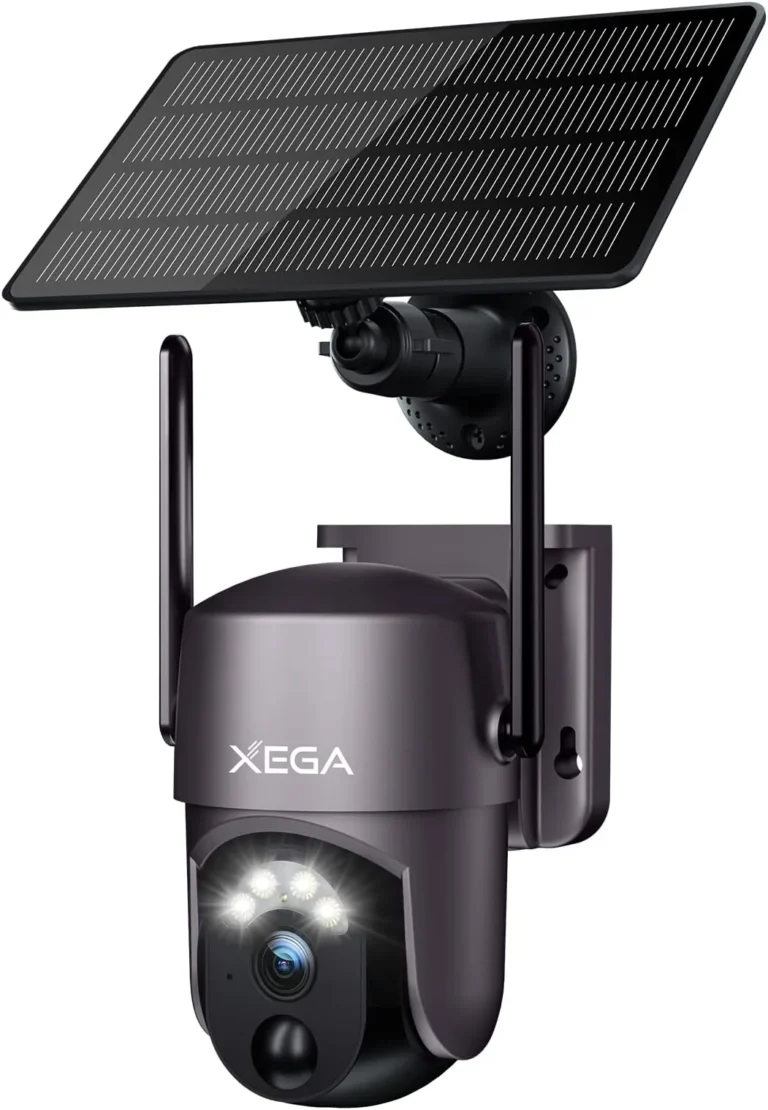
Image source: Web (Bing) / vtlpower9418.en.made-in-china.com (Web image (fair-use with source credit))
Quick Answer: Yes, Solar Cameras Can Work Without Internet
Can solar security cameras work without internet? Yes. Solar cameras with local SD card storage can record without any internet connection.
WiFi-only models lose remote access when WiFi drops. Cellular 4G models work independently using a data SIM.
Solar power and internet connectivity are two completely separate systems on a security camera. The solar panel charges the battery. The battery powers the camera.
Neither cares whether WiFi exists.
What happens next depends on how the camera handles recording. If it has an SD card slot, it keeps recording locally regardless of internet status. If it's WiFi-only, you'll still get footage on the card but lose phone alerts and remote viewing.
If it's a cellular 4G model, it connects to mobile data instead of WiFi entirely.
As of 2026, most solar security cameras fall into one of three categories: WiFi-only, cellular, or dual-mode. Each behaves differently when internet is absent, which brings us to the real question: which type truly works without internet in your situation?
The Decision Tree: Which Solar Camera Works Without Internet
The answer depends on three things: your storage method, your connectivity needs, and your budget. Here's how to walk through it.
If you need to record footage locally with no internet: Choose a solar camera with an SD card slot or connect it to a local NVR/DVR. You don't need WiFi or cellular at all. Most Reolink and Eufy solar models support this out of the box.
If you need phone alerts and live viewing but don't have WiFi: Choose a cellular 4G LTE solar camera with a data SIM. You'll need a monthly data plan, typically $5 to $25 depending on the carrier and usage level.
If you need everything including live view and cloud playback: A WiFi solar camera is your simplest option. Solar keeps the battery topped up so you never deal with dead batteries. But WiFi must be reliable.
If you're off-grid with no WiFi and no strong cellular signal: Local SD card recording is your only reliable path. Pair it with an NVR/DVR on-site to access footage without internet.
| Your Need | Best Solar Camera Type | Internet Required? |
|---|---|---|
| Record only, no remote access | WiFi camera + SD card | No |
| Phone alerts and live view | Cellular 4G camera | Data SIM only |
| Full cloud features | WiFi camera + broadband | Yes |
| Off-grid, no connectivity | SD card + local NVR | No |
The key takeaway: a solar security camera can absolutely work without internet. The real question is which features you're willing to give up.
WiFi vs. Cellular vs. Local Storage: Comparing Solar Camera Options
There are three ways a solar camera handles connectivity. Each has tradeoffs that matter when internet isn't available.
WiFi Solar Camera: Works when WiFi is available. Records to cloud or local SD card. Loses remote access when WiFi drops.
Best for homeowners with reliable home WiFi.
Cellular Solar Camera (4G LTE): Connects to mobile data using a SIM card. Works anywhere with carrier signal coverage. Costs extra in monthly data fees.
Best for remote properties without broadband.
Local Storage (SD Card / NVR): Records directly to hardware on-site. No internet dependency at all. Requires physical access to retrieve footage.
Best for maximum offline reliability.
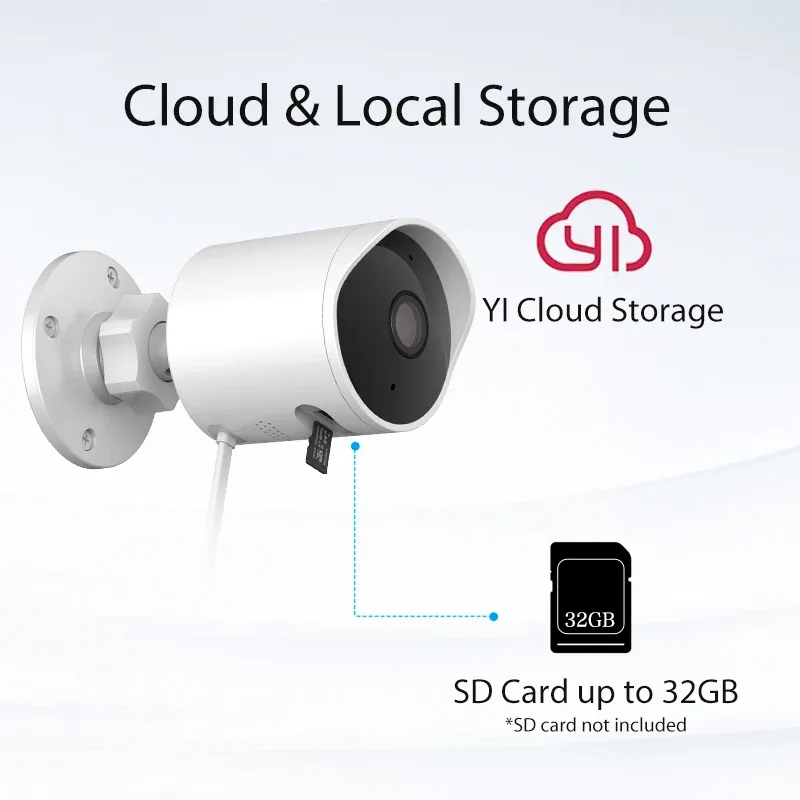
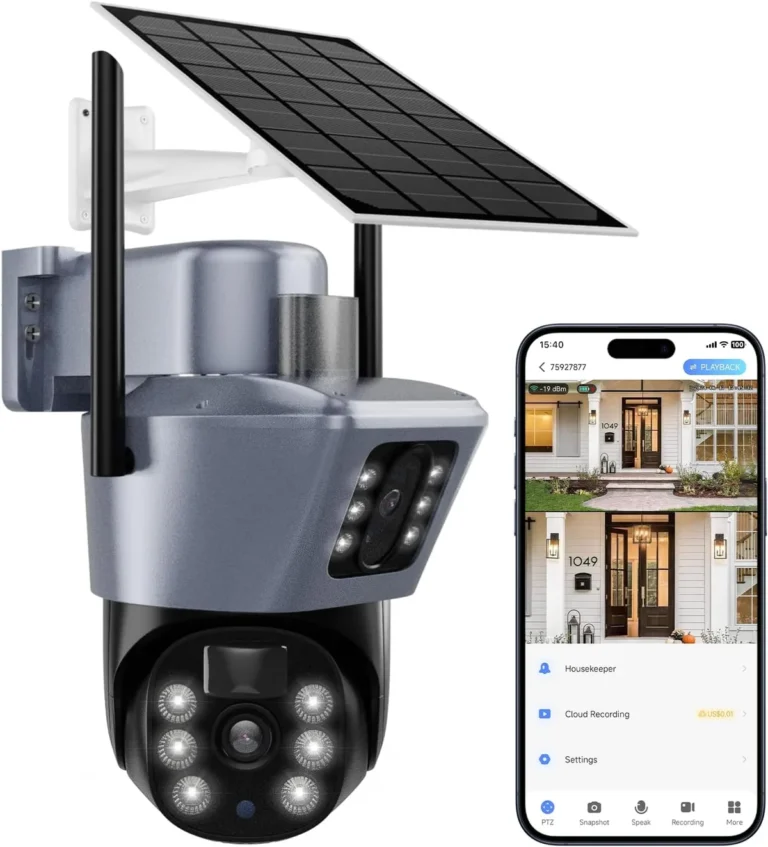
Image source: Web (Bing) / sistastore.com (Web image (fair-use with source credit))
| Feature | WiFi Solar | Cellular Solar | SD Card / NVR |
|---|---|---|---|
| Works offline? | Partially (records only) | Yes, via cellular | Yes, fully |
| Phone alerts? | Only with WiFi | Yes, via 4G data | No |
| Monthly cost? | $0 | $5 to $25 | $0 |
| Remote access? | Needs WiFi | Yes | No |
The sweet spot for many users is a dual-mode camera that supports both WiFi and 4G LTE. That gives you flexibility when connectivity is spotty.
Look for UL certification before buying. UL sets the safety standards these devices are tested against. FCC regulations also govern the cellular transmitters inside 4G cameras, so check for FCC ID markings on the device.
Best Use Cases and Key Specs for Offline Solar Cameras
Not every solar security camera is built for offline use. Here's where each type shines.
Rural properties and farms: No broadband in the area. Cellular 4G solar cameras or SD card plus NVR setups are your best bet.
Construction sites: Temporary setups with no fixed infrastructure. Solar plus SD card recording, no subscription needed.
Vacation cabins: Solar cameras with local storage work great. Set up a cellular model if you want remote alerts while you're away.
Off-grid living: Solar plus local NVR is the standard approach. No internet dependency at all.
Key specs to look for when buying for offline use:
| Spec | Minimum Recommended | Why It Matters |
|---|---|---|
| SD card slot | Yes (64GB to 512GB) | Local recording without internet |
| Solar panel wattage | 3W to 6W | Keeps battery charged in cloudy weather |
| Battery capacity | 10,000mAh+ | 3 to 7 days of offline operation |
| Operating temp range | -20°C to 50°C | Survives extreme outdoor conditions |
| Waterproof rating | IP65 or higher | Protects against rain and dust |
| Night vision | IR or starlight sensor | Records in complete darkness |
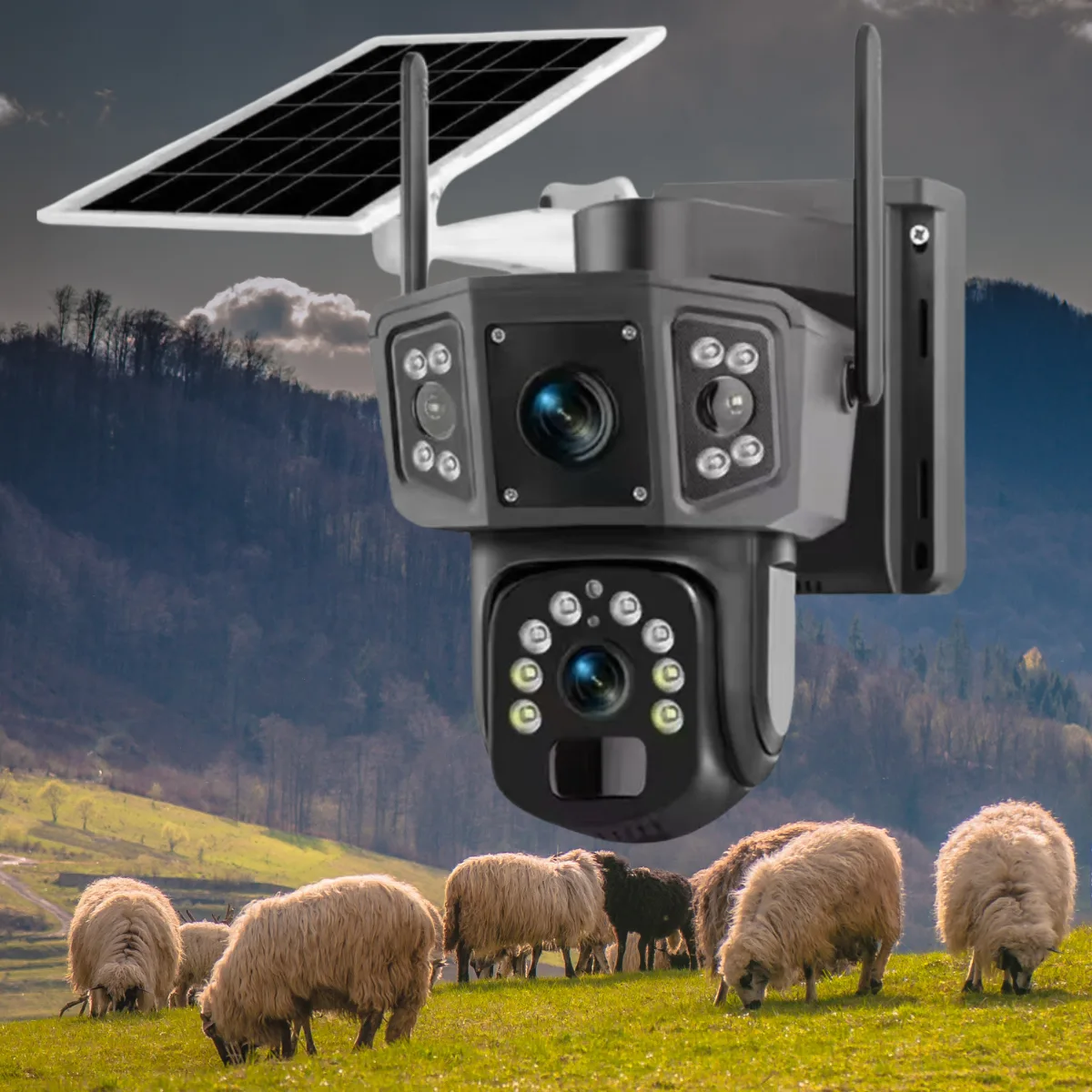
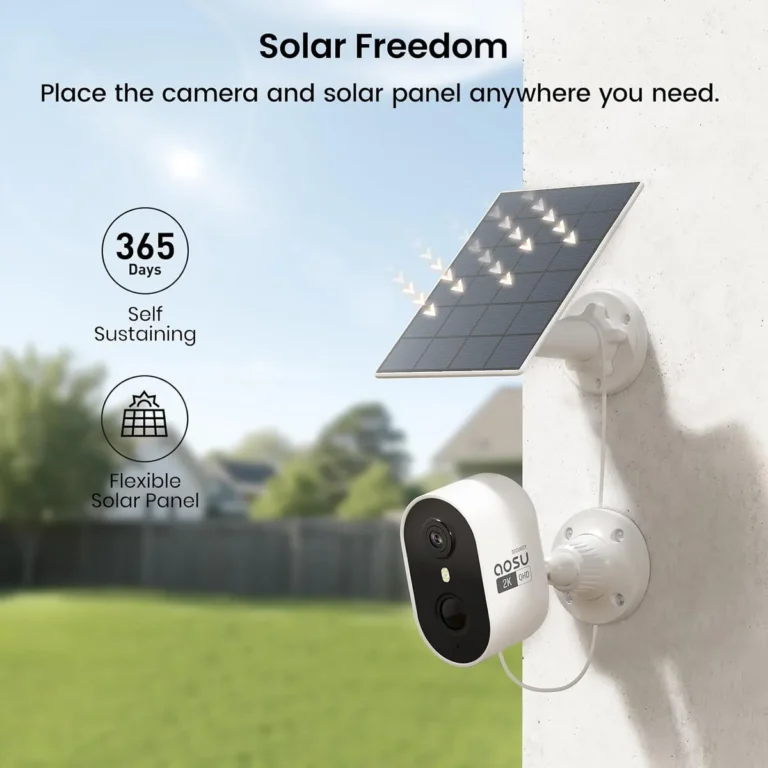
Image source: Web (Bing) / tempusgear.co (Web image (fair-use with source credit))
NREL research on solar panel output suggests that a 5W panel in full sun generates roughly 30 to 40Wh per day. That's enough to keep a camera with a 10,000mAh battery topped up in most climates. In overcast regions, expect reduced output, so a higher-wattage panel gives you more headroom.
Common Mistakes When Buying a Solar Camera for Offline Use
Here are the mistakes we see buyers make most often, and how to avoid each one.
Mistake 1: Confusing "solar-powered" with "works without internet."
Solar power means the camera charges on its own. It says nothing about connectivity. A solar WiFi camera still needs WiFi to be useful beyond local recording.
Mistake 2: Assuming SD card footage is easy to access remotely.
Many WiFi-only cameras only allow playback through the app. If there's no internet, you may need to physically remove the SD card and read it on a computer. Buy cameras with NVR compatibility if that matters to you.
Mistake 3: Ignoring cellular data costs in the budget.
A 4G solar camera works without WiFi but still needs cellular data. Plan for $5 to $25 per month depending on the carrier and how much footage you capture.
Mistake 4: Not checking solar panel angle and placement.
A misaligned panel can lose significant charging efficiency. Mount it where it gets direct sun for at least 4 to 6 hours per day. Aim for a south-facing position in the Northern Hemisphere.
Mistake 5: Not checking carrier coverage before buying cellular models.
Cellular cameras won't work in dead zones. Test signal strength at your camera location before you buy. Most carriers offer free coverage maps online.
Mistake 6: Buying cloud-dependent cameras thinking solar solves the problem.
Solar only addresses power. If the camera's core features are cloud-based, removing internet removes those features regardless of solar charging.
FAQs: Solar Security Cameras Without Internet
Do solar security cameras need WiFi to function?
No. Solar security cameras do not need WiFi to function. WiFi is only needed for remote access, phone alerts, and cloud playback.
Models with SD card slots or cellular 4G connectivity can record footage with zero WiFi dependency.
Can I view solar camera footage without internet?
Yes, but only locally. WiFi-only solar cameras typically allow playback through the app when WiFi is available. Without internet, you'll need to physically remove the SD card and view files on a computer.
Cameras connected to an NVR let you view footage on-site without internet.
How long does a solar security camera run without sunlight?
Manufacturer specs for lithium-ion batteries suggest 2 to 7 days of continuous operation without solar charging, depending on battery capacity and recording activity. A 10,000mAh battery typically lasts 2 to 3 days. A 20,000mAh model can stretch to 5 to 7 days.
Can I use a solar security camera for off-grid locations?
Yes, this is one of the strongest use cases. Solar cameras with local SD card recording or NVR connectivity work perfectly at farms, cabins, and remote properties. You get continuous recording with no wired power and no internet requirement.
What happens to solar camera recordings if the internet drops?
WiFi cameras stop recording to the cloud but continue recording to the SD card. Cellular cameras keep recording via 4G data. If neither WiFi nor cellular is available, local SD card recording continues uninterrupted until the card is full.
Final Decision Guide: The Right Solar Camera for Your Situation
Here's the simplest way to decide. Work through these four questions.
- Do you need remote phone alerts? If yes, you need cellular 4G or WiFi. No way around it.
- Do you need to retrieve footage without visiting the site? If yes, you need WiFi or cellular access to stream or download recordings.
- Are you OK with local-only recording? If yes, a solar camera with an SD card slot gives you everything at zero ongoing cost.
- Is there reliable WiFi or cellular signal at your camera location? If neither exists, local SD card plus an NVR is your only workable option.
| Your Situation | Recommended Setup | Ongoing Cost |
|---|---|---|
| Remote property, no internet | Solar camera + SD card + NVR | $0/month |
| Need alerts but no broadband | Solar camera + 4G LTE SIM | $5 to $25/month |
| Reliable WiFi available | Solar WiFi camera + cloud | $0 to $10/month |
| Off-grid with WiFi and 4G both dead | SD card recording + on-site NVR | $0/month |
The bottom line: solar power and internet connectivity are two independent systems. Choose the solar panel based on charging needs. Choose the camera type based on how you'll access the footage.
Get that right, and a solar security camera without internet works exactly as you'd expect.