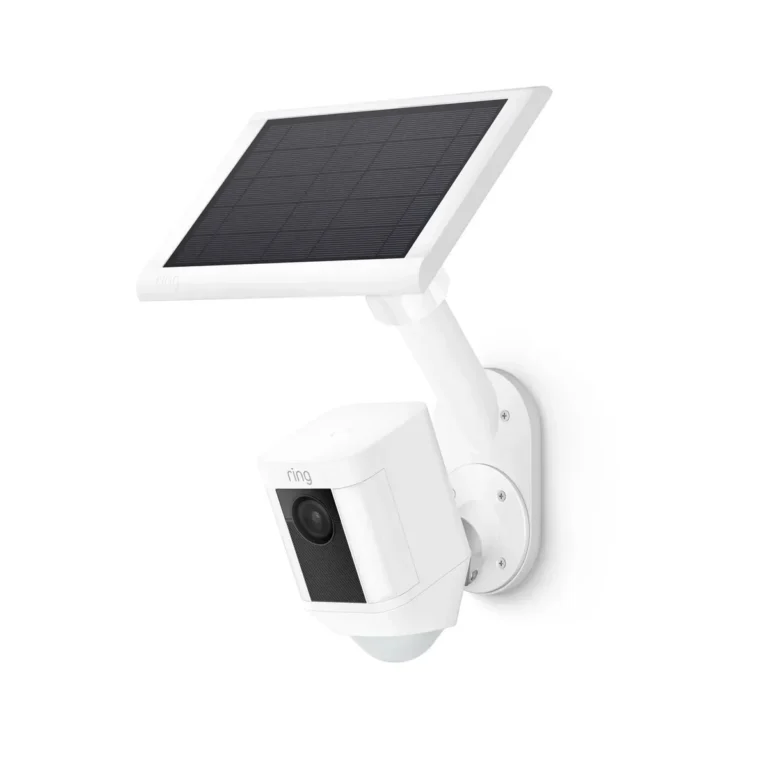
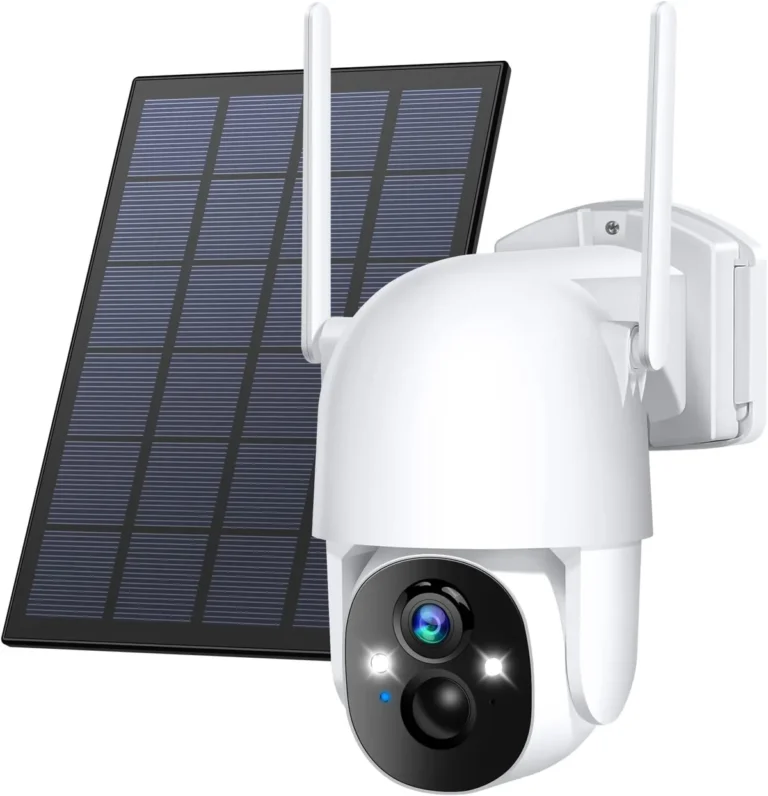
How Do You Maintain a Solar Security Camera?
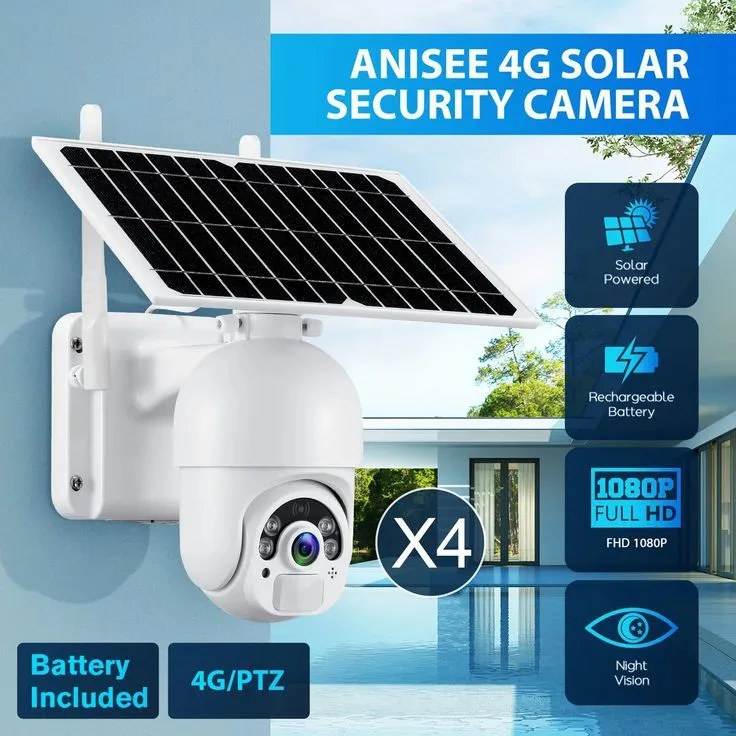
Image source: Bing (Web (fair-use with source credit))
How do you maintain a solar security camera? The answer is more involved than most buyers expect. These cameras depend on a clean solar panel, a healthy lithium-ion battery, and intact housing seals.
If any one of those fails, the whole system slowly falls apart.
Solar panel soiling research from the National Renewable Energy Laboratory shows dust buildup can cut energy output by 15 to 30 percent. Most manufacturer specifications also indicate battery degradation accelerates above 35°C. This guide covers cleaning schedules, battery health checks, firmware updates, and hardware inspection.
As of 2026, most consumer solar cameras support replaceable battery modules.
Quick Answer
Maintain a solar security camera by cleaning its panel regularly. Monthly cleaning is needed in dusty climates. Check battery health through the app once a month.
Inspect housing seals and cable connections every few months. Update firmware whenever the manufacturer pushes an alert.
Why Solar Security Cameras Fail Without Regular Maintenance
Most people buy a solar security camera expecting years of hands-off operation. The concept works well on paper. Sunlight hits the panel, the panel charges the lithium-ion battery, and the camera runs around the clock without any electrical hookup.
Every link in that chain degrades quietly over time. A dusty panel produces less energy than it should. A worn battery stores less charge with each cycle.
A housing seal that has hardened lets moisture creep inside.
NREL testing on small-scale solar systems confirms that dust and particulate buildup routinely cuts output by 15 to 30 percent. Security cameras operate in the same class of equipment. When the panel loses that much efficiency, the battery never fully recharges overnight.
The result is a camera that looks fine by day but shuts down after dark. Motion-triggered recordings drop. Detection zones trigger late or not at all.
Most owners blame the camera when the real problem is a maintenance routine they never started.
Neglected cameras experience faster battery degradation. A corroded connector inside the housing often means replacing the entire unit instead of just the battery module. Regular maintenance is what keeps solar security cameras working in the first place.
How Solar Security Camera Maintenance Actually Works
A solar security camera runs on a self-sufficient power loop. The solar panel converts sunlight into electricity. It stores that energy in a lithium-ion battery.
The camera draws from the battery throughout the day and night.
As long as the panel generates enough energy to offset daily consumption, the camera stays operational indefinitely. This is what makes solar cameras attractive for off-grid locations, remote properties, and renters who cannot run wiring.
Three failure points break this loop:
- Panel output: Dirty, shaded, or scratched panels produce less energy than rated capacity.
- Battery health: Lithium-ion cells lose capacity over time. Heat accelerates this. Cold temporarily reduces available output.
- Housing integrity: A cracked seal or corroded cable connection lets water and dust inside. This kills the electronics faster than normal wear.
Good maintenance addresses all three on a schedule that matches your climate and camera setup. In practice, that means 5 to 10 minutes per check for most homeowners. A camera running at 80 percent panel output with a healthy battery works fine.
One dropping below 50 percent on either measure will start failing after dark.
Where You Live and How Your Camera Is Set Up Changes Everything
There is no single maintenance schedule for all solar security cameras. The right routine depends on four variables: your climate, the camera's exposure, its power source, and its surrounding environment.
If you live in a hot, dry climate, you will clean your panel more often and manage battery heat. If you are in a freezing region, you will focus on cold-weather battery care and snow removal. Coastal properties need frequent hardware inspections for salt corrosion.
Here is a quick decision guide:
| Climate / Environment | Panel Cleaning Frequency | Battery Priority | Hardware Inspection |
|---|---|---|---|
| Hot, dusty | Every 2 to 4 weeks | Heat stress, shade strategies | Every 2 months |
| Cold, freezing | Every 6 to 8 weeks | Cold shutdowns, slow charging | Every 3 months |
| Humid, tropical | Every 3 to 4 weeks | Condensation inside housing | Every 2 to 3 months |
| Coastal, salt-air | Monthly | Standard | Monthly (salt corrosion) |
| Moderate, mild | Every 6 to 8 weeks | Seasonal checks | Twice per year |
Your camera type matters too. A unit mounted under an eave needs less frequent panel cleaning but more seal checks. A fully exposed pole-mounted camera needs both on a tight schedule.
If you run a hybrid setup with hardwired power and solar backup, focus on connection integrity. If you are fully off-grid, panel cleaning and battery monitoring become critical.
Cleaning Your Solar Panel the Right Way and on the Right Schedule
Cleaning the solar panel is the highest-impact maintenance task for a solar security camera. Aggregate user reviews report that a dirty panel can cut power generation by 20 to 30 percent in heavy dust conditions. Most cameras will still function on a dirty panel, but the battery will not fully recharge.
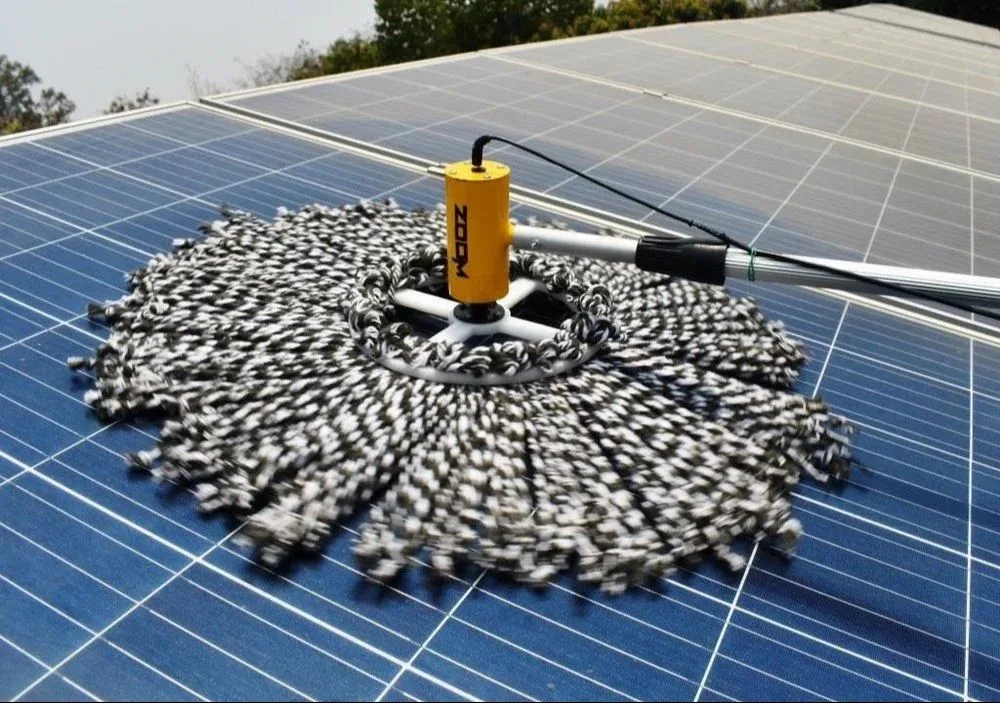
Image source: Bing (Web (fair-use with source credit))
How Often Should You Clean the Panel?
Your cleaning schedule depends on where your camera sits:
- Dusty, arid areas: every 2 to 4 weeks
- Pollen-heavy regions (southern US in spring): monthly
- Coastal areas with salt air: every 4 to 6 weeks
- Moderate, rainy climates: every 2 to 3 months
- Areas with heavy bird activity: monthly
The Right Cleaning Technique
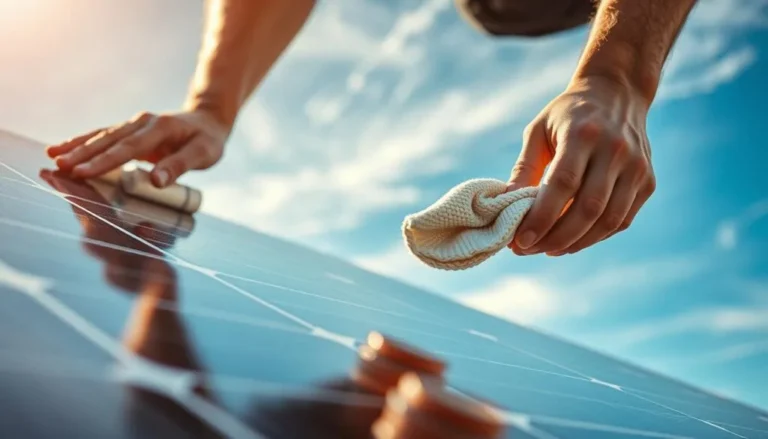
Use warm water mixed with a small drop of mild dish soap. A soft microfiber cloth works best for the panel surface. Avoid abrasive pads entirely, as they scratch the glass and permanently reduce output.
Clean your panel in the morning or evening. Hot panels meeting cold water can crack from thermal shock. This is a common mistake and an easy one to avoid.
Never use high-pressure water near the camera housing. Pressure can force water past seals and into cable connections.
For high-mounted cameras, an extendable window-cleaning pole with a soft microfiber head lets you clean safely from the ground.
Battery Health, Firmware Updates, and Hardware Inspection
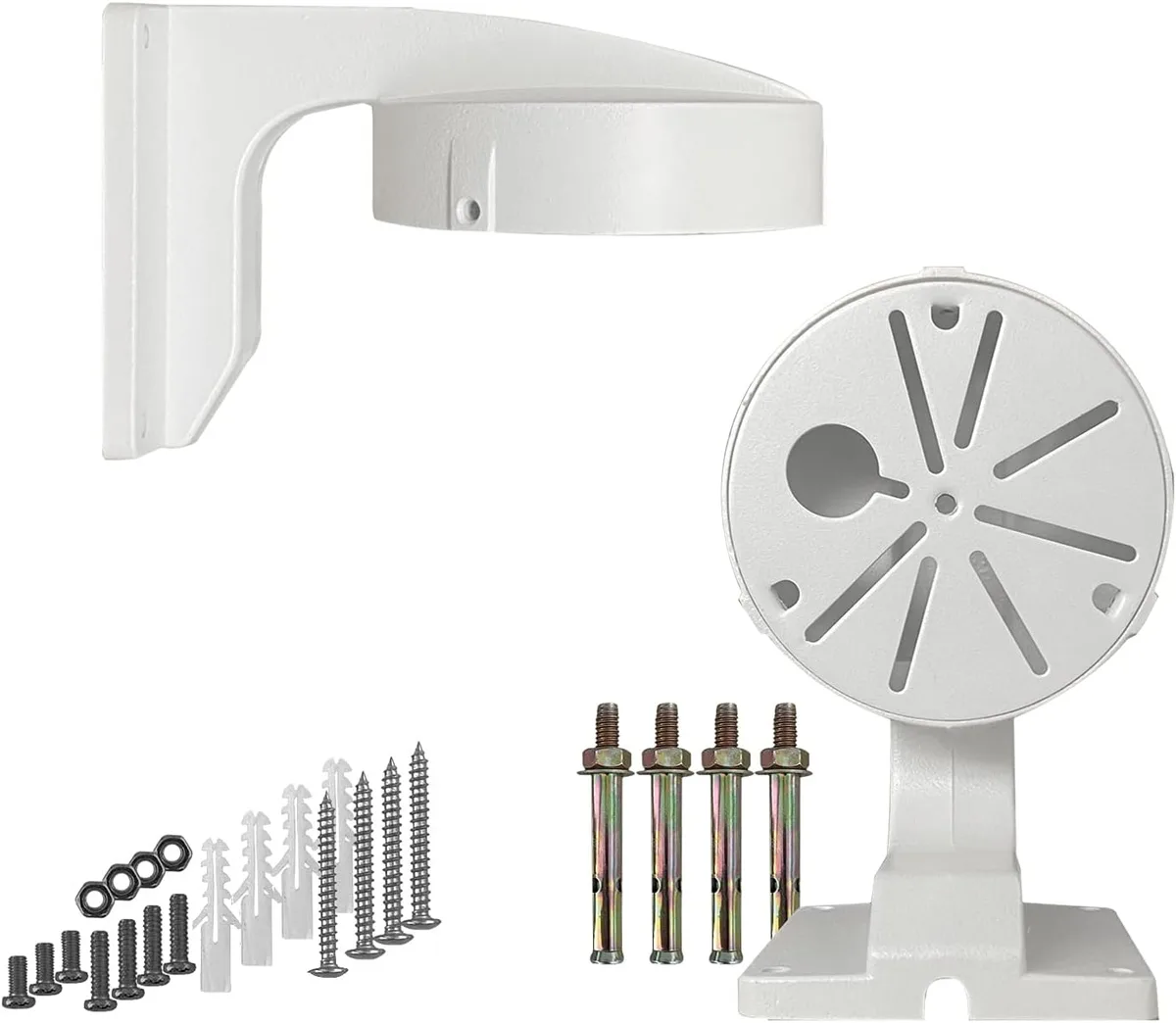
Image source: Bing (Web (fair-use with source credit))
Cleaning the panel solves the power input problem. Battery health, firmware, and hardware inspections handle everything else that keeps a solar security camera running reliably.
Battery Health Checks
Most solar cameras with app connectivity report battery status and charge level. Check this monthly. Manufacturer specifications indicate that lithium-ion batteries typically last 2 to 5 years depending on usage and climate.
If your camera powers off overnight despite sunny days, the battery is likely degrading. In cold climates, overnight shutdowns are often normal cold-protection behavior. In hot climates, they signal battery stress and thermal damage.
When the battery will not hold charge anymore, many models support a replaceable battery module. As of 2026, replacement modules cost roughly $15 to $40 depending on the brand. That is far cheaper than replacing the whole camera, which typically runs $50 to $300 or more.
Firmware and App Maintenance
Turn on auto-update for firmware in your camera's app settings. If your model does not support auto-update, check monthly for alerts. Firmware patches fix security vulnerabilities and improve detection accuracy.
Recalibrate your motion detection zones every season. Trees grow taller. Neighbors change.
New construction shifts what your camera sees.
Hardware Inspection Checklist
Every 2 to 3 months, run through this quick check:
- Tighten the mounting bracket and check for rust or corrosion
- Run your finger along the housing seals and look for cracks or hardening
- Inspect cable connectors for fraying, loose plugs, or water damage
- Check the solar panel attachment point for stability
When a battery reaches end of life, the EPA provides guidance on proper lithium-ion battery recycling and disposal. Do not toss a lithium-ion camera battery into regular trash.
Solar Security Camera Mistakes That Cut Its Life Short
Most solar security cameras fail because of owner habits, not manufacturing defects. The same mistakes show up across verified buyer reviews time and again.
Skipping panel cleaning is the biggest one. Many owners assume rain will wash the panel naturally. It won't.
Rain rarely clears dust, pollen, or bird droppings completely. In fact, water droplets can leave mineral spots that further reduce output.
Other common mistakes include:
- Cleaning with abrasive pads that permanently scratch the panel surface
- Washing the panel in direct midday sun, causing thermal shock
- Ignoring firmware update alerts for months at a time
- Letting tree canopy grow over the panel without checking shade coverage
- Using high-pressure water near housing seals and cable connections
- Assuming a dead battery means a dead camera when it is just cold
One often-overlooked mistake is not recalibrating detection zones. Motion detection accuracy drifts as the environment changes. If a new fence goes up or a neighbor builds, your zones may miss activity or trigger constantly.
Small skipped tasks compound into major failures over 12 to 24 months. Consistent 10-minute checks prevent most of these outcomes.
When to Repair, Maintain, or Replace Your Solar Security Camera
Not every failing solar security camera needs replacement. The right decision depends on age, failure type, and cost of the specific fix.
When Maintenance Is Enough
If your camera is less than 3 years old and the issue is a dirty panel, loose bracket, or outdated firmware, regular maintenance solves it. Clean the panel, tighten hardware, and update the firmware. Most of these problems disappear in a single session.
When to Replace the Battery Module
If the battery will not hold charge and your model supports a replaceable module, swap the battery. Replacement modules typically cost $15 to $40 as of 2026. This extends the camera's life without paying for a new unit.
When Replacement Makes More Sense
Replace the entire camera when the housing is cracked beyond repair. Replace when the seals have degraded past the point where a gasket swap works. Replace when the manufacturer has discontinued firmware support for your model.
| Decision | Cost | When It Makes Sense |
|---|---|---|
| Maintenance only | $0 | Panel dirt, loose mount, firmware lag |
| Battery module swap | $15 to $40 | Battery won't hold charge, module replaceable |
| Full camera replacement | $50 to $300+ | Cracked housing, failed seals, discontinued model |
A camera 5 years or older with declining battery capacity is often cheaper to replace than to keep repairing. Aggregate reviews show that user satisfaction drops significantly once battery health falls below 60 percent.
Frequently Asked Questions
How often should you clean a solar security camera panel?
Clean the panel every 2 to 4 weeks in dusty, arid climates. In moderate climates with regular rain, every 2 to 3 months works. Pollen-heavy regions need monthly cleaning during spring.
Coastal salt-air areas need attention every 4 to 6 weeks.
Why does my solar security camera battery drain at night?
The battery drains at night because the panel produces no energy after sunset. If the panel was dirty or shaded during the day, the battery never fully recharged. Cleaning the panel and checking for shade buildup fixes most overnight drain issues.
Can you pressure wash a solar security camera?
No. High-pressure water can force moisture past housing seals and into cable connections. It can also scratch the panel surface permanently.
Use warm water, mild dish soap, and a soft microfiber cloth instead. Always clean the panel in morning or evening temperatures.
How long do solar security camera batteries last?
Most lithium-ion batteries in solar security cameras last 2 to 5 years, depending on climate and usage. Hot climates accelerate degradation significantly. Many modern models support a replaceable battery module costing $15 to $40, extending the camera's usable life well past battery replacement.
Do solar security cameras work in winter?
Yes, but performance drops. Cold temperatures reduce battery capacity and slow charging rates. Snow and ice on the panel block sunlight entirely, requiring manual removal.
Expect some overnight shutdowns in sub-freezing conditions. This is normal protective behavior, not a malfunction.