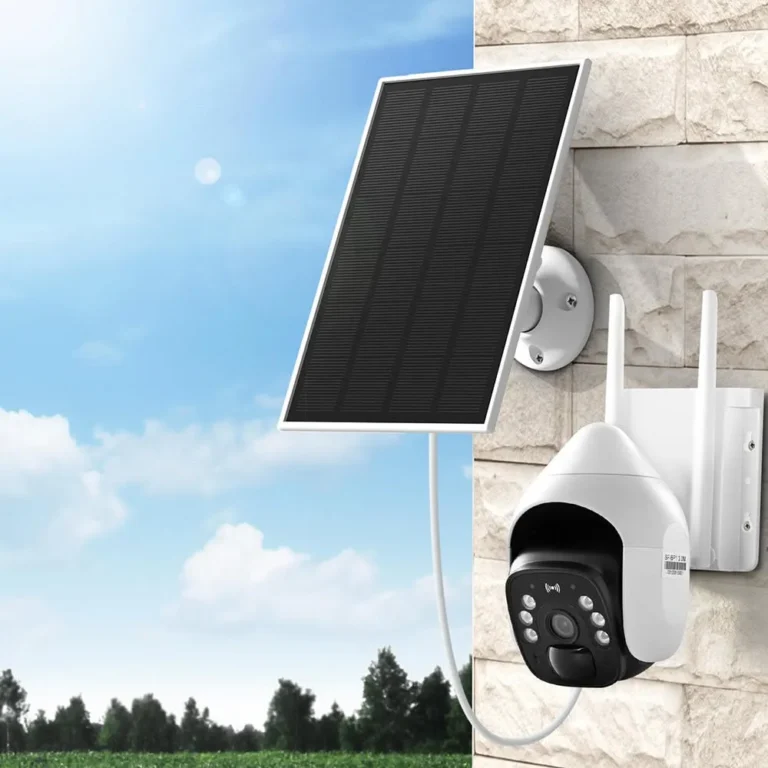
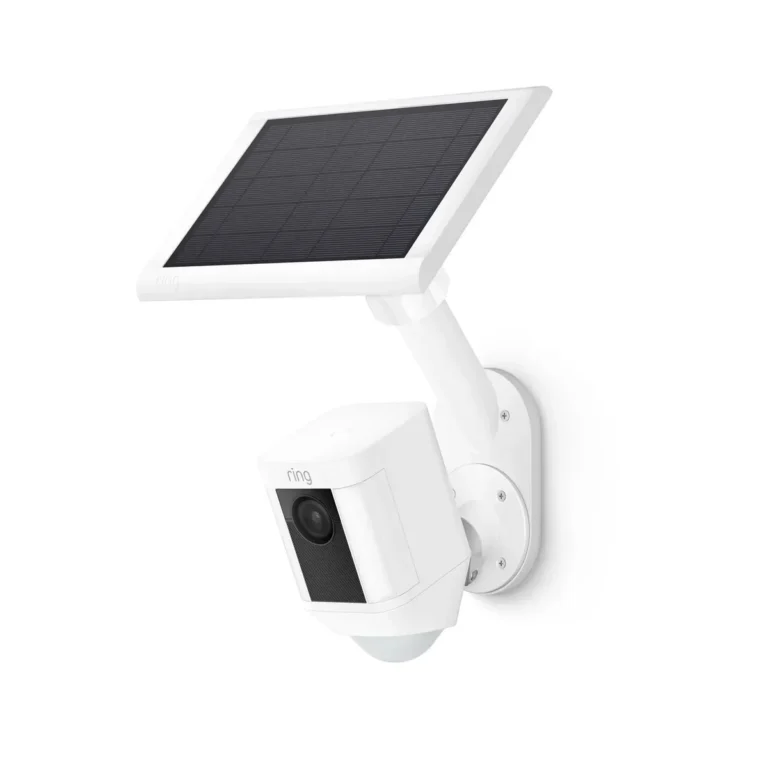
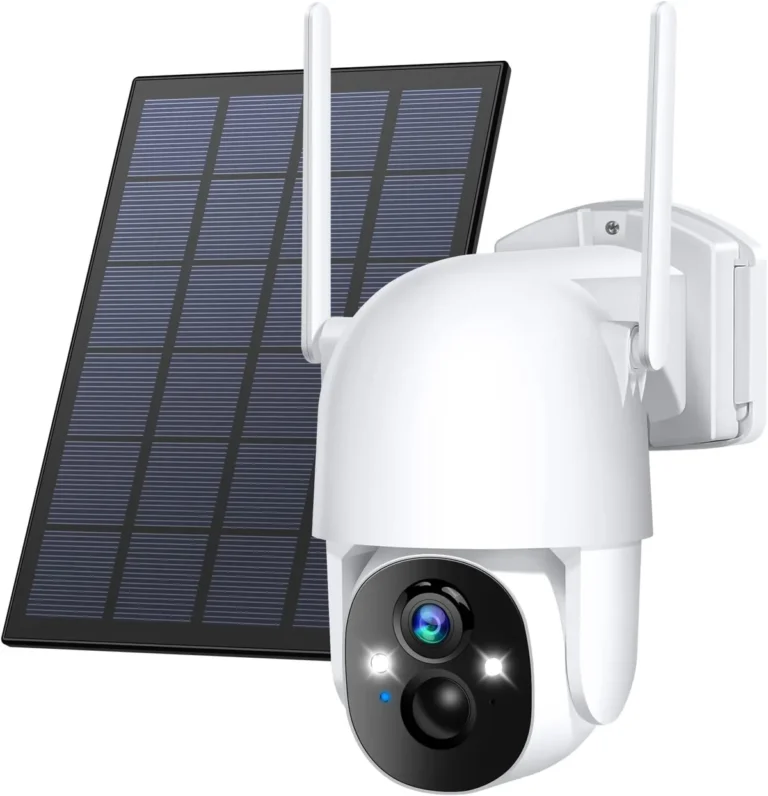
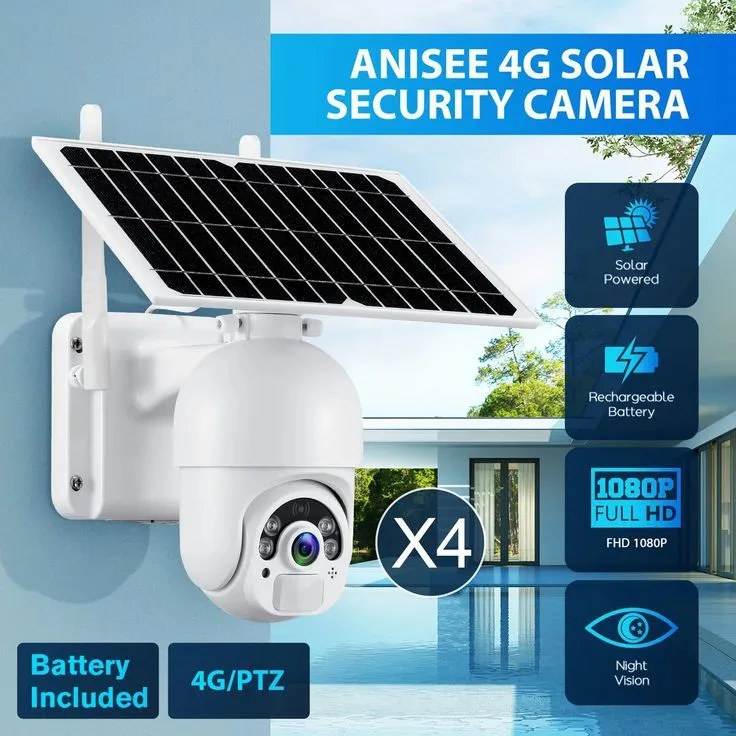
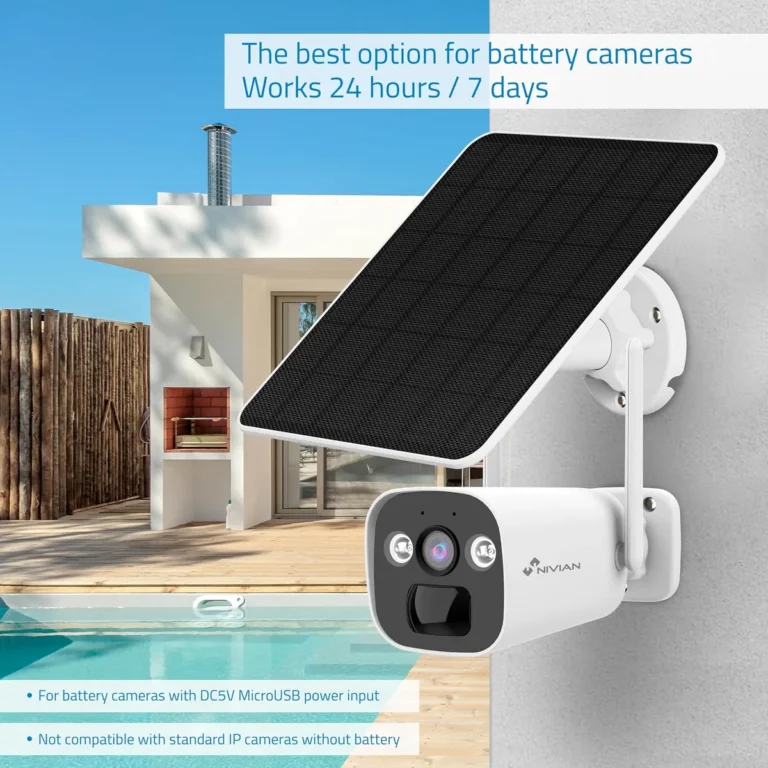
How Does a Solar Security Camera Work?
Most solar security cameras confuse people right away, and the question everyone asks is the same: How does a solar security camera work? The short answer is straightforward. A small solar panel charges an internal battery, and that battery powers the camera all day long.
If you've hesitated before buying one because you're worried it'll die during a cloudy week, you're thinking exactly what most buyers think.
Most modern solar security cameras use panels rated between 2W and 10W, with battery capacities from 6,000mAh up to 20,000mAh. Manufacturer specs confirm that a typical PIR camera draws around 1,000mAh to 2,000mAh per day. The math works out fine once you understand how that daily drain interacts with solar input.
Here's what you need to know.
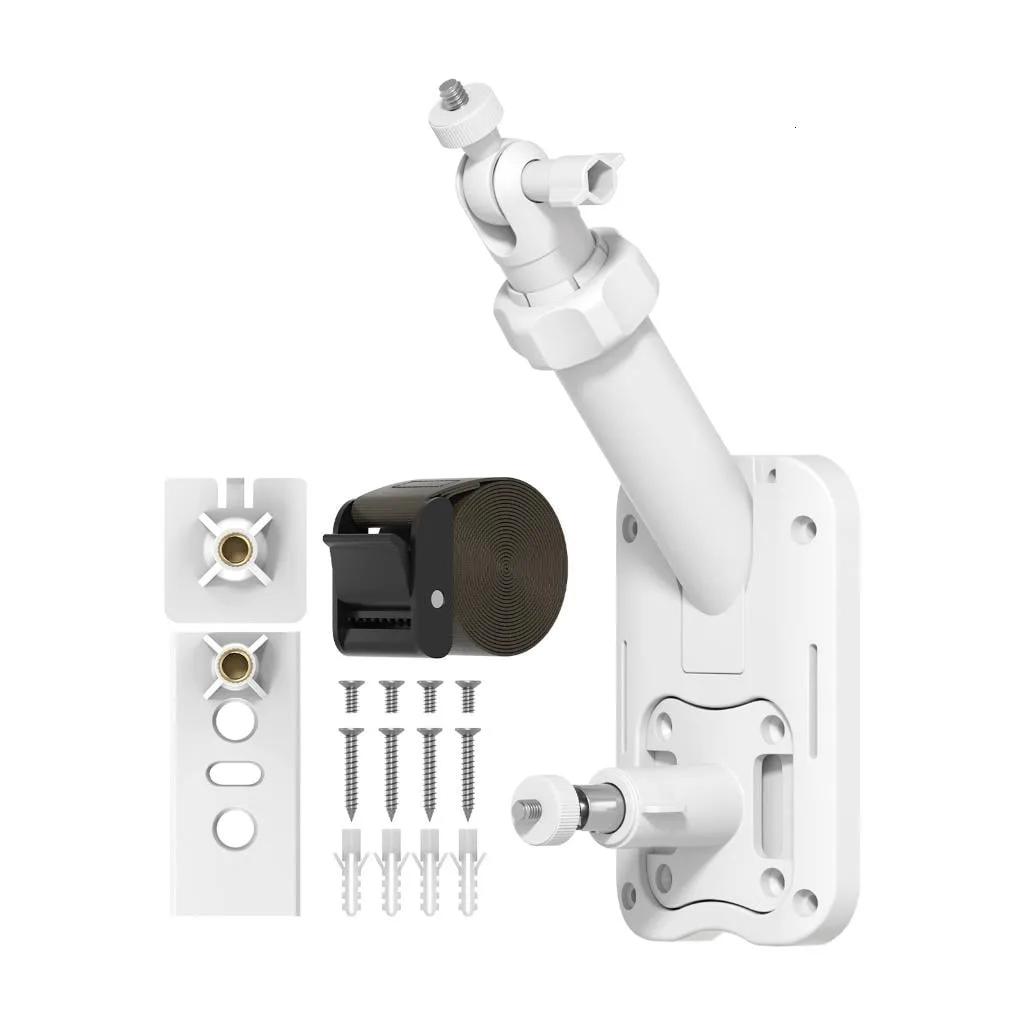
Image source: Bing (Web (fair-use with source credit))
Quick Answer
How does a solar security camera work? It uses a solar panel to collect sunlight and convert it into electricity. That electricity charges an internal rechargeable battery.
The battery powers the camera, motion sensors, and wireless radio during operation. PIR motion detection wakes the camera only when movement triggers it.
Why Solar Security Cameras Confuse People (And How They Actually Work)
Most people picture a solar security camera as something that needs blazing sunlight 24/7 to function. That's not how these devices work at all. The solar panel doesn't power the camera in real time.
It charges a battery. The battery is what keeps everything running.
The confusion usually comes from two things. First, many people assume the camera streams video continuously, like a wired IP camera. It doesn't.
Most solar models use PIR motion sensors, meaning the camera only wakes up when movement crosses its detection zone. Second, people don't understand that the panel and the battery do different jobs.
This design is intentional. Continuous 1080p video streaming would drain even a large battery in just a few hours. PIR detection, on the other hand, keeps the camera in ultra-low-power standby most of the time.
Only the sensor and microcontroller stay active.
In our research of common buyer complaints, battery sizing is always the top issue, not solar panel failure. The panel itself is reliable. The problem is usually that the camera's daily energy draw exceeds what the battery can hold, especially during low-sun months like November through February.
How a Solar Security Camera Works: Energy In, Monitoring Out
Here's the full chain, broken down step by step.
First, the solar panel absorbs sunlight and converts it into direct current electricity. The wattage rating on the panel tells you how much power it produces under ideal conditions. A 5W panel generates 5 watts when direct sunlight hits it.
Next, the electricity passes through a charge controller. On higher-end models, this is an MPPT controller, which optimizes power conversion. Budget models use PWM controllers, which are simpler but less efficient.
The controller regulates voltage and prevents overcharging, which extends battery lifespan.
The battery, typically lithium-ion or LiFePO4, stores the energy. When a manufacturer advertises 10,000mAh, that's the battery capacity, not the panel output. Those two numbers are separate specs and don't depend on each other.
When PIR motion is detected, the camera wakes from standby and begins recording. Footage goes to the local microSD card or streams to your phone over Wi-Fi or 4G LTE. After the event passes, the camera returns to low-power standby.
On a sunny day, the panel charges faster than the camera drains. On a cloudy day, the battery covers the difference. The system is designed to balance these two forces over time.
The Variables That Decide If a Solar Camera Will Work for You
Whether a solar security camera works well at your property comes down to three things: sun exposure, wireless signal strength, and the ratio between battery capacity and panel wattage.
Sun Exposure
Sun exposure is the biggest factor. Your panel needs roughly 5 to 6 peak sun hours per day to keep up with normal camera usage. Peak sun hours aren't the same as daylight hours.
They measure the equivalent energy of full-strength sunlight averaged over the day.
If your mount location gets direct sun and you're in a temperate climate, a 5W to 10W panel should handle a standard PIR camera without issue. If you're in a low-sun region like the Pacific Northwest or Northern Europe, oversize the panel. A 15W to 20W panel or a larger battery helps compensate.
As of 2026, many manufacturers ship firmware that automatically lowers recording quality and event length during months with reduced solar input.
Wireless Signal
Wireless signal matters just as much. If your camera needs to connect to Wi-Fi, the signal has to reach the mount location reliably. Outdoor Wi-Fi typically works 30 to 50 feet from the router, less through walls.
If your camera is going 200 feet away in a barn, you'll need a mesh extender or a 4G LTE cellular model instead.
Battery-to-Panel Ratio
The battery-to-panel ratio is where things get precise. Aggregate manufacturer data shows cameras drawing 1,000mAh to 2,000mAh per day under typical usage. If your panel produces less than that daily average, the battery slowly drains until it dies.
If it produces more, you're in the safe zone. The NREL solar resource maps can help you estimate how much solar energy your specific location receives each day.
Installing a Solar Security Camera: Step-by-Step Setup Guide
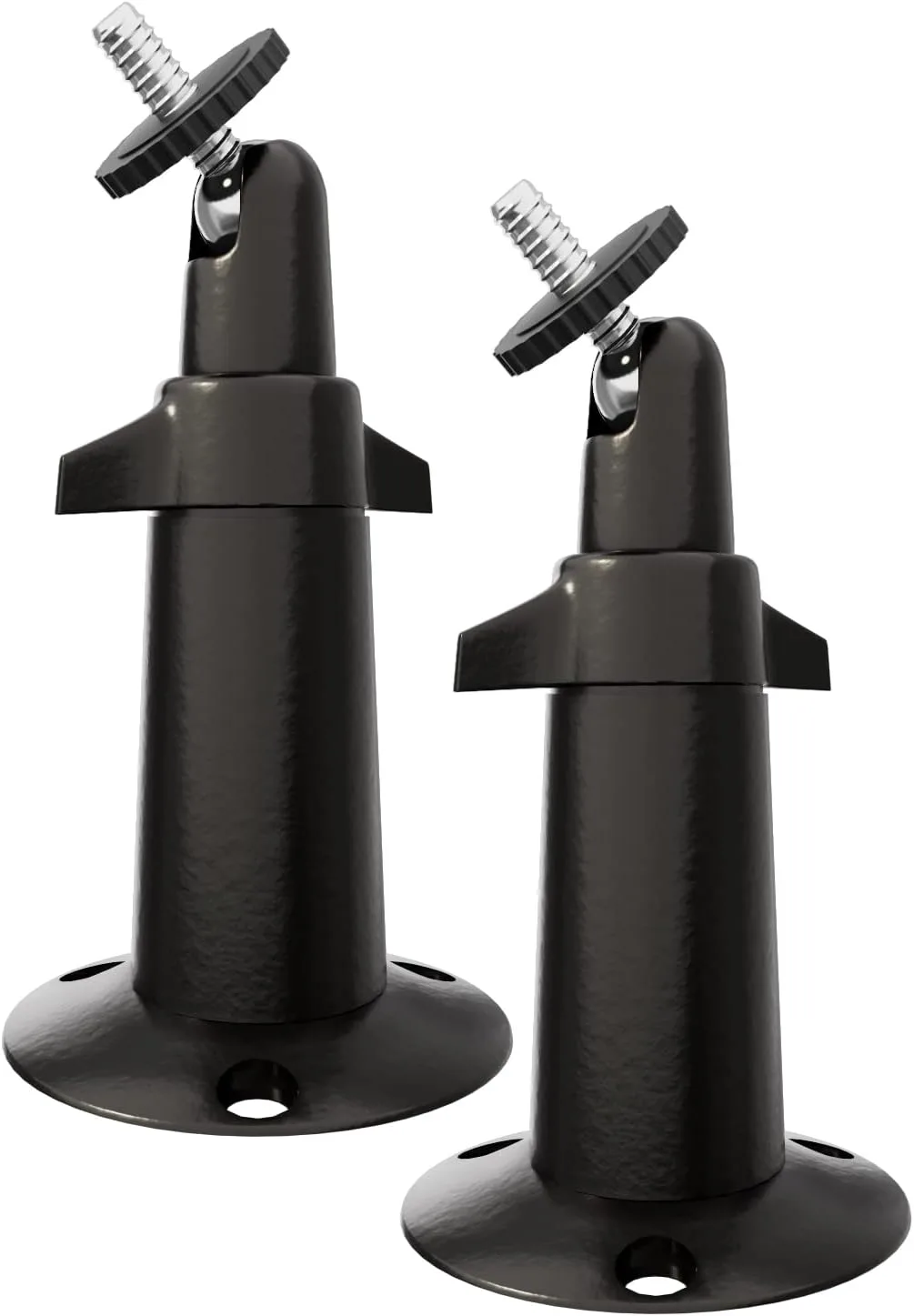
Image source: Bing (Web (fair-use with source credit))
Installing a solar security camera takes most DIYers 20 to 45 minutes. Here's the setup sequence.
Step 1: Check sun exposure. Walk your planned camera location at different times of day. Verify the panel can face south (Northern Hemisphere) or north (Southern Hemisphere) without obstruction.
Step 2: Mount the solar panel. Angle it toward the sun at roughly 30 to 45 degrees for optimal collection throughout the day.
Step 3: Mount the camera. Position it at 2 to 3 meters (6.5 to 10 feet) for best PIR sensor accuracy.
Step 4: Connect the panel. Plug the solar panel cable into the camera's charging input.
Step 5: Pair the camera. Power it on and connect it to your Wi-Fi or 4G network using the manufacturer's app.
Step 6: Insert the microSD card. Format it through the app for local recording.
Step 7: Configure motion zones. Set detection area, sensitivity, and event duration in the app settings.
Step 8: Set notifications. Choose your alert preferences and recording schedules.
After installation, run a quick test. Walk through the detection zone and confirm the camera wakes up, records, and sends a notification within 5 to 10 seconds. Then monitor battery levels through the app over 2 to 3 full days.
If the battery drains faster than expected, adjust the panel angle first before assuming the hardware is at fault.
Mistakes That Drain Your Solar Camera Battery
If your solar camera seems to run out of power faster than it should, one of these mistakes is likely the culprit.
- Panel facing the wrong direction. In the Northern Hemisphere, the panel must face south. East or west-facing panels collect noticeably less energy over the course of a day.
- Camera mounted too high. PIR sensors work best at 2 to 3 meters. Mounting higher or lower than that reduces detection accuracy and causes missed triggers.
- Oversized motion detection zone. If the zone is too wide, trees, cars, or pets trigger constant false alerts. Each false trigger wakes the camera and drains battery.
- Undersized panel for the climate. A 2W panel in a region with heavy overcast winters will struggle to keep up. Match panel wattage to your actual sun exposure, not to product marketing.
- Dirty solar panel surface. Dust, pollen, and bird droppings block sunlight and can reduce output by 10% to 20%. Clean the panel every few weeks.
- Ignoring firmware updates. Battery management algorithms improve in firmware updates. Sticking with outdated firmware means the camera may use more power than necessary.
- Cheap microSD card. Low-quality cards can fail or corrupt, causing the camera to retry recordings and drain extra power. Use a high-endurance card rated for security camera use.
Per FCC guidance on wireless transmission devices, cameras that use Wi-Fi or cellular radios consume meaningful power just maintaining a connection. Keeping your wireless signal strong reduces the power the radio needs to transmit.
Solar Camera Specs, Pricing, and Performance Numbers
Understanding the specs helps you pick a solar camera that won't leave you disappointed. The numbers below cover the most common configurations on the market.
| Spec | Budget Model | Mid-Range | Premium |
|---|---|---|---|
| Solar Panel Wattage | 2W to 5W | 5W to 10W | 10W to 20W |
| Battery Capacity | 6,000mAh | 10,000mAh | 20,000mAh |
| Video Resolution | 1080p | 1080p to 2K | 2K to 4K |
| Night Vision | IR, 10m range | IR, 15m to 20m | Starlight color, 30m+ |
| IP Rating | IP65 | IP66 | IP67 |
| Price Range | $40 to $80 | $80 to $150 | $150 to $250+ |
Manufacturer specs confirm that budget models with 2W panels and 6,000mAh batteries work fine in sunny climates. They struggle in regions with heavy winter overcast. Mid-range models handle most suburban installations without issues.
Two commonly ignored numbers deserve attention. The IP rating matters for rain and dust exposure. IP65 handles rain but not submersion.
IP67 survives brief submersion. Also check the operating temperature range. Some Li-ion batteries lose up to 30% capacity below freezing.
Pricing has dropped significantly as of 2026. Most mainstream solar cameras sit between $60 and $120. Premium 4K PTZ models with larger panels land above $200.
Cloud subscription fees are optional and range from $0 to $10 per month.
Solar vs. Wired, Battery, or Plug-In Cameras: Which Should You Choose?
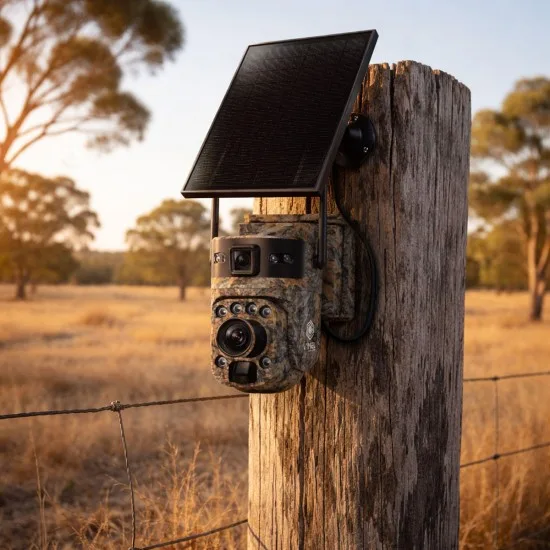
Image source: Bing (Web (fair-use with source credit))
Solar isn't always the right answer. The best choice depends on your location, power availability, and how critical continuous recording is to you.
| Option | Best For | Drawbacks |
|---|---|---|
| Solar security camera | Remote properties, off-grid locations, rentals, areas without outdoor outlets | Battery limits continuous recording, depends on sun exposure |
| Wired security camera | Critical monitoring, areas with existing outdoor power, high-traffic zones | Needs electrician, expensive installation, fixed location |
| Plug-in outdoor camera | Homeowners with outdoor outlets nearby | Requires visible cabling, susceptible to power outages |
| Battery-only camera | Temporary monitoring, rentals, quick deployment | Frequent manual charging, no solar top-up |
| 4G LTE cellular camera | Properties with no Wi-Fi signal | Requires SIM card plan, higher ongoing cost |
If your property has an outdoor outlet within reach, a plug-in or wired camera is more reliable for continuous recording. Solar cameras excel where running electrical wiring is impractical or expensive. Think barns, remote cabins, vacation rentals, and construction sites.
Hybrid setups work well too. Use solar for perimeter coverage and a wired camera for the main entrance. This approach gives you continuous recording where it matters most and flexible coverage everywhere else.
Frequently Asked Questions
Do solar security cameras work at night?
Yes. Solar cameras use the battery to power night vision after dark. Infrared LEDs or starlight sensors provide illumination, and the battery holds enough charge to run through the night as long as daytime charging was adequate.
How long does a solar security camera battery last without sun?
Battery-only runtime depends on usage. Manufacturer data shows 2 to 6 months without solar input under normal PIR-triggered recording. Heavy motion events, live viewing sessions, and cold weather shorten that timeline significantly.
Can solar security cameras record 24/7?
Some models support 24/7 recording, but most solar cameras are designed for PIR-triggered events. Continuous streaming drains batteries fast, even with solar. If you need 24/7 recording, a wired or plug-in camera is a better fit.
Do solar security cameras need Wi-Fi?
Many models require Wi-Fi for app access and remote viewing. However, 4G LTE cellular solar cameras operate independently of Wi-Fi using a SIM card. Pick cellular if your camera location is outside your Wi-Fi range.
What size solar panel do I need for a security camera?
A 5W to 10W panel handles a standard 1080p PIR camera in most climates. Low-sun regions benefit from 15W to 20W panels or larger batteries. Match the panel output to your camera's daily power draw, not to its peak rating.
Is a solar security camera worth it over a wired camera?
For remote or off-grid properties, yes. Solar cameras eliminate installation costs and power constraints. For high-priority security points with existing power access, wired cameras offer more reliable continuous recording.
The right choice depends on your specific setup.