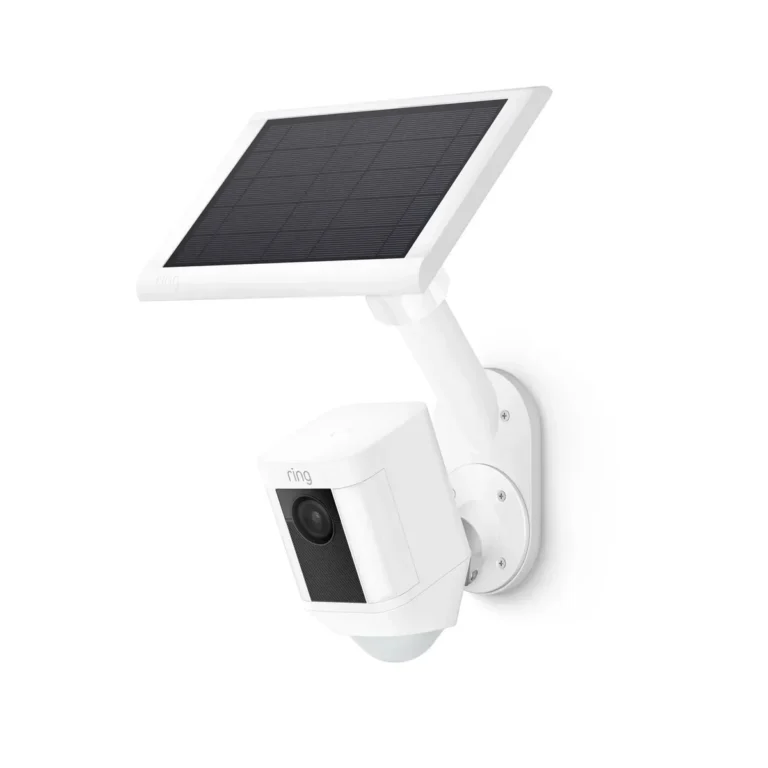
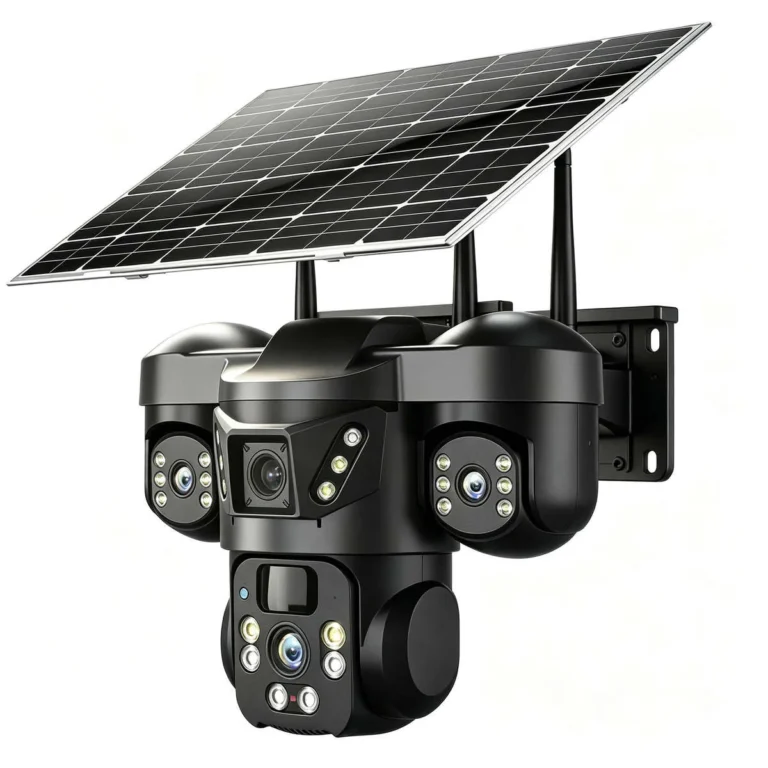
Do Solar Security Cameras Have SD Cards?
"Do solar security cameras have SD cards?" The answer isn't a simple yes or no. Some brands build an SD card slot right into the camera. Others rely entirely on cloud subscriptions and skip the slot altogether.
The difference comes down to the manufacturer's business model, not the camera's quality.
Reolink, Wyze, and select Eufy models all include SD card support as a standard feature. Ring, Nest, and most Arlo cameras don't. That split matters because it decides whether you'll pay monthly fees or keep your footage on-device forever.
As of 2026, this divide remains consistent across every major solar camera brand.
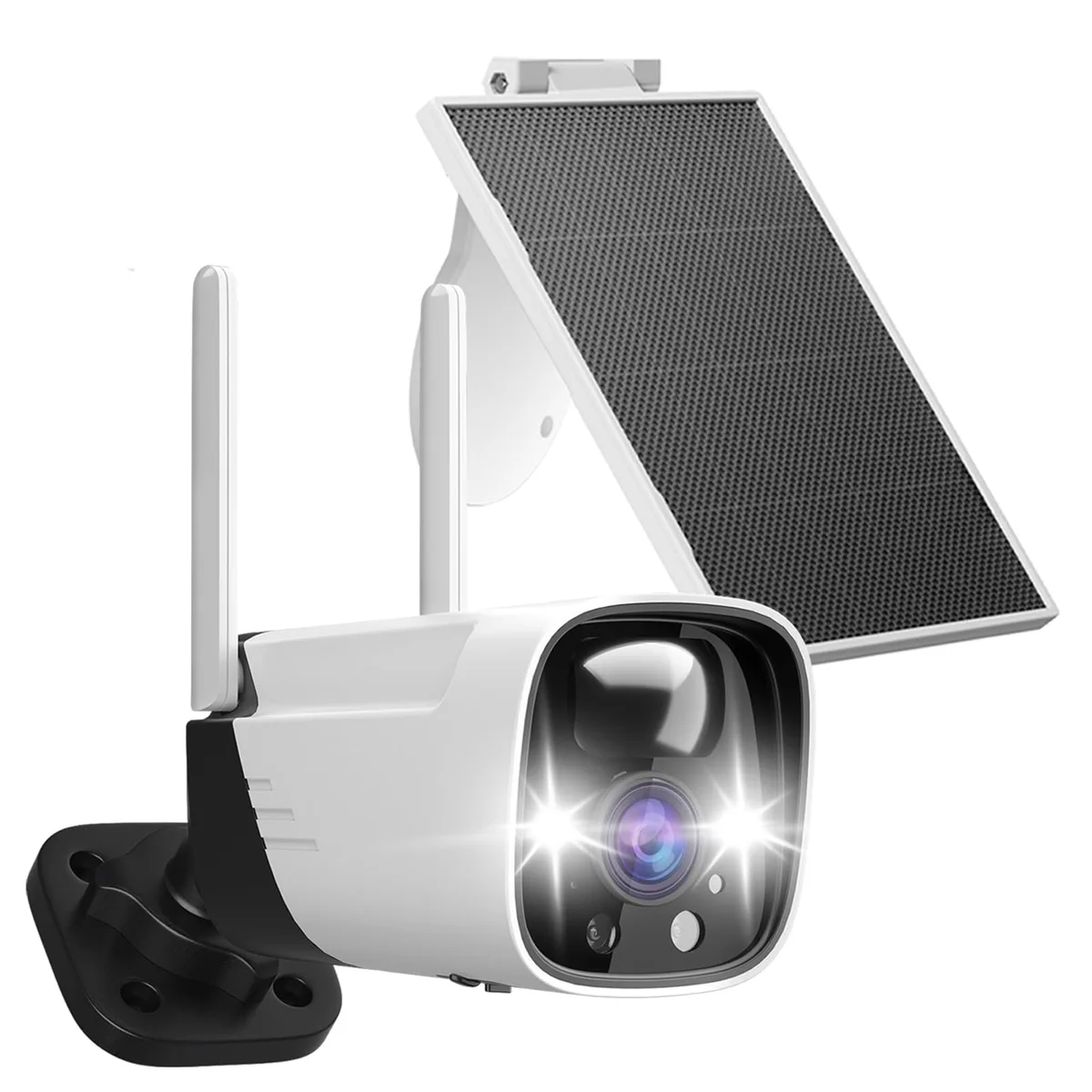
Quick Answer
Do solar security cameras have SD cards? Some brands include an SD card slot for local storage. Others don't and rely on cloud subscriptions instead.
Reolink, Wyze, Swann, and select Eufy models support SD card storage. Ring, Nest, Blink, and most Arlo cameras do not.
How Solar Camera Storage Works (Cloud, SD Card, or Both)
Solar security cameras store recorded footage in one of three ways. Cloud storage sends clips to the manufacturer's servers, and you access them through an app. SD card storage saves footage directly to a card inside the camera.
Some newer models support both, giving you local recording plus optional remote backup.
Each method has trade-offs that affect daily use.
| Storage Type | Monthly Cost | Footage Access | Privacy Level |
|---|---|---|---|
| SD Card only | Free after card purchase | View on-device or via app | High |
| Cloud subscription | $3 to $7 per camera/month | Access anywhere via app | Lower |
| Hybrid (SD + Cloud) | Free or optional paid | On-device + remote backup | Balanced |
Solar cameras run on battery power, charged by a small solar panel. Because of this, they typically use event-based recording. The camera sleeps and wakes only when its PIR motion sensor detects activity.
Each triggered event gets recorded as a clip and saved to the SD card or uploaded to the cloud.
This matters for storage planning. Event-based recording uses far less space than continuous 24/7 recording. A 128GB SD card in a solar camera might hold two to three weeks of footage.
The same card in a wired camera running continuously could fill in a day.
There's another critical difference. Cloud-reliant solar cameras need an active internet connection to record at all. If your Wi-Fi drops, those recordings simply don't happen.
SD card cameras keep recording regardless, because the footage never leaves the device.
Does Your Camera Have an SD Card? (A Decision Walkthrough)
The fastest way to find out is to check your camera's model number against the manufacturer's official specifications. Here's the step-by-step process:
Step 1: Find your camera's brand and model number. It's usually printed on the camera body or the box. If you've already set it up, check the app under "device info" or "settings."
Step 2: Look up the model on the manufacturer's official support page. Search for "storage," "recording options," or "SD card" in the specs. If the page lists SD card capacity support, you have your answer.
Step 3: Check what "local storage" actually means. Some brands use that phrase for an internal chip that can't be expanded. Only "microSD card support" or "expandable storage" means a physical slot exists.
Step 4: Inspect the camera body. Many models have a rubber flap hiding the SD card slot. Look near the charging port, usually on the underside or back. If you see a slot, test it with a compatible microSD card.
Here's the decision logic in plain terms:
- If the brand sells a paid cloud subscription as its primary storage option, it likely doesn't have an SD card slot.
- If the brand advertises "no monthly fees," it almost certainly does have one.
- If you're not sure, check before you buy, not after you've installed the camera.
That last point matters most. Installing a camera you found on sale, only to discover you need a paid plan for basic recording, is avoidable frustration. Ten minutes of research prevents months of subscription payments.
Which Solar Camera Brands Include SD Card Slots (and Which Don't)
This is where the decision gets concrete. The table below covers the major solar camera brands and their SD card support as of 2026.
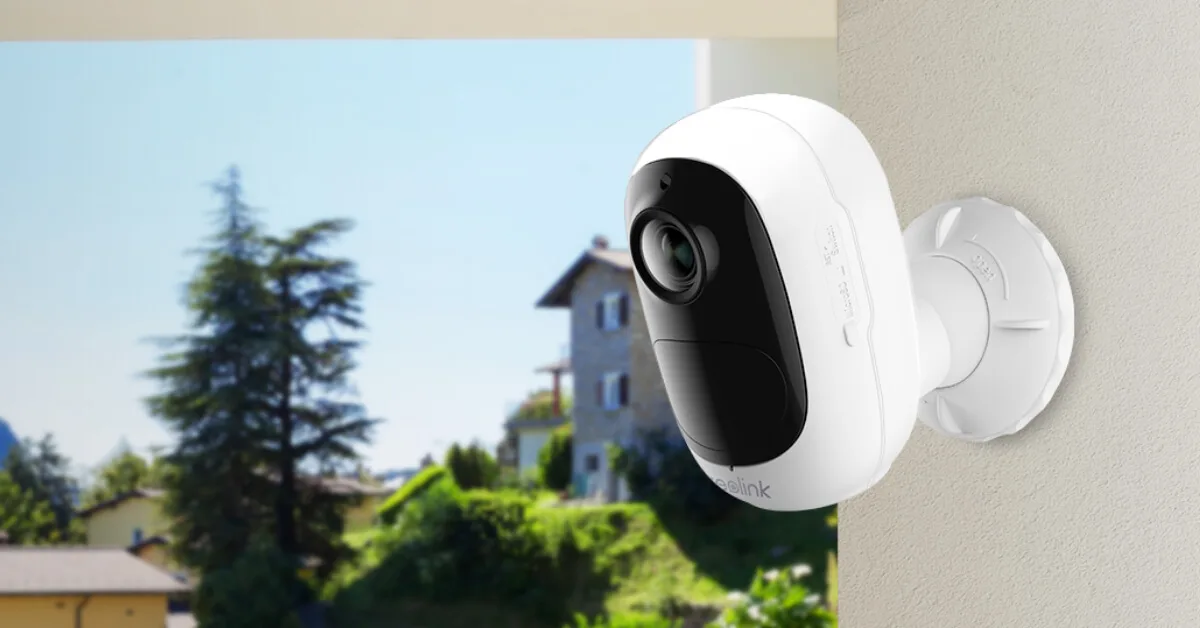
| Brand | SD Card Support | Cloud Plan Required | Example Solar Models |
|---|---|---|---|
| Reolink | Yes | Optional | Argus Eco, Argus 2, RLC series |
| Wyze | Yes (v3 and later) | Optional (free tier) | Wyze Cam Outdoor |
| Eufy | Yes (select models) | Optional (free) | EufyCam 2C, SoloCam |
| Swann | Yes | No | Swann Solar series |
| Annke | Yes | No | Annke Vision Solar |
| Ring | No | Required | Ring Solar |
| Nest | No | Required | Nest Cam Outdoor |
| Blink | No | Required | Blink Outdoor + Solar |
| Arlo | No (most models) | Required | Arlo Pro Solar |
The pattern is unmistakable. Brands that support SD card storage sell hardware directly and offer optional or free cloud features. Brands without SD card support build their business around recurring subscriptions.
Reolink's official specifications list microSD card support up to 128GB on the Argus Eco. Ring's solar camera documentation makes no mention of local storage at all. That difference reflects how each company generates revenue.
If you want to avoid monthly fees, check the SD card support column first. Everything else about the camera, like resolution or field of view, comes second.
Choosing the Right microSD Card for Your Solar Camera
Not every microSD card handles security camera workloads the same way. The card you pick affects how long it lasts and how reliably your footage gets recorded. Three specifications matter most.
Capacity: how much footage fits on the card.
A 64GB card holds roughly one week of event-based footage on a 2K solar camera. A 128GB card stretches that to two to three weeks. A 256GB card can run for a month or more before it fills up, depending on how often motion triggers.
Speed class: how fast the card can write data.
Solar cameras record in short bursts, but those bursts need a card that keeps up. Look for Class 10 or U3 ratings. These classes guarantee minimum write speeds of 10MB/s and 30MB/s respectively.
Slower cards can cause dropped frames or failed recordings.
Endurance: how long the card survives repeated write cycles.
Solar cameras power-cycle constantly. The camera wakes, records, saves, and sleeps again. That cycle stresses the card more than typical use.
Standard microSD cards handle this fine for a year or two. If your camera triggers hundreds of times daily, an endurance-rated card like SanDisk High Endurance or Samsung Pro Endurance is worth the extra cost.
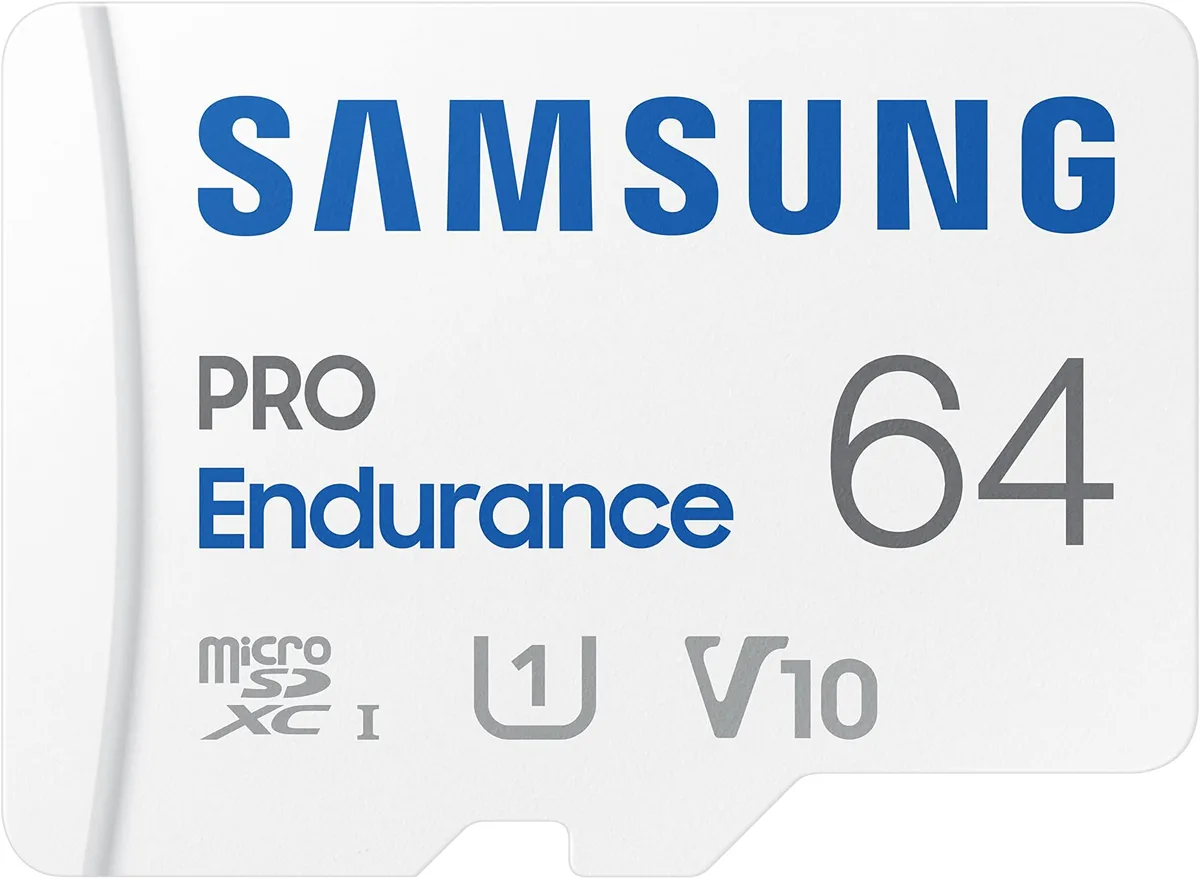
Here's a quick capacity guide based on event recording on solar cameras:
| Capacity | Days of Footage (1080p Events) | Days of Footage (2K Events) | Price Range |
|---|---|---|---|
| 64GB | 7 to 10 days | 5 to 7 days | $6 to $12 |
| 128GB | 14 to 21 days | 10 to 14 days | $10 to $20 |
| 256GB | 28 to 42 days | 20 to 28 days | $18 to $35 |
| 512GB | 56 to 84 days | 40 to 56 days | $35 to $60 |
Before using any card, format it inside the camera's app or settings menu. This ensures the card uses the correct file system and clears any residual data. It's a 30-second step that prevents playback errors later.
Common Mistakes to Avoid With Solar Camera Storage
The mistakes we see most often come down to assumptions. Here are the pitfalls worth knowing about before you buy or install.
Buying a cloud-only camera and discovering the fees after installation. This happens more than you'd think. A camera gets installed, footage starts recording, and the free trial expires. Suddenly basic playback requires a $3 to $7 monthly plan.
Always check SD card support before purchasing.
Assuming every wireless camera supports SD cards. Wireless refers to power and connectivity, not storage. Ring, Blink, and Nest cameras are all wireless, yet none include SD card slots. Wireless capability says nothing about how footage is saved.
Using a cheap, low-speed SD card. Budget cards from unknown brands fail far faster under constant recording. A failed card means missing footage exactly when you need it most. Stick with reputable brands and buy the speed class the manufacturer recommends.
Not accounting for solar charging limitations. Solar panels output depends on sun exposure. In the Pacific Northwest or Northern Europe, winter sunlight may not charge the battery consistently. If the camera loses power frequently, SD card recordings stop too.
Plan for cloudy months.
Formatting the SD card on a computer instead of in-camera. Different cameras use different file systems. A card formatted for a desktop PC might not work in your camera. Always format inside the camera app or settings menu first.
Frequently Asked Questions
Do Ring cameras support SD cards?
No, Ring cameras do not support SD card storage. Ring relies entirely on cloud subscription plans for footage access. The Ring Protect plan starts at $3.99 per month for one camera, or $10 per month for unlimited cameras.
There is no local storage option on any Ring device.
Do Wyze cameras support SD cards?
Yes, Wyze Cam Outdoor and Wyze Cam v3 both support microSD cards up to 32GB with a free tier, or up to 256GB with a microSD card subscription of about $2.33 per month. You can also record continuously to the card without any subscription at lower resolutions.
Can you view SD card footage remotely?
Yes, most SD card-equipped solar cameras let you play back recorded footage through the camera's mobile app. However, you need an active internet connection to access the footage remotely. Without Wi-Fi, you'll need to remove the card and view files on a computer.
Do solar cameras record 24/7 or only on motion?
Solar cameras almost always use motion-triggered recording to conserve battery. Continuous 24/7 recording drains batteries too fast for solar charging to keep up. Most models wake only when their PIR motion sensor detects activity, then go back to sleep.
Do SD card cameras still need Wi-Fi?
Yes, most SD card-equipped cameras need Wi-Fi for initial setup, app access, and firmware updates. Once configured, the camera continues recording to the SD card even if the connection drops. But without Wi-Fi, you won't receive motion alerts or remote playback.
Can you use an SD card and cloud storage at the same time?
Yes, many newer solar cameras support both simultaneously. Reolink and Eufy models with SD card slots often allow cloud backup as an optional paid feature. Footage saves locally first, then syncs to the cloud if you enable that setting.
The Decision Guide: How to Choose the Right Solar Camera Storage
Choosing the right storage comes down to three questions. Each one points you toward a different option.
If you want zero monthly fees: Choose a solar camera with SD card support. Brands like Reolink, Swann, and Wyze let you record without any subscription. Buy a 128GB or 256GB microSD card and you're set for months.
The Federal Trade Commission has documented growing consumer frustration with hidden subscription requirements, and local storage avoids that entirely.
If you need remote access to footage: Cloud storage is more reliable for on-the-go viewing. SD card playback works remotely too, but requires a stable internet connection to your camera. If your property has strong Wi-Fi, a hybrid camera gives you both options.
If you want maximum control over your data: SD card storage keeps footage on your device. Nothing gets uploaded to third-party servers. For privacy-conscious homeowners, this matters.
Cloud providers can be subpoenaed, breached, or change their data retention policies.
Before you buy, run through this checklist:
- Does the camera list microSD card support in its official specs?
- What microSD capacity does it accept?
- What speed class does the manufacturer recommend?
- Is the solar panel rated for your region's sun exposure?
- Does the camera offer any cloud backup as an optional extra?
Answer those five questions before purchase. You'll avoid the most common storage mistakes and pick a system that fits how you actually live.