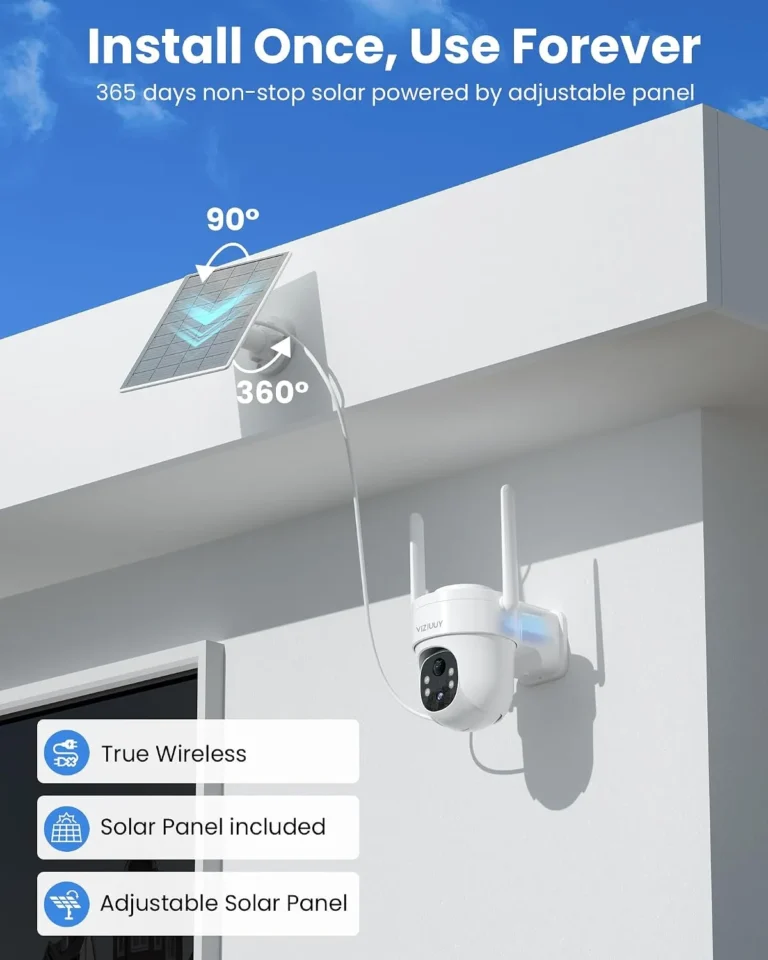
How Do Solar Security Cameras Store Video?
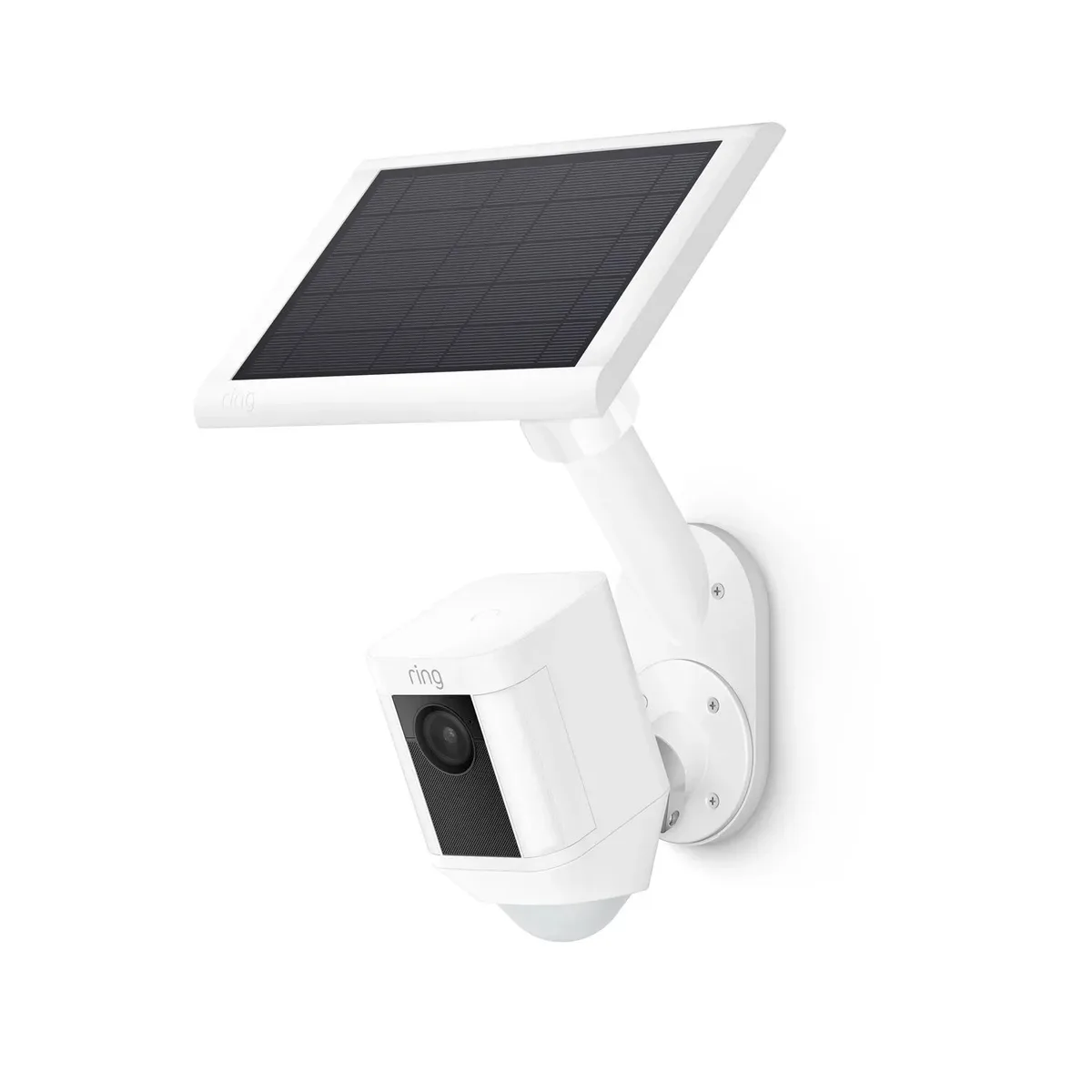
Image source: Web (Bing) / ring.com (Web image (fair-use with source credit))
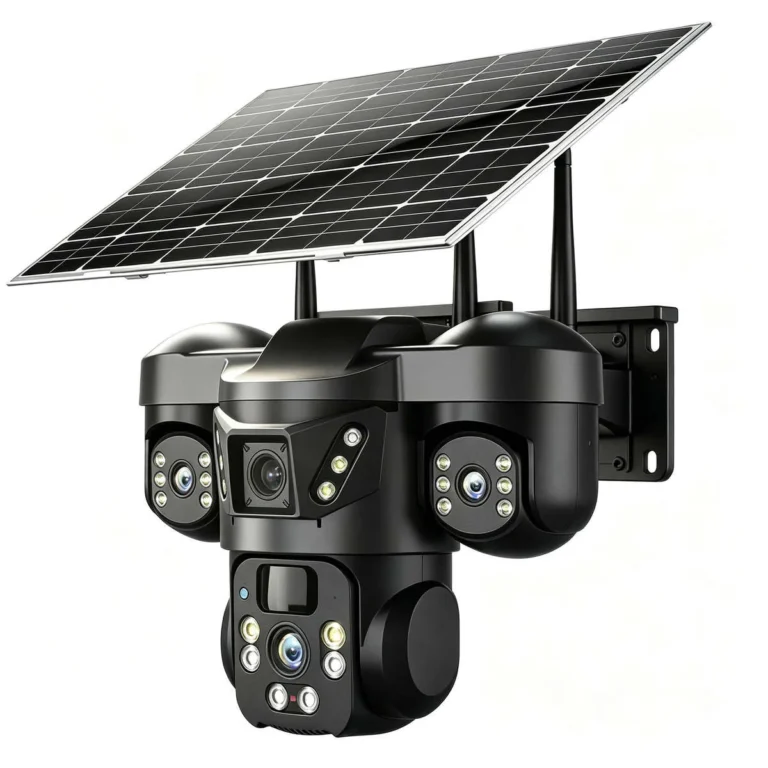
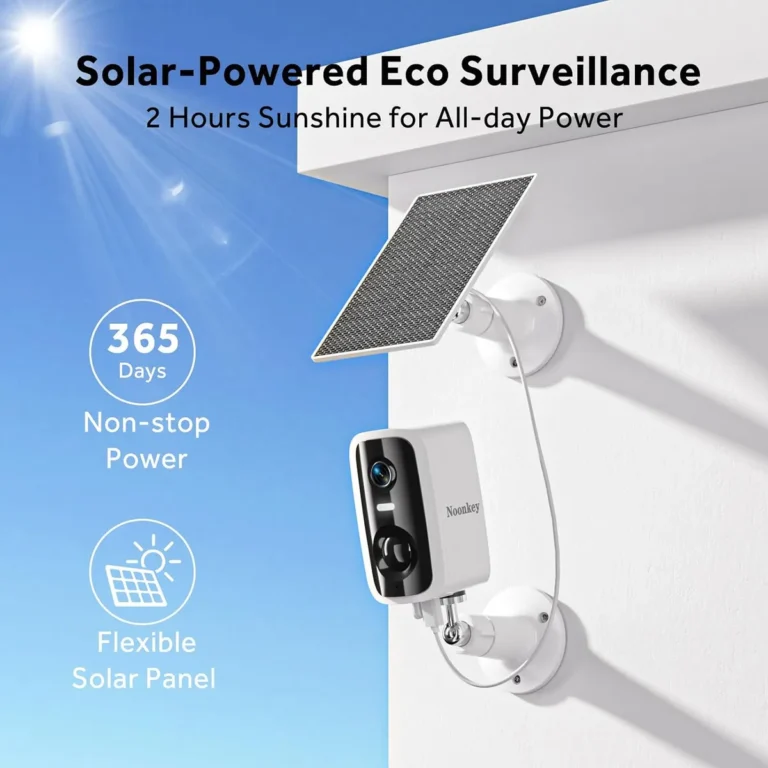
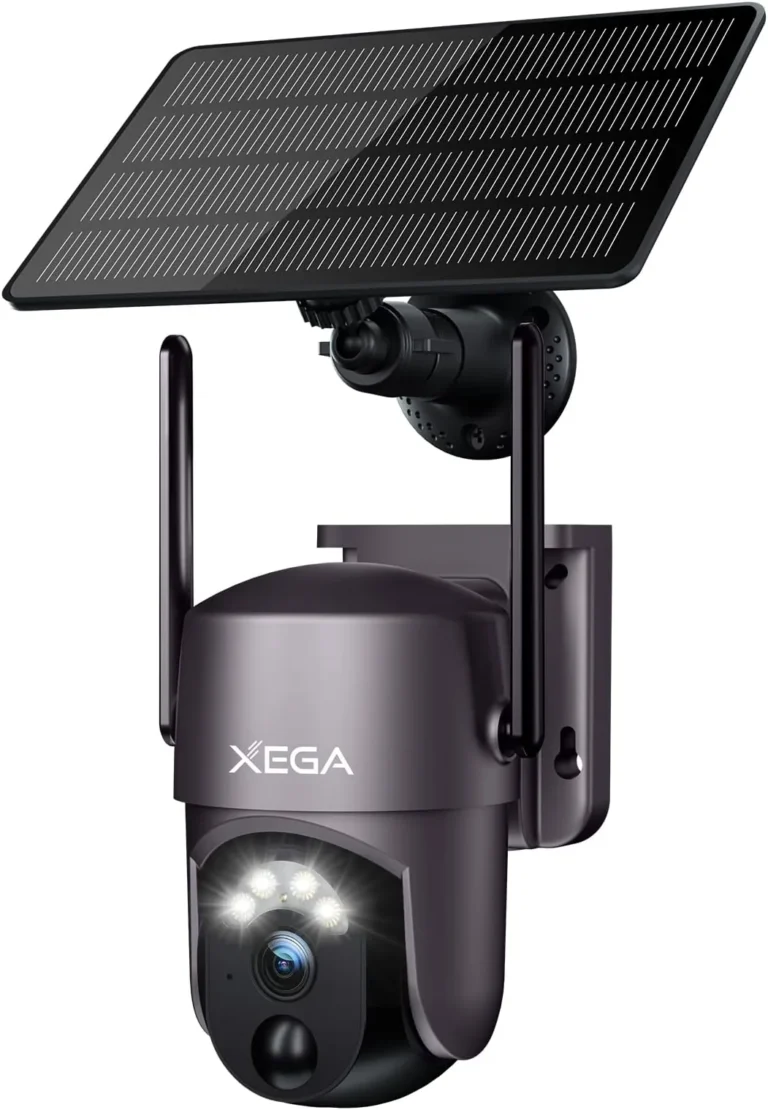
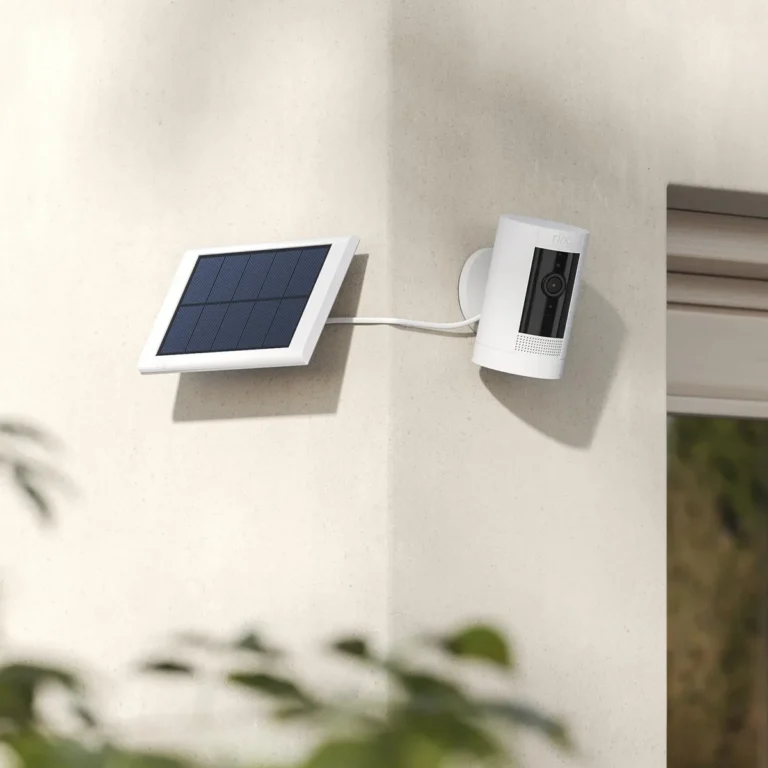
Solar security cameras work differently from standard wired models because they run on limited battery power. That single fact changes everything about how footage gets captured and saved. Understanding how solar security cameras store video helps you pick the right system before you spend a dollar.
Most solar cameras rely on one of three storage paths: a microSD card inside the camera, a cloud subscription service, or a connected Network Video Recorder (NVR). Each option trades cost, convenience, and reliability in different ways. Our research across manufacturer specifications and aggregate user reviews as of 2026 shows that storage choice remains the most common source of buyer confusion.
Quick Answer
Solar security cameras store video in three ways. They record to a microSD card inside the camera body. They upload footage to a cloud server over Wi-Fi or 4G LTE.
They can also feed a wired NVR (Network Video Recorder) hard drive. Most solar cameras use motion-triggered recording to conserve battery power.
Why Solar Camera Storage Works Differently Than Regular Cameras
Standard wired security cameras can draw continuous power from an electrical outlet. That means they can record 24 hours a day without interruption. Solar security cameras don't have that luxury.
They run on a rechargeable lithium battery, typically in the 5,000mAh to 10,000mAh range, topped up by a small solar panel rated between 2W and 6W. Constant recording drains that battery faster than the panel can recharge it. So manufacturers default to motion-triggered recording, where the camera only saves footage when something triggers its sensor.
This has a direct effect on storage. Motion-triggered footage at 1080p resolution generates roughly 2 to 5 GB per day, compared to 80 to 100 GB if the camera recorded continuously. That difference is why a 128GB microSD card might hold two days of continuous footage but up to 30 days of motion-triggered clips.
The takeaway is straightforward: your power constraints dictate your recording schedule, and your recording schedule dictates how much storage you actually need.
The Three Ways Solar Security Cameras Store Video
Solar cameras don't use a single storage method. Most systems offer at least two of these three paths, and some support all three simultaneously.
Local microSD card storage puts footage directly on a card inside the camera. The card handles everything: capture, playback, and retention. Loop recording overwrites the oldest clips once the card fills up.
You view footage through the camera's companion app on your phone.
Cloud video storage uploads clips to a remote server managed by the camera brand. Retention periods typically range from 7 to 30 days depending on your subscription tier. This protects against camera theft but adds a monthly cost.
NVR (Network Video Recorder) storage feeds footage from one or more cameras to a central hard drive, usually located indoors. You get days or weeks of continuous recording at high resolution, and the footage stays physically at your property.
Many modern solar cameras also support H.265 (HEVC) compression, which cuts storage requirements by 40 to 50 percent compared to the older H.264 standard. If your camera supports it, switch it on. The difference in capacity is dramatic.
Cloud vs SD Card vs NVR: Breaking Down Each Storage Option
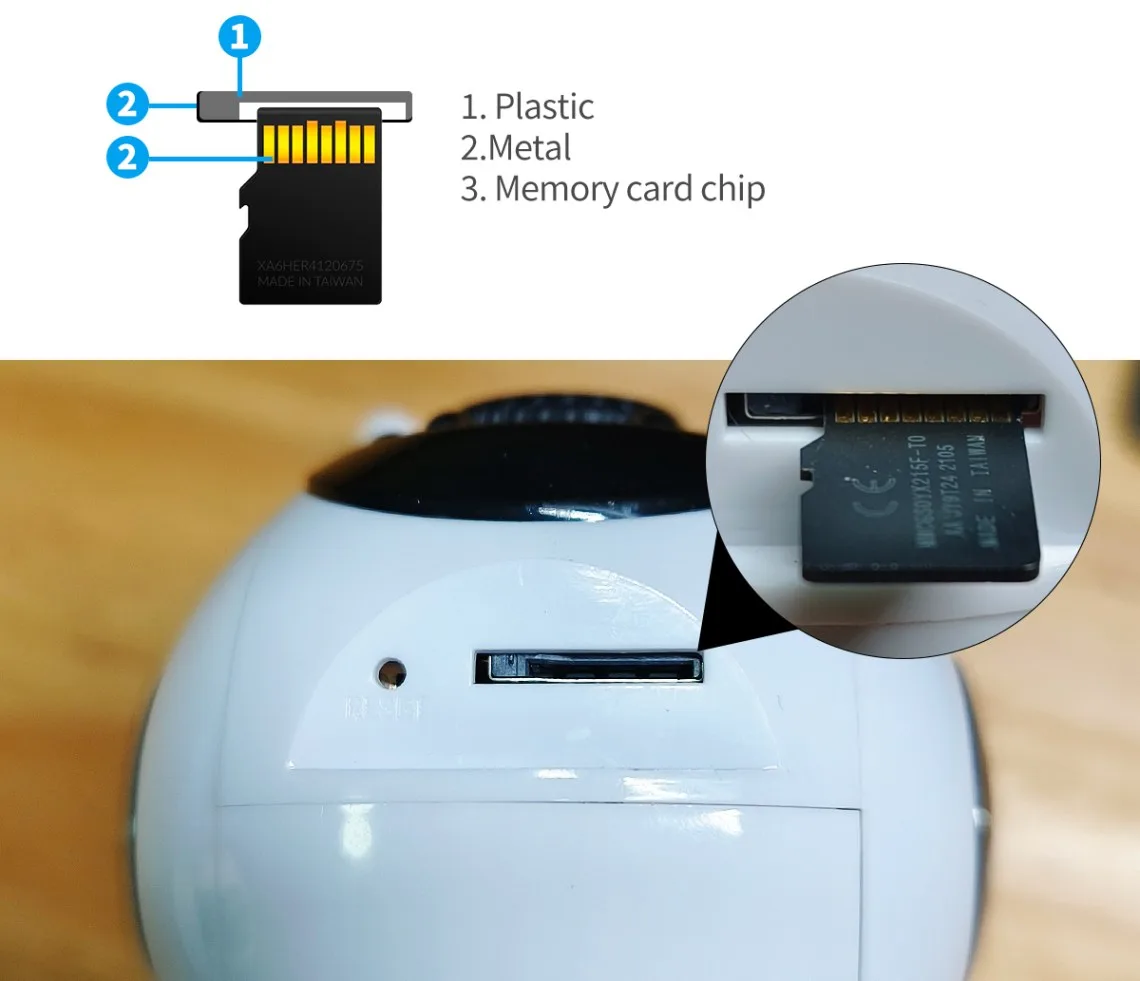
Image source: Web (Bing) / camapp365.com (Web image (fair-use with source credit))
Each storage method has a clear profile of strengths and weaknesses. Here's how they compare side by side.
| Factor | MicroSD Card | Cloud Storage | NVR |
|---|---|---|---|
| Internet required | No | Yes (Wi-Fi or 4G LTE) | No (local network) |
| Monthly cost | None (one-time card purchase) | $3 to $10 per camera | None after NVR purchase |
| Works offline | Yes | No | Yes |
| Survives camera theft | No | Yes | Yes |
| Storage capacity | 32GB to 256GB | Unlimited (plan-dependent) | 1TB to 16TB |
| Best for | Rural, off-grid locations | Remote viewing needs | Multi-camera properties |
Local MicroSD Card Storage
This is the simplest path. Insert a card, format it, and the camera handles the rest. Cards in the 64GB to 256GB range cover most motion-triggered use cases.
The catch is camera theft. If someone walks off with your camera, they walk off with the only copy of your footage. SD cards also wear out over time.
Constant overwrite cycles degrade cheaper cards faster, so budget for periodic replacement.
Cloud Video Storage
Cloud services keep footage safe even if the camera gets stolen. Brands like Arlo and Reolink offer tiers with 7, 14, or 30 days of retention. Per CISA guidance on IoT device security, cloud-stored footage also raises privacy questions, since your recordings sit on a third-party server.
This option works best when you have reliable internet. In rural areas with spotty Wi-Fi, cloud uploads can fail silently, leaving you with gaps in your footage history.
Network Video Recorder (NVR) Setup
An NVR is the most robust option for multi-camera properties. It captures footage locally at high quality and stores it on a large hard drive. Solar cameras can connect to an NVR over a local Wi-Fi network.
The upfront cost is higher, typically $100 to $400 for a capable 4 to 8 channel NVR plus hard drive. But you avoid recurring fees entirely, and footage stays on your property.
Which Storage Method Is Right for Your Situation?
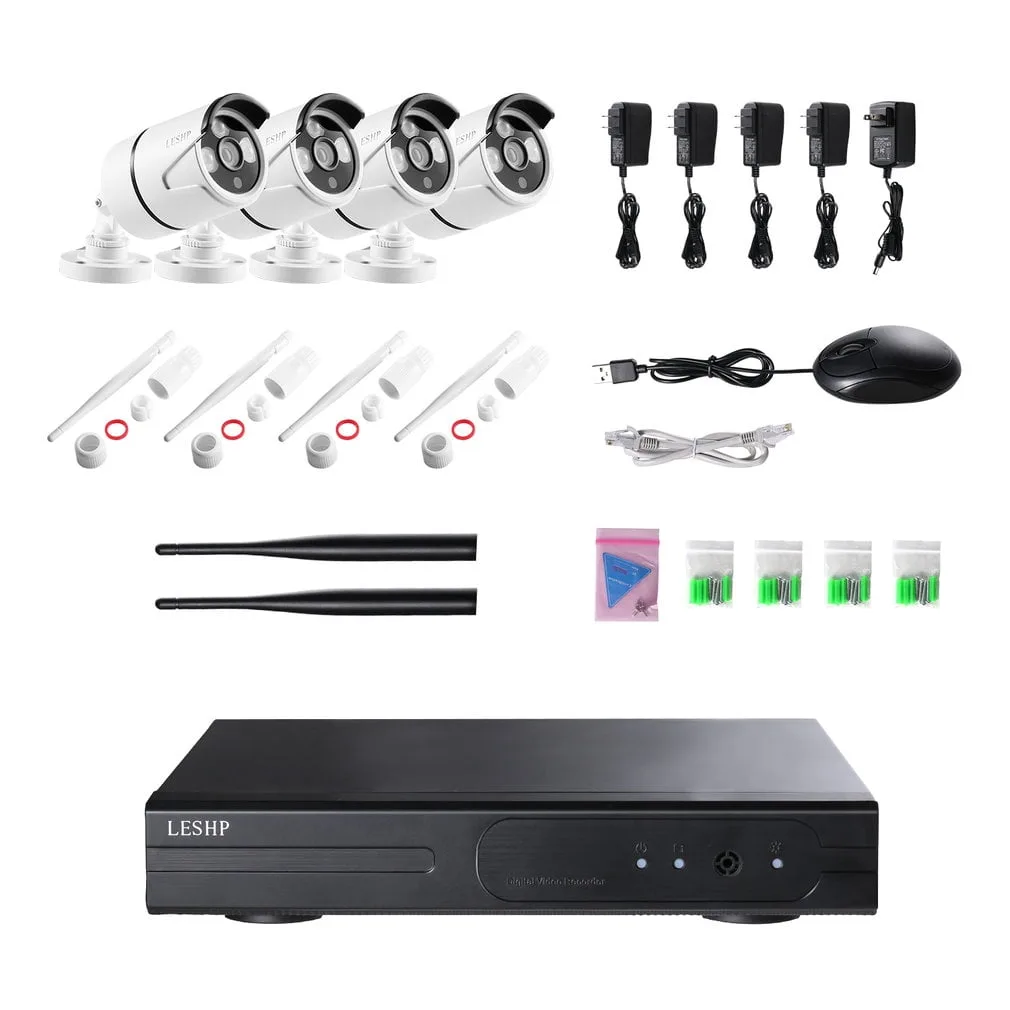
Image source: Web (Bing) / walmart.com (Web image (fair-use with source credit))
The best storage choice depends on your connectivity, budget, and how much footage you need to retain. Here's a decision guide based on common real-world situations.
You live rural or off-grid with no reliable internet. Go with local microSD card storage. Cloud won't work if you can't connect, and an NVR is likely overkill for a single camera. Use a 128GB card with H.265 compression enabled, and check the card every few months.
You need to check footage remotely from anywhere. Cloud storage is your best option. You can pull up live feeds and review clips from your phone without being on-site. If internet is spotty, consider a camera with 4G LTE backup so it can fall back to cellular data.
You're monitoring a property with existing infrastructure. An NVR makes the most sense. You can feed multiple solar cameras into one recorder, store weeks of footage, and avoid subscription fees. This works well for farms, rental properties, and small businesses.
Your budget is tight and you don't want subscriptions. A microSD card costs $10 to $20 once. A cloud plan costs $36 to $120 per year per camera. Over five years, the card option saves hundreds.
You're managing multiple camera sites. A centralized cloud dashboard or a single NVR at each site keeps things organized. Spreadsheets and separate apps get messy fast once you pass five or six cameras.
The Storage Math: Footage, Capacity, and What It Costs
Storage capacity isn't just about the size of your microSD card or NVR drive. It depends on three factors: resolution, frame rate, and compression codec.
Here's what typical daily footage looks like for a motion-triggered solar camera.
| Setting | Daily Footage | 128GB Card Lasts |
|---|---|---|
| 1080p, H.264, 30fps | ~5 GB/day | ~25 days |
| 1080p, H.265, 30fps | ~2.5 GB/day | ~50 days |
| 2K, H.265, 30fps | ~4 GB/day | ~32 days |
| 4K, H.265, 30fps | ~8 GB/day | ~16 days |
Those numbers assume an average of 30 to 60 motion events per day. Heavy-traffic areas near a road, construction site, or busy pathway will generate more clips and shorten retention.
Now let's look at cost over time. A single 256GB microSD card costs roughly $20 to $30. A cloud subscription at $6 per month costs $72 per year.
Over three years, you've spent about $200 on cloud versus a one-time $25 card purchase.
Cloud has real advantages, but the math favors local storage for budget-conscious users who don't need remote access.
One more factor: your solar panel output. If the panel isn't getting enough sun, the battery drains and recording stops entirely. Per manufacturer specs from major solar camera brands, a fully charged 10,000mAh battery with a 4W panel can typically sustain 7 to 14 days of motion-triggered recording even with limited sunlight.
Placement and panel orientation matter more than most buyers expect.
Mistakes That Sabotage Solar Camera Storage
Choosing the wrong storage method creates problems that only surface later. These are the most common mistakes aggregate user reviews and buyer feedback consistently flag.
Picking cloud storage when you don't have reliable internet. If your Wi-Fi drops out frequently, cloud uploads will fail silently. You'll think footage is being saved remotely, only to discover gaps in your timeline later. This hits rural buyers hardest.
Using cheap SD cards that wear out fast. A $5 generic card isn't built for constant read-and-write cycles. It'll corrupt sooner than a name-brand card rated for higher endurance. Per manufacturer specs from SanDisk and Samsung, their high-endurance lines are designed specifically for surveillance workloads.
Underestimating storage needs at 4K resolution. A single 4K camera generating motion clips can eat through a 128GB card in about 16 days. Aggressive motion detection picking up every car, animal, and shadow makes the problem worse. You'll refill the card far faster than expected.
Leaving compression at H.264 when H.265 is available. If your camera supports H.265 (HEVC) and you're not using it, you're doubling your storage consumption for no reason. It's a one-setting change that cuts daily footage volume roughly in half.
Mounting the camera without checking solar panel coverage. Trees, gutters, and building shadows cut panel output dramatically. When the battery can't recharge, recording stops. Placement is the foundation everything else depends on.
Frequently Asked Questions
Can solar security cameras record 24/7?
Most solar security cameras cannot sustain 24/7 recording. Their battery and solar panel combination is sized for motion-triggered recording, not continuous capture. Some cameras with larger panels and high-capacity batteries support limited continuous modes, but even those typically need supplemental charging during cloudy periods.
Do solar cameras need internet to store footage?
No, not if you're using local microSD card storage. Solar cameras record directly to a card inside the camera body regardless of connectivity. Cloud storage does require a stable Wi-Fi or 4G LTE connection to upload footage to a remote server.
How long does footage last on a solar security camera SD card?
At 1080p with H.265 compression and motion-triggered recording, a 128GB card typically holds 30 to 50 days of footage. At 4K resolution, that drops to roughly 16 days on the same card. Continuous recording shortens these windows dramatically.
Is cloud storage safe for security camera footage?
Cloud storage from reputable brands uses encryption and secure servers, but your footage sits on third-party hardware. Per guidance from CISA, reviewing a provider's privacy policy and data retention practices is essential before storing sensitive recordings remotely.
Can you use any microSD card with a solar security camera?
Not all microSD cards are equal. Cameras require cards formatted to FAT32 or exFAT with specific speed class ratings. High-endurance cards built for continuous write cycles last significantly longer than standard cards in surveillance applications.
Check your camera's manual for the recommended card specifications.
How do you back up footage from a solar security camera?
You can download clips directly to your phone through the camera's companion app, then save them locally or transfer them to cloud storage of your own. If your camera supports an NVR connection, footage can also be archived to a larger hard drive at a central location.