Why Is My Solar Security Camera Battery Draining Quickly?
Why is my solar security camera battery draining quickly? It's one of the most common complaints from solar camera owners, and it usually comes down to a handful of predictable causes rather than a mystery. Dirty panels, poor sun exposure, wrong settings, or cold weather are almost always the culprits.
Modern solar security cameras typically run on lithium-ion batteries between 4000mAh and 20000mAh, paired with small 2W to 6W solar panels. Those panels are supposed to keep the battery topped up, but they only work under specific conditions. Once those conditions change, the drain starts fast.
Let's break down what's actually happening.
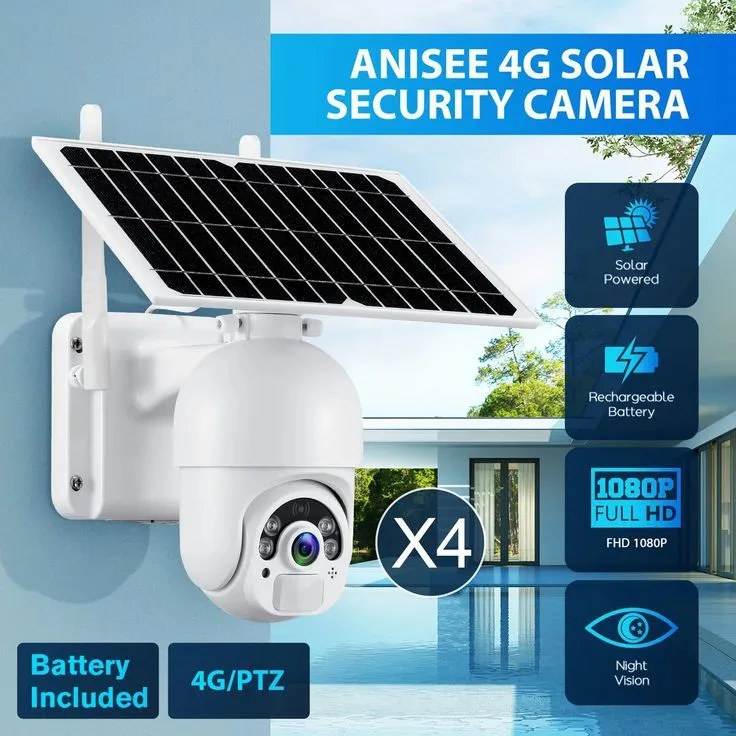
Image source: Bing (Web (fair-use with source credit))
Quick Answer
Your solar security camera battery is draining quickly most often due to blocked or misaligned solar panels, excessive motion triggers, cold weather reducing lithium battery capacity, or weak Wi-Fi causing constant reconnection. Clean the panel, adjust sensitivity settings, and reposition for direct sun exposure to fix most cases.
Why Is My Solar Security Camera Battery Draining So Fast?
A solar security camera battery drains fast when the solar panel isn't generating enough energy to keep up with the camera's power demands. In most cases, that means the panel is dirty, shaded, or angled wrong. But it can also mean the camera itself is consuming more power than it should.
Here are the most common causes, based on aggregate buyer feedback and manufacturer specifications:
| Cause | Typical Impact | How to Spot It |
|---|---|---|
| Dirty or blocked solar panel | Up to 25% less charging output | Visible debris, dust, or snow on the panel |
| Excessive motion triggers | Battery can drop 30–50% faster | Frequent alerts from trees, pets, or traffic |
| Cold weather (below 0°C) | 20–40% capacity loss in lithium-ion cells | Rapid drain during winter months |
| Poor Wi-Fi signal | Constant reconnection drains power steadily | Weak signal in the camera's app settings |
| Night vision left on all day | Significant IR LED power draw | Camera stays recording when it shouldn't |
As of 2026, most reputable brands like Reolink, Eufy, and Arlo now include motion-sensitivity adjustments and schedule-based recording in their apps. Yet most users never touch those settings after initial setup, which is often the real problem.
How Solar Camera Power Systems Work, and the Parts That Actually Matter
A solar security camera system has three key components working together. Understanding each one helps you figure out where the breakdown is happening.
The solar panel. Most consumer solar camera panels are rated between 2W and 6W. They convert sunlight into DC electricity, which feeds the battery. Higher wattage means faster charging under the same sunlight.
Per National Renewable Energy Laboratory data, panel output drops significantly when efficiency decreases, so even a small amount of dust matters.
The charge controller. This regulates voltage between the panel and battery to prevent overcharging. Budget cameras often use PWM (Pulse Width Modulation) controllers, which are less efficient than MPPT (Maximum Power Point Tracking) controllers. MPPT units can be 20 to 30% more efficient at converting solar energy into usable charge.
The battery. Most cameras use lithium-ion (Li-ion) or lithium iron phosphate (LiFePO4) cells. LiFePO4 lasts longer over many cycles but costs more upfront. Li-ion is cheaper but degrades faster, especially in extreme temperatures.
If any one of these three components underperforms, the whole system fails. Clean the panel. Check the controller type.
Monitor battery health through the app. Those three checks cover the majority of drain issues.
The Full Diagnostic Checklist: Find Your Battery Drain Cause in Order
Don't guess. Follow this diagnostic order from the most common cause to the least. If your battery stops draining after one fix, stop there.
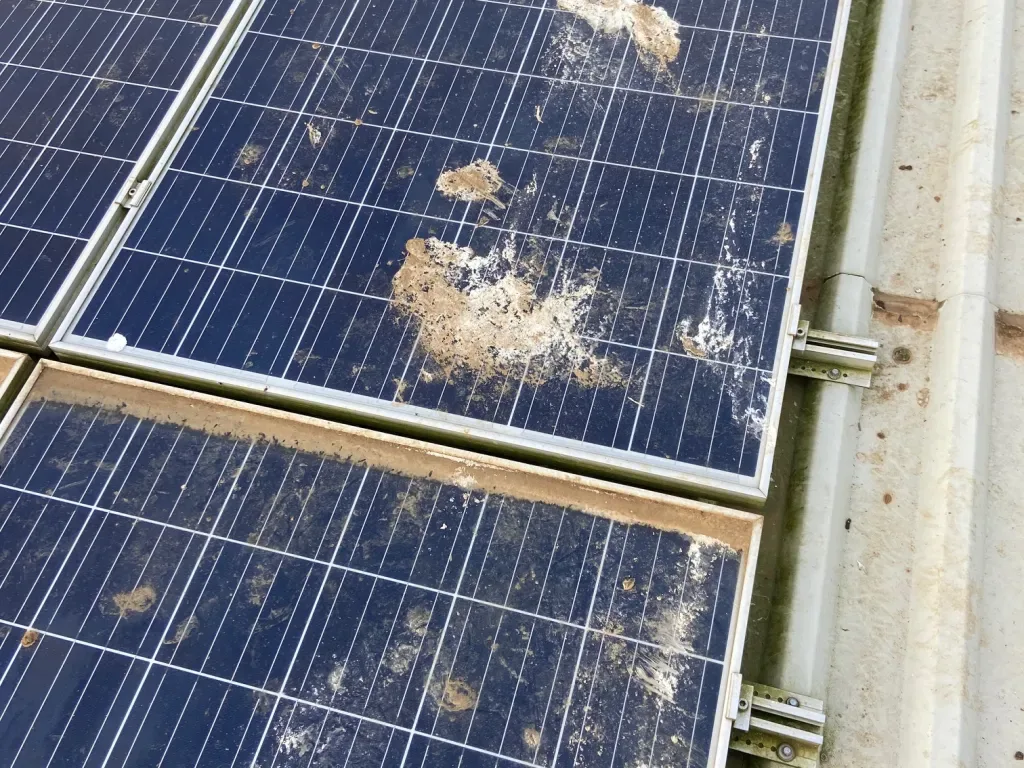
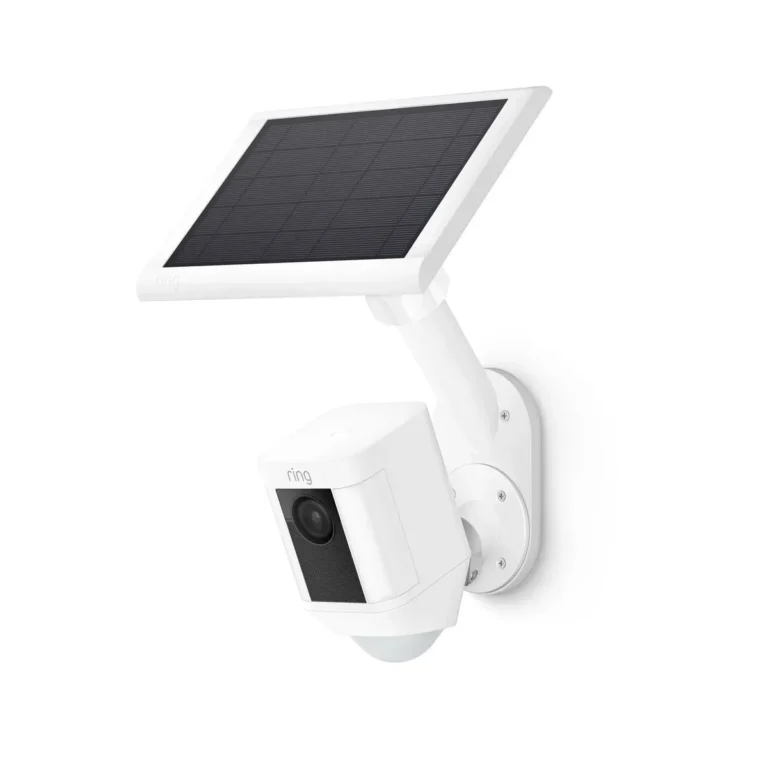
Image source: Bing (Web (fair-use with source credit))
Inspect the solar panel surface. Wipe off dust, pollen, bird droppings, and any debris. Even a thin film of dust can cut output by 15 to 25%. Clean it monthly.
Check panel orientation. The panel should face true south in the Northern Hemisphere. Tilt it 10 to 15 degrees past your local latitude angle for best results.
Monitor battery percentage for 48 hours. Open the camera app, note the percentage, and check again after two full days. If it drops more than 15 to 20% per day, something is wrong.
Review motion detection sensitivity. Set it to medium or lower. If it's set to high, pets, insects, or tree branches will trigger constant recording.
Check Wi-Fi signal strength. If the signal is weak, the camera burns power reconnecting. Move the camera closer to the router or install a Wi-Fi extender.
Verify night vision mode. Auto mode is best. Always-on IR LEDs run even during daylight, wasting significant battery.
Check cloud upload activity. Constant video uploads to cloud storage consume power steadily. Switch to local microSD storage if you can.
Test the solar cable connection. Loose or damaged cables prevent charging entirely. Inspect the connector and try a fresh cable if yours looks worn.
Update the firmware. Outdated firmware can cause reboot loops and hidden power drain. Update through the app and restart the camera.
Evaluate the battery itself. If the battery is over two years old, capacity has degraded. Replacement packs are available for most major brands.
Decision Guide: Match Your Drain Pattern to the Right Fix
Different symptoms point to different root causes. Match what you're seeing to the right solution.
If your battery drops steadily even in full sunlight:
The panel may be faulty or mismatched to the camera. Check the voltage output with a multimeter if possible. Compare the panel's wattage rating against your camera's minimum charging requirement.
If your battery holds charge overnight but dies during the day:
Motion triggers or continuous recording are likely the problem. Switch from 24/7 recording to motion-triggered mode and lower PIR sensitivity to medium or low.
If your battery is fine in summer but crashes in winter:
Cold weather is degrading lithium battery capacity. Move the camera to a more sheltered location, or consider a battery with a heating function, which some newer models now include.
If your battery drops fast when you're away from the property:
Weak Wi-Fi signal is the likely cause. The camera keeps trying to reconnect without success. Run a Wi-Fi strength test from the camera's location using your phone.
If your battery percentage fluctuates wildly (drops fast, then suddenly jumps up):
Solar charging may be intermittent due to partial shading. Trees that block sun at certain times of day create this exact pattern. Trim branches or reposition the panel.
| Symptom | Most Likely Cause | First Fix to Try |
|---|---|---|
| Steady drain in sunlight | Panel not generating | Clean and reposition panel |
| Fast drain during active hours | Motion sensitivity too high | Lower PIR settings |
| Winter-only battery drop | Cold weather capacity loss | Shelter or relocate camera |
| Wild percentage swings | Partial or intermittent shading | Trim shading obstacles |
| Slow drain even on standby | Wi-Fi reconnection loops | Improve signal strength |
Seasonal & Climate Factors That Change Everything
Solar camera performance shifts dramatically with the seasons, and most owners don't account for this until winter hits.
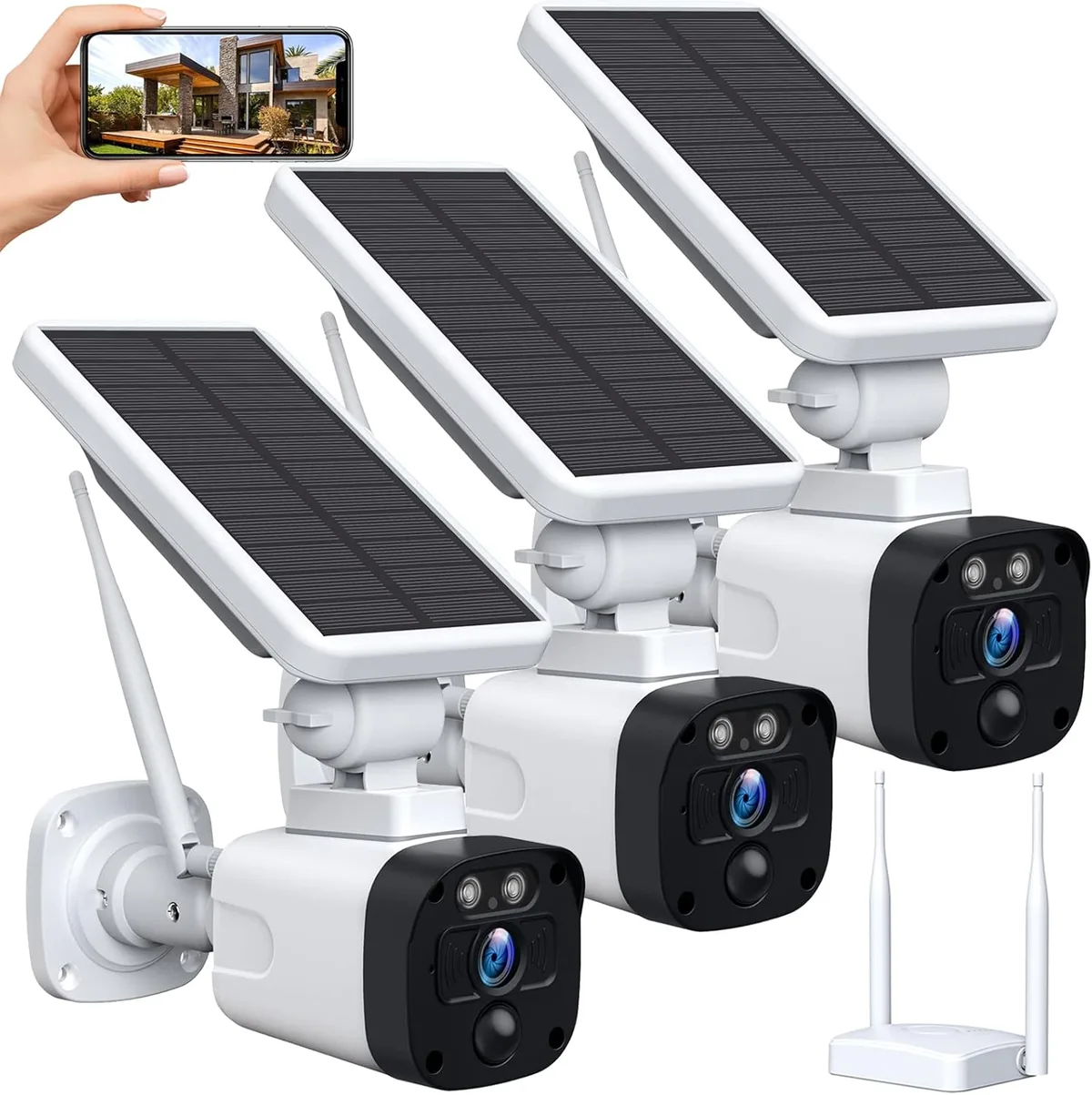
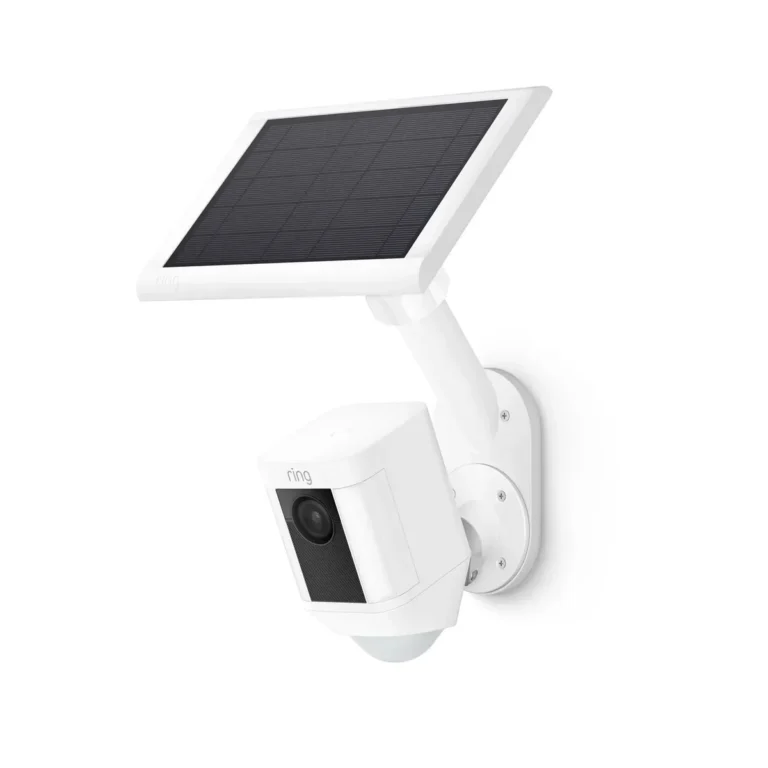
Image source: Bing (Web (fair-use with source credit))
Winter short days. In northern latitudes, daylight can drop to 8 or 9 hours per day in December. That cuts solar input nearly in half compared to summer. If your camera is marginal in July, it won't survive December without adjustments.
Cold battery chemistry. Lithium-ion cells lose 20 to 40% of their usable capacity below freezing. The battery isn't broken. It's chemically slower at cold temperatures.
As of 2026, some brands now ship cameras with built-in battery heating circuits to counteract this, but most budget models don't.
Cloud and rain. In regions like the Pacific Northwest or northern Europe, overcast skies can cut solar panel output by 40 to 60% for days at a time. Panels still generate power under clouds, but the output is far too low to fully recharge a depleted battery.
Summer heat. Counterintuitively, extreme heat also hurts battery life. Temperatures above 40°C accelerate lithium-ion degradation and can trigger thermal shutdowns in some camera models. Shade the panel if it sits in direct afternoon sun for long periods.
Seasonal fixes you can act on now:
- In autumn, clean the panel thoroughly and check for shade changes from nearby trees.
- In winter, position the panel at a steeper angle to match the lower sun path.
- If you're in a cloudy climate, consider a higher-wattage panel (5W or 6W) instead of the stock 2W or 3W.
- In summer, ensure the camera body has ventilation so it doesn't overheat in enclosed mounting brackets.
The key is proactive adjustment rather than reactive troubleshooting. Repositioning the panel once in fall and once in spring goes a long way toward preventing seasonal battery surprises.
Mistakes That Kill Solar Camera Batteries Fast
Most solar camera battery drain traces back to avoidable mistakes. Here are the ones that show up most in verified buyer reviews and manufacturer support threads.
Leaving motion sensitivity at the factory default. Many cameras ship with sensitivity set to high. Every tree sway and passing car triggers a recording cycle. Lower it to medium on day one.
Mounting the panel in permanent shade. A panel in indirect light generates a fraction of its rated output. Place the camera where it catches at least 4 to 6 hours of direct sun daily.
Ignoring firmware update notifications. Updates often fix power-management bugs. Postponing them leaves known issues running in the background.
Using cheap or damaged cables. Low-quality cables have higher electrical resistance. Less power actually reaches the battery. Stick to the manufacturer-supplied cable or one rated for outdoor solar use.
Never cleaning the panel. Pollen season alone can coat a panel surface within weeks. This single habit prevents a surprising number of drain complaints.
Recording at 4K with cloud upload enabled. Continuous 4K cloud streaming drains batteries fast. Switching to motion-triggered recording with local microSD storage delivers the biggest power savings most people can make.
Pro Tips to Keep Your Solar Security Camera Battery Full Year-Round
These habits separate cameras running strong for years from ones dying every few weeks. Aggregate feedback from long-term owners backs all of these up.
Clean the panel every 4 to 6 weeks. Use a soft microfiber cloth and plain water. Chemical cleaners can degrade the anti-reflective coating over time.
Test Wi-Fi signal strength twice a year. Trees grow. New buildings go up. What was a strong signal in spring might be blocked by July. Open the camera app and check the connection readout from the camera's actual location.
Reposition the panel in spring and fall. Adjust the tilt angle to match the seasonal sun position. This single habit alone prevents most winter battery failures.
Check for firmware updates monthly. Most brands push updates quarterly. A quick update can fix a power drain bug you've been chasing for weeks without knowing it.
Enable low-battery alerts in the app. Most modern camera apps let you set a notification threshold. It's the fastest way to catch a problem before the camera goes offline unexpectedly.
Maintenance and Long-Term Battery Care
Solar cameras aren't truly set-and-forget devices, no matter what the box promises. They need regular attention to keep performing at rated capacity.
Here's a practical schedule that keeps most solar security cameras running well year after year:
| Task | Frequency |
|---|---|
| Clean the solar panel | Every 4 to 6 weeks |
| Check for firmware updates | Monthly |
| Review motion detection settings | Every 2 to 3 months |
| Test Wi-Fi signal strength | Twice yearly (spring and fall) |
| Reposition panel for seasonal angle | Spring and fall |
| Inspect cable connections | Every 6 months |
| Monitor battery health in app | Monthly |
| Replace battery pack | Every 2 to 3 years |
Battery replacement is the task people skip the most. Lithium-ion cells lose usable capacity over time, even when well-maintained. Per NREL solar energy research, panel and battery degradation compounds across temperature extremes and repeated charge cycles.
That's why consistent maintenance matters more than any single fix.
When shopping for a replacement battery pack, look for UL-certified options that meet the same safety standards as the original. The UL mark confirms the battery has passed independent testing for overcharge, short-circuit, and thermal protection, which matters when the pack sits in an outdoor enclosure year-round.
Most solar camera batteries need replacement every 2 to 3 years. If your camera uses a sealed, non-removable battery, the entire unit goes once capacity drops below usable levels. Buying from brands with good post-warranty support matters more than saving a few dollars upfront.
FAQs on Solar Security Camera Battery Drain
How long should a solar security camera battery last on a full charge?
Most solar security cameras hold a full charge for 5 to 30 days without sunlight, depending on battery capacity and settings. Motion-triggered recording at moderate sensitivity extends runtime significantly compared to 24/7 continuous recording at high resolution.
Can a dirty solar panel really cause fast battery drain?
Yes. Heavily soiled solar panels can lose 15 to 25% of their rated output. Over several days, that shortfall compounds and the battery never reaches full charge.
Cleaning the panel every 4 to 6 weeks prevents this entirely.
Does cold weather permanently damage solar camera batteries?
No. Cold weather temporarily reduces lithium-ion capacity by 20 to 40%, but performance returns once temperatures normalize. Permanent degradation comes from age and excessive heat, not seasonal cold alone.
Sheltering the camera from freezing conditions helps maintain steady output.
Should I replace the solar panel if the battery keeps draining?
Only if there's visible damage, surface corrosion, or the panel has more than 5 years of service. Cleaning and repositioning fixes the majority of charging issues. A simple multimeter test confirms whether the panel still generates its rated voltage.
Is 24/7 recording bad for solar camera battery life?
Yes. Continuous recording keeps sensors, processors, and video encoders running nonstop, draining the battery far faster than motion-triggered mode. Motion-triggered recording is the only sustainable option for solar-powered cameras, and it still captures everything you'd want to review.
What Wi-Fi signal strength do solar security cameras need?
A minimum of 3 to 4 bars at the camera's location is recommended. Weak signals force the camera to constantly retransmit data, draining the battery steadily. Below 2 bars, install a Wi-Fi extender or move the camera closer to the router.